
Beliebt
4–10 CreditsBild•Prompt → Bild
Qwen Image 3 Generator
Erstellen Sie detaillierte Bilder aus Eingabeaufforderungen in natürlicher Sprache
- Geführte Eingabeaufforderung
- One focused Qwen Image 3 workflow
- Nützliche Seitenverhältnisse
Fokussierte Qwen Image 3-Workflows
Beginnen Sie mit einem konkreten Ergebnis statt einer leeren Aufforderung. Jedes Tool stellt für seine Aufgabe wichtige Steuerelemente bereit, zeigt die Kosten vor der Generierung an und erklärt, wo die menschliche Überprüfung noch wichtig ist.
Erstellen Sie detaillierte Bilder aus Eingabeaufforderungen in natürlicher Sprache

Entwerfen Sie ausgefeilte Poster mit KI

Erstellen Sie studiotaugliche Produktfotografie
 4 Credits
Erstellen Sie eindrucksvolle Miniaturansichten, die auffallen
Sehen Sie sich die Vorschau an und verfolgen Sie verifizierte Release-Updates
Erstellen Sie filmische Videos mit präziser Bewegung
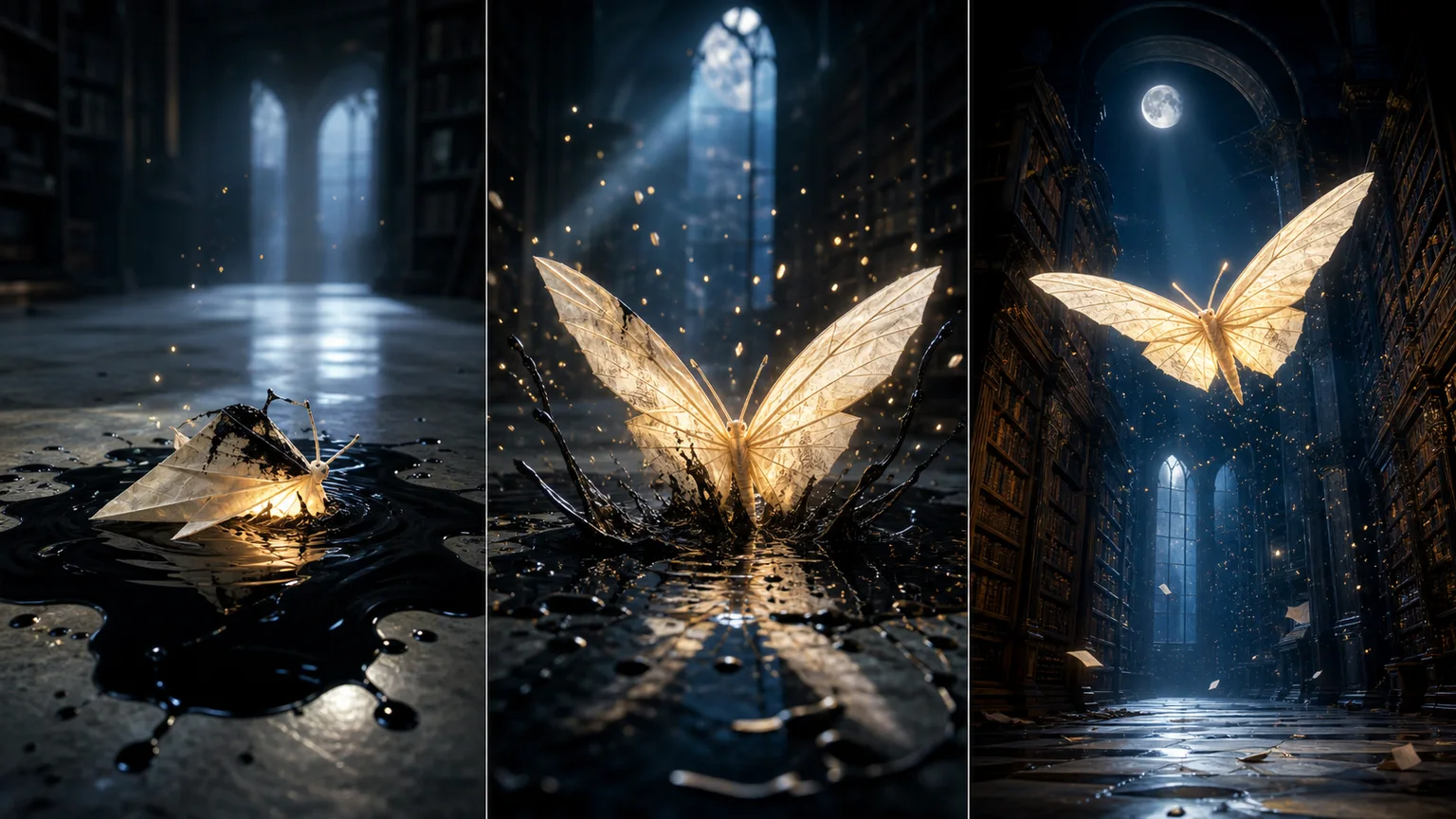
Verwandeln Sie Texte und Bilder in ausdrucksstarke Videos
Erstellen Sie hochwertige KI-Videos mit synchronisiertem Audio
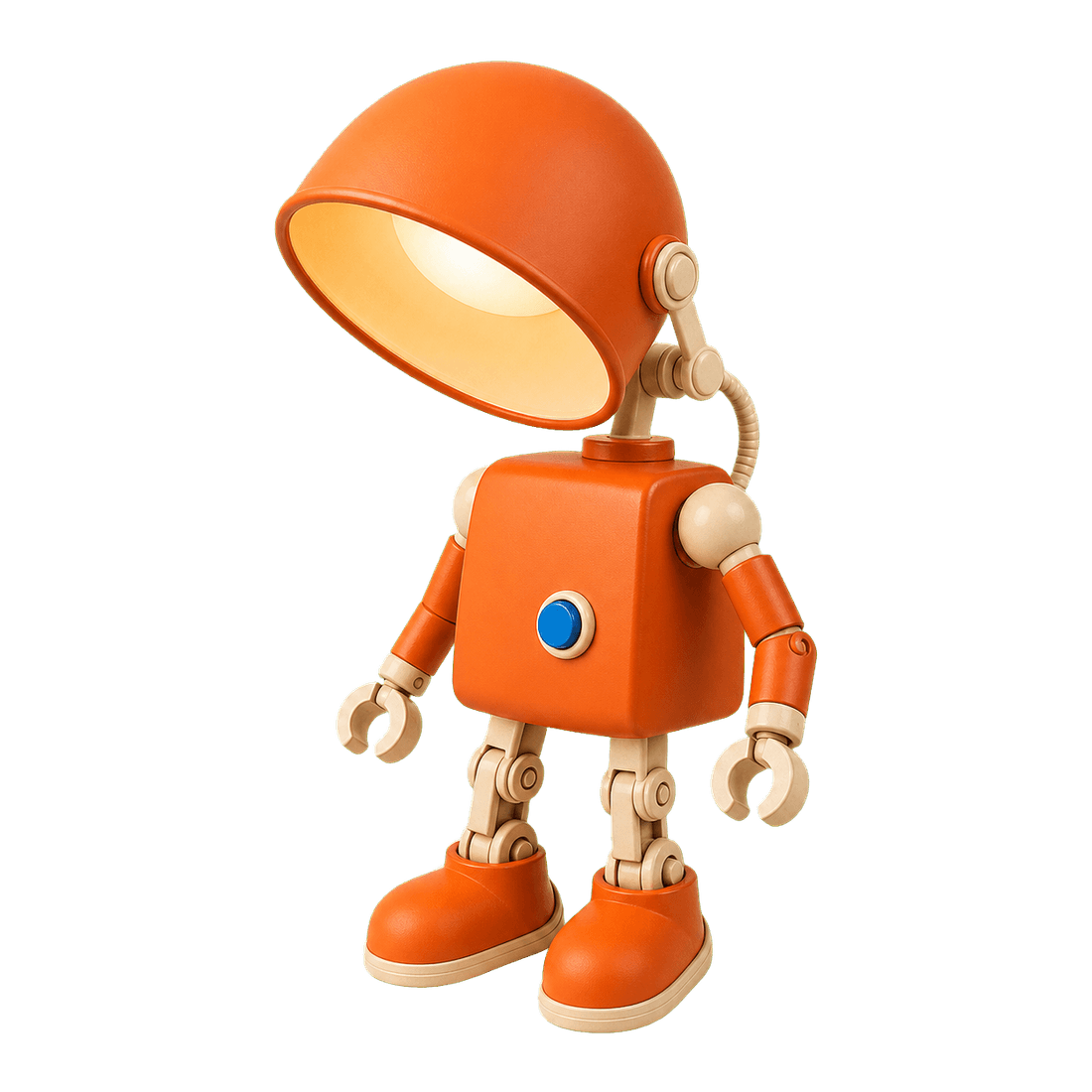
Entfernen Sie Bildhintergründe in Sekundenschnelle sauber
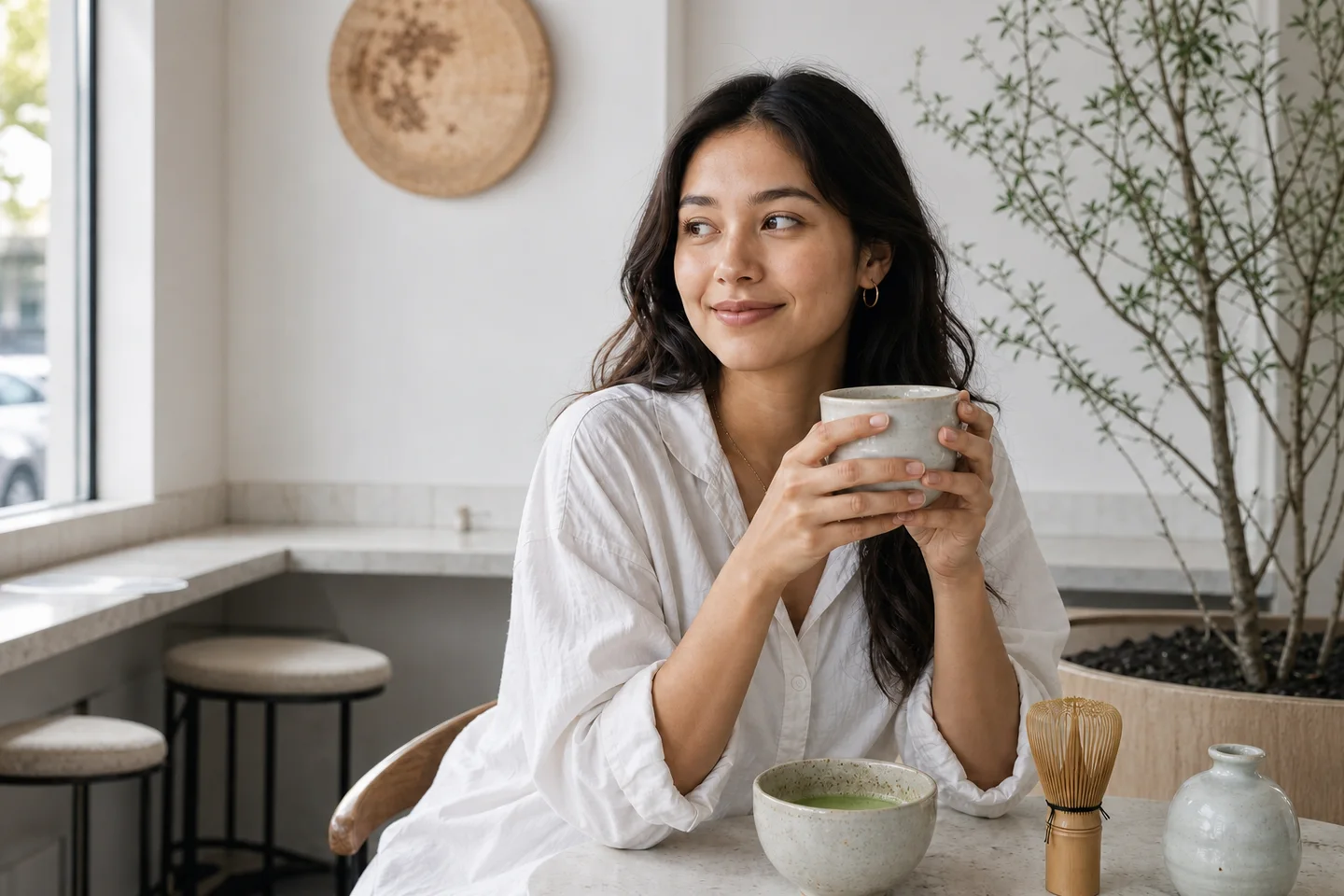
Restore natural colors from a green matcha cast

Choose an available model and turn a prompt into a new image.

Upload reference images, choose an editing model, and describe the change.

Remove a photo background and download a transparent PNG.

Apply a solid, gradient, uploaded, or generated scene behind a subject.
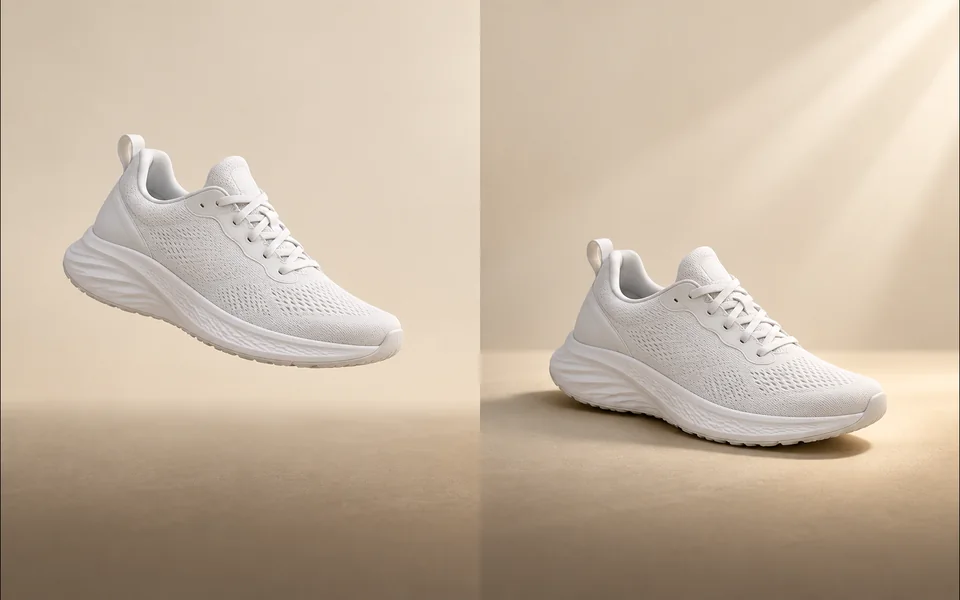
Create a product shadow with visible direction, blur, opacity, and offset controls.
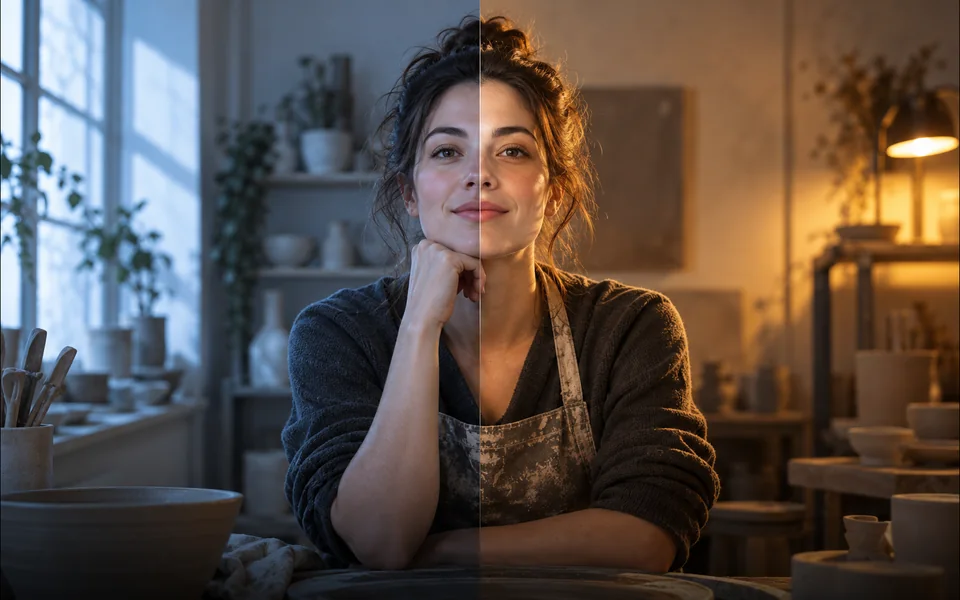
Relight a photo with a selected lighting setup and optional direction.

Mark an unwanted object and remove only the selected area.
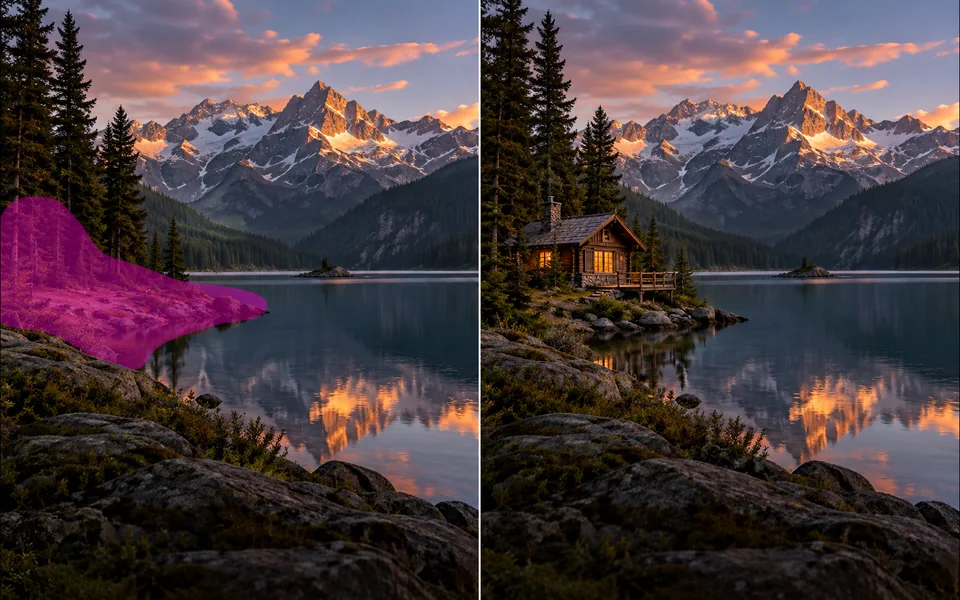
Paint a mask and replace the selected region from a local description.
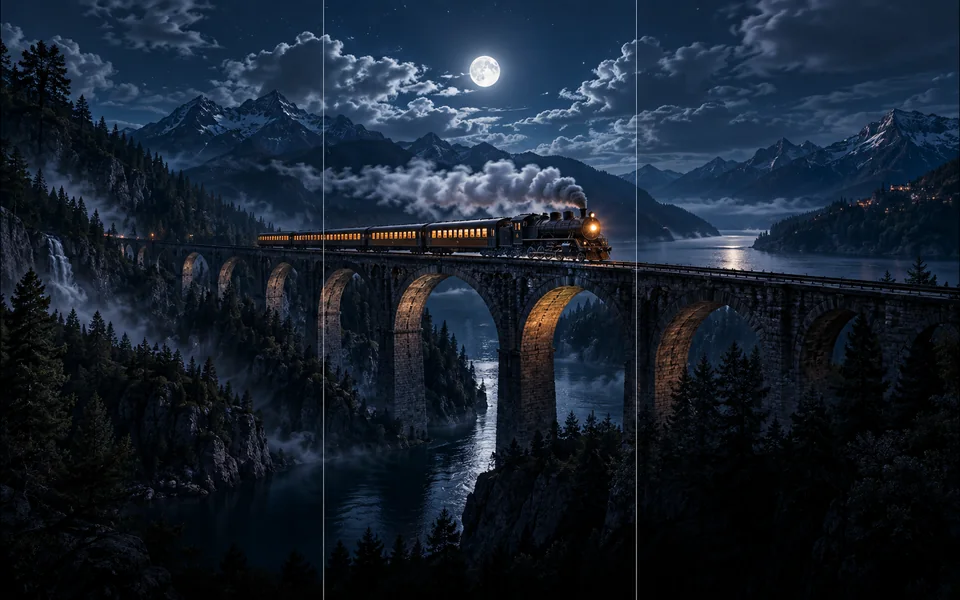
Choose new boundaries and extend an image without stretching the original.

Upscale an image at 2× or 4× and compare the output dimensions.
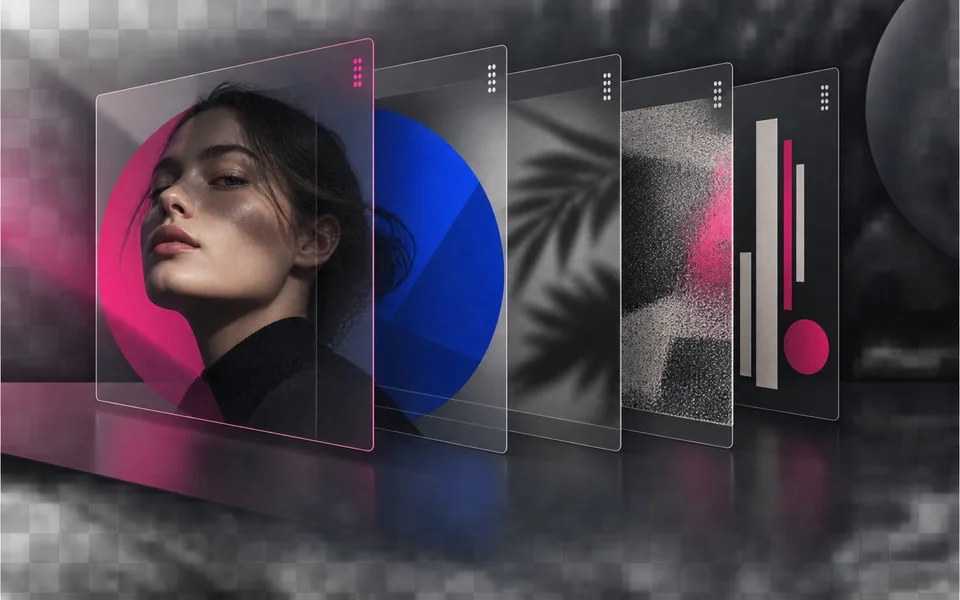
Arrange, hide, lock, reorder, and adjust the opacity of image layers.

Place editable text with independent size, color, alignment, and position.

Crop, rotate, resize, and export an image in one focused workspace.

Queue multiple images, follow item-level progress, and retry failed items only.
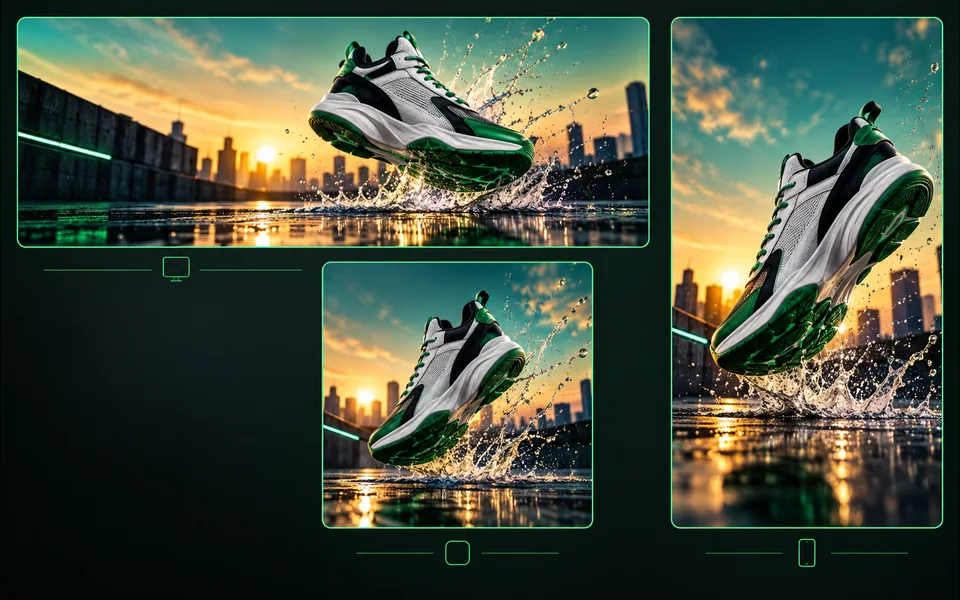
Export one design to platform sizes with contain, cover, or image extension.
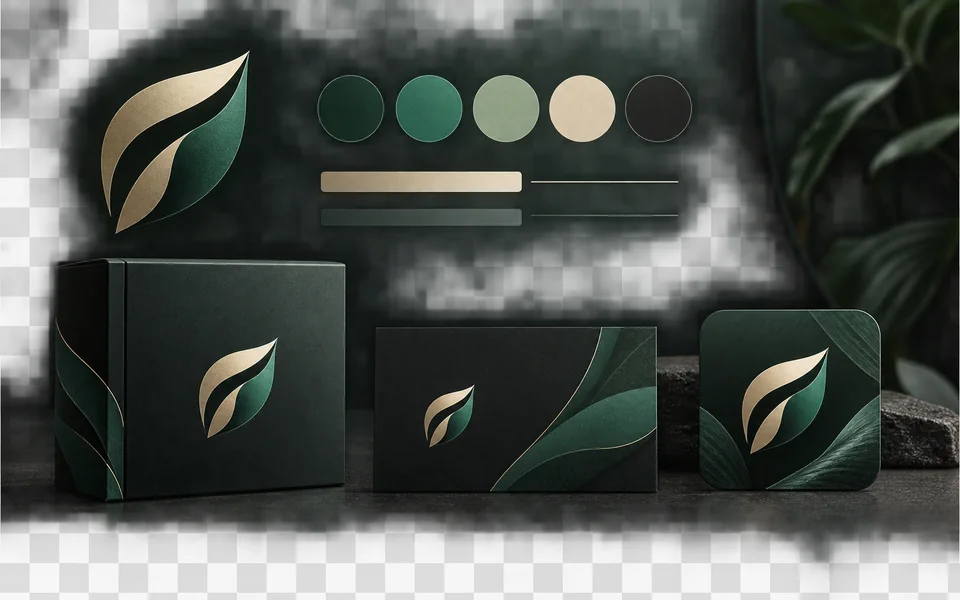
Set a brand name, logo, colors, and fonts for reusable designs.
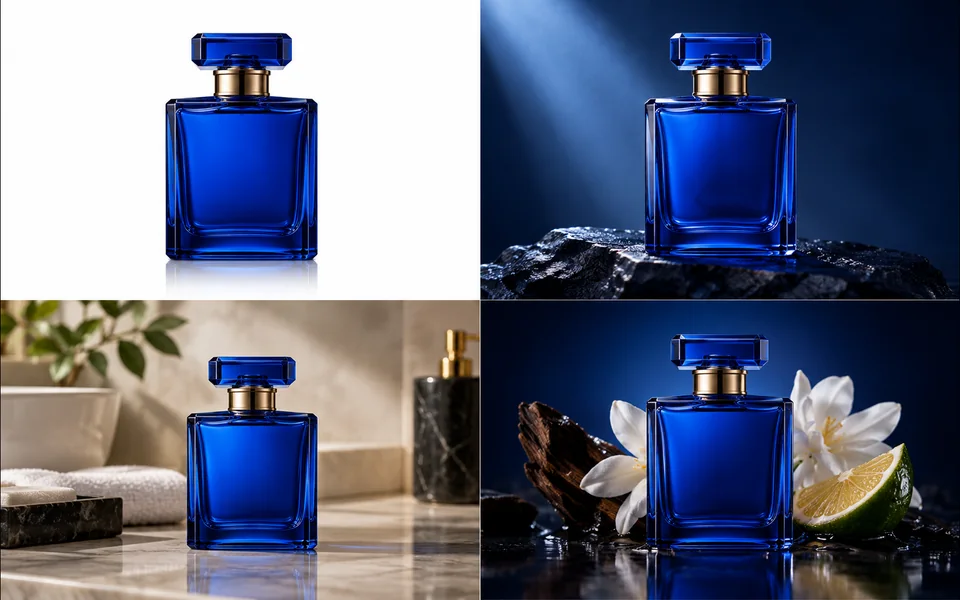
Create a selected set of white, studio, lifestyle, and ad-layout product images.
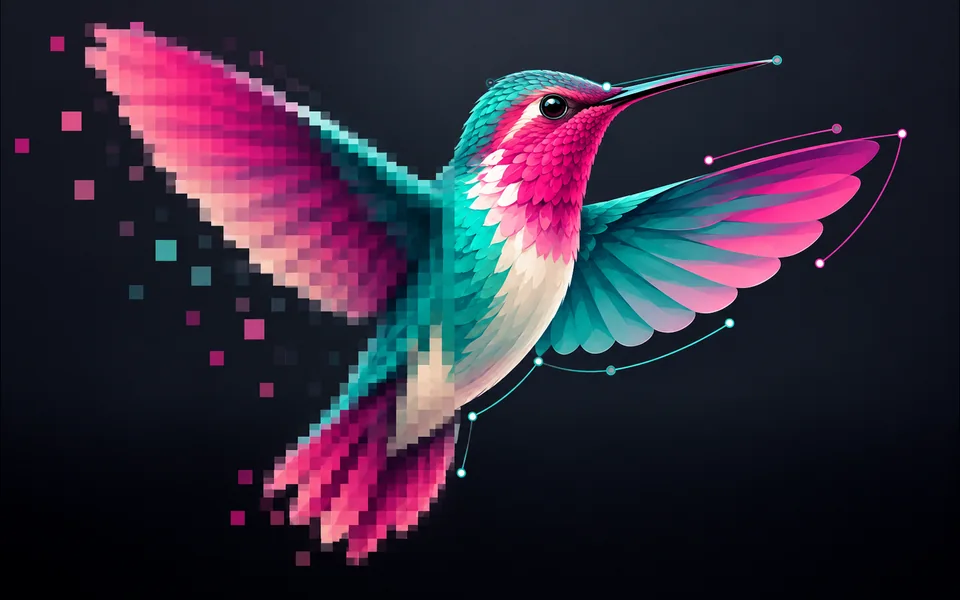
Convert PNG, JPG, or WebP artwork into editable SVG paths instead of wrapping a bitmap.
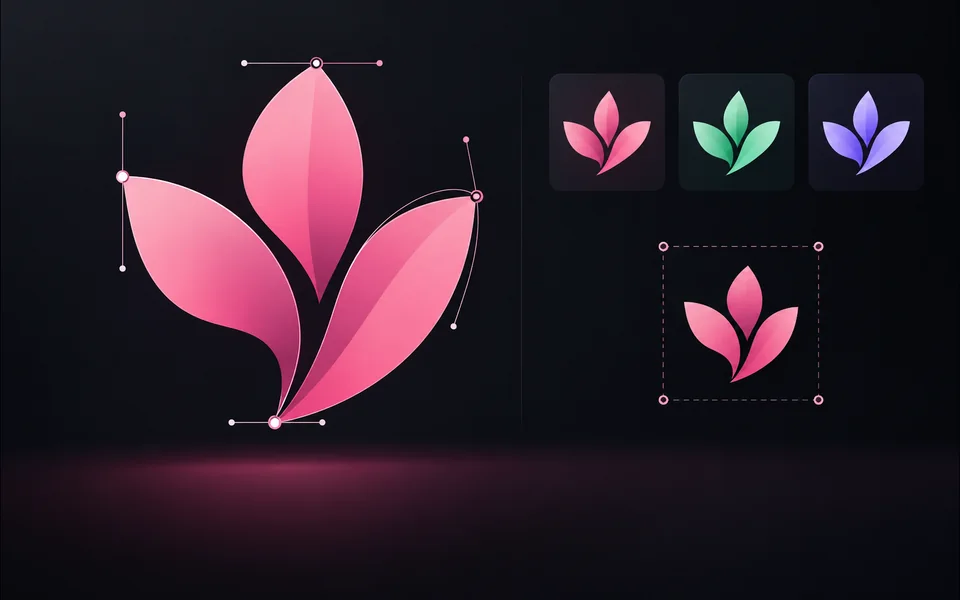
Paste or upload safe SVG markup, recolor it, resize it, and export SVG.
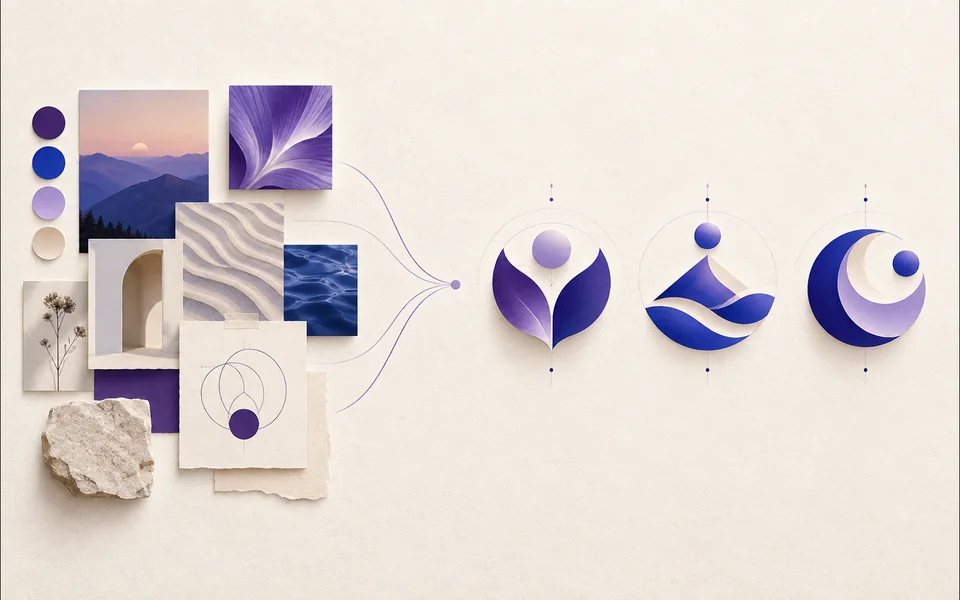
Create a logo brief from brand, industry, style, and graphic type.
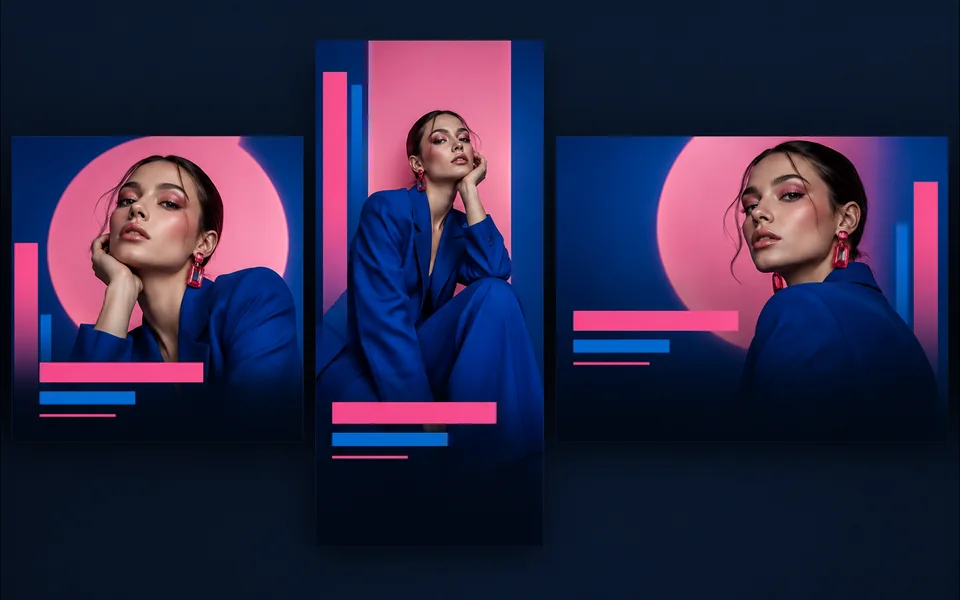
Choose a visual template, fill its fields, preview it, and continue editing.
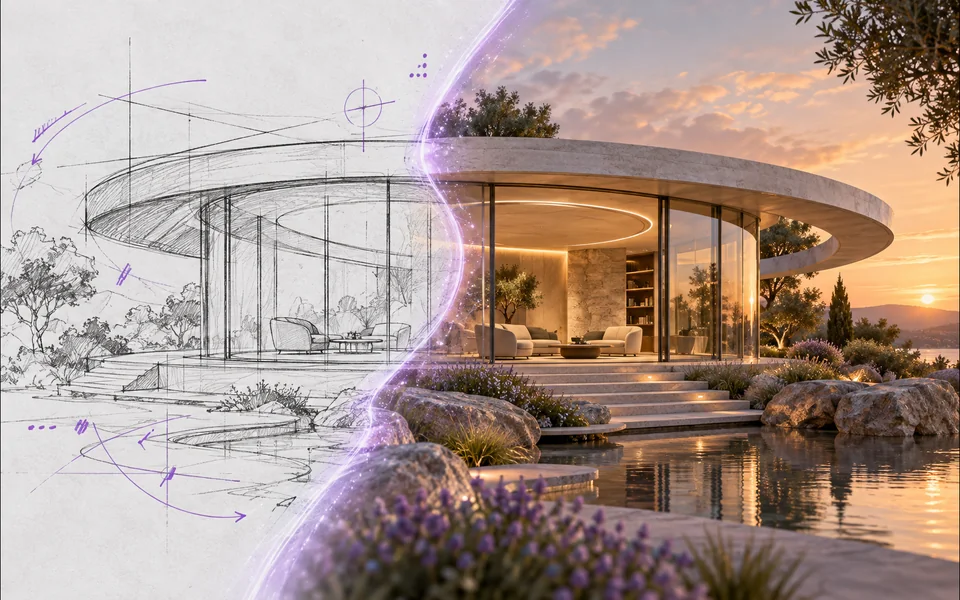
Draw or upload a sketch and pass it as the actual generation reference.
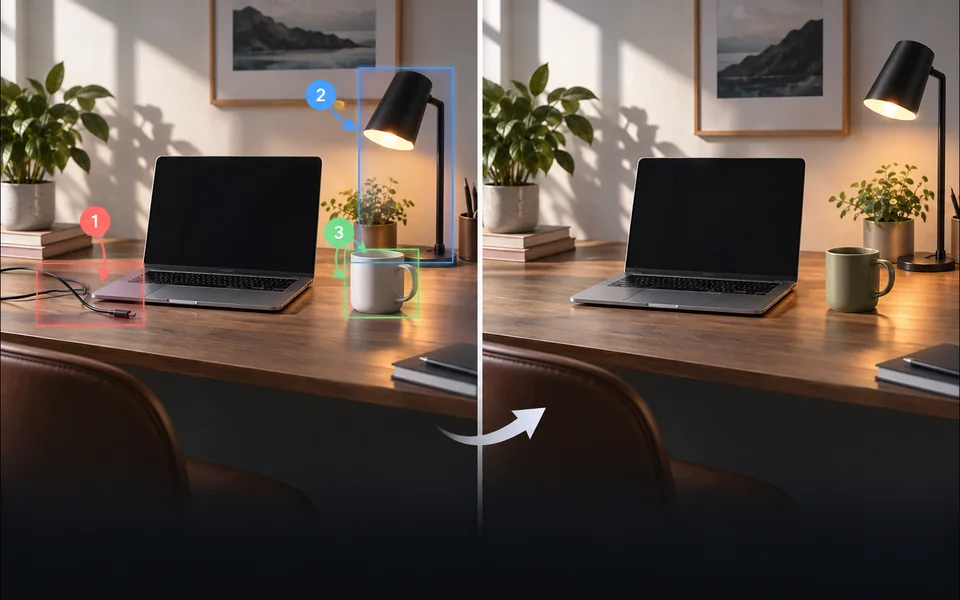
Place numbered notes, arrows, boxes, and brush marks before applying edits.

Build a reusable prompt recipe from variables and share a redacted copy.
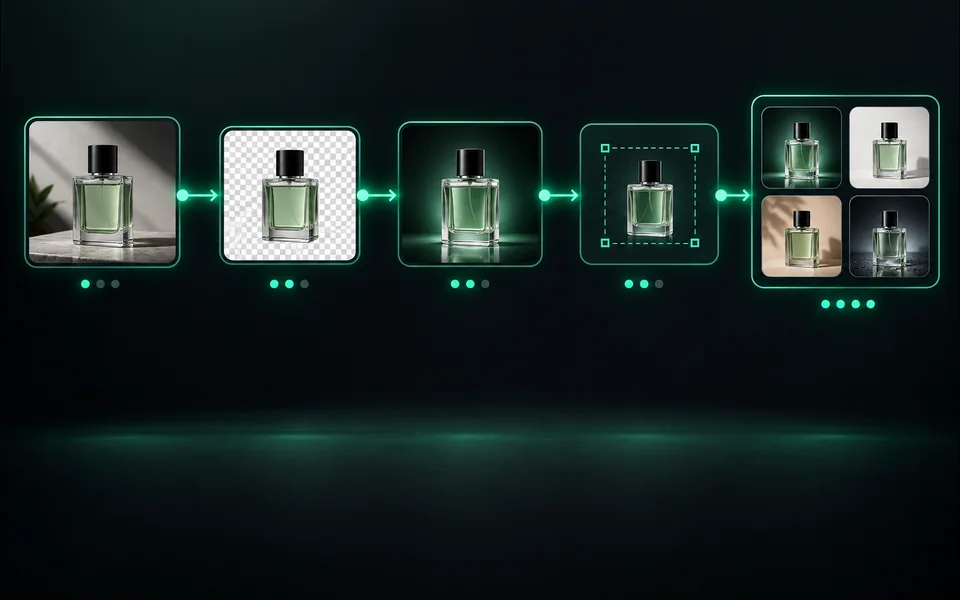
Build a visible sequence of image steps with per-step cost and results.
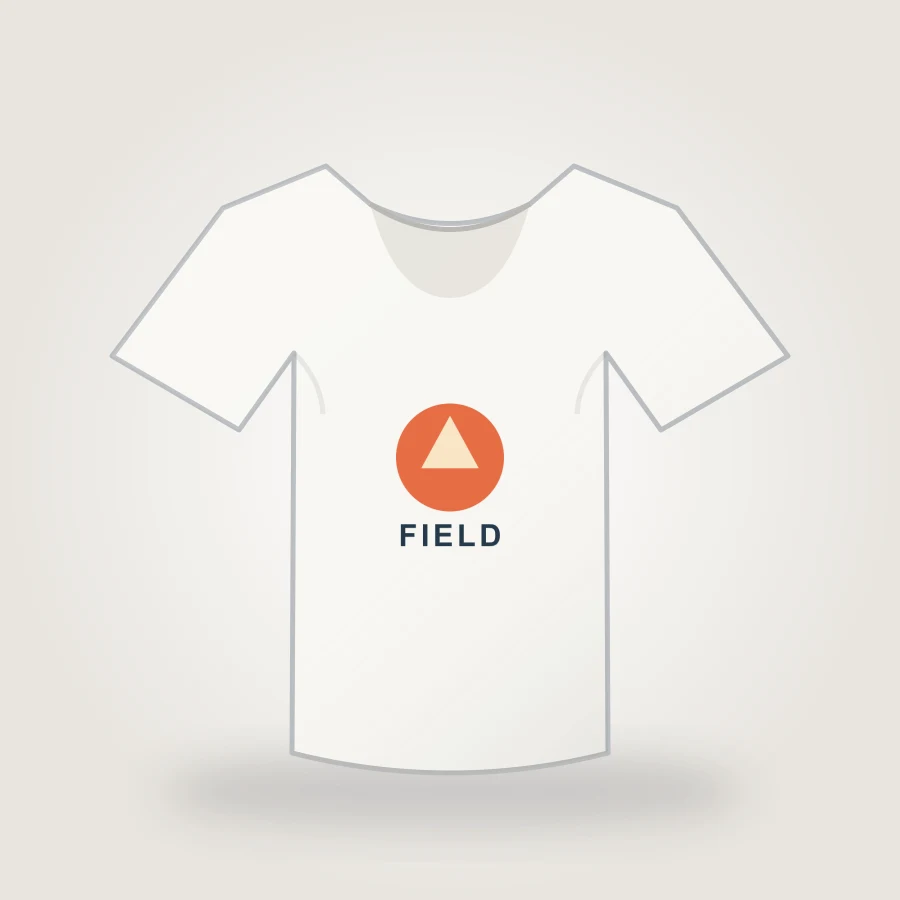
Upload your design, choose a shirt color, adjust print placement, and export an 1800px PNG mockup in your browser.
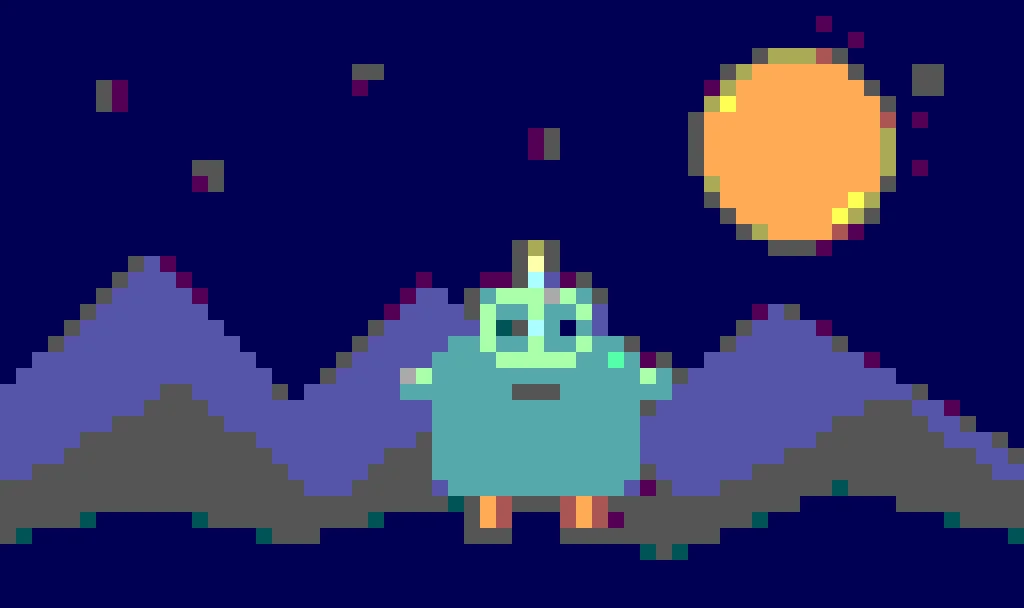
Create pixel art from an upload or text prompt, adjust grid and color levels, and export a crisp PNG.
Die Tools teilen sich authentifizierte Credits, Aufgabenwiederherstellung und Rückerstattungen für fehlgeschlagene Jobs, aber ihre Schnittstellen, Modellauswahl, Beispiele und Überprüfungskriterien sind bewusst unterschiedlich. Eine neue Seite verdient ihren Platz erst, wenn sie eine separate Benutzeraufgabe löst.