
 Generate
NuevoMiniMax H3 está en vivo · Vídeo 2K con audio estéreo nativo
Generador Qwen Image 3.0
Describe tu idea con palabras sencillas, elige el formato y consigue una imagen lista para usar con Qwen Image 3.
Producto de terceros independiente. No está afiliado ni respaldado por Alibaba ni por el equipo de Qwen.
Generador de imágenes
Las generaciones iniciadas son privadas de forma predeterminada
Cambiar herramienta
Qwen Image 3
Fórmula principiante: tema + escenario + estilo + iluminación. Hasta 5,000 caracteres.
0/5000
¿No estás seguro de qué escribir? Pruebe un ejemplo
2. modelo
Compare image models3. Elige la forma
Advanced settings
Prompt enhance (slower)
Outputs
Regístrate para generar
Esta generación utiliza créditos 5.
tu resultado
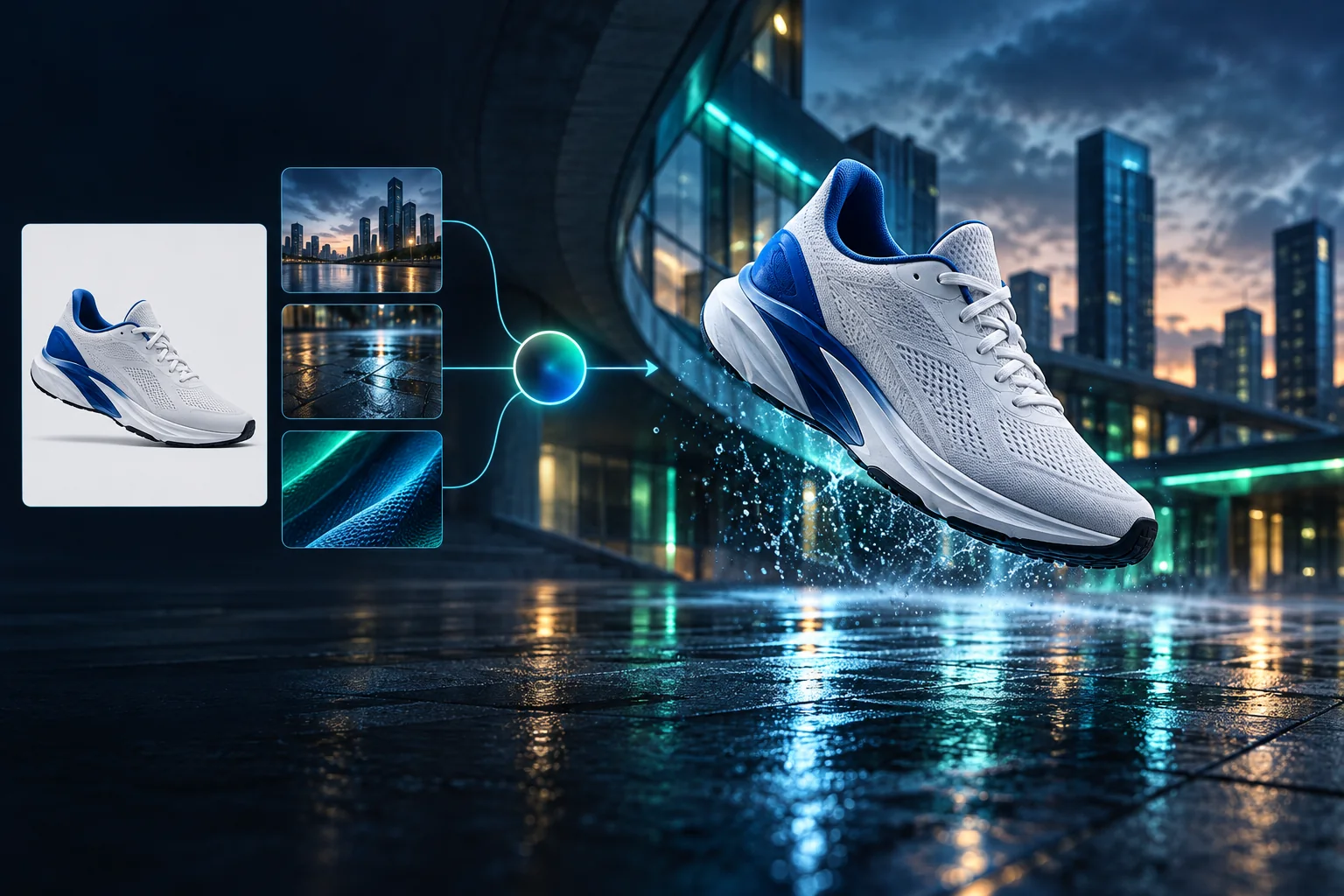
Product campaign transformation
Turn a clean sneaker reference into a finished blue-hour advertising scene.
Las generaciones iniciadas son privadas de forma predeterminada
Generate images
Start from a prompt and a precise model.
Edit photos
Describe a change with visual references.
Product photos
Build clean product and campaign sets.
Remove background
Create a transparent PNG cutout.
Upscale
Increase detail and output dimensions.
Create designs
Add text, layers, templates, and exports.
Image models
A dedicated generator for every model
Open the model you searched for. Its page keeps that exact endpoint, capabilities, reference limit, and credit price.
Generate
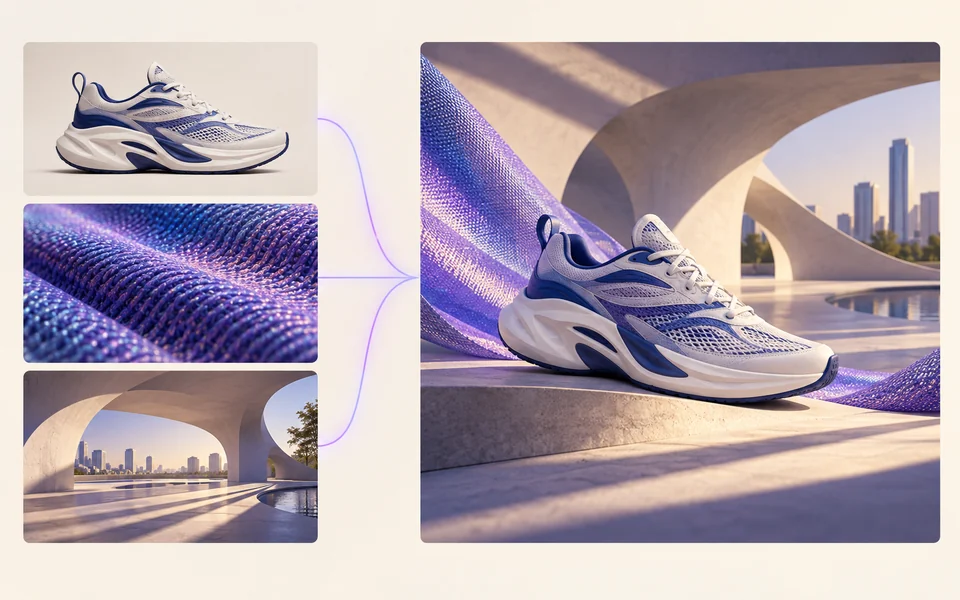 API preview
Qwen Image 2.1
Native transparent RGBA, generation, editing, and up to 10 documented references
Preview Qwen Image 2.1 Native transparent PNG Generate / Edit
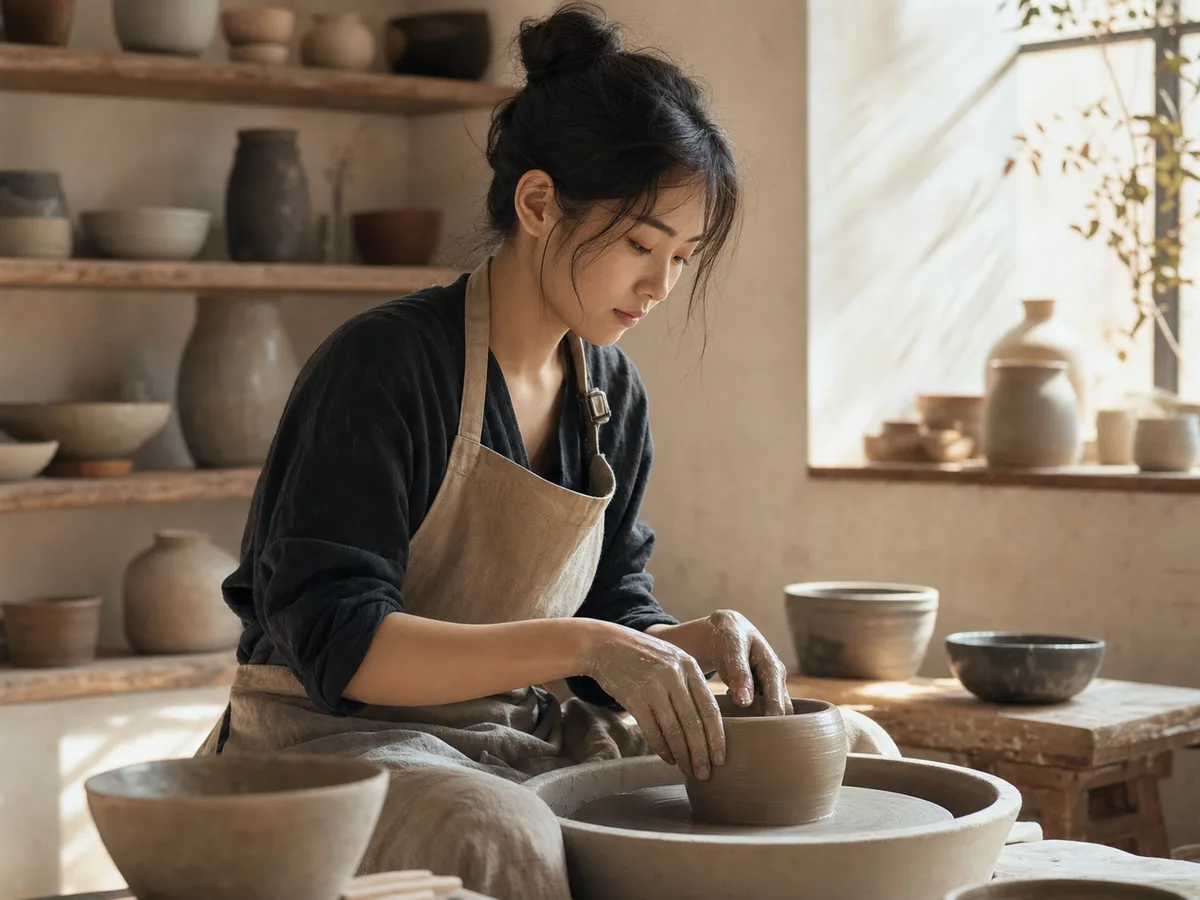 Generate / Edit
 Generate / Edit
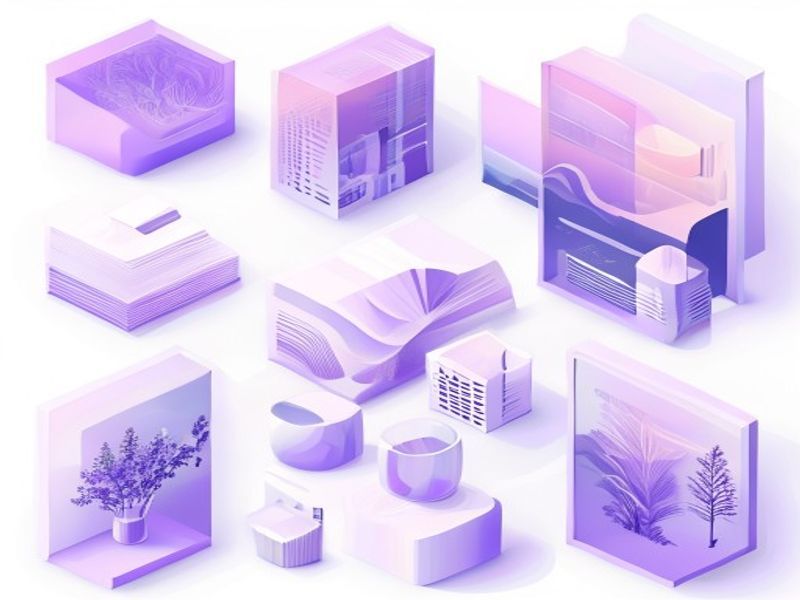 Generate / Edit
Image tools
Start with the result you need
Every tool opens its own upload, editor, batch, brand, template, or workflow interface. Advanced Studio remains available when you want to connect tasks.
Product


Enhance


Design


Workflow




Complete workflows
From source image to finished delivery

One product photo, a complete campaign set
Remove the background, add a believable shadow or scene, create an ad layout, then resize it for each channel.
Create product photosGenerate a poster, then edit its text separately
Create the visual direction first. Keep price, date, and headline as editable layers before exporting multiple sizes.
Make a posterTurn a sketch into editable vector artwork
Use a sketch as the structural reference, convert the chosen graphic into real paths, then recolor and export SVG.
Convert to SVG01 — 03
como funciona
De la idea a la imagen en tres sencillos pasos.
Paso 1
Escribe tu mensaje
Describe lo que quieres ver: tema, estilo, colores y estado de ánimo.
Paso 2
generar
Qwen Image 3 convierte su descripción en una imagen única de alta calidad.
Paso 3
Descargar y compartir
Guarde el resultado al instante y utilícelo en cualquier lugar: redes sociales, anuncios o proyectos personales.
Flujo de trabajo creativo
Desde su primer mensaje hasta una imagen que puede usar
Solo las opciones que importan, explicadas en cada paso para que un principiante pueda completar una primera generación con confianza.
01
indicaciones guiadas
Cree un mensaje claro a partir del tema, el entorno, el estilo y la iluminación, o comience con un ejemplo listo para editar.
02
One focused Qwen Image 3 workflow
Generate with the verified Qwen Image 3 endpoint, then continue in the reference-image editor when you need revisions.
03
Relaciones de aspecto útiles
Elija cuadrado, horizontal o vertical para diseños comunes de productos, carteles y contenido social.
04
Privado por defecto
Las tareas iniciadas permanecen privadas de forma predeterminada; la tabla de clasificación nunca publica indicaciones, imágenes o detalles de la cuenta.
05
Créditos transparentes
Qwen Image 3 uses 5 credits per output. Confirmed provider failures automatically restore the credits used by that task.
06
Resultados organizados
Obtenga una vista previa y descargue imágenes completas, luego administre su historial de creación desde el espacio de trabajo personal.
Image editing
Change the scene, keep the subject
Upload up to three references. Describe the exact edit, then name the product, text, crop and geometry that must remain unchanged.
Edit an imageReady-to-use creative inspiration
AI image and video prompt library
Explore 65 prompts adapted for the image and video models on this site. Filter by media and scene, copy a prompt, or continue with the model you choose.
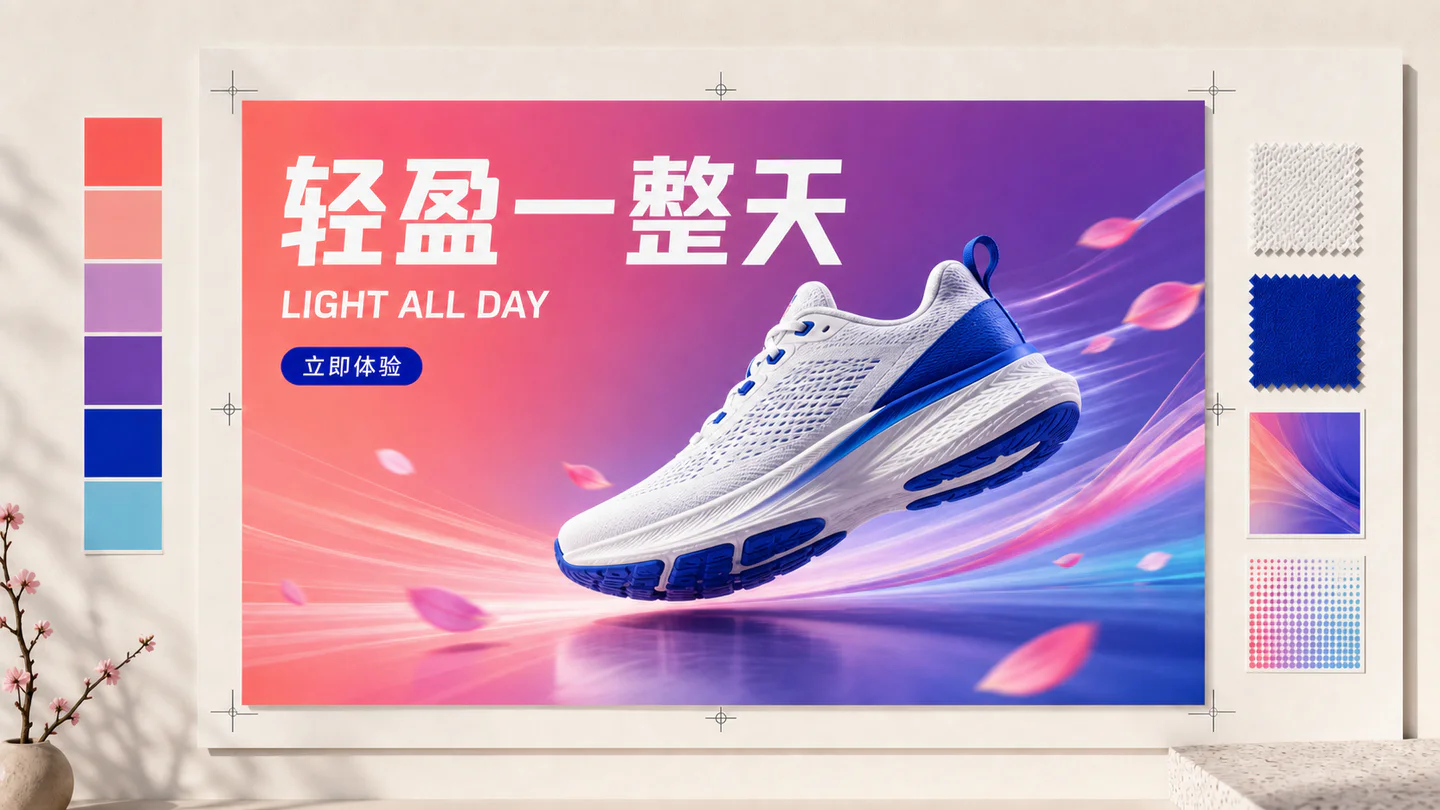
ChineseAI Image
Chinese tea launch poster
Qwen Image 3 · 3:4 · 2K
Design a vertical Chinese tea launch poster. Exact headline: “春山新茶”. Exact subheading: “明前龙井 · 清香回甘”. Pale rice-paper texture, one ceramic cup, restrained ink landscape, clear hierarchy, generous margins, no extra text.
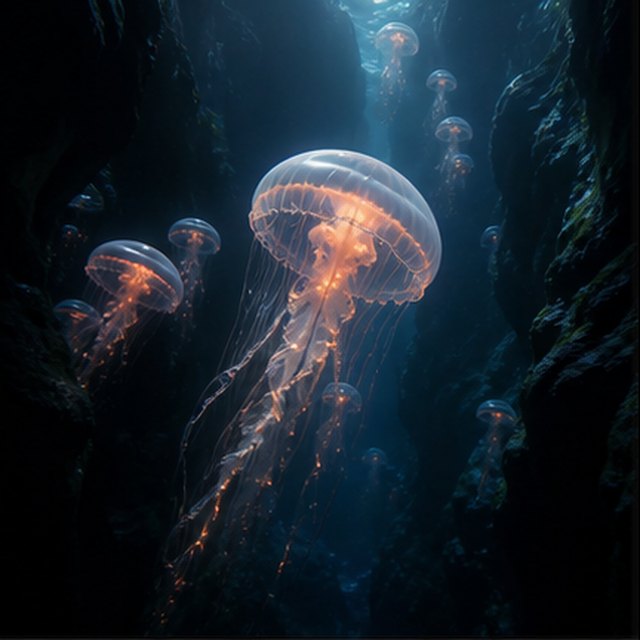
NaturalezaAI Video
Medusas en el abismo
Compatible with 4 video models
Una medusa luminosa se desplaza a través de un cañón submarino negro mientras medusas más pequeñas ascienden a lo lejos. La cámara se desliza lentamente hacia arriba junto a su campana translúcida; finas partículas se desplazan a través de los haces de luz azul, los tentáculos laten de manera natural, y la ambientación del océano profundo permanece suave y espaciosa.
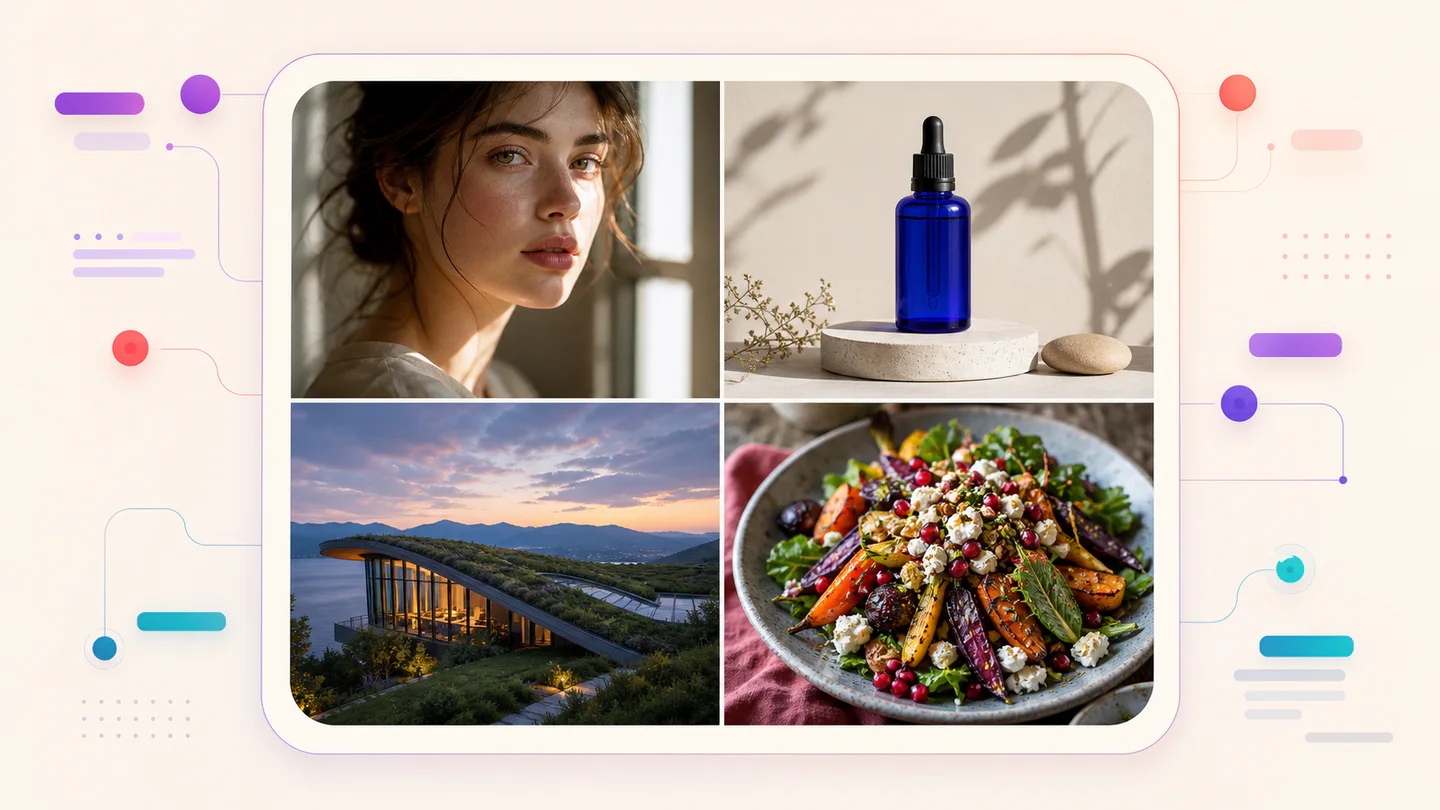
TypographyAI Image
Editorial typography poster
Qwen Image 3 · 3:4 · 2K
Create a modern editorial poster with the exact headline “FORM FOLLOWS FEELING” and small caption “Design study 03”. Swiss grid, black type on warm ivory, one cobalt geometric form, crisp kerning, no extra words.
CinematográficoAI Video
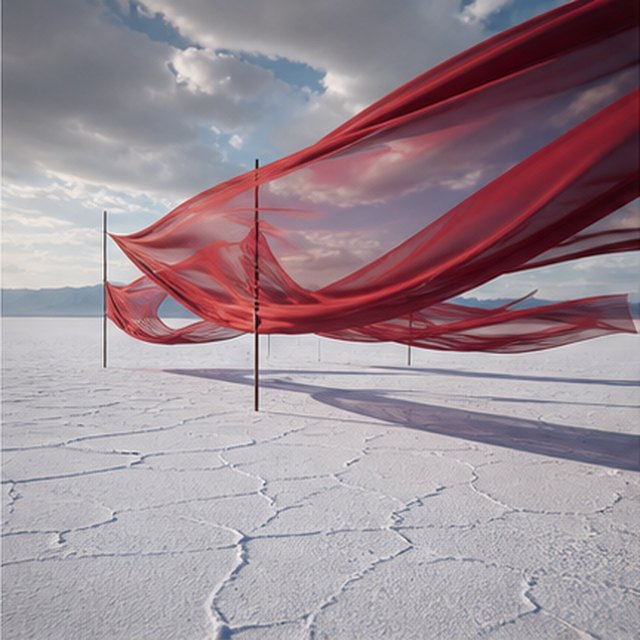
Seda roja sobre el salar
Compatible with 4 video models
Largas cintas rojas de seda se ondulan sobre un interminable salar blanco bajo nubes de tormenta en movimiento. Recorre lateralmente la tela mientras el viento envía ondas a través de cada capa, largas sombras se deslizan sobre el suelo agrietado, y el paisaje sonoro contenido solo transporta tela, viento y truenos lejanos.
ProductoAI Image
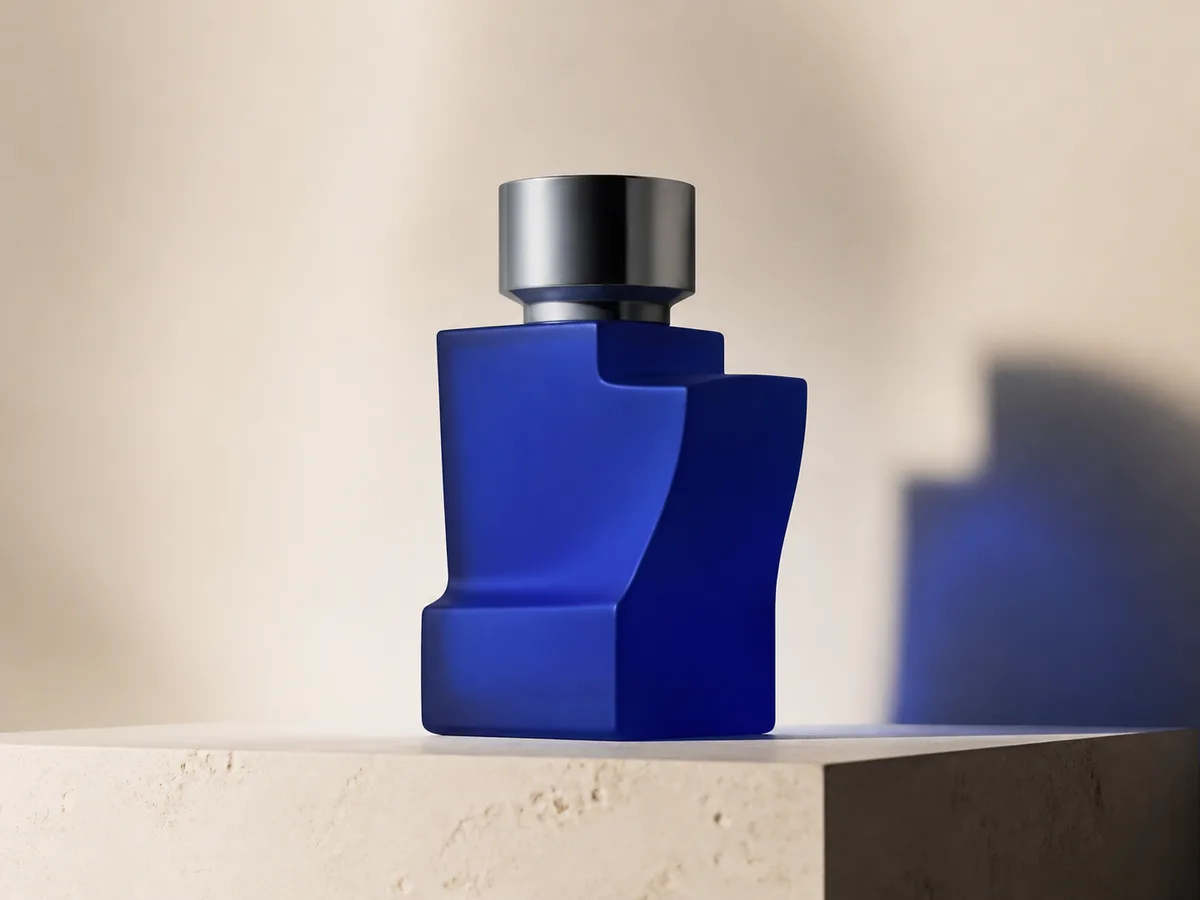
Cobalt perfume advertisement
Qwen Image 3 · 4:3 · 2K
Premium cobalt-blue perfume bottle on dark slate, precise glass reflections, narrow rim light, soft mist behind the bottle, luxury studio advertising, centered product, label readable, no extra objects.
Fantasía y animaciónAI Video
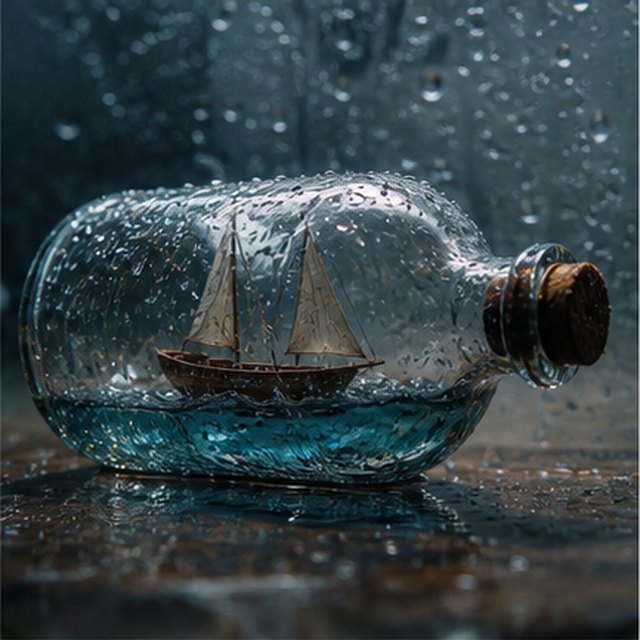
Tormenta dentro de una botella
Compatible with 4 video models
Vista macro cinematográfica de un pequeño velero de madera atrapado dentro de una botella de vidrio cubierta de lluvia. El mar en miniatura sacude el casco mientras los relámpagos iluminan brevemente las velas; orbita suavemente alrededor del vidrio mojado con poca profundidad de campo, gotas nítidas, trueno apagado y madera crujiente.
EcommerceAI Image
E-commerce campaign board
Qwen Image 3 · 16:9 · 2K
Build a clean e-commerce campaign board for a neutral running shoe: hero product image, two detail crops, three benefit labels, size guide panel and a clear “SHOP THE DROP” callout. White and graphite palette, consistent product geometry.
CinematográficoAI Video
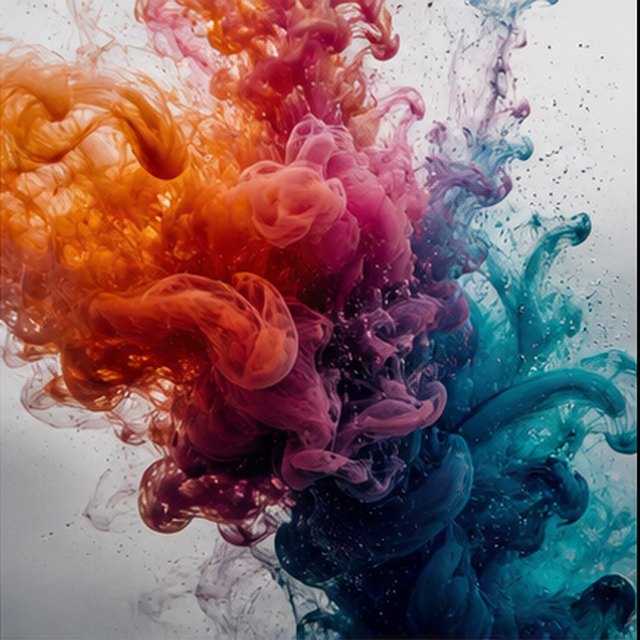
Color floreciendo en el agua
Compatible with 4 video models
Tinta naranja, magenta, violeta y cian florece a través de agua cristalina en cámara lenta extrema. Mantén un encuadre macro limpio mientras nubes que se enroscan chocan, se pliegan y se disuelven en filamentos delicados; usa retroiluminación brillante, detalle microscópico, movimiento sutil del líquido y sin contenedor visible.
Qwen Image 3 Lab
Prompts, visible results and failure notes
Each lab page states what was tested, what worked, what needs review and how the prompt can be improved. Unknown data stays unknown.
Qwen Image 3 Chinese Text Test
Qwen Image 3 can produce useful Chinese display text, but small copy still needs visual proofreading before publication.
Qwen Image 3 Typography Test
Short English and Chinese headlines are the safest typography use case; mixed-language and small text need stricter prompts and review.
Qwen Image 3 Product Photo Test
The model is useful for premium product concepts, especially when the brief defines material, lighting, contact shadow and camera angle.
Qwen Image 3 Infographic Test
Qwen Image 3 can draft strong infographic layouts, but facts and labels must be validated separately.
Qwen Image 3 Image Editing Test
Reference editing works best when the instruction separates the requested change from details that must remain unchanged.
Qwen Image 3 Standard vs Pro
This site currently exposes one verified Qwen Image 3 endpoint, so it does not publish a fabricated Standard-versus-Pro winner.
Planes que crecen contigo
Planes y precios de Qwen Image
Elija el plan mensual recomendado para creación regular o un paquete de crédito único flexible sin renovación.
Cada generación Qwen Image 3 utiliza 5 créditos. Los planes mensuales ofrecen el costo más bajo por crédito.
Preguntas frecuentes
Lo que necesita saber sobre la creación, los registros diarios, las referencias y el uso de créditos.

¿Listo para dar vida a tu primera idea?
Regístrate gratis, recibe créditos de bienvenida y convierte tus ideas en imágenes en cuestión de segundos.