
 Generate
NouveauMiniMax H3 est en direct · Vidéo 2K avec audio stéréo natif
Générateur Qwen Image 3.0
Décrivez votre idée avec vos propres mots, choisissez un format et obtenez une image soignée avec Qwen Image 3.
Produit tiers indépendant. Non affilié ou approuvé par Alibaba ou l'équipe Qwen.
Générateur d'images
Les générations connectées sont privées par défaut
Changer d'outil
Qwen Image 3
Formule débutant : sujet + décor + style + éclairage. Jusqu'à 5,000 caractères.
0/5000
Vous ne savez pas quoi écrire ? Essayez un exemple
2. Modèle
Compare image models3. Choisissez la forme
Advanced settings
Prompt enhance (slower)
Outputs
Inscrivez-vous pour générer
Cette génération utilise les crédits 5
Votre résultat
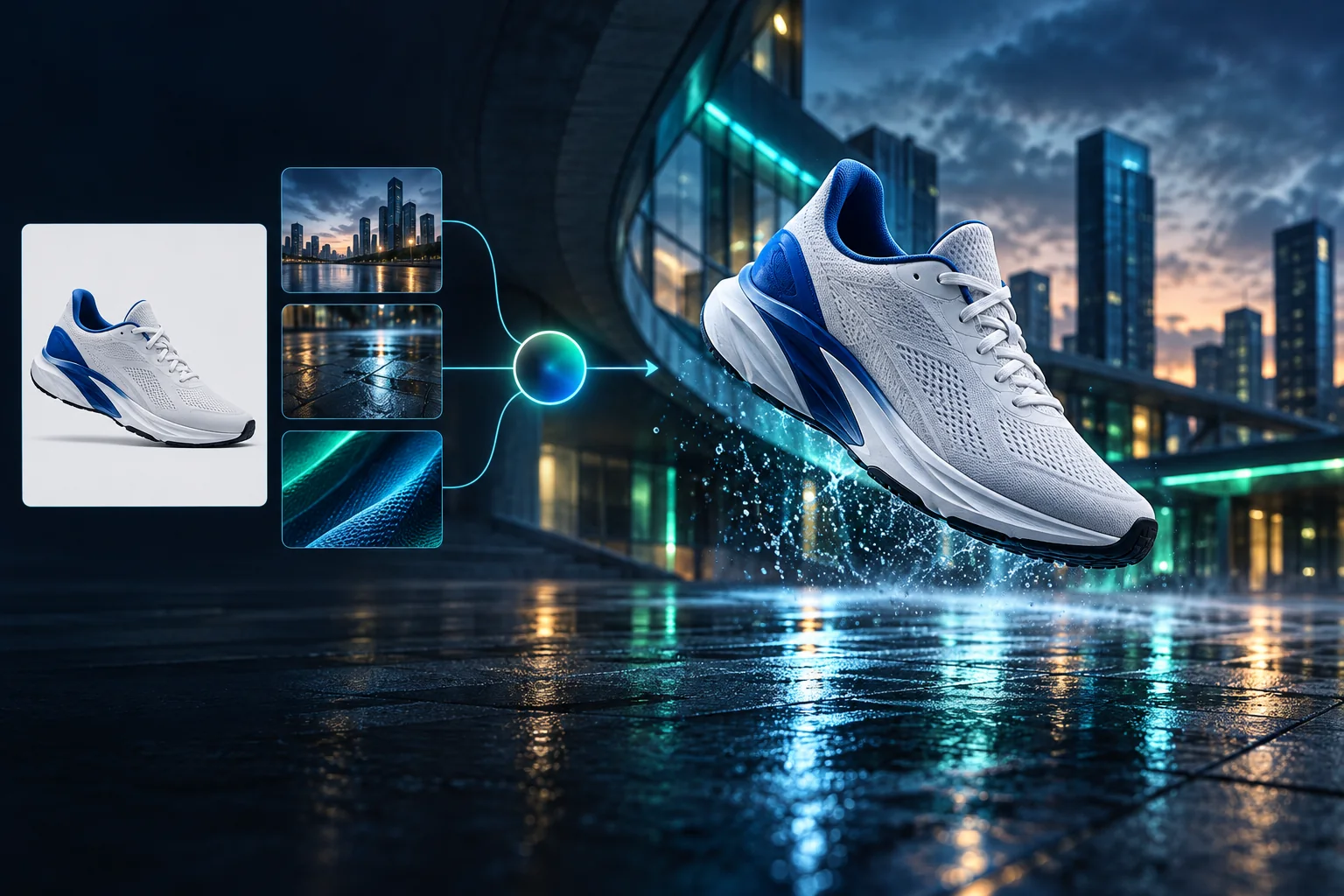
Product campaign transformation
Turn a clean sneaker reference into a finished blue-hour advertising scene.
Les générations connectées sont privées par défaut
Generate images
Start from a prompt and a precise model.
Edit photos
Describe a change with visual references.
Product photos
Build clean product and campaign sets.
Remove background
Create a transparent PNG cutout.
Upscale
Increase detail and output dimensions.
Create designs
Add text, layers, templates, and exports.
Image models
A dedicated generator for every model
Open the model you searched for. Its page keeps that exact endpoint, capabilities, reference limit, and credit price.
Generate
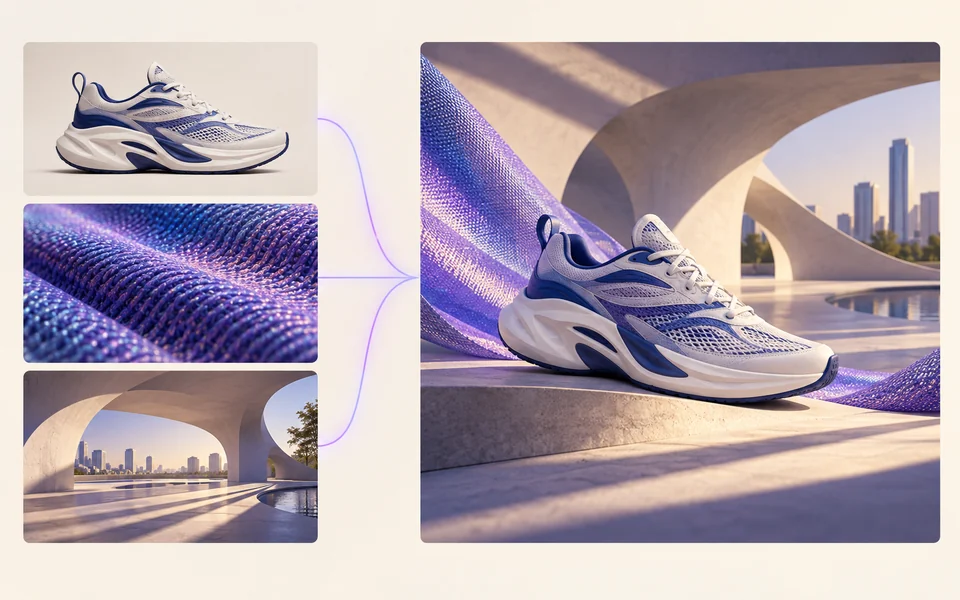 API preview
Qwen Image 2.1
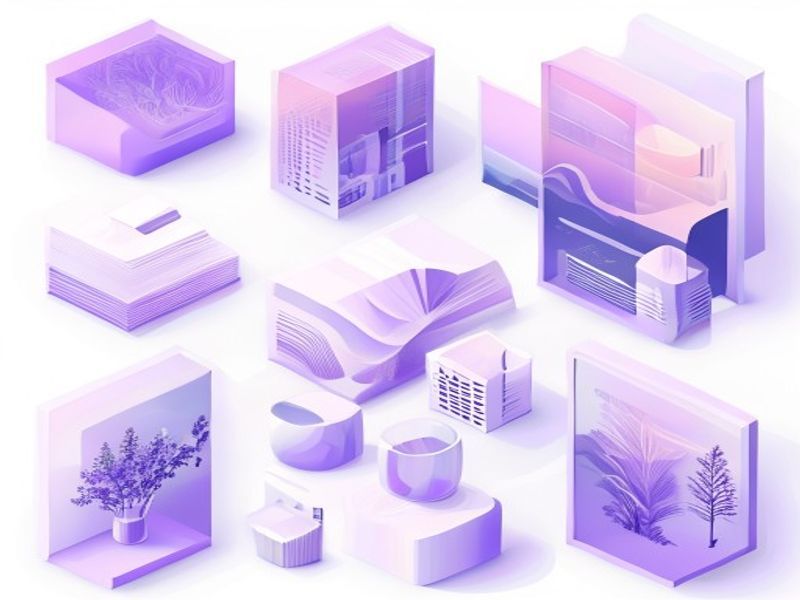
Native transparent RGBA, generation, editing, and up to 10 documented references
Preview Qwen Image 2.1 Native transparent PNG Generate / Edit
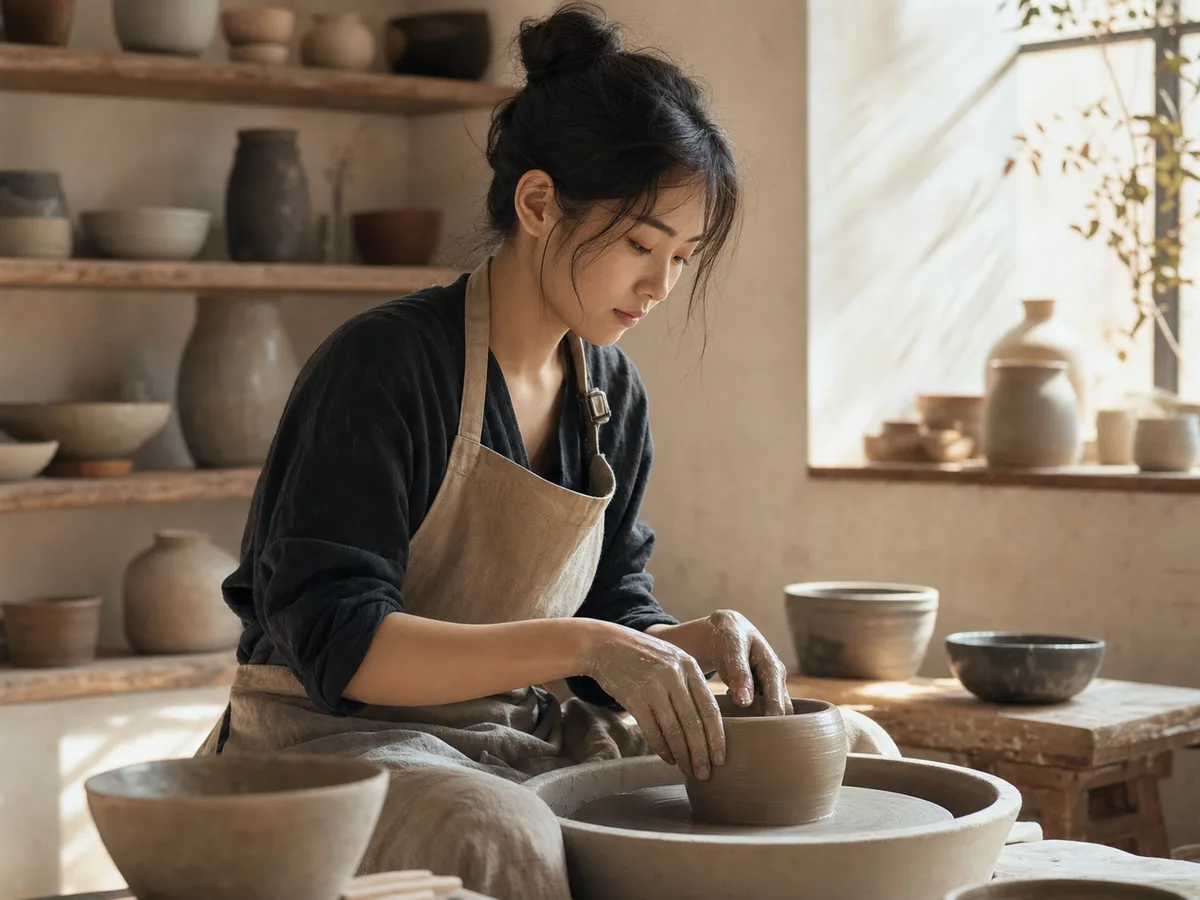 Generate / Edit
 Generate / Edit
 Generate / Edit
Image tools
Start with the result you need
Every tool opens its own upload, editor, batch, brand, template, or workflow interface. Advanced Studio remains available when you want to connect tasks.
Product


Enhance


Design


Workflow




Complete workflows
From source image to finished delivery

One product photo, a complete campaign set
Remove the background, add a believable shadow or scene, create an ad layout, then resize it for each channel.
Create product photosGenerate a poster, then edit its text separately
Create the visual direction first. Keep price, date, and headline as editable layers before exporting multiple sizes.
Make a posterTurn a sketch into editable vector artwork
Use a sketch as the structural reference, convert the chosen graphic into real paths, then recolor and export SVG.
Convert to SVG01 — 03
Comment ça marche
De l'idée à l'image en trois étapes simples.
Étape 1
Écrivez votre invite
Décrivez ce que vous voulez voir : sujet, style, couleurs et ambiance.
Étape 2
Générer
Qwen Image 3 transforme votre description en une image unique de haute qualité.
Étape 3
Téléchargez et partagez
Enregistrez le résultat instantanément et utilisez-le n'importe où : réseaux sociaux, publicités ou projets personnels.
Flux de travail créatif
De votre première invite à une image que vous pouvez utiliser
Seuls les choix qui comptent, expliqués à chaque étape pour qu'un débutant puisse compléter une première génération en toute confiance.
01
Invite guidée
Créez une invite claire à partir du sujet, du décor, du style et de l'éclairage, ou commencez avec un exemple prêt à modifier.
02
One focused Qwen Image 3 workflow
Generate with the verified Qwen Image 3 endpoint, then continue in the reference-image editor when you need revisions.
03
Rapports d'aspect utiles
Choisissez carré, paysage ou portrait pour les mises en page courantes de produits, d'affiches et de contenu social.
04
Privé par défaut
Les tâches connectées restent privées par défaut ; le classement ne publie jamais d'invites, d'images ou de détails de compte.
05
Crédits transparents
Qwen Image 3 uses 5 credits per output. Confirmed provider failures automatically restore the credits used by that task.
06
Des résultats organisés
Prévisualisez et téléchargez les images terminées, puis gérez votre historique de création depuis l'espace de travail personnel.
Image editing
Change the scene, keep the subject
Upload up to three references. Describe the exact edit, then name the product, text, crop and geometry that must remain unchanged.
Edit an imageReady-to-use creative inspiration
AI image and video prompt library
Explore 65 prompts adapted for the image and video models on this site. Filter by media and scene, copy a prompt, or continue with the model you choose.
ChineseAI Image
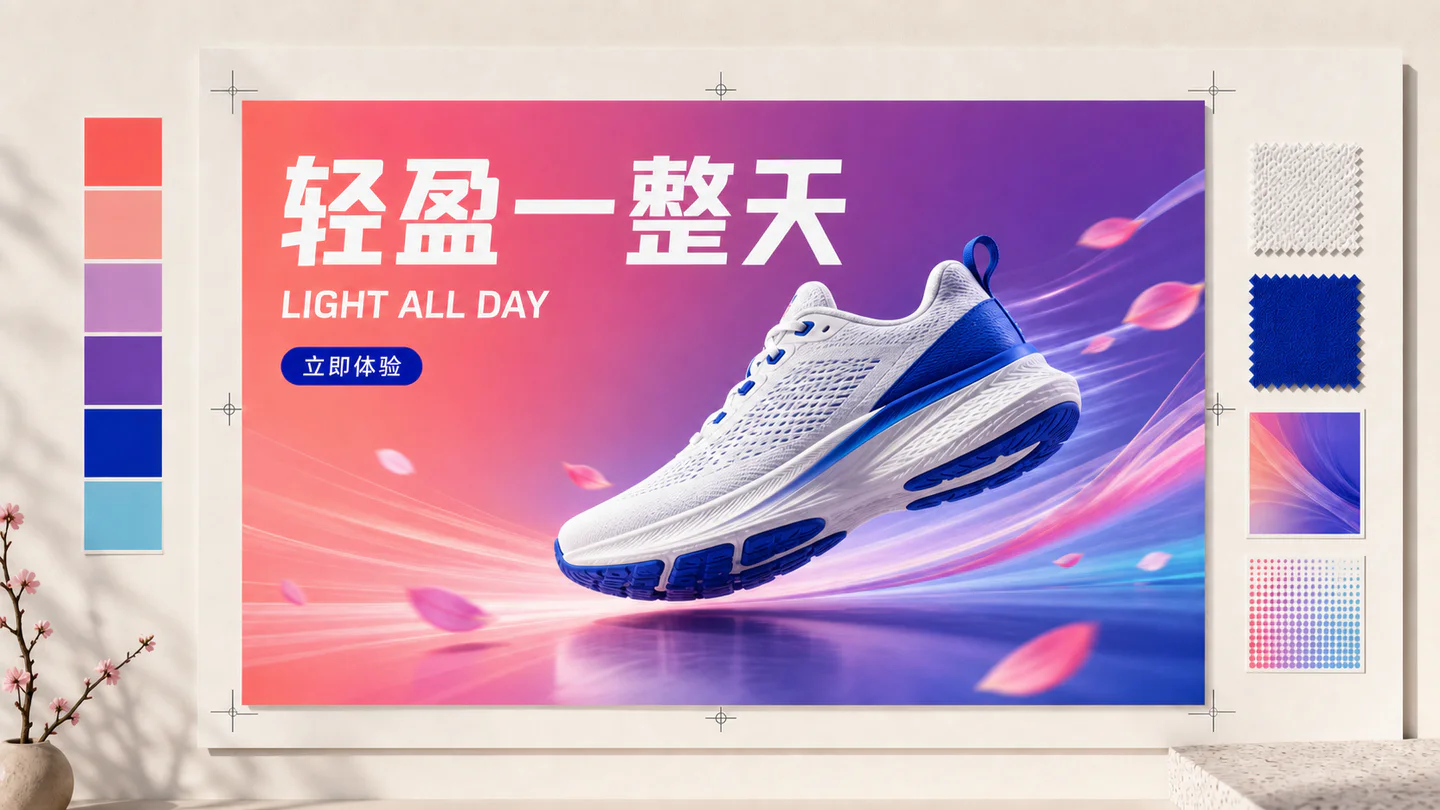
Chinese tea launch poster
Qwen Image 3 · 3:4 · 2K
Design a vertical Chinese tea launch poster. Exact headline: “春山新茶”. Exact subheading: “明前龙井 · 清香回甘”. Pale rice-paper texture, one ceramic cup, restrained ink landscape, clear hierarchy, generous margins, no extra text.
NatureAI Video
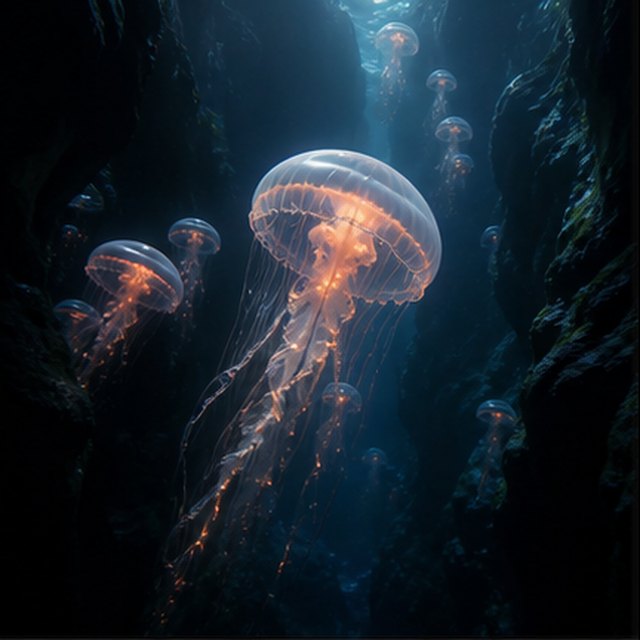
Méduse dans les abysses
Compatible with 4 video models
Une méduse lumineuse dérive à travers un canyon sous-marin noir tandis que de plus petites méduses s’élèvent au loin. La caméra glisse lentement vers le haut le long de sa cloche translucide ; de fines particules roulent à travers des rayons de lumière bleue, les tentacules pulsent naturellement, et l’ambiance de l’océan profond reste douce et spacieuse.
TypographyAI Image
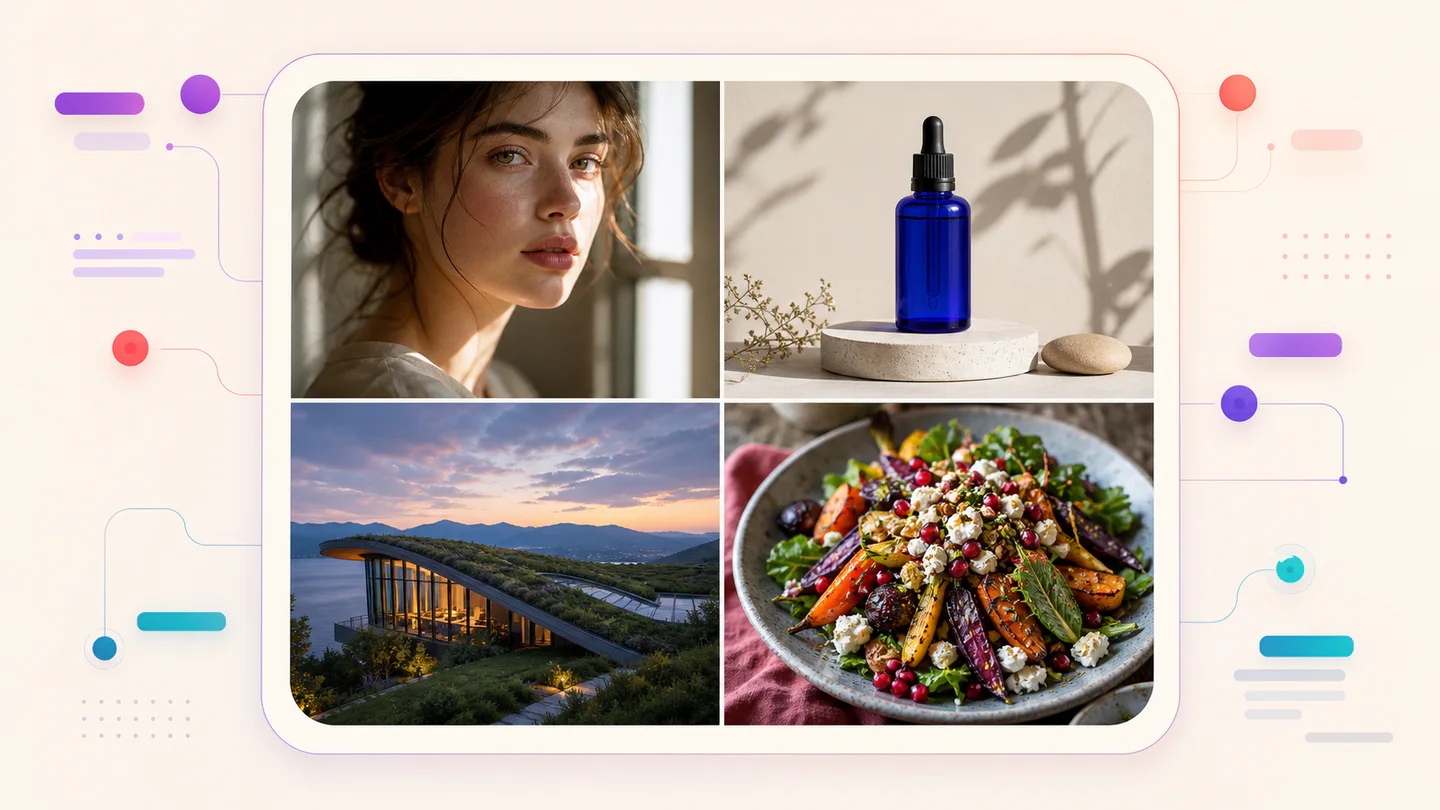
Editorial typography poster
Qwen Image 3 · 3:4 · 2K
Create a modern editorial poster with the exact headline “FORM FOLLOWS FEELING” and small caption “Design study 03”. Swiss grid, black type on warm ivory, one cobalt geometric form, crisp kerning, no extra words.
CinématographiqueAI Video
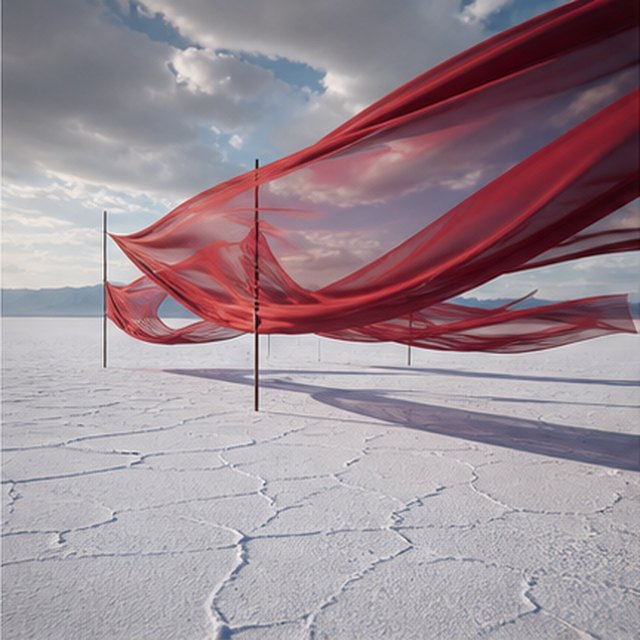
Soie rouge sur la saline
Compatible with 4 video models
De longs rubans rouges en soie ondulent au-dessus d'une plaine de sel blanche sans fin sous des nuages d'orage en mouvement. Suivez latéralement le long du tissu tandis que le vent fait onduler chaque couche, de longues ombres glissent sur le sol fissuré, et le paysage sonore retenu ne transporte que le tissu, le vent et le tonnerre lointain.
ProduitAI Image
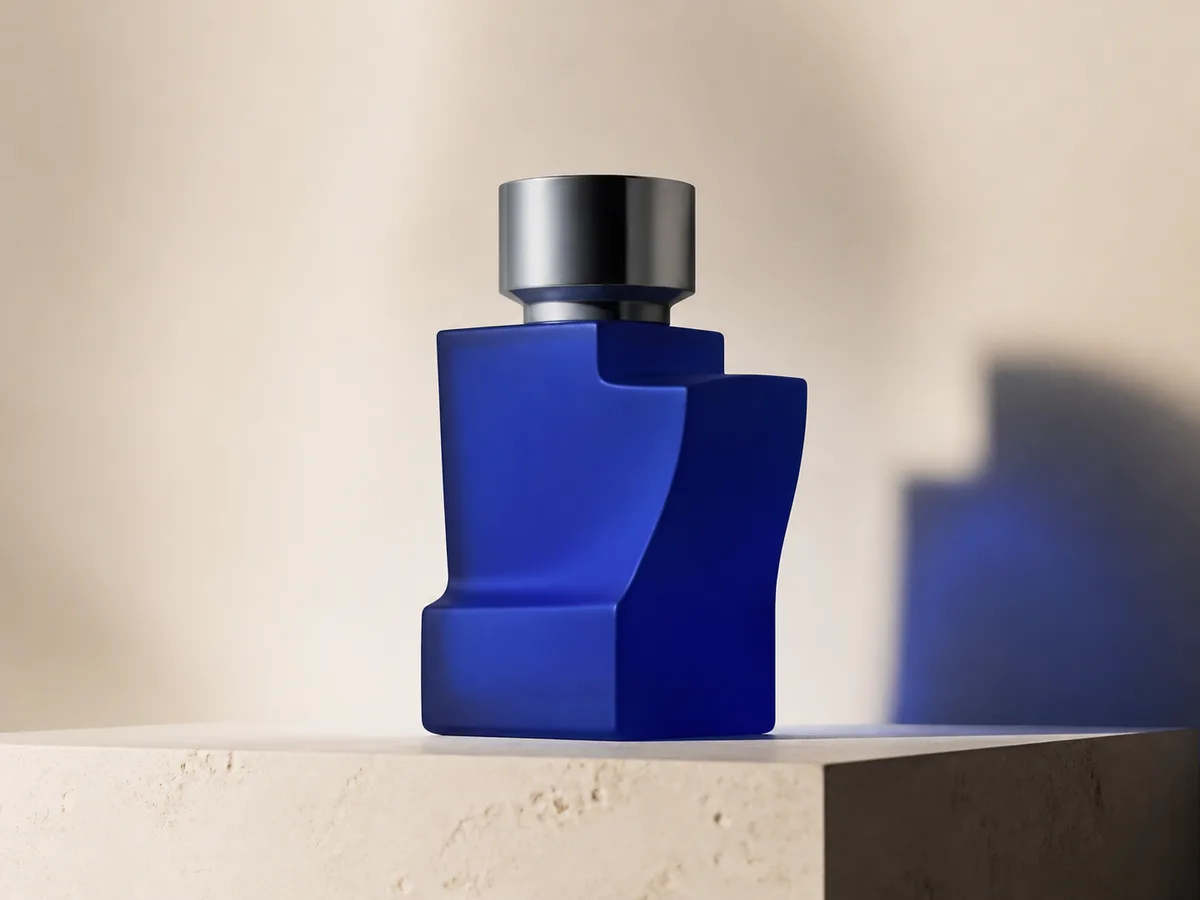
Cobalt perfume advertisement
Qwen Image 3 · 4:3 · 2K
Premium cobalt-blue perfume bottle on dark slate, precise glass reflections, narrow rim light, soft mist behind the bottle, luxury studio advertising, centered product, label readable, no extra objects.
Fantaisie et animationAI Video
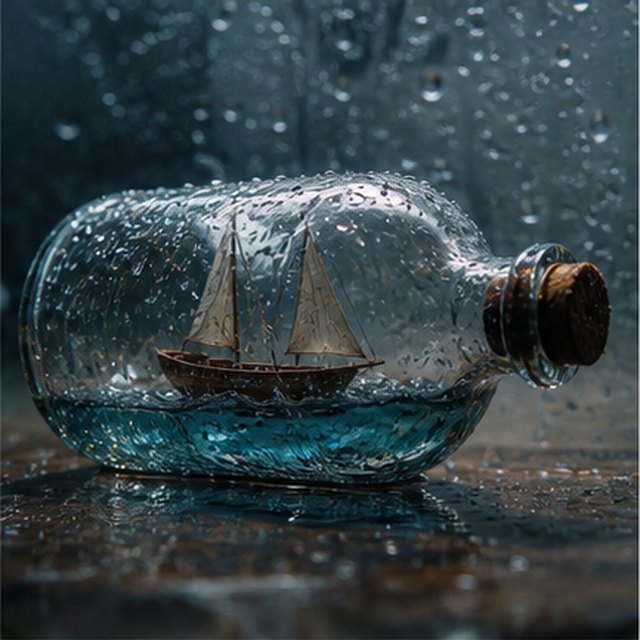
Tempête dans une bouteille
Compatible with 4 video models
Vue cinématographique en macro d'un petit voilier en bois coincé à l'intérieur d'une bouteille en verre recouverte de pluie. La mer miniature fait tanguer la coque tandis que des éclairs illuminent brièvement les voiles ; orbitez doucement autour du verre humide avec une faible profondeur de champ, des gouttelettes nettes, le tonnerre étouffé et le bois qui grince.
EcommerceAI Image
E-commerce campaign board
Qwen Image 3 · 16:9 · 2K
Build a clean e-commerce campaign board for a neutral running shoe: hero product image, two detail crops, three benefit labels, size guide panel and a clear “SHOP THE DROP” callout. White and graphite palette, consistent product geometry.
CinématographiqueAI Video
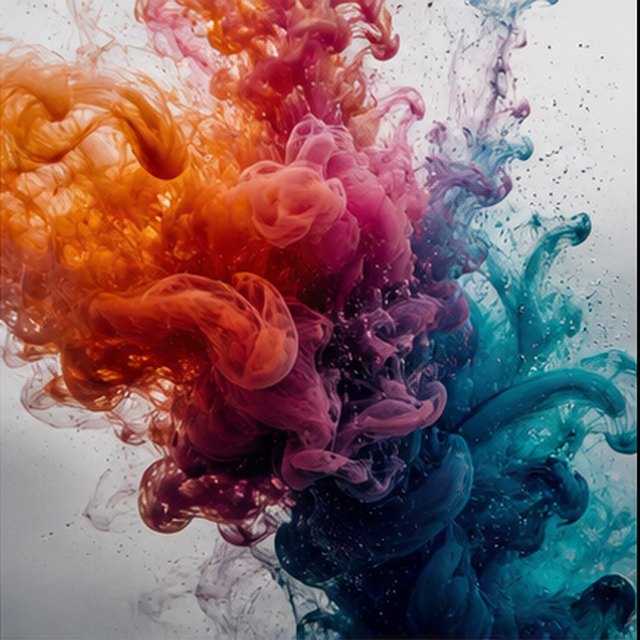
Couleur éclatant dans l'eau
Compatible with 4 video models
L'encre orange, magenta, violet et cyan se répand dans de l'eau cristalline en très ralenti. Maintenez un cadre macro propre tandis que des nuages sinueux se heurtent, se replient et se dissolvent en filaments délicats ; utilisez un contre-jour lumineux, des détails microscopiques, des mouvements subtils du liquide et aucun récipient visible.
Qwen Image 3 Lab
Prompts, visible results and failure notes
Each lab page states what was tested, what worked, what needs review and how the prompt can be improved. Unknown data stays unknown.
Qwen Image 3 Chinese Text Test
Qwen Image 3 can produce useful Chinese display text, but small copy still needs visual proofreading before publication.
Qwen Image 3 Typography Test
Short English and Chinese headlines are the safest typography use case; mixed-language and small text need stricter prompts and review.
Qwen Image 3 Product Photo Test
The model is useful for premium product concepts, especially when the brief defines material, lighting, contact shadow and camera angle.
Qwen Image 3 Infographic Test
Qwen Image 3 can draft strong infographic layouts, but facts and labels must be validated separately.
Qwen Image 3 Image Editing Test
Reference editing works best when the instruction separates the requested change from details that must remain unchanged.
Qwen Image 3 Standard vs Pro
This site currently exposes one verified Qwen Image 3 endpoint, so it does not publish a fabricated Standard-versus-Pro winner.
Des projets qui grandissent avec vous
Tarifs et crédits Qwen Image
Choisissez le forfait mensuel recommandé pour une création régulière ou un pack de crédits flexibles et ponctuels sans renouvellement.
Chaque génération Qwen Image 3 utilise 5 crédits. Les forfaits mensuels offrent le coût par crédit le plus bas.
Questions fréquemment posées
Ce que vous devez savoir sur la création, les enregistrements quotidiens, les références et l'utilisation des crédits.

Prêt à créer votre première image ?
Inscrivez-vous gratuitement, recevez des crédits de bienvenue et transformez vos idées en images en quelques secondes.