
 Generate
ÚjA MiniMax H3 élő · 2K videó natív sztereó hanggal
Qwen Image 3 .0 generátor
Írd le az ötleted hétköznapi szavakkal, válassz formátumot, a Qwen Image 3 pedig elkészíti a kidolgozott képet.
Független harmadik fél terméke. Nem áll kapcsolatban az Alibabával vagy a Qwen csapattal, és nem támogatja azokat.
Képgenerátor
A bejelentkezett generációk alapértelmezés szerint privátak
Kapcsoló eszköz
Qwen Image 3
Kezdő képlet: téma + beállítás + stílus + világítás. Legfeljebb 5,000 karakter.
0/5000
Nem tudja, mit írjon? Próbálj meg egy példát
2. Modell
Compare image models3. Válasszon formát
Advanced settings
Prompt enhance (slower)
Outputs
Regisztráljon a generáláshoz
Ez a generáció 5 krediteket használ
Az Ön eredménye
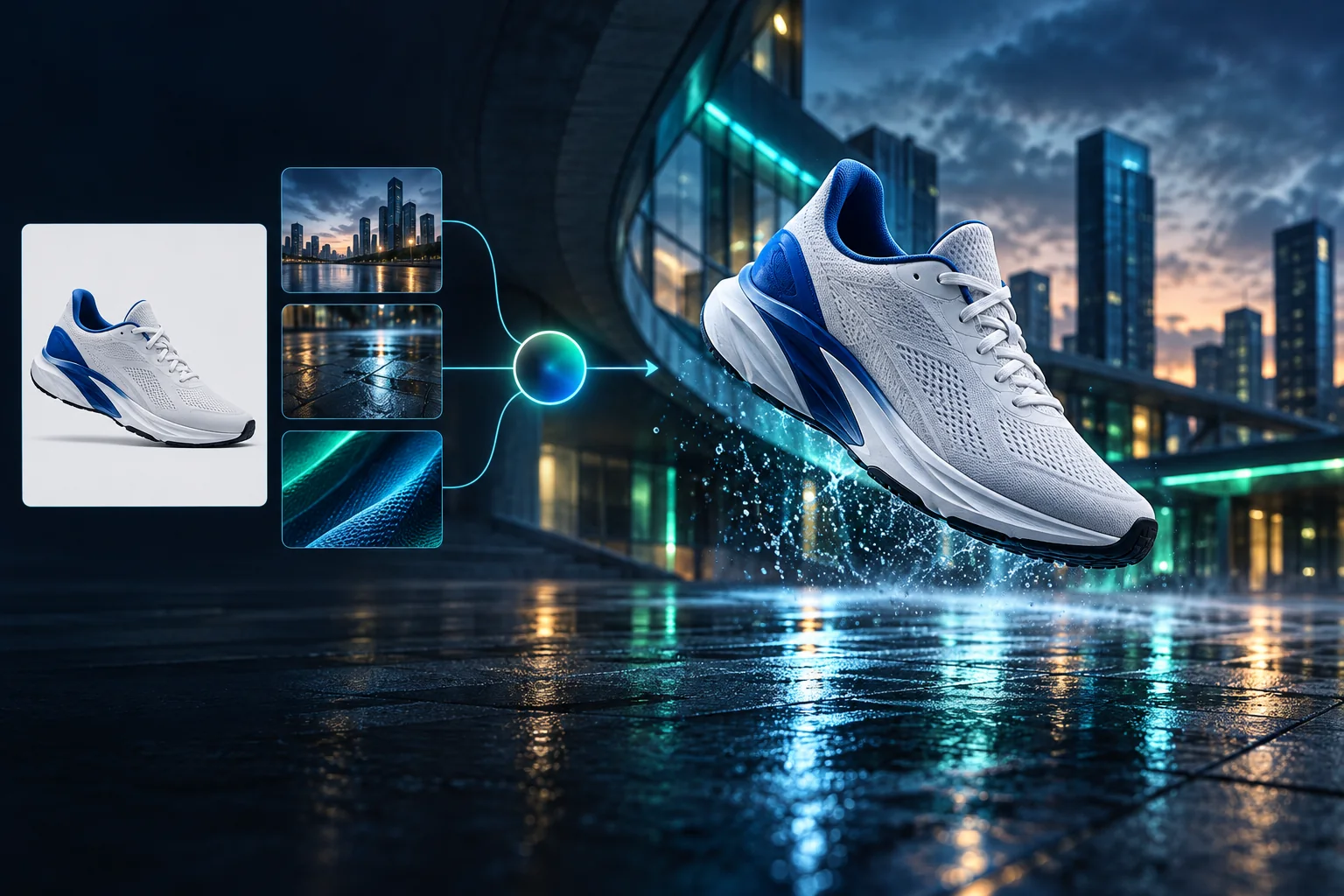
Product campaign transformation
Turn a clean sneaker reference into a finished blue-hour advertising scene.
A bejelentkezett generációk alapértelmezés szerint privátak
Generate images
Start from a prompt and a precise model.
Edit photos
Describe a change with visual references.
Product photos
Build clean product and campaign sets.
Remove background
Create a transparent PNG cutout.
Upscale
Increase detail and output dimensions.
Create designs
Add text, layers, templates, and exports.
Image models
A dedicated generator for every model
Open the model you searched for. Its page keeps that exact endpoint, capabilities, reference limit, and credit price.
Generate
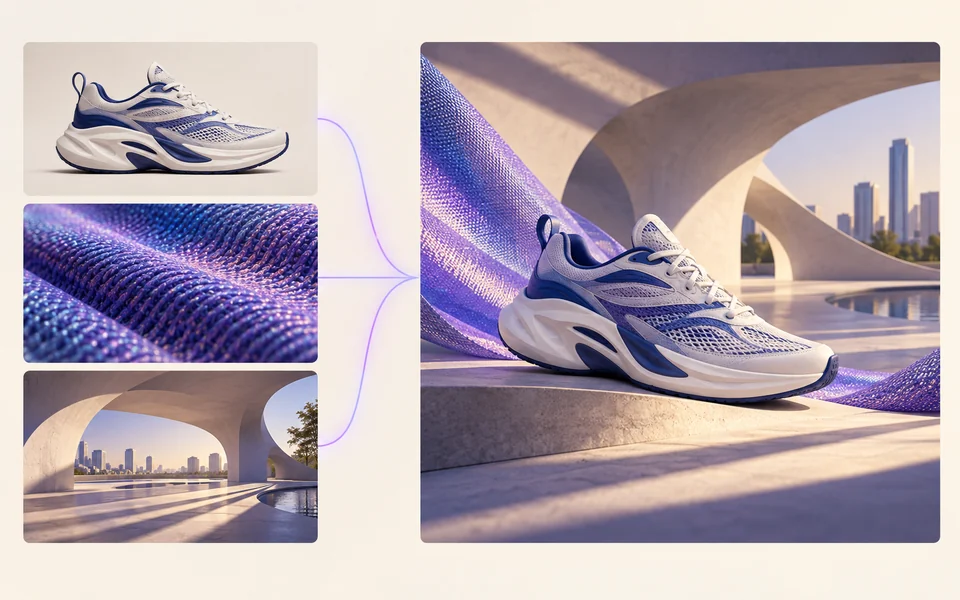 API preview
Qwen Image 2.1
Native transparent RGBA, generation, editing, and up to 10 documented references
Preview Qwen Image 2.1 Native transparent PNG Generate / Edit
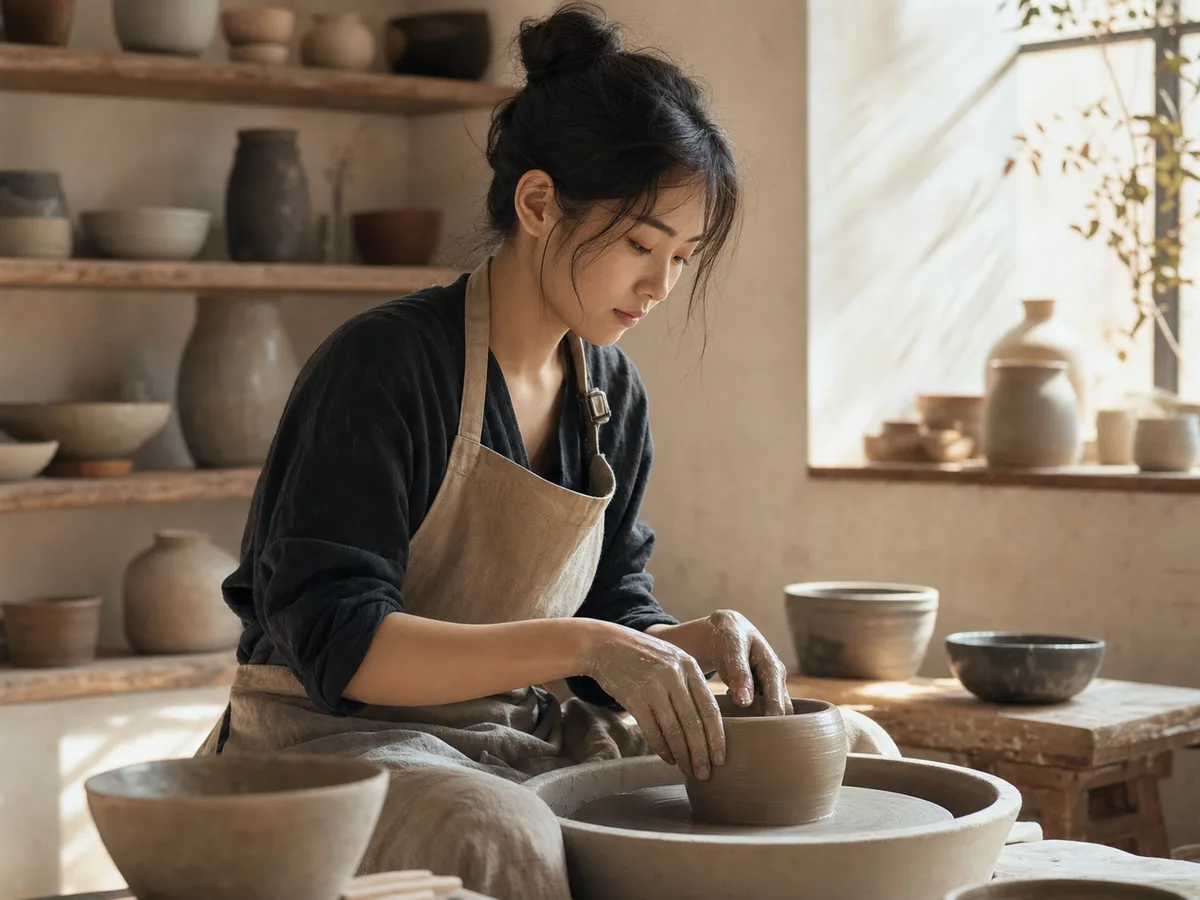 Generate / Edit
 Generate / Edit
 Generate / Edit
Image tools
Start with the result you need
Every tool opens its own upload, editor, batch, brand, template, or workflow interface. Advanced Studio remains available when you want to connect tasks.
Product


Enhance


Design


Workflow




Complete workflows
From source image to finished delivery

One product photo, a complete campaign set
Remove the background, add a believable shadow or scene, create an ad layout, then resize it for each channel.
Create product photosGenerate a poster, then edit its text separately
Create the visual direction first. Keep price, date, and headline as editable layers before exporting multiple sizes.
Make a posterTurn a sketch into editable vector artwork
Use a sketch as the structural reference, convert the chosen graphic into real paths, then recolor and export SVG.
Convert to SVG01 — 03
Hogyan működik
Ötlettől képig három egyszerű lépésben.
1 lépés
Írja meg a felszólítását
Írja le, mit szeretne látni – témát, stílust, színeket és hangulatot.
2 lépés
Generál
A Qwen Image 3 egyedi, kiváló minőségű képpé teszi a leírást.
3 lépés
Letöltés és megosztás
Az eredményt azonnal elmentheti, és bárhol használhatja – közösségi, hirdetésekben vagy személyes projektekben.
Kreatív munkafolyamat
Az első felszólítástól a használható képig
Csak a választások számítanak, minden lépésnél elmagyarázva, hogy egy kezdő magabiztosan teljesíthesse az első generációt.
01
Irányított felszólítás
Készítsen egyértelmű felszólítást a témából, a beállításból, a stílusból és a világításból, vagy kezdje egy szerkesztésre kész példával.
02
One focused Qwen Image 3 workflow
Generate with the verified Qwen Image 3 endpoint, then continue in the reference-image editor when you need revisions.
03
Hasznos képarányok
Válasszon négyzet alakú, fekvő vagy álló elrendezést a szokásos termék-, poszter- és közösségi tartalomelrendezésekhez.
04
Alapértelmezés szerint privát
A bejelentkezett feladatok alapértelmezés szerint privátak maradnak; a ranglista soha nem tesz közzé értesítéseket, képeket vagy fiókadatokat.
05
Átlátható kreditelszámolás
Qwen Image 3 uses 5 credits per output. Confirmed provider failures automatically restore the credits used by that task.
06
Szervezett eredmények
Tekintse meg és töltse le az elkészült képeket, majd kezelje létrehozási előzményeit a személyes munkaterületről.
Image editing
Change the scene, keep the subject
Upload up to three references. Describe the exact edit, then name the product, text, crop and geometry that must remain unchanged.
Edit an imageReady-to-use creative inspiration
AI image and video prompt library
Explore 65 prompts adapted for the image and video models on this site. Filter by media and scene, copy a prompt, or continue with the model you choose.
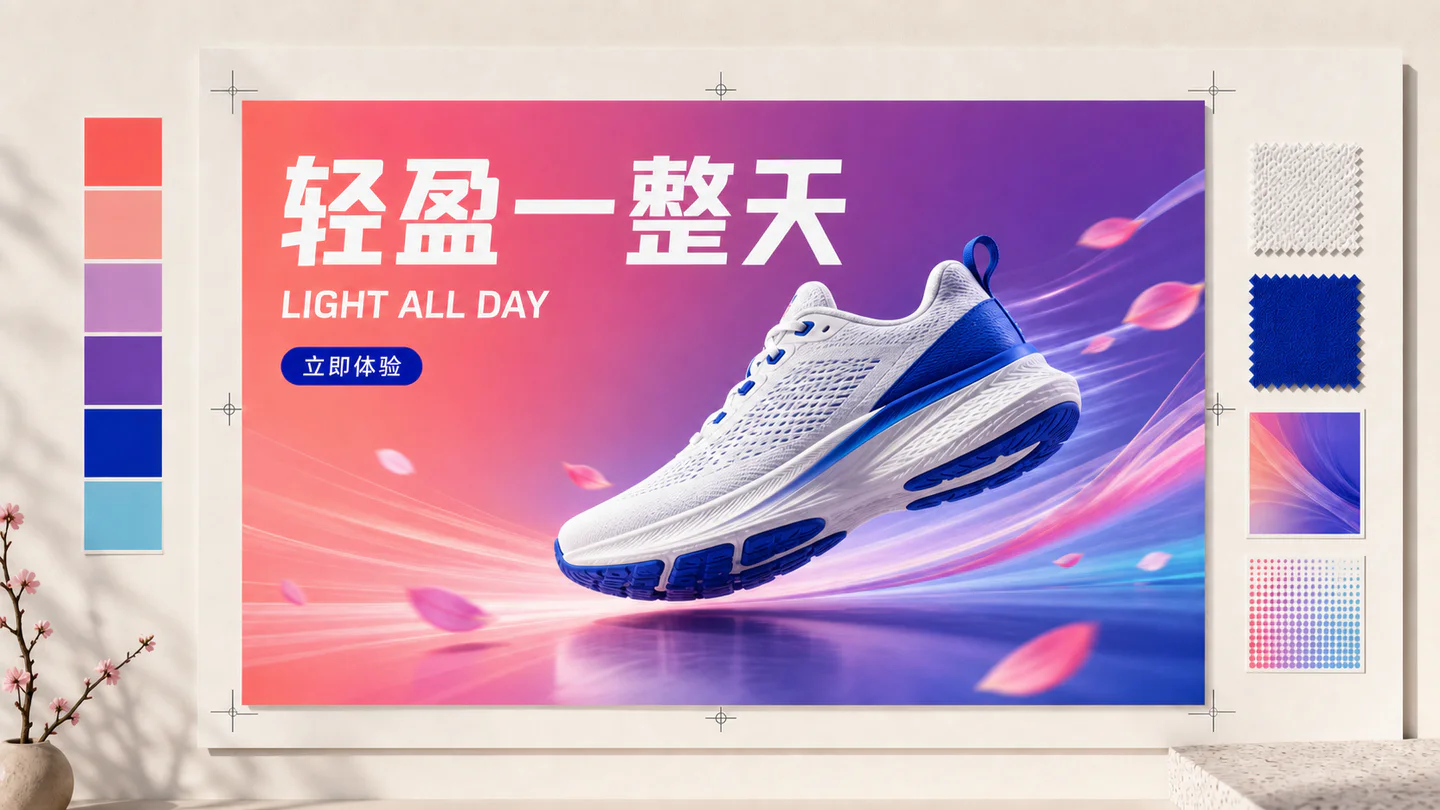
ChineseAI Image
Chinese tea launch poster
Qwen Image 3 · 3:4 · 2K
Design a vertical Chinese tea launch poster. Exact headline: “春山新茶”. Exact subheading: “明前龙井 · 清香回甘”. Pale rice-paper texture, one ceramic cup, restrained ink landscape, clear hierarchy, generous margins, no extra text.
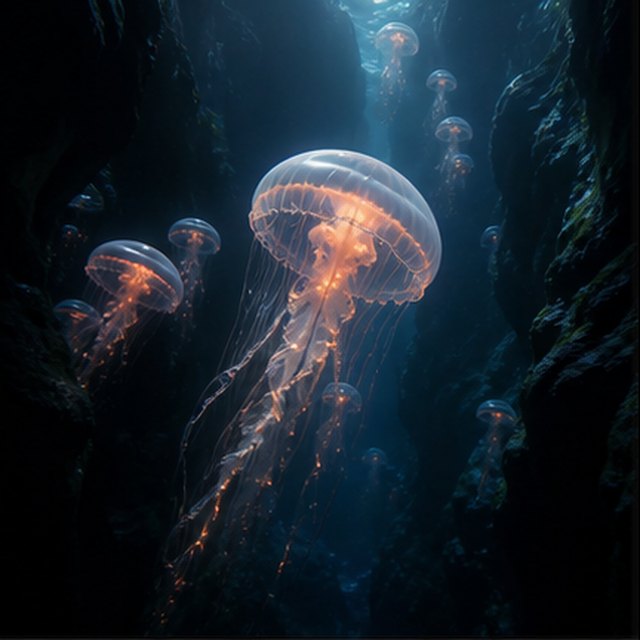
TermészetAI Video
Medúza a mélységben
Compatible with 4 video models
Egy világító medúza sodródik egy fekete víz alatti kanyonban, miközben kisebb medúzák emelkednek a távolban. A kamera lassan felfelé siklik az áttetsző harangja mellett; finom részecskék gördülnek a kék fény sugarain keresztül, a csápok természetesen pulzálnak, és a mélytengeri hangulat lágy és tágas marad.
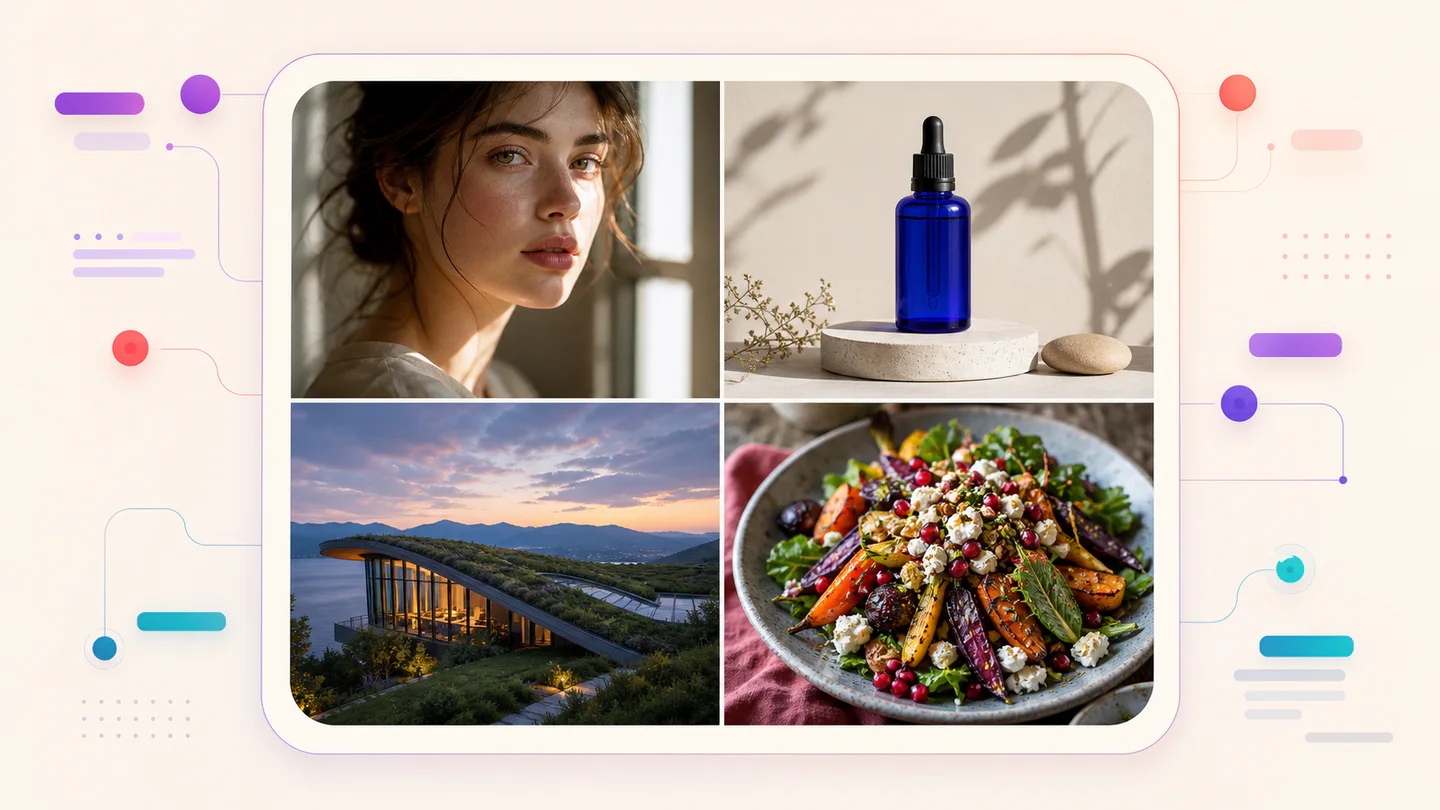
TypographyAI Image
Editorial typography poster
Qwen Image 3 · 3:4 · 2K
Create a modern editorial poster with the exact headline “FORM FOLLOWS FEELING” and small caption “Design study 03”. Swiss grid, black type on warm ivory, one cobalt geometric form, crisp kerning, no extra words.
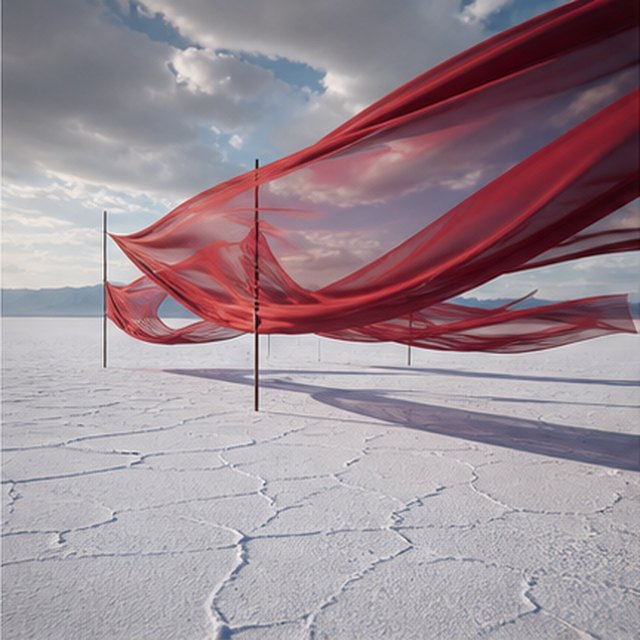
FilmesAI Video
Piros selyem a sótón
Compatible with 4 video models
Hosszú piros selyemszalagok fodrozódnak egy végtelen fehér sómező felett, a mozgó viharfelhők alatt. Kövesd oldalirányban a szövetet, ahogy a szél hullámokat küld át minden rétegen, hosszú árnyékok csúsznak a repedezett talaj felett, és a visszafogott hangkörnyezet csak a szövetet, a szelet és a távoli mennydörgést hordozza.
TermékAI Image
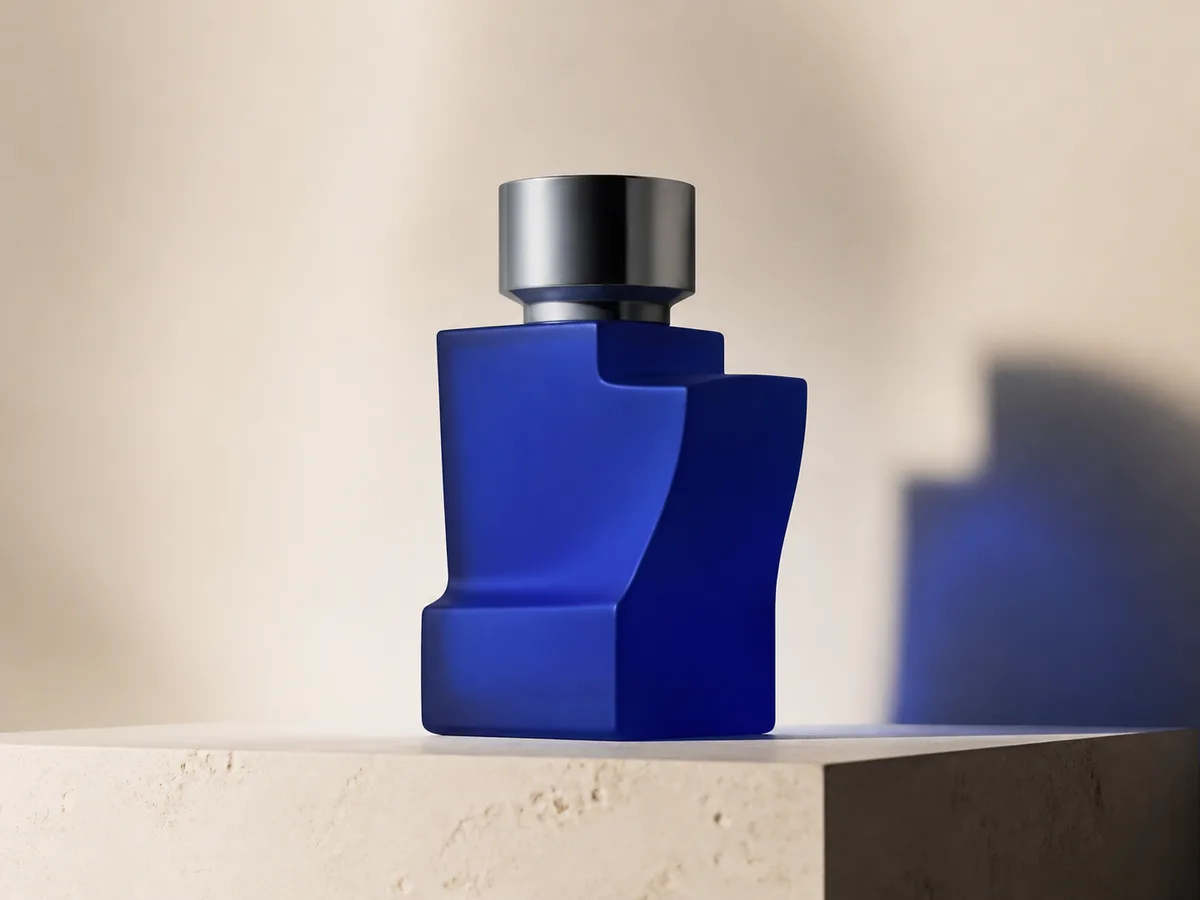
Cobalt perfume advertisement
Qwen Image 3 · 4:3 · 2K
Premium cobalt-blue perfume bottle on dark slate, precise glass reflections, narrow rim light, soft mist behind the bottle, luxury studio advertising, centered product, label readable, no extra objects.
Fantasy és animációAI Video
Vihar egy üvegben
Compatible with 4 video models
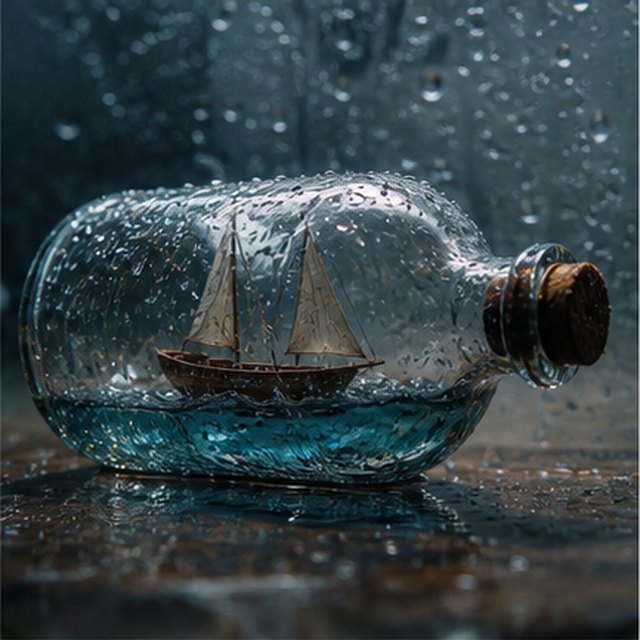
Makro filmes nézet egy apró fa vitorlásról, amely egy esővel borított üvegbe van zárva. A miniatűr tenger ringatja a hajótestet, miközben a villám röviden megvilágítja a vitorlát; keringj finoman a nedves üveg körül sekély mélységélességgel, éles cseppekkel, tompa mennydörgéssel és nyikorgó faanyaggal.
EcommerceAI Image
E-commerce campaign board
Qwen Image 3 · 16:9 · 2K
Build a clean e-commerce campaign board for a neutral running shoe: hero product image, two detail crops, three benefit labels, size guide panel and a clear “SHOP THE DROP” callout. White and graphite palette, consistent product geometry.
FilmesAI Video
Színvirágzás a vízben
Compatible with 4 video models
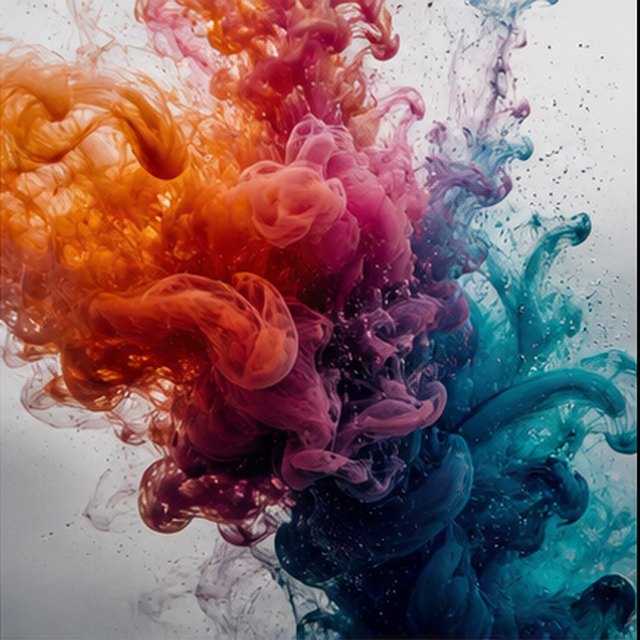
Narancssárga, magenta, viola és cián tinta bomlik kristálytiszta vízben rendkívül lassított felvételben. Tarts meg egy tiszta makró kompozíciót, miközben a gomolygó felhők összeütköznek, összegömbölyödnek és finom szálakká oldódnak; használj erős háttérvilágítást, mikroszkopikus részleteket, finom folyadékmozgást, és ne legyen látható tartóedény.
Qwen Image 3 Lab
Prompts, visible results and failure notes
Each lab page states what was tested, what worked, what needs review and how the prompt can be improved. Unknown data stays unknown.
Qwen Image 3 Chinese Text Test
Qwen Image 3 can produce useful Chinese display text, but small copy still needs visual proofreading before publication.
Qwen Image 3 Typography Test
Short English and Chinese headlines are the safest typography use case; mixed-language and small text need stricter prompts and review.
Qwen Image 3 Product Photo Test
The model is useful for premium product concepts, especially when the brief defines material, lighting, contact shadow and camera angle.
Qwen Image 3 Infographic Test
Qwen Image 3 can draft strong infographic layouts, but facts and labels must be validated separately.
Qwen Image 3 Image Editing Test
Reference editing works best when the instruction separates the requested change from details that must remain unchanged.
Qwen Image 3 Standard vs Pro
This site currently exposes one verified Qwen Image 3 endpoint, so it does not publish a fabricated Standard-versus-Pro winner.
Tervek, amelyek veled együtt fejlődnek
Qwen Image árak és kreditcsomagok
Rendszeres alkotáshoz válaszd az ajánlott havi csomagot, vagy vásárolj rugalmas, egyszeri kreditcsomagot automatikus megújítás nélkül.
Minden Qwen Image 3-generálás 5 kreditet használ. A havi előfizetések kínálják a legalacsonyabb kreditenkénti költséget.
Gyakran ismételt kérdések
Amit a létrehozásról, a napi bejelentkezésekről, az ajánlásokról és a kreditek felhasználásáról tudni kell.

Készen állsz az első képedre?
Regisztrálj ingyen, vedd át a kezdő krediteket, és alakítsd képpé az ötleteidet másodpercek alatt.