
 Generate
NuovoMiniMax H3 è un video live · 2K con audio stereo nativo
Generatore Qwen Image 3.0
Descrivi la tua idea con parole semplici, scegli il formato e ottieni un’immagine curata con Qwen Image 3.
Prodotto indipendente di terze parti. Non affiliato o approvato da Alibaba o dal team Qwen.
Generatore di immagini
Le generazioni a cui è stato effettuato l'accesso sono private per impostazione predefinita
Strumento Cambia
Qwen Image 3
Formula per principianti: soggetto + ambientazione + stile + luci. Fino a 5,000 caratteri.
0/5000
Non sai cosa scrivere? Prova un esempio
2. Modello
Compare image models3. Scegli la forma
Advanced settings
Prompt enhance (slower)
Outputs
Iscriviti per generare
Questa generazione utilizza crediti 5
Il tuo risultato
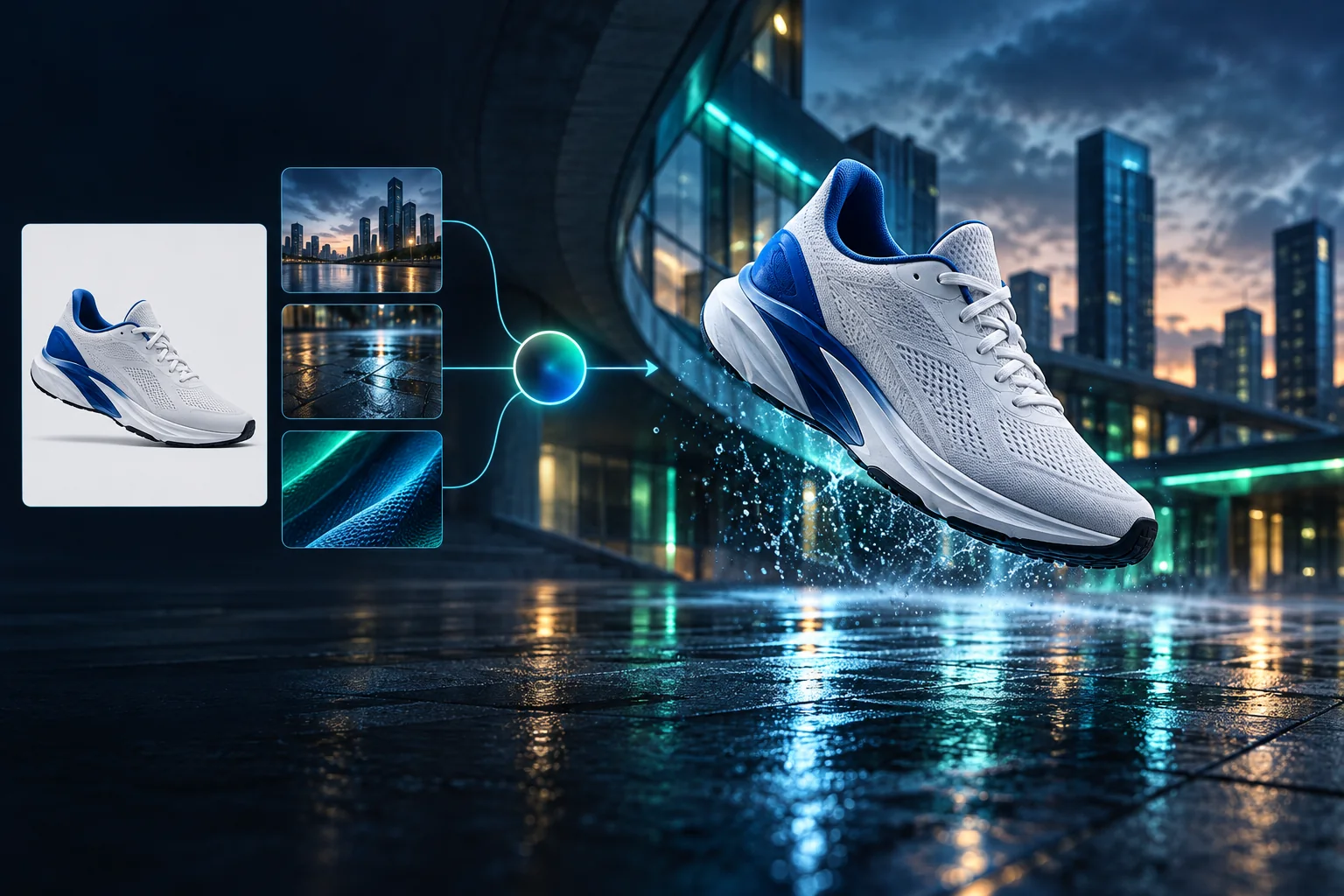
Product campaign transformation
Turn a clean sneaker reference into a finished blue-hour advertising scene.
Le generazioni a cui è stato effettuato l'accesso sono private per impostazione predefinita
Generate images
Start from a prompt and a precise model.
Edit photos
Describe a change with visual references.
Product photos
Build clean product and campaign sets.
Remove background
Create a transparent PNG cutout.
Upscale
Increase detail and output dimensions.
Create designs
Add text, layers, templates, and exports.
Image models
A dedicated generator for every model
Open the model you searched for. Its page keeps that exact endpoint, capabilities, reference limit, and credit price.
Generate
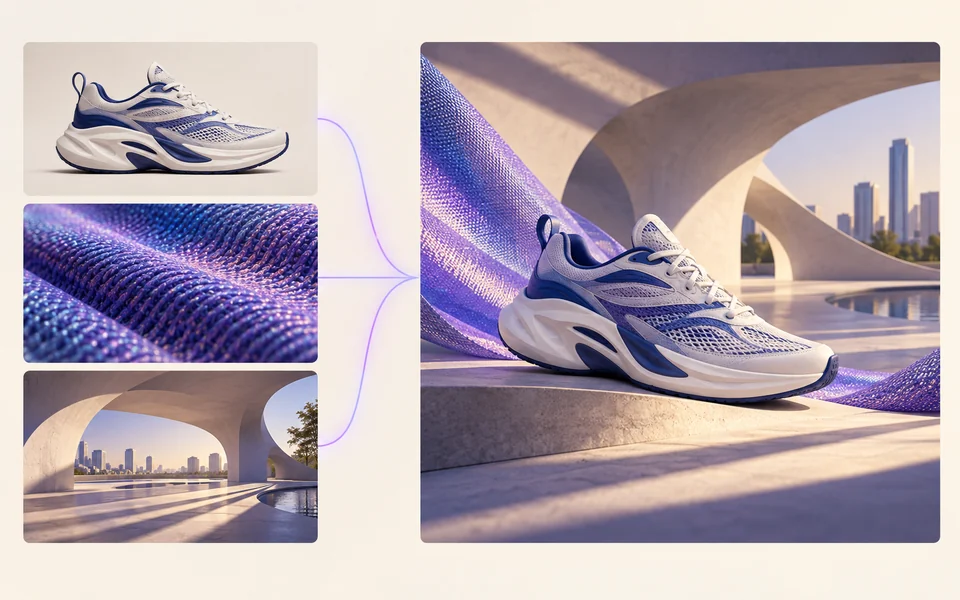 API preview
Qwen Image 2.1
Native transparent RGBA, generation, editing, and up to 10 documented references
Preview Qwen Image 2.1 Native transparent PNG Generate / Edit
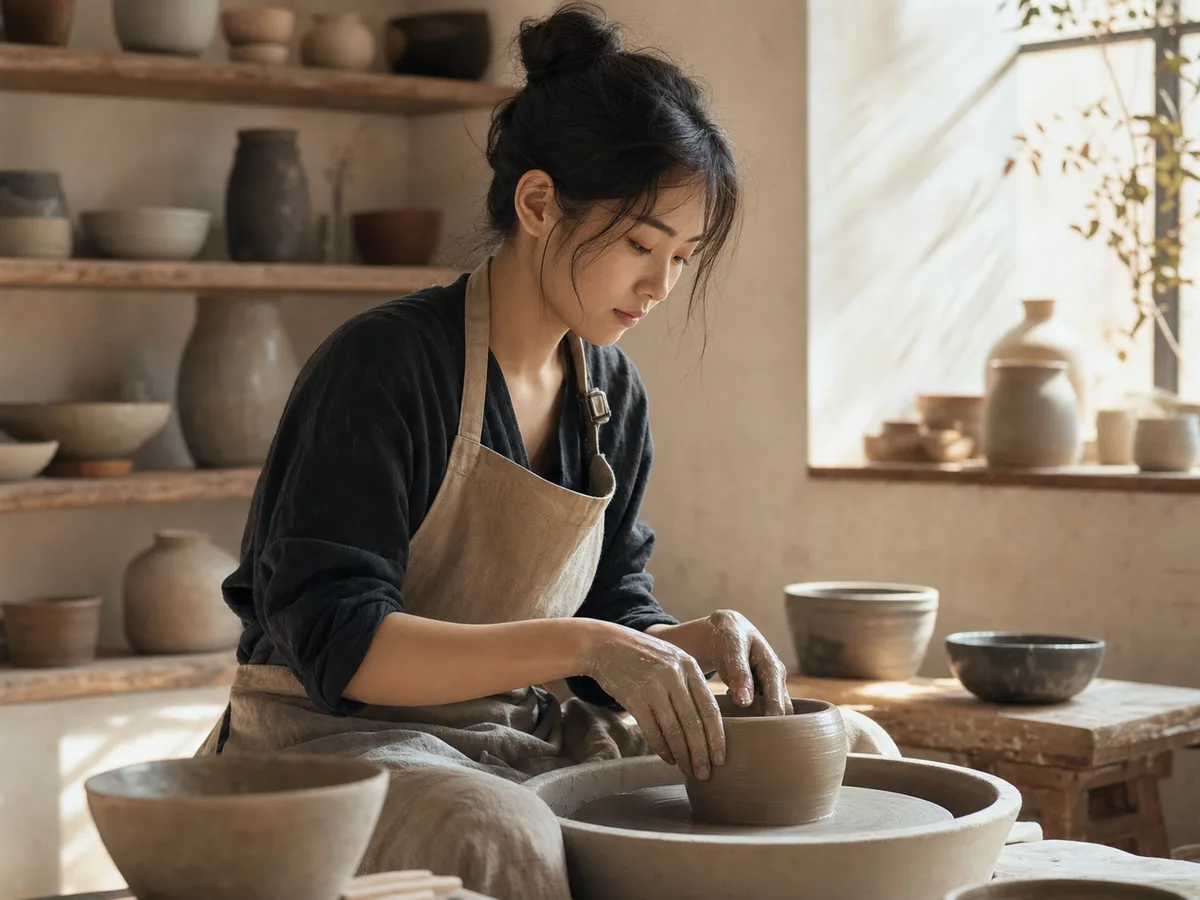 Generate / Edit
 Generate / Edit
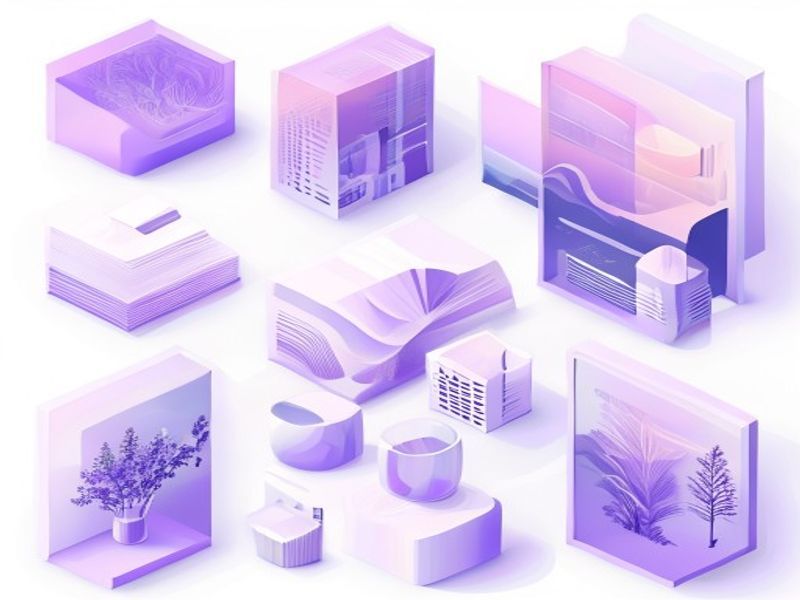 Generate / Edit
Image tools
Start with the result you need
Every tool opens its own upload, editor, batch, brand, template, or workflow interface. Advanced Studio remains available when you want to connect tasks.
Product


Enhance


Design


Workflow




Complete workflows
From source image to finished delivery

One product photo, a complete campaign set
Remove the background, add a believable shadow or scene, create an ad layout, then resize it for each channel.
Create product photosGenerate a poster, then edit its text separately
Create the visual direction first. Keep price, date, and headline as editable layers before exporting multiple sizes.
Make a posterTurn a sketch into editable vector artwork
Use a sketch as the structural reference, convert the chosen graphic into real paths, then recolor and export SVG.
Convert to SVG01 — 03
Come funziona
Dall'idea all'immagine in tre semplici passaggi.
Passo 1
Scrivi il tuo suggerimento
Descrivi ciò che vuoi vedere: soggetto, stile, colori e umore.
Passo 2
Genera
Qwen Image 3 trasforma la tua descrizione in un'immagine unica di alta qualità.
Passo 3
Scarica e condividi
Salva immediatamente il risultato e utilizzalo ovunque: social, pubblicità o progetti personali.
Flusso di lavoro creativo
Dal tuo primo suggerimento a un'immagine che puoi utilizzare
Solo le scelte che contano, spiegate in ogni passo in modo che un principiante possa completare una prima generazione con sicurezza.
01
Suggerimenti guidati
Crea un suggerimento chiaro partendo da soggetto, ambientazione, stile e illuminazione oppure inizia con un esempio pronto da modificare.
02
One focused Qwen Image 3 workflow
Generate with the verified Qwen Image 3 endpoint, then continue in the reference-image editor when you need revisions.
03
Rapporti d'aspetto utili
Scegli quadrato, orizzontale o verticale per i layout comuni di prodotti, poster e contenuti social.
04
Privato per impostazione predefinita
Le attività su cui hai effettuato l'accesso rimangono private per impostazione predefinita; la classifica non pubblica mai suggerimenti, immagini o dettagli dell'account.
05
Crediti trasparenti
Qwen Image 3 uses 5 credits per output. Confirmed provider failures automatically restore the credits used by that task.
06
Risultati organizzati
Visualizza in anteprima e scarica le immagini completate, quindi gestisci la cronologia delle tue creazioni dall'area di lavoro personale.
Image editing
Change the scene, keep the subject
Upload up to three references. Describe the exact edit, then name the product, text, crop and geometry that must remain unchanged.
Edit an imageReady-to-use creative inspiration
AI image and video prompt library
Explore 65 prompts adapted for the image and video models on this site. Filter by media and scene, copy a prompt, or continue with the model you choose.
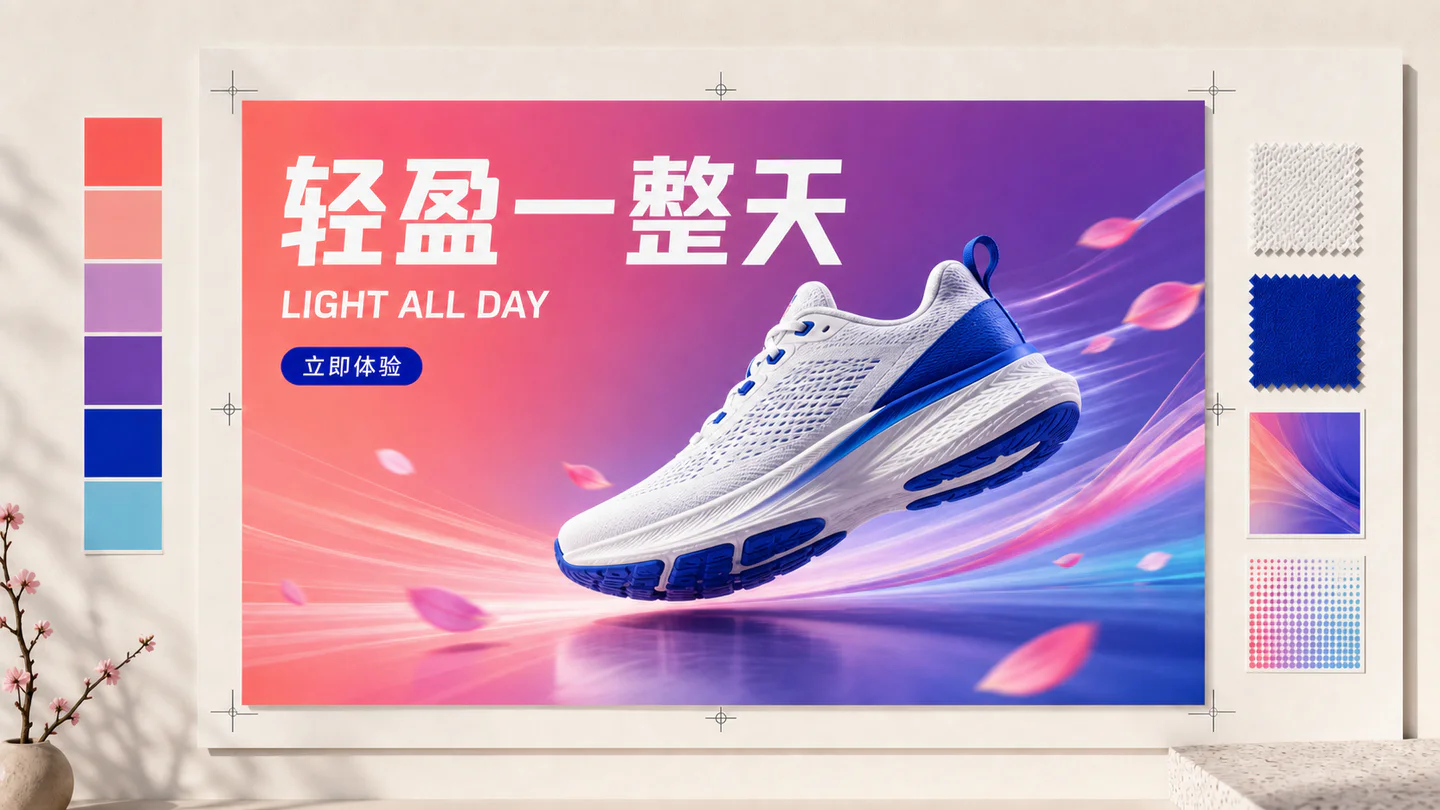
ChineseAI Image
Chinese tea launch poster
Qwen Image 3 · 3:4 · 2K
Design a vertical Chinese tea launch poster. Exact headline: “春山新茶”. Exact subheading: “明前龙井 · 清香回甘”. Pale rice-paper texture, one ceramic cup, restrained ink landscape, clear hierarchy, generous margins, no extra text.
NaturaAI Video
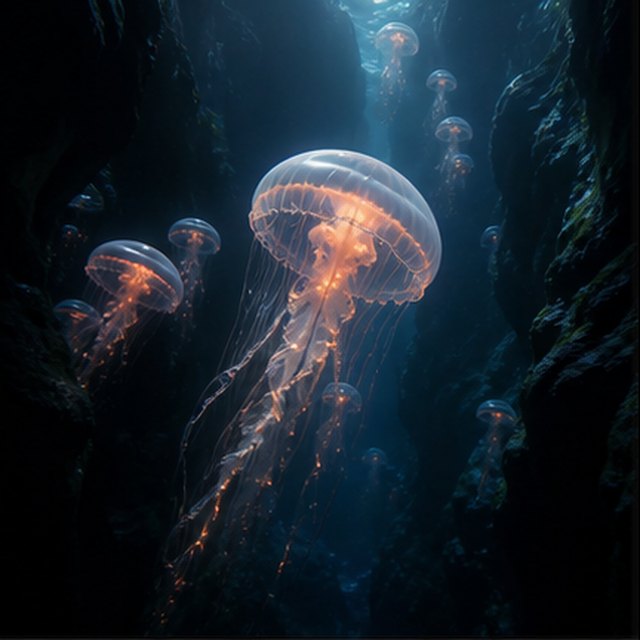
Meduse nell'abisso
Compatible with 4 video models
Una medusa luminosa fluttua attraverso un canyon sottomarino nero mentre meduse più piccole salgono in lontananza. La telecamera scivola lentamente verso l'alto accanto alla sua campana traslucida; particelle fini scorrono attraverso raggi di luce blu, i tentacoli pulsano naturalmente e l'atmosfera dell'oceano profondo rimane morbida e spaziosa.
TypographyAI Image
Editorial typography poster
Qwen Image 3 · 3:4 · 2K
Create a modern editorial poster with the exact headline “FORM FOLLOWS FEELING” and small caption “Design study 03”. Swiss grid, black type on warm ivory, one cobalt geometric form, crisp kerning, no extra words.
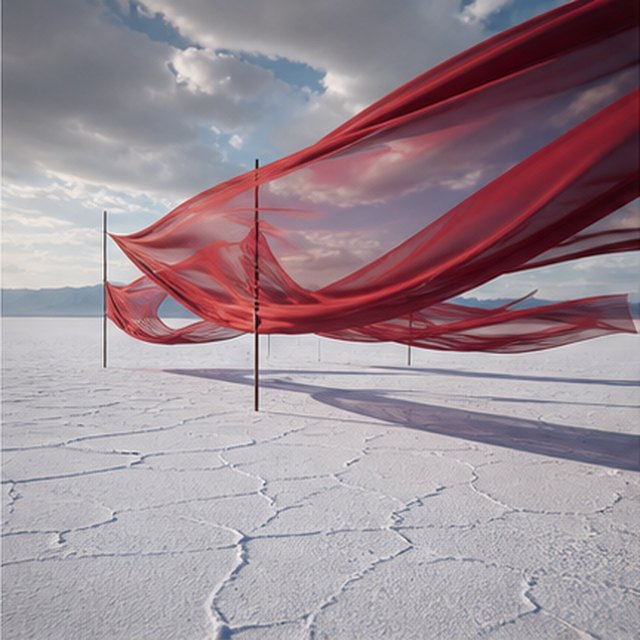
CinematograficoAI Video
Seta rossa sopra la salina
Compatible with 4 video models
Lunghi nastri di seta rossa ondeggiano sopra un'infinita distesa bianca di sale sotto nuvole temporalesche in movimento. Segui lateralmente lungo il tessuto mentre il vento manda onde attraverso ogni strato, lunghe ombre scivolano sul terreno screpolato e il paesaggio sonoro contenuto porta solo stoffa, vento e tuoni lontani.
ProdottoAI Image
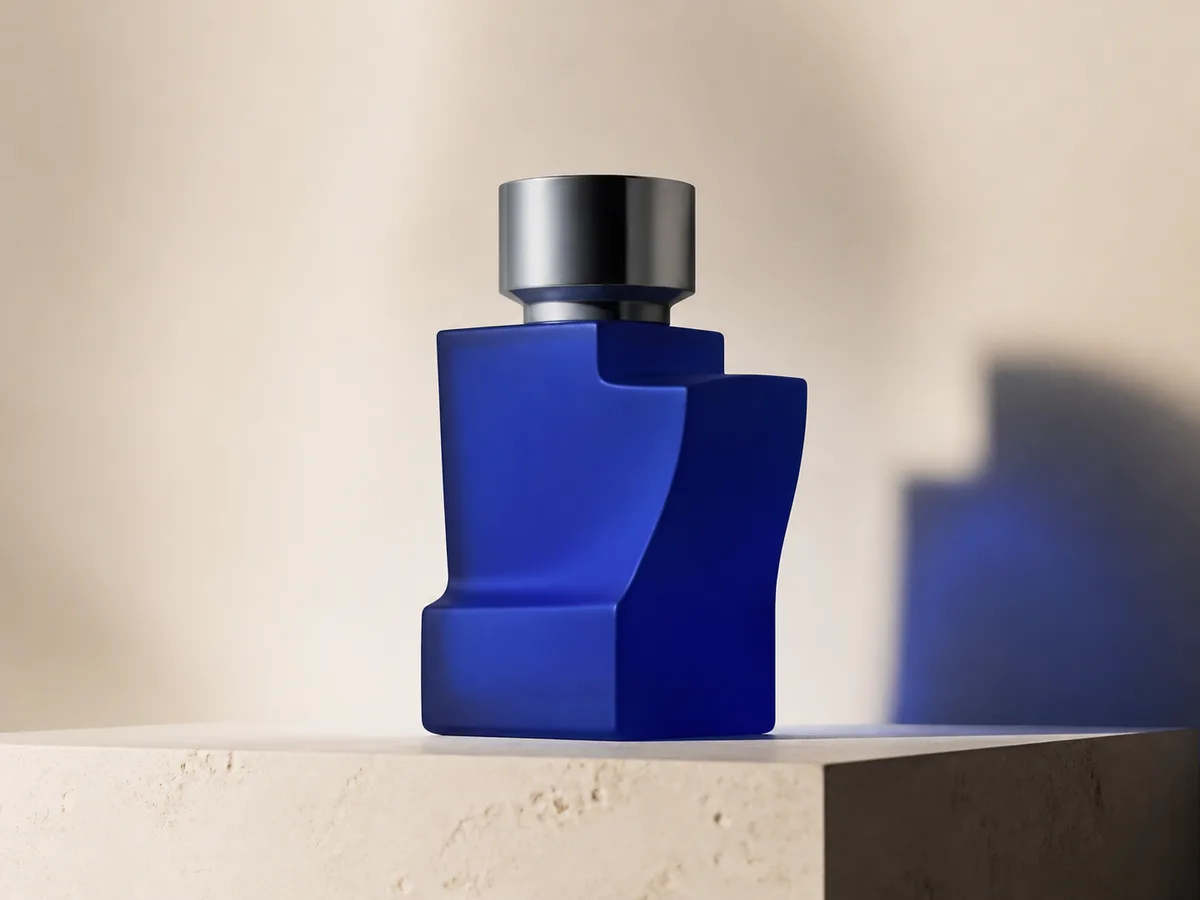
Cobalt perfume advertisement
Qwen Image 3 · 4:3 · 2K
Premium cobalt-blue perfume bottle on dark slate, precise glass reflections, narrow rim light, soft mist behind the bottle, luxury studio advertising, centered product, label readable, no extra objects.
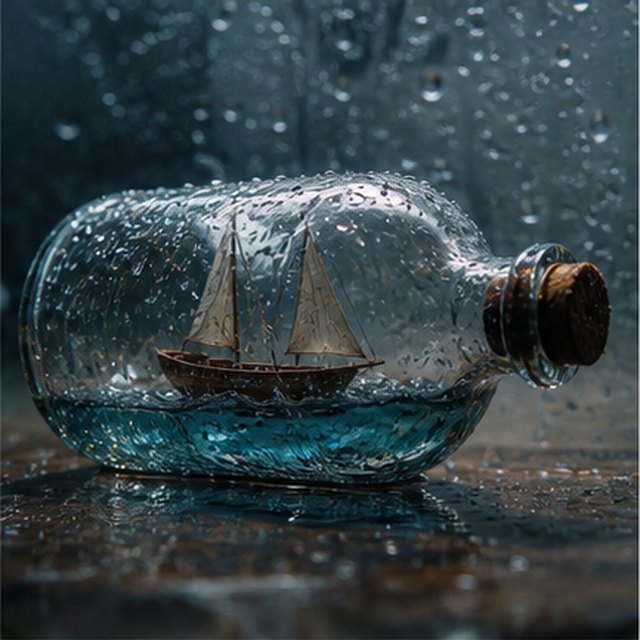
Fantasia e animazioneAI Video
Tempesta dentro una bottiglia
Compatible with 4 video models
Vista macro cinematografica di una piccola barca a vela di legno intrappolata all'interno di una bottiglia di vetro coperta di pioggia. Il mare in miniatura fa oscillare lo scafo mentre i fulmini illuminano brevemente le vele; orbita delicatamente attorno al vetro bagnato con profondità di campo ridotta, gocce nitide, tuoni ovattati e legno che cigola.
EcommerceAI Image
E-commerce campaign board
Qwen Image 3 · 16:9 · 2K
Build a clean e-commerce campaign board for a neutral running shoe: hero product image, two detail crops, three benefit labels, size guide panel and a clear “SHOP THE DROP” callout. White and graphite palette, consistent product geometry.
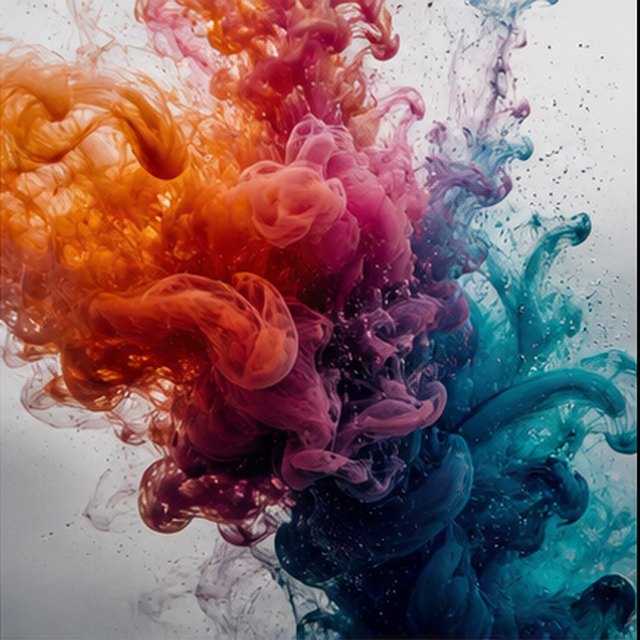
CinematograficoAI Video
Colore che fiorisce nell'acqua
Compatible with 4 video models
Inchiostro arancione, magenta, viola e ciano si diffonde attraverso acqua cristallina in estrema slow motion. Mantieni un'inquadratura macro pulita mentre nuvole avvolgenti collidono, si piegano e si dissolvono in filamenti delicati; usa retroilluminazione intensa, dettagli microscopici, movimento liquido sottile e nessun contenitore visibile.
Qwen Image 3 Lab
Prompts, visible results and failure notes
Each lab page states what was tested, what worked, what needs review and how the prompt can be improved. Unknown data stays unknown.
Qwen Image 3 Chinese Text Test
Qwen Image 3 can produce useful Chinese display text, but small copy still needs visual proofreading before publication.
Qwen Image 3 Typography Test
Short English and Chinese headlines are the safest typography use case; mixed-language and small text need stricter prompts and review.
Qwen Image 3 Product Photo Test
The model is useful for premium product concepts, especially when the brief defines material, lighting, contact shadow and camera angle.
Qwen Image 3 Infographic Test
Qwen Image 3 can draft strong infographic layouts, but facts and labels must be validated separately.
Qwen Image 3 Image Editing Test
Reference editing works best when the instruction separates the requested change from details that must remain unchanged.
Qwen Image 3 Standard vs Pro
This site currently exposes one verified Qwen Image 3 endpoint, so it does not publish a fabricated Standard-versus-Pro winner.
Piani che crescono con te
Prezzi e piani crediti Qwen Image
Scegli il piano mensile consigliato per la creazione regolare o un pacchetto di crediti flessibile una tantum senza rinnovo.
Ogni generazione Qwen Image 3 utilizza 5 crediti. I piani mensili offrono il costo per credito più basso.
Domande frequenti
Cosa devi sapere sulla creazione, sui check-in giornalieri, sui referral e sull'utilizzo dei crediti.

Pronto a creare la tua prima immagine?
Registrati gratis, ricevi i crediti iniziali e trasforma le tue idee in immagini in pochi secondi.