
 Generate
NieuwMiniMax H3 is live · 2K-video met native stereogeluid
Qwen Image 3 .0-generator
Beschrijf je idee in gewone woorden, kies een formaat en maak met Qwen Image 3 een professioneel beeld.
Onafhankelijk product van derden. Niet aangesloten bij of goedgekeurd door Alibaba of het Qwen-team.
Beeldgenerator
Ingelogde generaties zijn standaard privé
Wissel van gereedschap
Qwen Image 3
Beginnersformule: onderwerp + setting + stijl + belichting. Maximaal 5,000 tekens.
0/5000
Weet u niet zeker wat u moet schrijven? Probeer een voorbeeld
2. Model
Compare image models3. Kies vorm
Advanced settings
Prompt enhance (slower)
Outputs
Meld u aan om te genereren
Deze generatie gebruikt 5-credits
Jouw resultaat
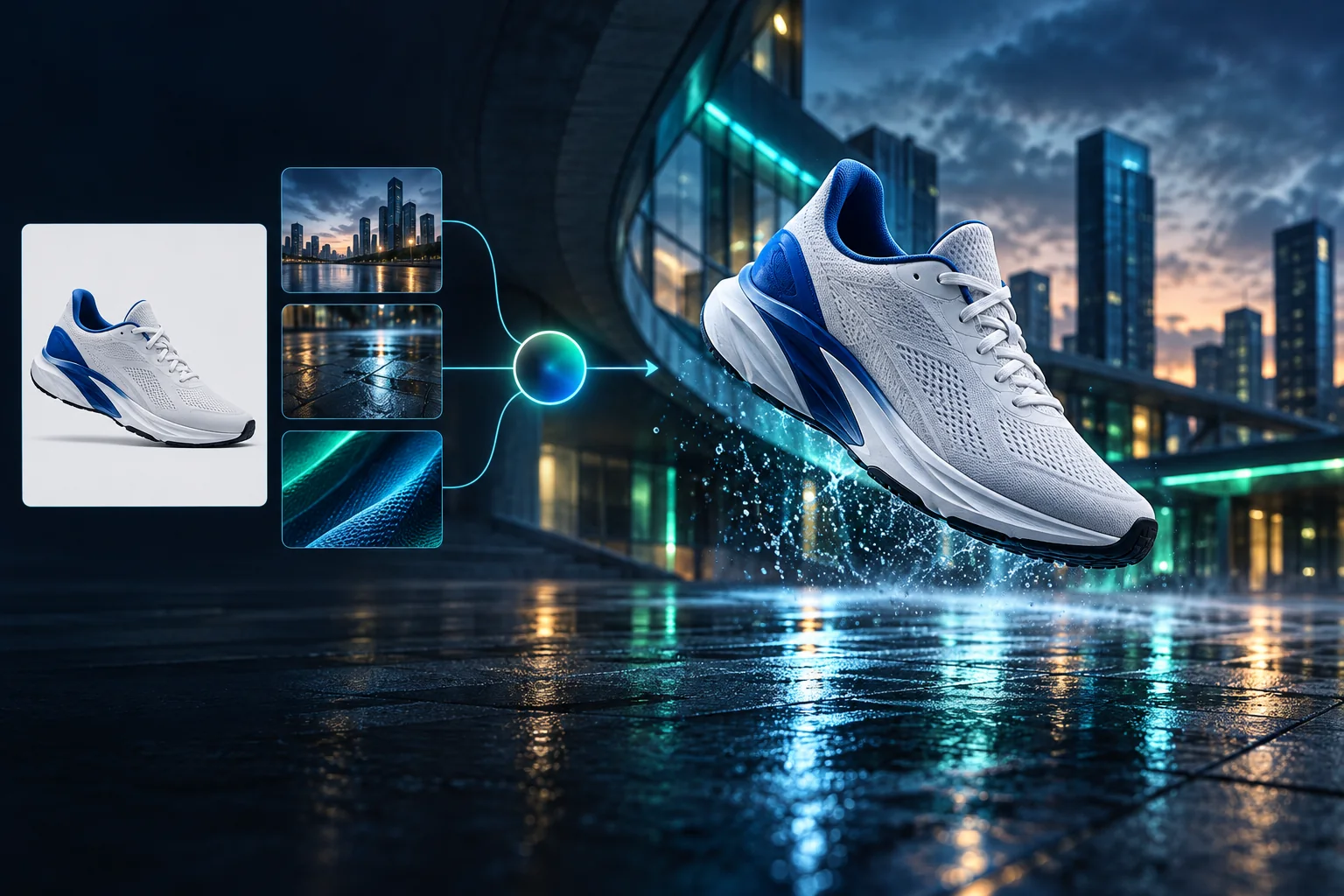
Product campaign transformation
Turn a clean sneaker reference into a finished blue-hour advertising scene.
Ingelogde generaties zijn standaard privé
Generate images
Start from a prompt and a precise model.
Edit photos
Describe a change with visual references.
Product photos
Build clean product and campaign sets.
Remove background
Create a transparent PNG cutout.
Upscale
Increase detail and output dimensions.
Create designs
Add text, layers, templates, and exports.
Image models
A dedicated generator for every model
Open the model you searched for. Its page keeps that exact endpoint, capabilities, reference limit, and credit price.
Generate
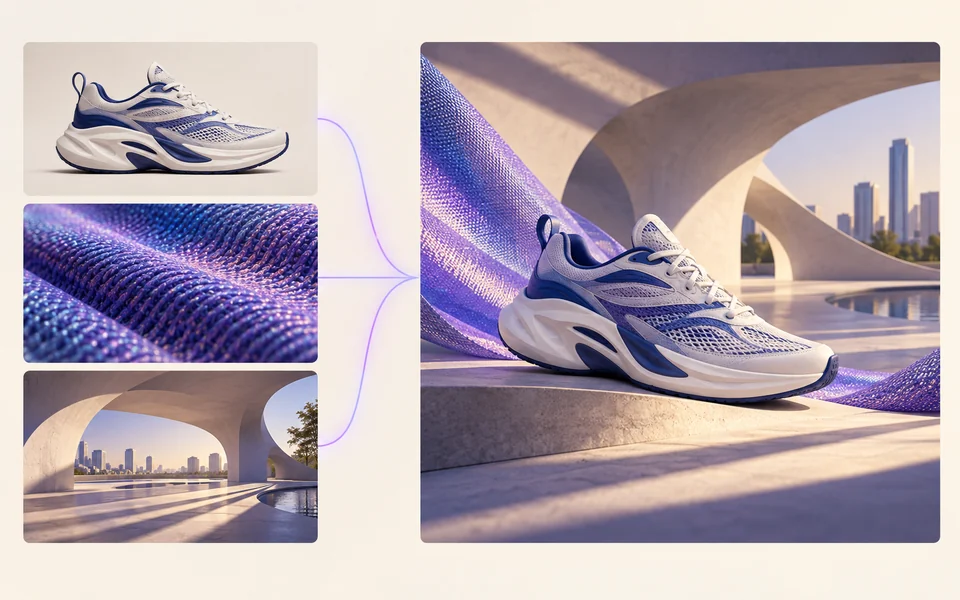 API preview
Qwen Image 2.1
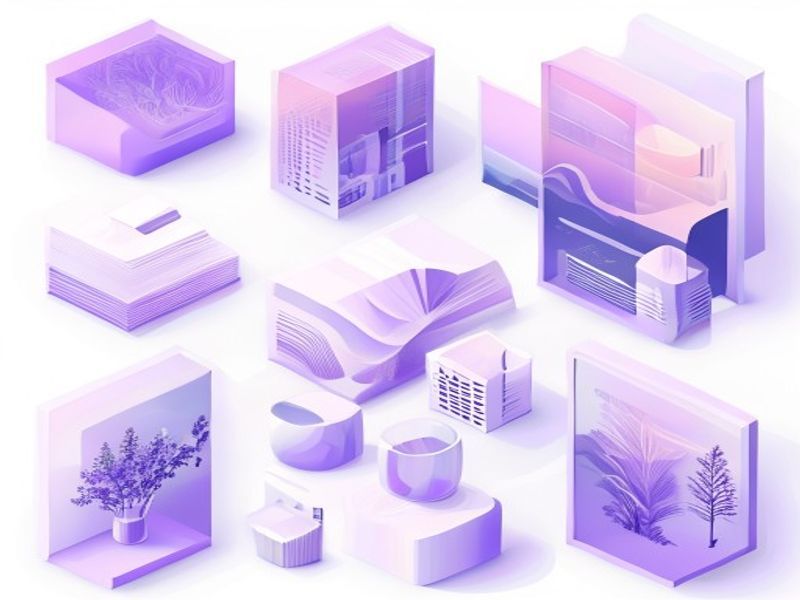
Native transparent RGBA, generation, editing, and up to 10 documented references
Preview Qwen Image 2.1 Native transparent PNG Generate / Edit
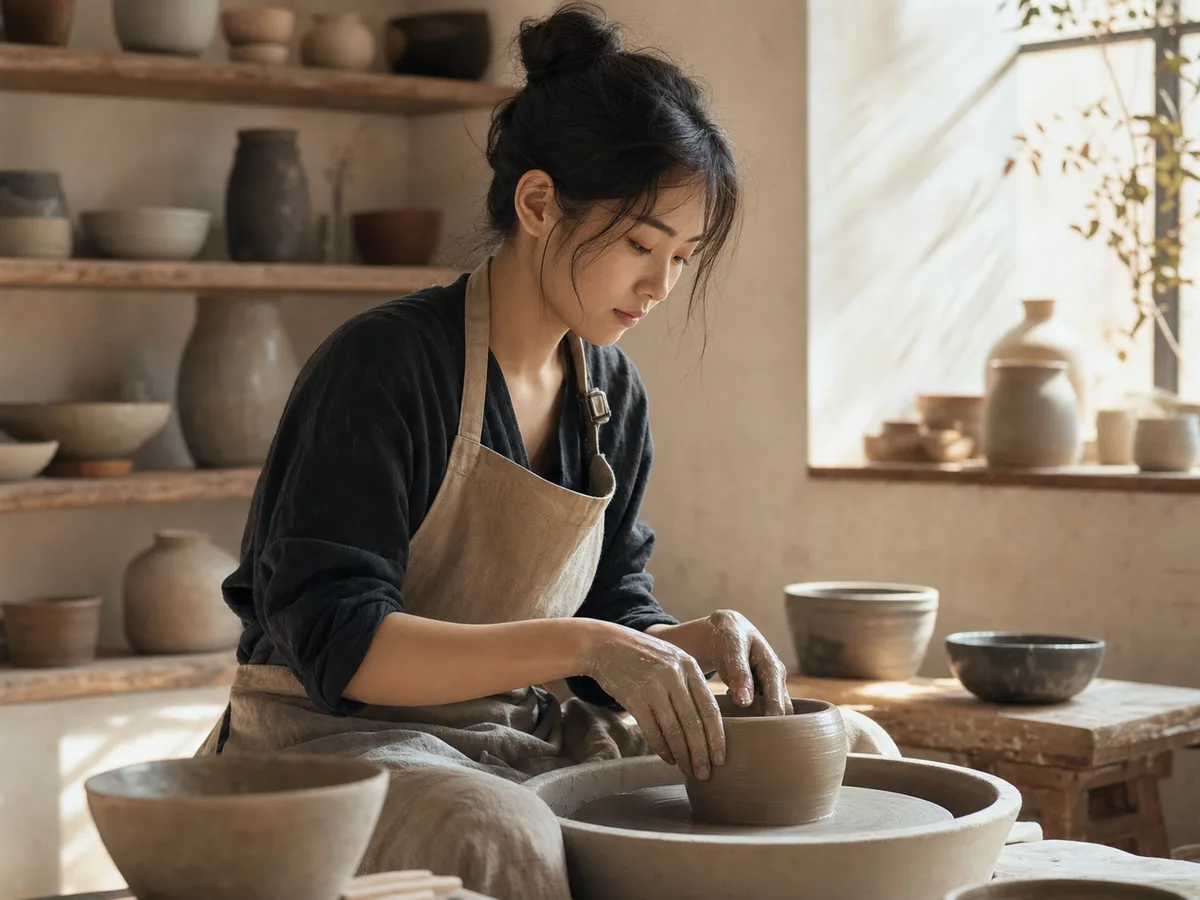 Generate / Edit
 Generate / Edit
 Generate / Edit
Image tools
Start with the result you need
Every tool opens its own upload, editor, batch, brand, template, or workflow interface. Advanced Studio remains available when you want to connect tasks.
Product


Enhance


Design


Workflow




Complete workflows
From source image to finished delivery

One product photo, a complete campaign set
Remove the background, add a believable shadow or scene, create an ad layout, then resize it for each channel.
Create product photosGenerate a poster, then edit its text separately
Create the visual direction first. Keep price, date, and headline as editable layers before exporting multiple sizes.
Make a posterTurn a sketch into editable vector artwork
Use a sketch as the structural reference, convert the chosen graphic into real paths, then recolor and export SVG.
Convert to SVG01 — 03
Hoe het werkt
Van idee naar beeld in drie eenvoudige stappen.
Stap 1
Schrijf uw prompt
Beschrijf wat je wilt zien: onderwerp, stijl, kleuren en sfeer.
Stap 2
Genereer
Qwen Image 3 zet uw beschrijving om in een unieke afbeelding van hoge kwaliteit.
Stap 3
Downloaden en delen
Sla het resultaat direct op en gebruik het overal: sociaal, advertenties of persoonlijke projecten.
Creatieve werkstroom
Van uw eerste prompt tot een afbeelding die u kunt gebruiken
Alleen de keuzes die er toe doen, uitgelegd bij elke stap, zodat een beginner met vertrouwen een eerste generatie kan voltooien.
01
Begeleide aanwijzingen
Bouw een duidelijke prompt op basis van onderwerp, setting, stijl en belichting, of begin met een kant-en-klaar voorbeeld.
02
One focused Qwen Image 3 workflow
Generate with the verified Qwen Image 3 endpoint, then continue in the reference-image editor when you need revisions.
03
Handige beeldverhoudingen
Kies vierkant, liggend of staand voor veelgebruikte product-, poster- en sociale-inhoudlay-outs.
04
Standaard privé
Ingelogde taken blijven standaard privé; het scorebord publiceert nooit aanwijzingen, afbeeldingen of accountgegevens.
05
Transparante kredieten
Qwen Image 3 uses 5 credits per output. Confirmed provider failures automatically restore the credits used by that task.
06
Georganiseerde resultaten
Bekijk voltooide afbeeldingen en download ze, en beheer vervolgens uw creatiegeschiedenis vanuit de persoonlijke werkruimte.
Image editing
Change the scene, keep the subject
Upload up to three references. Describe the exact edit, then name the product, text, crop and geometry that must remain unchanged.
Edit an imageReady-to-use creative inspiration
AI image and video prompt library
Explore 65 prompts adapted for the image and video models on this site. Filter by media and scene, copy a prompt, or continue with the model you choose.
ChineseAI Image
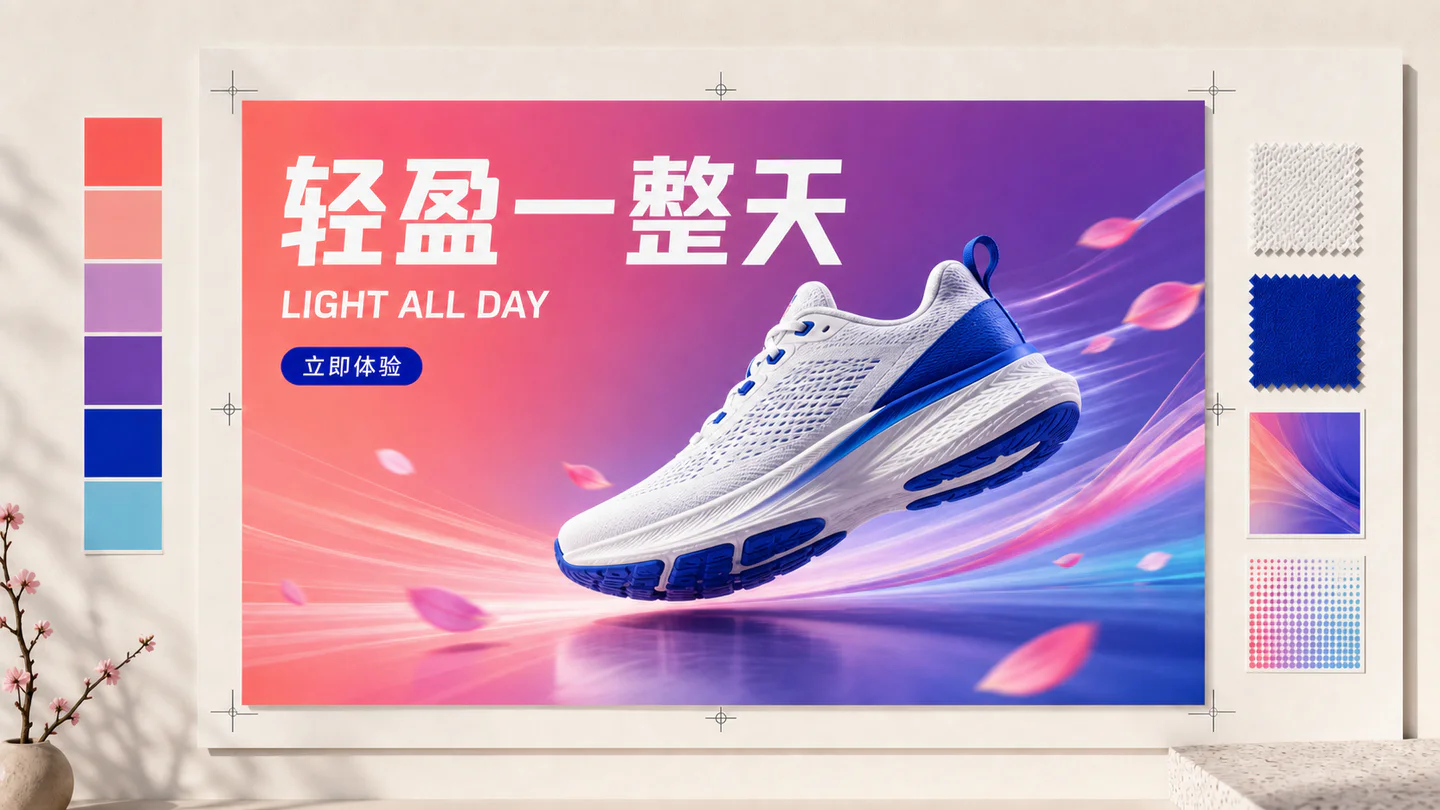
Chinese tea launch poster
Qwen Image 3 · 3:4 · 2K
Design a vertical Chinese tea launch poster. Exact headline: “春山新茶”. Exact subheading: “明前龙井 · 清香回甘”. Pale rice-paper texture, one ceramic cup, restrained ink landscape, clear hierarchy, generous margins, no extra text.
NatuurAI Video
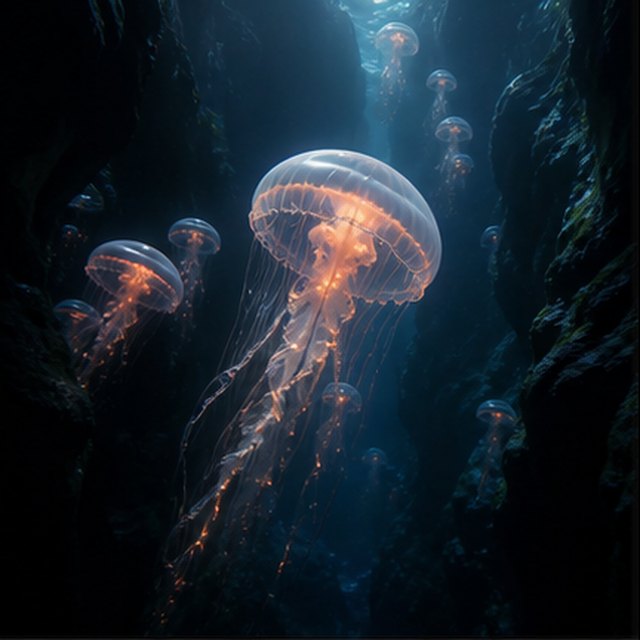
Kwallen in de afgrond
Compatible with 4 video models
Een lichtgevende kwal drijft door een zwarte onderwaterkloof terwijl kleinere kwallen in de verte omhoog stijgen. De camera glijdt langzaam omhoog naast zijn doorzichtige klok; fijne deeltjes rollen door schachten van blauw licht, tentakels pulseren op natuurlijke wijze en de diepe oceaanambiance blijft zacht en ruimtelijk.
TypographyAI Image
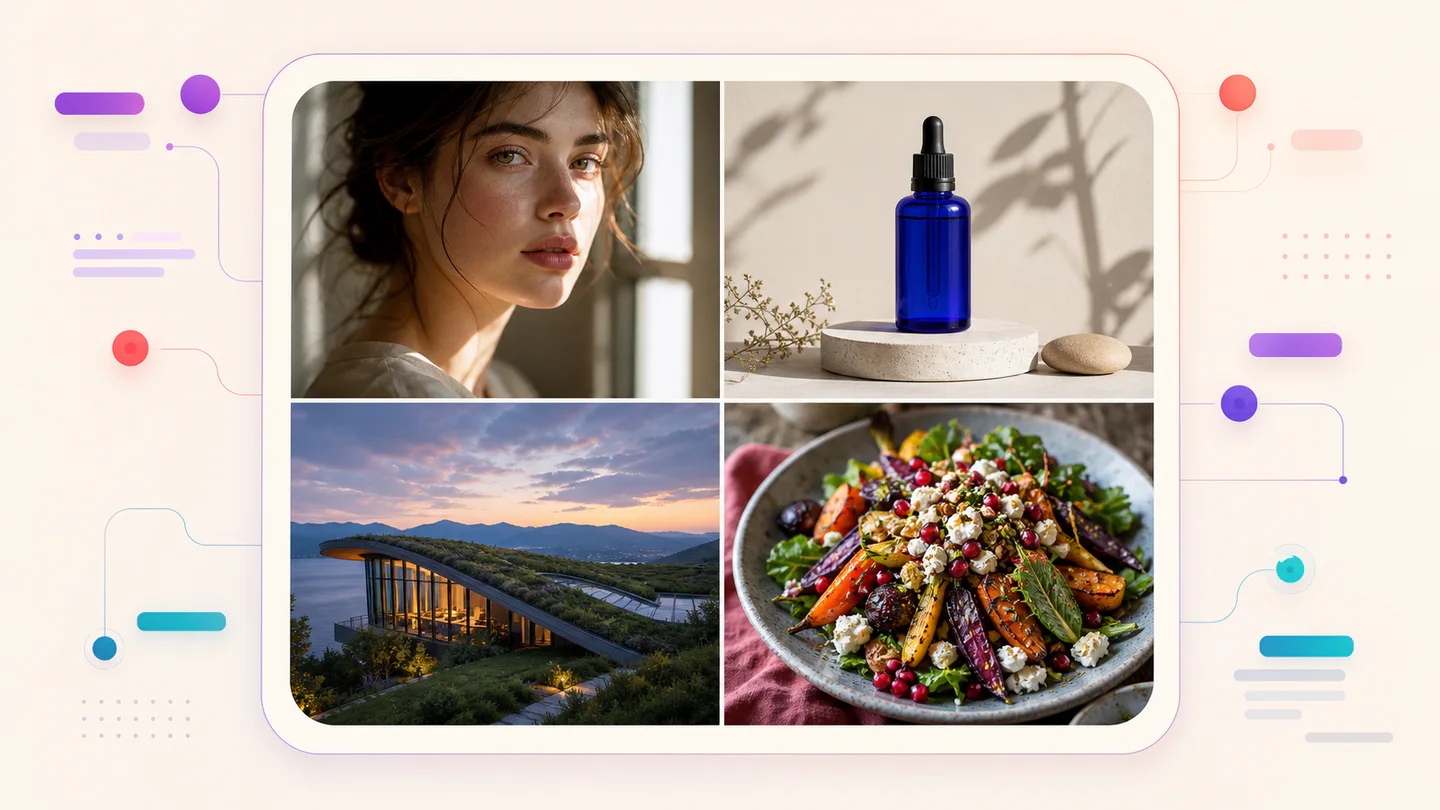
Editorial typography poster
Qwen Image 3 · 3:4 · 2K
Create a modern editorial poster with the exact headline “FORM FOLLOWS FEELING” and small caption “Design study 03”. Swiss grid, black type on warm ivory, one cobalt geometric form, crisp kerning, no extra words.
CinematischAI Video
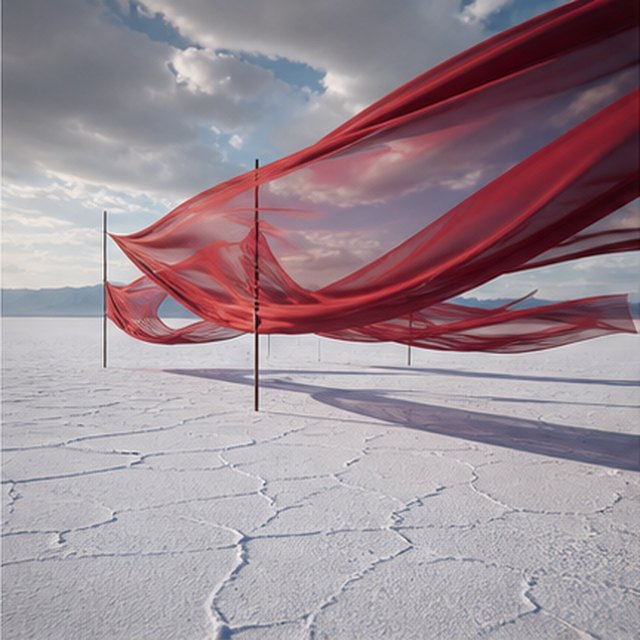
Rode zijde over de zoutvlakte
Compatible with 4 video models
Lange rode zijden linten golven boven een eindeloze witte zoutvlakte onder bewegende stormwolken. Volg lateraal langs de stof terwijl de wind golven door elke laag stuurt, lange schaduwen glijden over gebarsten grond, en het ingetogen geluidslandschap draagt alleen stof, wind en verre donder.
ProductAI Image
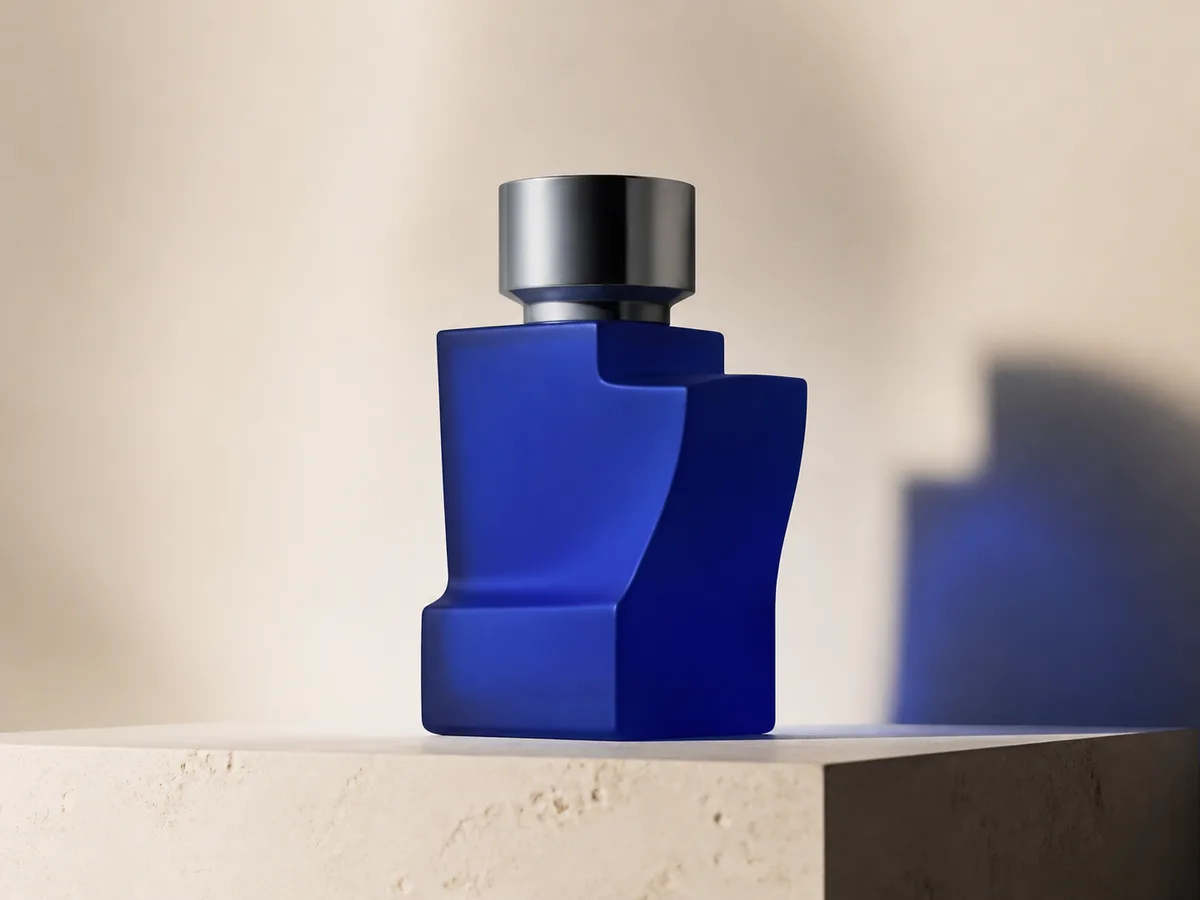
Cobalt perfume advertisement
Qwen Image 3 · 4:3 · 2K
Premium cobalt-blue perfume bottle on dark slate, precise glass reflections, narrow rim light, soft mist behind the bottle, luxury studio advertising, centered product, label readable, no extra objects.
Fantasie & animatieAI Video
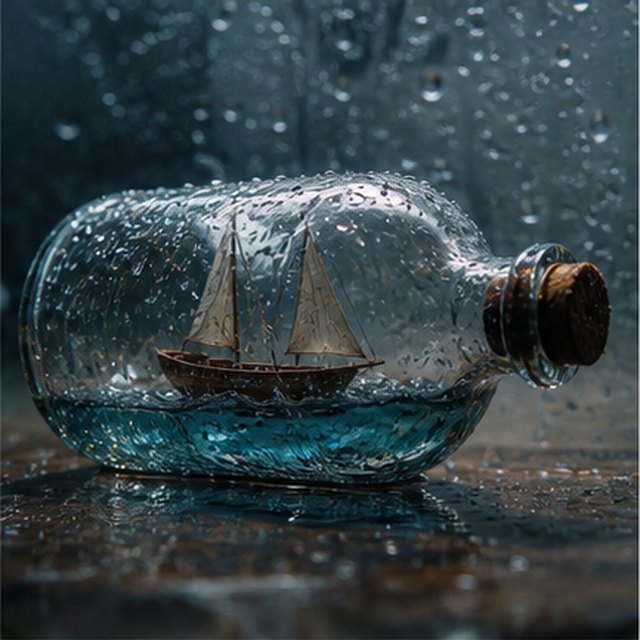
Storm in een fles
Compatible with 4 video models
Macrocinematische kijk op een klein houten zeilbootje dat gevangen zit in een met regen bedekt glazen flesje. De miniatuurzee laat de romp deinen terwijl bliksem de zeilen kort verlicht; draai zachtjes rond het natte glas met een geringe scherptediepte, scherpe druppels, gedempte donder en krakend hout.
EcommerceAI Image
E-commerce campaign board
Qwen Image 3 · 16:9 · 2K
Build a clean e-commerce campaign board for a neutral running shoe: hero product image, two detail crops, three benefit labels, size guide panel and a clear “SHOP THE DROP” callout. White and graphite palette, consistent product geometry.
CinematischAI Video
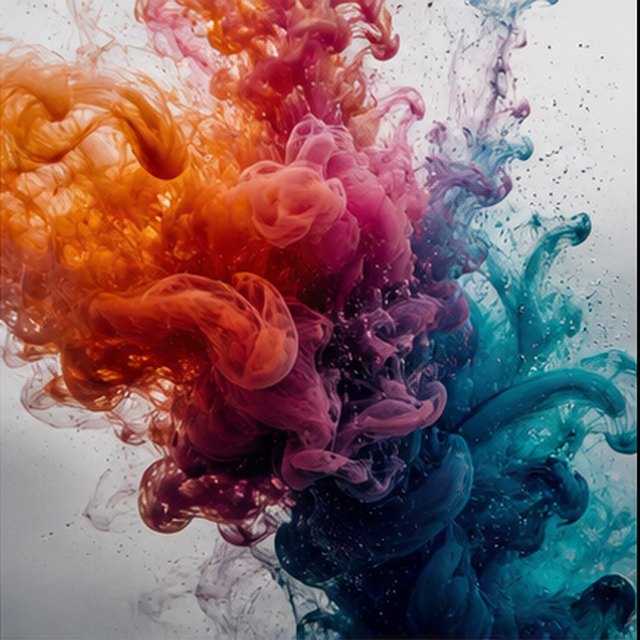
Kleur die in water bloeit
Compatible with 4 video models
Oranje, magenta, violet en cyaan inkt bloeien door kristalhelder water in extreem slow motion. Houd een schoon macrokader vast terwijl krullende wolken botsen, vouwen en oplossen in delicate filamenten; gebruik fel tegenlicht, microscopisch detail, subtiele vloeistofbeweging en geen zichtbaar vat.
Qwen Image 3 Lab
Prompts, visible results and failure notes
Each lab page states what was tested, what worked, what needs review and how the prompt can be improved. Unknown data stays unknown.
Qwen Image 3 Chinese Text Test
Qwen Image 3 can produce useful Chinese display text, but small copy still needs visual proofreading before publication.
Qwen Image 3 Typography Test
Short English and Chinese headlines are the safest typography use case; mixed-language and small text need stricter prompts and review.
Qwen Image 3 Product Photo Test
The model is useful for premium product concepts, especially when the brief defines material, lighting, contact shadow and camera angle.
Qwen Image 3 Infographic Test
Qwen Image 3 can draft strong infographic layouts, but facts and labels must be validated separately.
Qwen Image 3 Image Editing Test
Reference editing works best when the instruction separates the requested change from details that must remain unchanged.
Qwen Image 3 Standard vs Pro
This site currently exposes one verified Qwen Image 3 endpoint, so it does not publish a fabricated Standard-versus-Pro winner.
Plannen die met je meegroeien
Prijzen en creditbundels voor Qwen Image
Kies het aanbevolen maandabonnement voor regelmatige creatie, of een flexibel eenmalig creditpakket zonder verlenging.
Elke Qwen Image 3-generatie gebruikt 5 credits. Maandabonnementen bieden de laagste kosten per krediet.
Veelgestelde vragen
Wat je moet weten over het aanmaken, dagelijkse check-ins, verwijzingen en het gebruik van tegoeden.

Klaar om je eerste afbeelding te maken?
Meld je gratis aan, ontvang startcredits en zet je ideeën binnen enkele seconden om in beeld.