
 Generate
NowyMiniMax H3 transmituje na żywo · Wideo 2K z natywnym dźwiękiem stereo
Generator Qwen Image 3.0
Opisz pomysł własnymi słowami, wybierz format i stwórz dopracowany obraz za pomocą Qwen Image 3.
Niezależny produkt strony trzeciej. Nie jest powiązany ani nie jest wspierany przez Alibaba lub zespół Qwen.
Generator obrazów
Zalogowane generacje są domyślnie prywatne
Zmień narzędzie
Qwen Image 3
Formuła dla początkujących: temat + oprawa + styl + oświetlenie. Do 5,000 znaków.
0/5000
Nie wiesz, co napisać? Spróbuj przykładu
2. Modelka
Compare image models3. Wybierz kształt
Advanced settings
Prompt enhance (slower)
Outputs
Zarejestruj się, aby wygenerować
Ta generacja wykorzystuje kredyty 5
Twój wynik
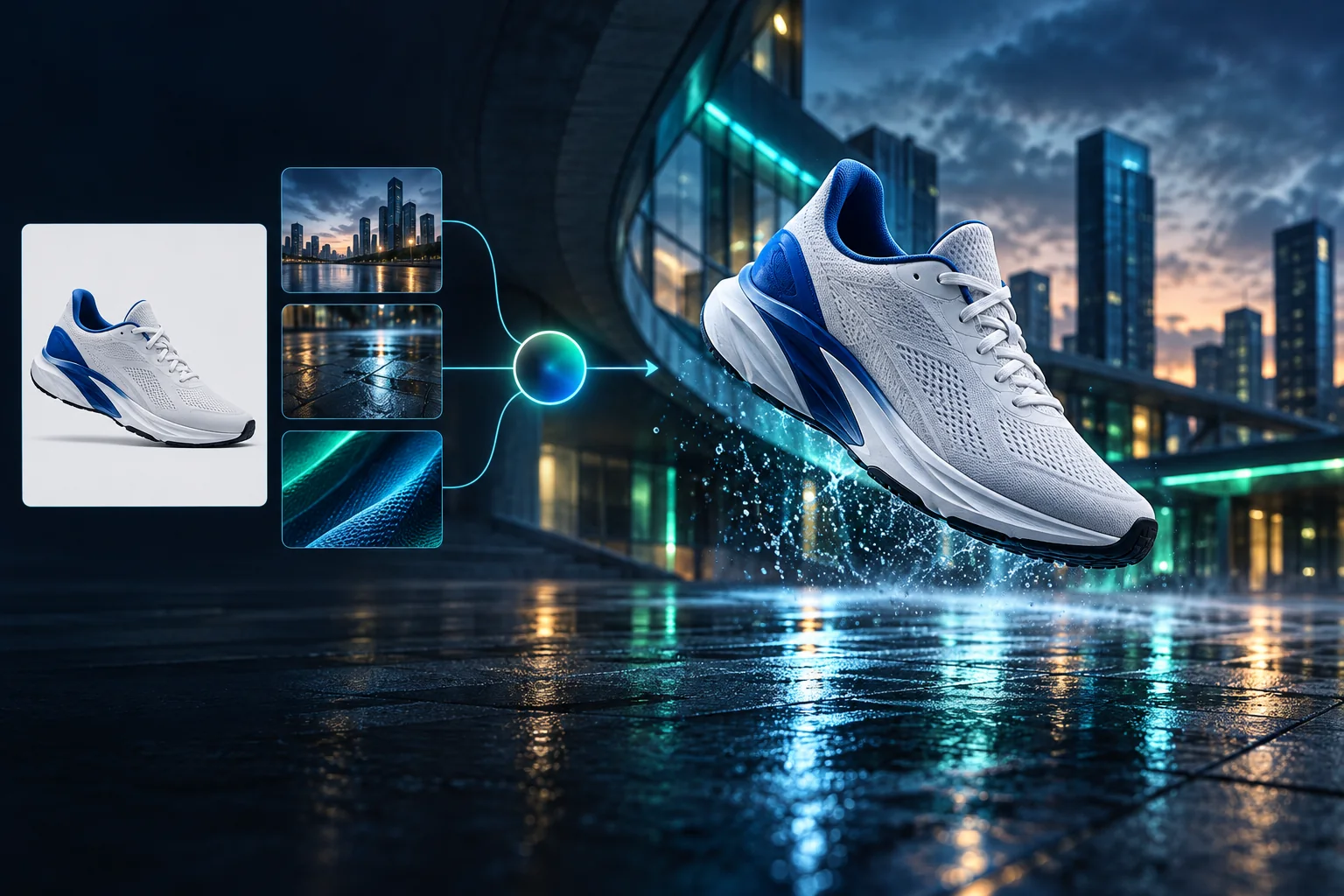
Product campaign transformation
Turn a clean sneaker reference into a finished blue-hour advertising scene.
Zalogowane generacje są domyślnie prywatne
Generate images
Start from a prompt and a precise model.
Edit photos
Describe a change with visual references.
Product photos
Build clean product and campaign sets.
Remove background
Create a transparent PNG cutout.
Upscale
Increase detail and output dimensions.
Create designs
Add text, layers, templates, and exports.
Image models
A dedicated generator for every model
Open the model you searched for. Its page keeps that exact endpoint, capabilities, reference limit, and credit price.
Generate
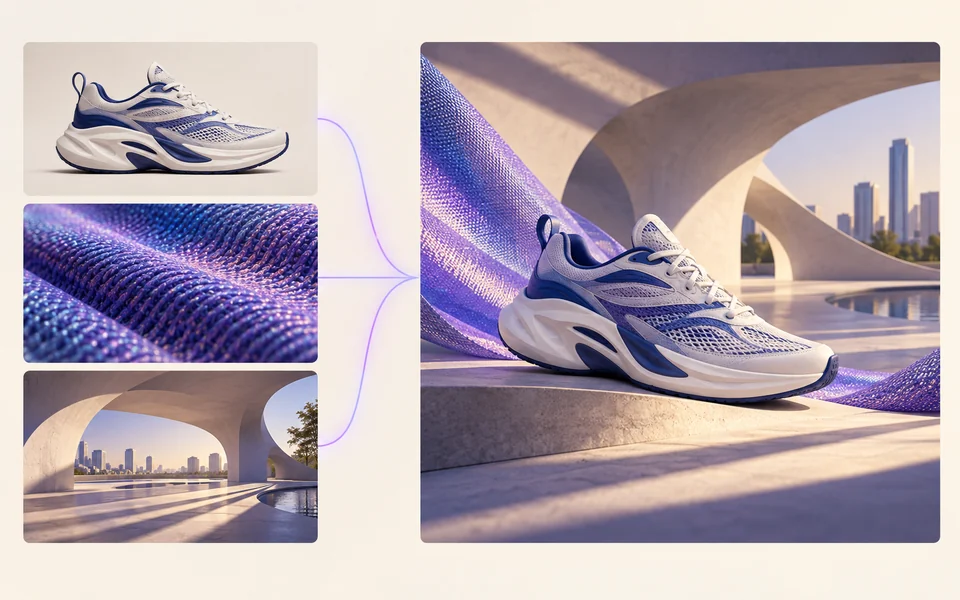 API preview
Qwen Image 2.1
Native transparent RGBA, generation, editing, and up to 10 documented references
Preview Qwen Image 2.1 Native transparent PNG Generate / Edit
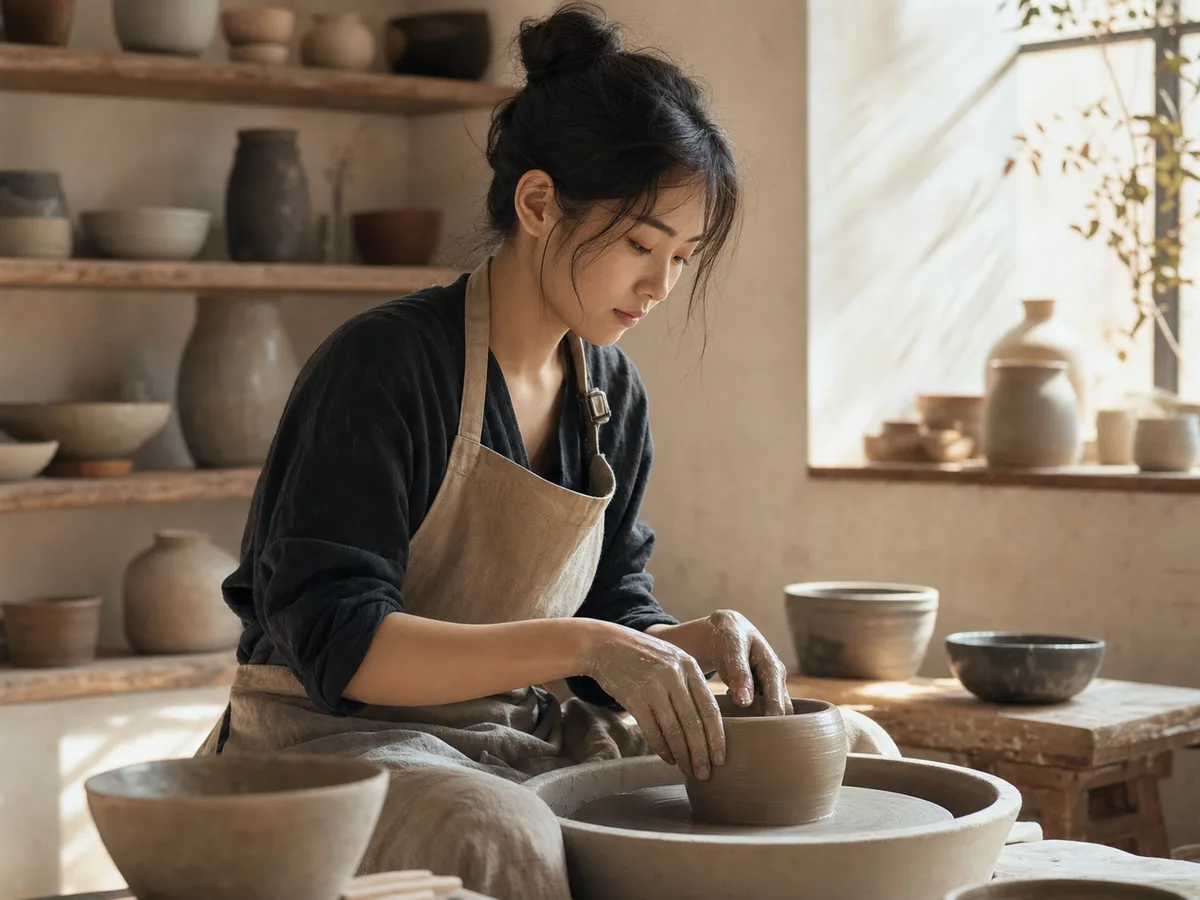 Generate / Edit
 Generate / Edit
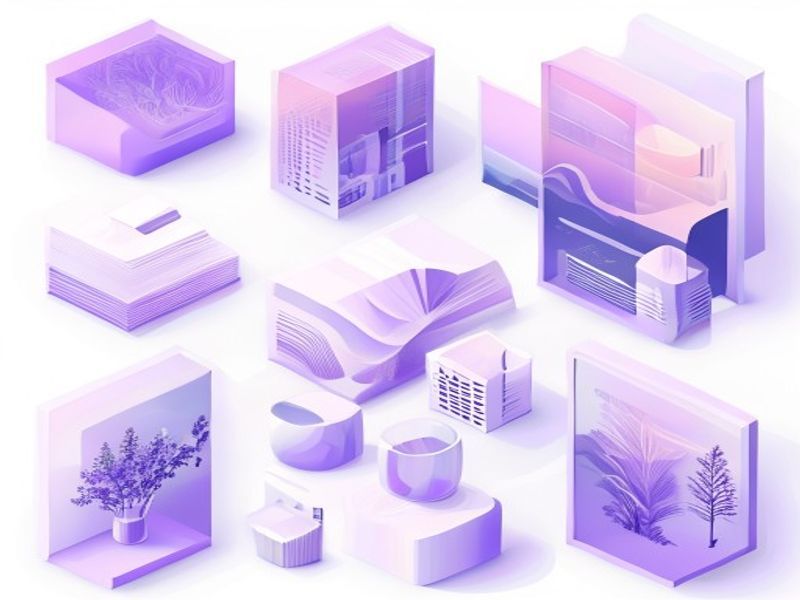 Generate / Edit
Image tools
Start with the result you need
Every tool opens its own upload, editor, batch, brand, template, or workflow interface. Advanced Studio remains available when you want to connect tasks.
Product


Enhance


Design


Workflow




Complete workflows
From source image to finished delivery

One product photo, a complete campaign set
Remove the background, add a believable shadow or scene, create an ad layout, then resize it for each channel.
Create product photosGenerate a poster, then edit its text separately
Create the visual direction first. Keep price, date, and headline as editable layers before exporting multiple sizes.
Make a posterTurn a sketch into editable vector artwork
Use a sketch as the structural reference, convert the chosen graphic into real paths, then recolor and export SVG.
Convert to SVG01 — 03
Jak to działa
Od pomysłu do obrazu w trzech prostych krokach.
Krok 1
Napisz monit
Opisz, co chcesz zobaczyć — temat, styl, kolory i nastrój.
Krok 2
Wygeneruj
Qwen Image 3 przekształca Twój opis w unikalny obraz o wysokiej jakości.
Krok 3
Pobierz i udostępnij
Natychmiast zapisuj wynik i używaj go w dowolnym miejscu — w projektach społecznościowych, reklamowych lub osobistych.
Kreatywny przepływ pracy
Od pierwszego monitu po obraz, którego możesz użyć
Tylko te wybory, które mają znaczenie, wyjaśnione na każdym kroku, aby początkujący mógł bez obaw ukończyć pierwszą generację.
01
Podpowiadanie z przewodnikiem
Utwórz przejrzysty komunikat na podstawie tematu, scenerii, stylu i oświetlenia lub rozpocznij od gotowego do edycji przykładu.
02
One focused Qwen Image 3 workflow
Generate with the verified Qwen Image 3 endpoint, then continue in the reference-image editor when you need revisions.
03
Przydatne proporcje
Wybierz kwadrat, poziomo lub pionowo, aby uzyskać typowe układy produktów, plakatów i treści społecznościowych.
04
Domyślnie prywatny
Zadania, na które jesteś zalogowany, domyślnie pozostają prywatne; tabela wyników nigdy nie publikuje podpowiedzi, obrazów ani szczegółów konta.
05
Przejrzyste kredyty
Qwen Image 3 uses 5 credits per output. Confirmed provider failures automatically restore the credits used by that task.
06
Uporządkowane wyniki
Przeglądaj i pobieraj ukończone obrazy, a następnie zarządzaj historią tworzenia w osobistym obszarze roboczym.
Image editing
Change the scene, keep the subject
Upload up to three references. Describe the exact edit, then name the product, text, crop and geometry that must remain unchanged.
Edit an imageReady-to-use creative inspiration
AI image and video prompt library
Explore 65 prompts adapted for the image and video models on this site. Filter by media and scene, copy a prompt, or continue with the model you choose.
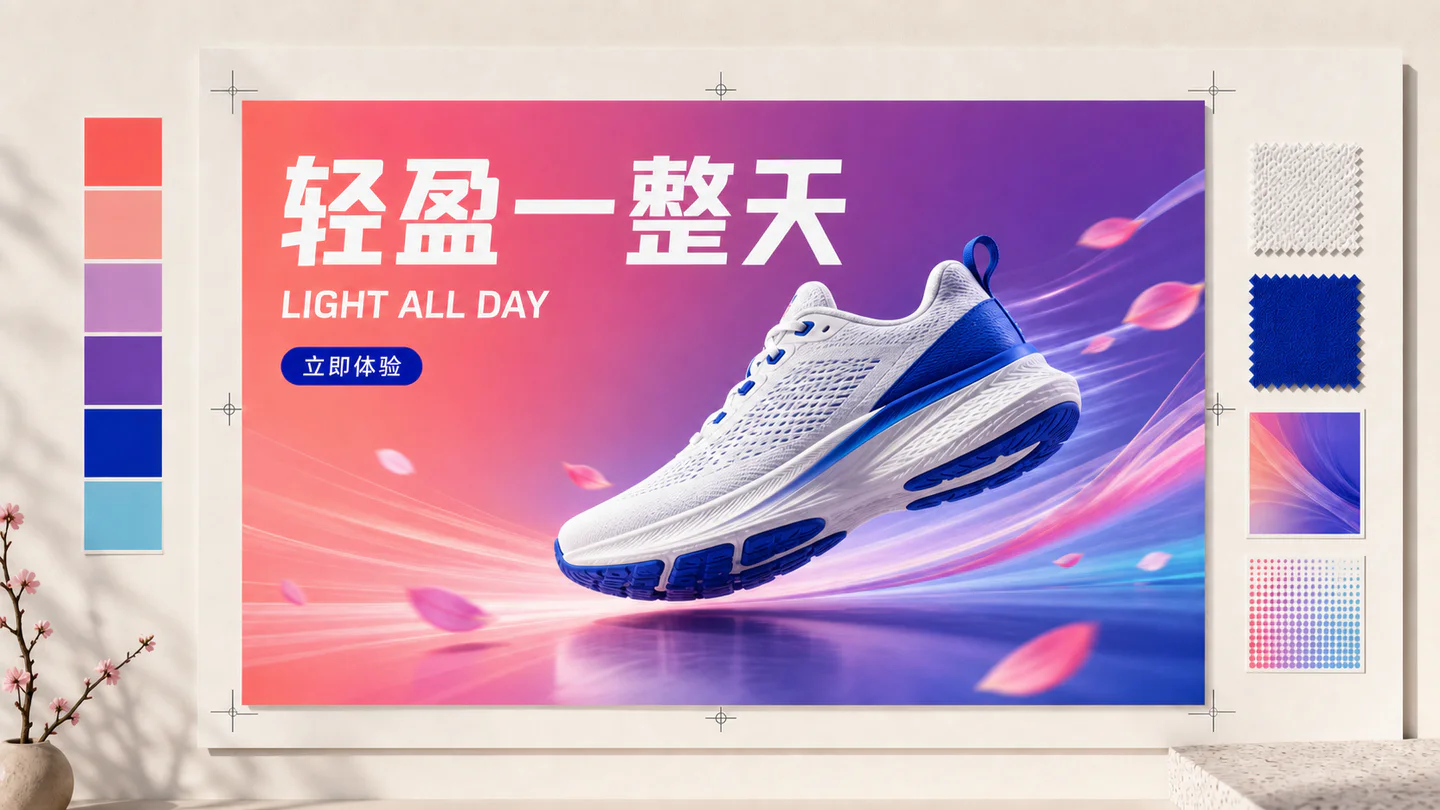
ChineseAI Image
Chinese tea launch poster
Qwen Image 3 · 3:4 · 2K
Design a vertical Chinese tea launch poster. Exact headline: “春山新茶”. Exact subheading: “明前龙井 · 清香回甘”. Pale rice-paper texture, one ceramic cup, restrained ink landscape, clear hierarchy, generous margins, no extra text.
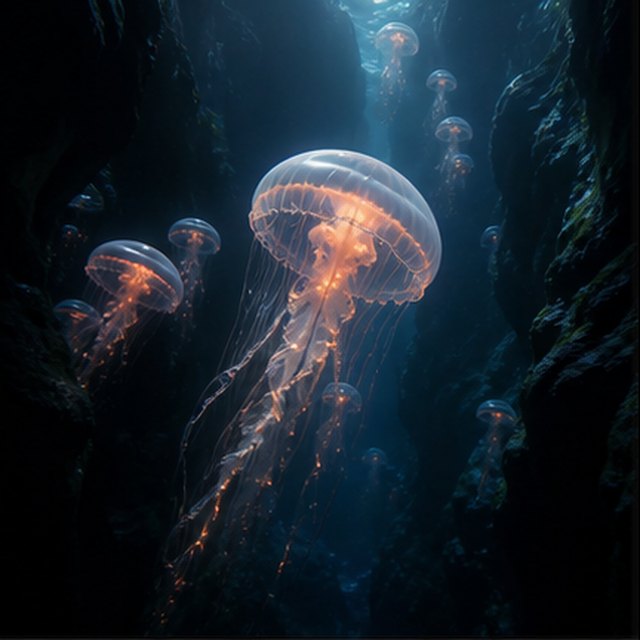
NaturaAI Video
Meduzy w otchłani
Compatible with 4 video models
Świecąca meduza unosi się przez czarny podwodny kanion, podczas gdy w oddali unoszą się mniejsze meduzy. Kamera powoli przesuwa się w górę obok jej przezroczystego dzwonu; drobne cząstki unoszą się w strumieniach niebieskiego światła, czułki pulsują naturalnie, a głębokość oceanu pozostaje miękka i przestronna.
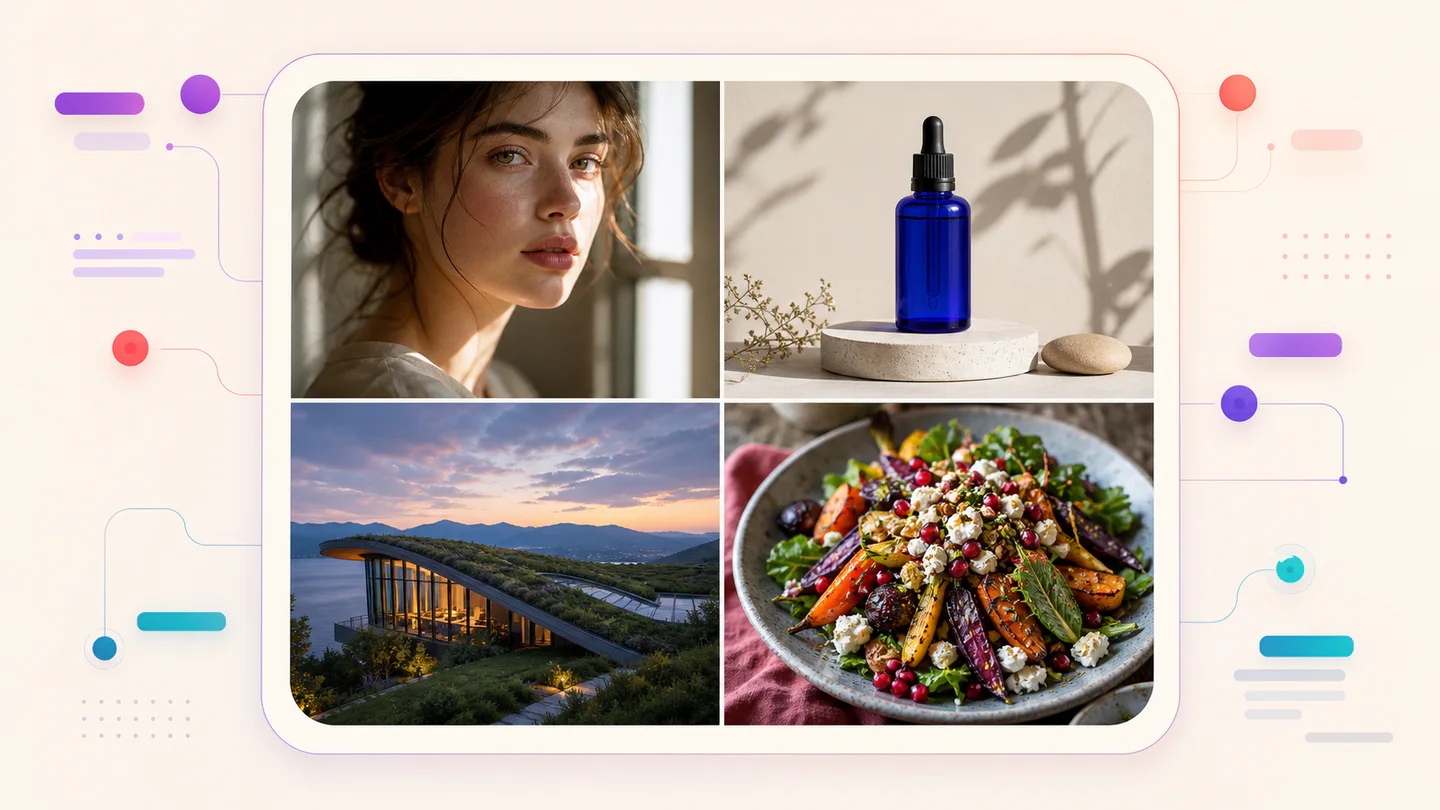
TypographyAI Image
Editorial typography poster
Qwen Image 3 · 3:4 · 2K
Create a modern editorial poster with the exact headline “FORM FOLLOWS FEELING” and small caption “Design study 03”. Swiss grid, black type on warm ivory, one cobalt geometric form, crisp kerning, no extra words.
KinematograficznyAI Video
Czerwona jedwab nad solniskiem
Compatible with 4 video models
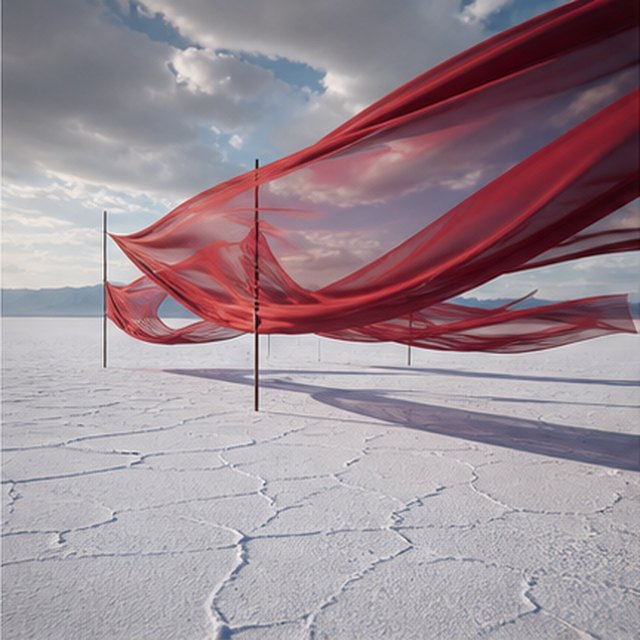
Długie czerwone jedwabne wstążki falują nad niekończącą się białą solną równiną pod przemieszczającymi się burzowymi chmurami. Podążaj wzdłuż materiału, gdy wiatr przesyła fale przez każdą warstwę, długie cienie przesuwają się po popękanej ziemi, a powściągliwy pejzaż dźwiękowy przenosi jedynie materiał, wiatr i odległy grzmot.
ProduktAI Image
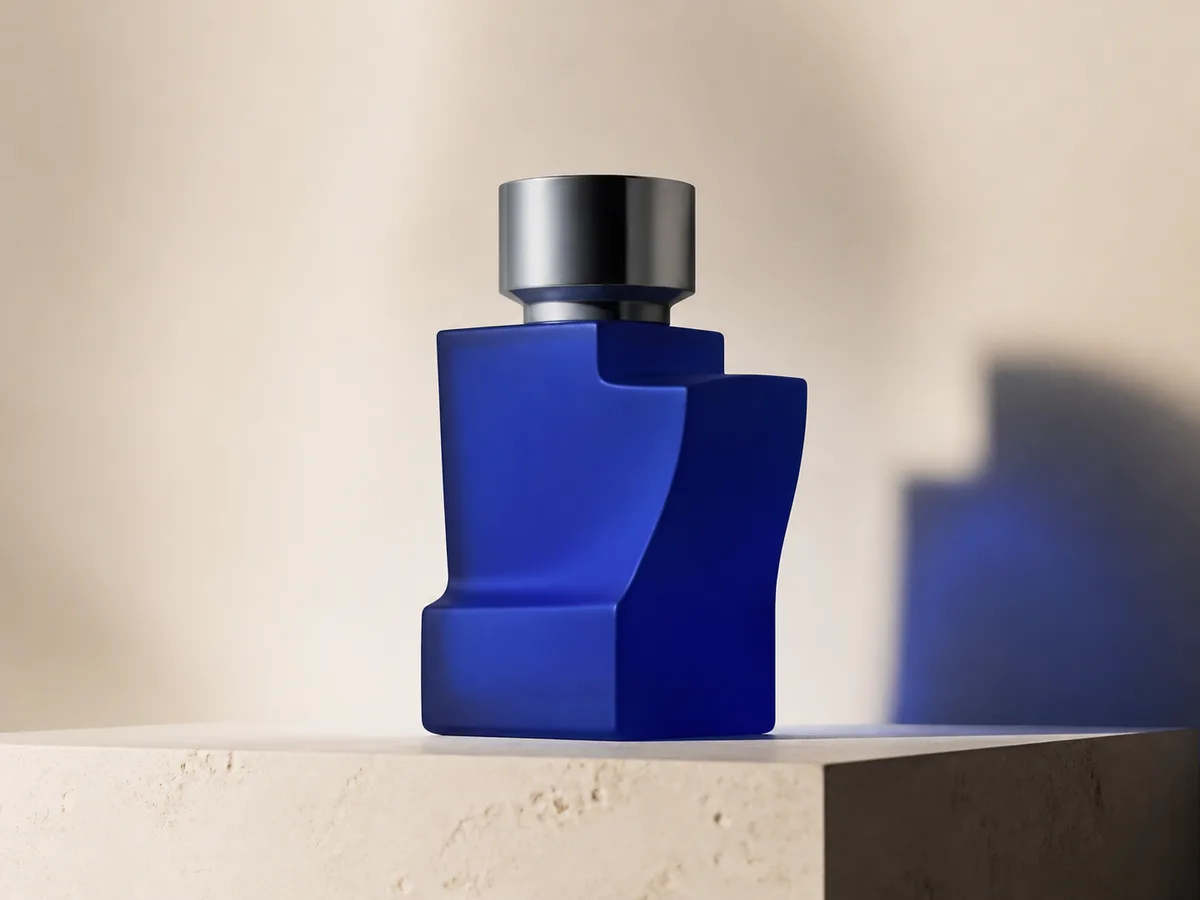
Cobalt perfume advertisement
Qwen Image 3 · 4:3 · 2K
Premium cobalt-blue perfume bottle on dark slate, precise glass reflections, narrow rim light, soft mist behind the bottle, luxury studio advertising, centered product, label readable, no extra objects.
Fantastyka i animacjaAI Video
Burza w butelce
Compatible with 4 video models
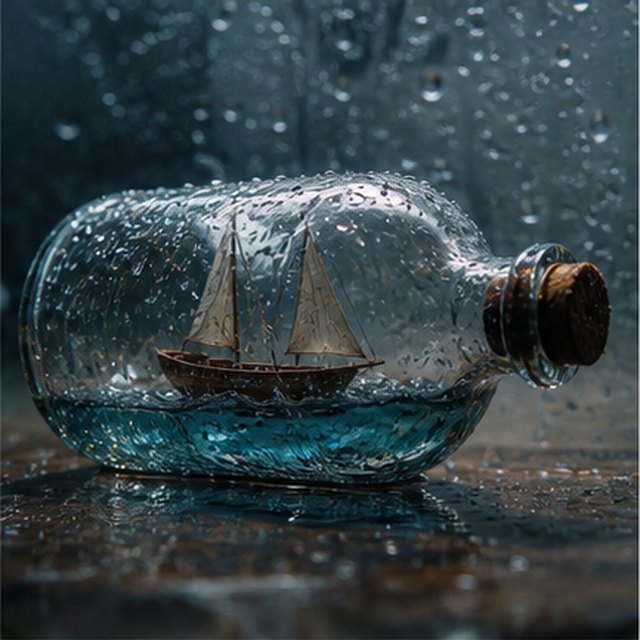
Makro kinowy widok na małą drewnianą żaglówkę uwięzioną w szklanej butelce pokrytej deszczem. Miniaturowe morze kołysze kadłub, gdy błyskawica na chwilę oświetla żagle; krąż delikatnie wokół mokrego szkła z płytką głębią ostrości, wyraźnymi kroplami, stłumionym grzmotem i skrzypiącym drewnem.
EcommerceAI Image
E-commerce campaign board
Qwen Image 3 · 16:9 · 2K
Build a clean e-commerce campaign board for a neutral running shoe: hero product image, two detail crops, three benefit labels, size guide panel and a clear “SHOP THE DROP” callout. White and graphite palette, consistent product geometry.
KinematograficznyAI Video
Kolor rozkwitający w wodzie
Compatible with 4 video models
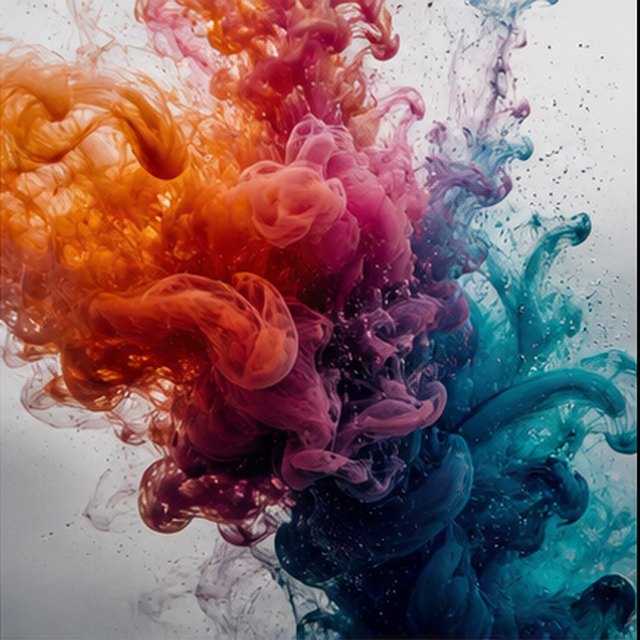
Pomarańczowy, magenta, fioletowy i cyjanowy tusz rozwijają się w krystalicznie czystej wodzie w ekstremalnym zwolnieniu. Utrzymaj czysty makro kadr, gdy wijące się chmury zderzają się, składają i rozpadają na delikatne włókna; użyj jasnego podświetlenia, mikroskopicznych detali, subtelnego ruchu cieczy i bez widocznego pojemnika.
Qwen Image 3 Lab
Prompts, visible results and failure notes
Each lab page states what was tested, what worked, what needs review and how the prompt can be improved. Unknown data stays unknown.
Qwen Image 3 Chinese Text Test
Qwen Image 3 can produce useful Chinese display text, but small copy still needs visual proofreading before publication.
Qwen Image 3 Typography Test
Short English and Chinese headlines are the safest typography use case; mixed-language and small text need stricter prompts and review.
Qwen Image 3 Product Photo Test
The model is useful for premium product concepts, especially when the brief defines material, lighting, contact shadow and camera angle.
Qwen Image 3 Infographic Test
Qwen Image 3 can draft strong infographic layouts, but facts and labels must be validated separately.
Qwen Image 3 Image Editing Test
Reference editing works best when the instruction separates the requested change from details that must remain unchanged.
Qwen Image 3 Standard vs Pro
This site currently exposes one verified Qwen Image 3 endpoint, so it does not publish a fabricated Standard-versus-Pro winner.
Plany, które rosną razem z Tobą
Cennik i pakiety kredytów Qwen Image
Wybierz zalecany plan miesięczny do regularnego tworzenia lub elastyczny jednorazowy pakiet kredytów bez odnowienia.
Każda generacja Qwen Image 3 zużywa 5 kredytów. Plany miesięczne oferują najniższy koszt kredytu.
Często zadawane pytania
Co musisz wiedzieć o tworzeniu, codziennych meldunkach, poleceniach i korzystaniu z kredytów.

Gotowy na swój pierwszy obraz?
Załóż bezpłatne konto, odbierz kredyty na start i zamieniaj pomysły w obrazy w kilka sekund.