
 Generate
NovoMiniMax H3 é ao vivo · Vídeo 2K com áudio estéreo nativo
Gerador Qwen Image 3.0
Descreva a sua ideia por palavras simples, escolha o formato e obtenha uma imagem cuidada com o Qwen Image 3.
Produto independente de terceiros. Não afiliado ou endossado pelo Alibaba ou pela equipe Qwen.
Gerador de imagens
As gerações conectadas são privadas por padrão
Ferramenta de troca
Qwen Image 3
Fórmula iniciante: tema + cenário + estilo + iluminação. Até 5,000 caracteres.
0/5000
Não sabe o que escrever? Experimente um exemplo
2. Modelo
Compare image models3. Escolha a forma
Advanced settings
Prompt enhance (slower)
Outputs
Cadastre-se para gerar
Esta geração usa créditos 5
Seu resultado
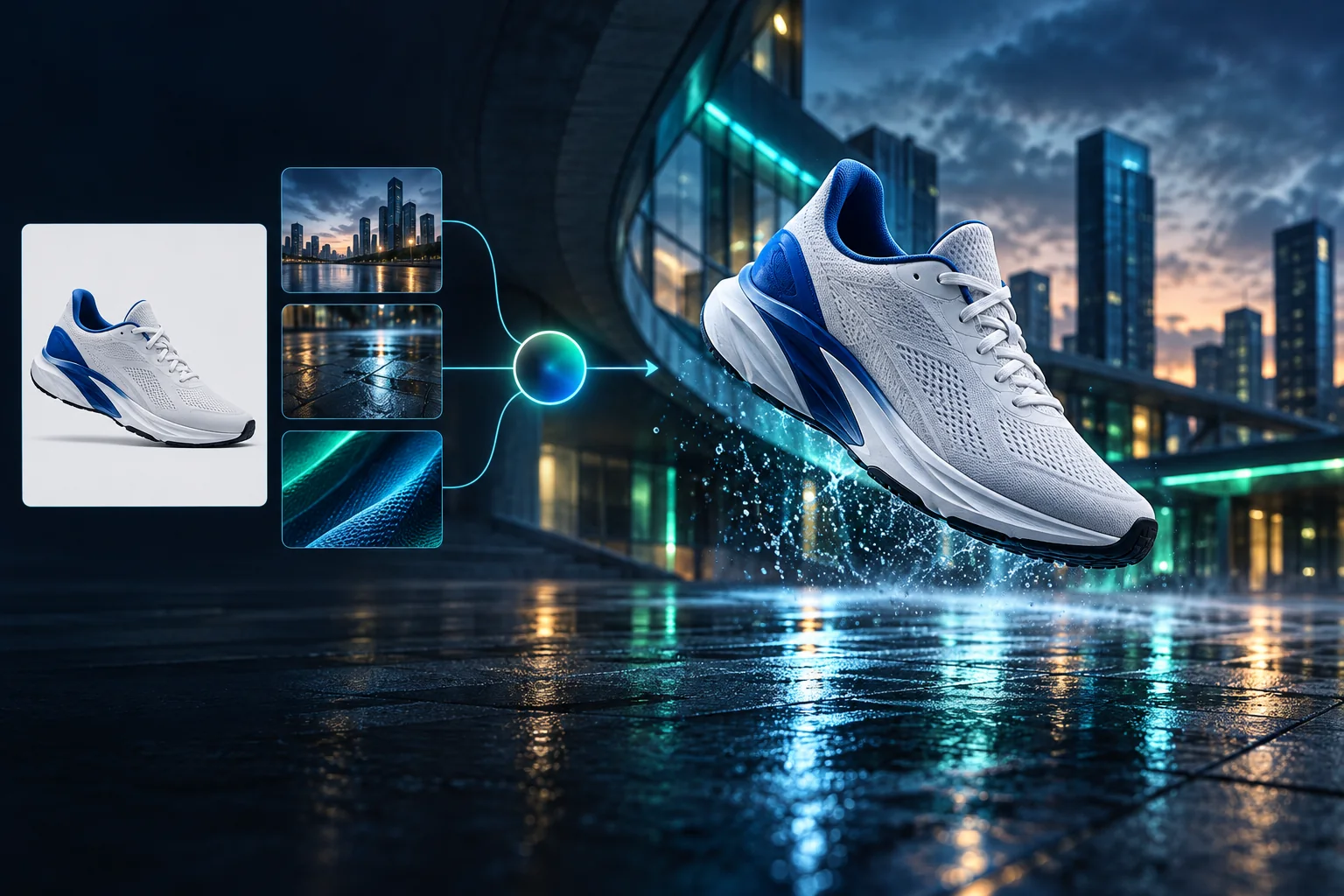
Product campaign transformation
Turn a clean sneaker reference into a finished blue-hour advertising scene.
As gerações conectadas são privadas por padrão
Generate images
Start from a prompt and a precise model.
Edit photos
Describe a change with visual references.
Product photos
Build clean product and campaign sets.
Remove background
Create a transparent PNG cutout.
Upscale
Increase detail and output dimensions.
Create designs
Add text, layers, templates, and exports.
Image models
A dedicated generator for every model
Open the model you searched for. Its page keeps that exact endpoint, capabilities, reference limit, and credit price.
Generate
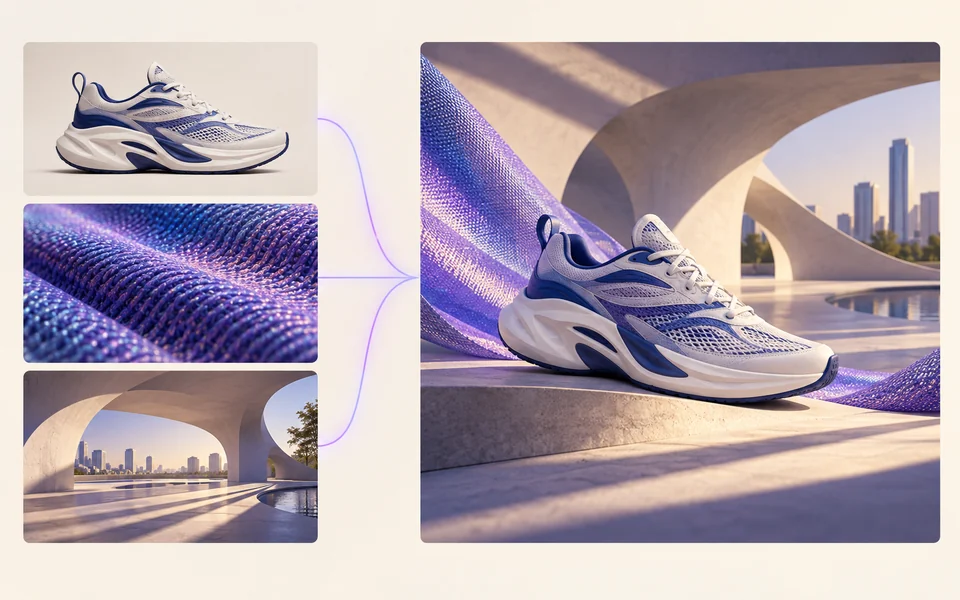 API preview
Qwen Image 2.1
Native transparent RGBA, generation, editing, and up to 10 documented references
Preview Qwen Image 2.1 Native transparent PNG Generate / Edit
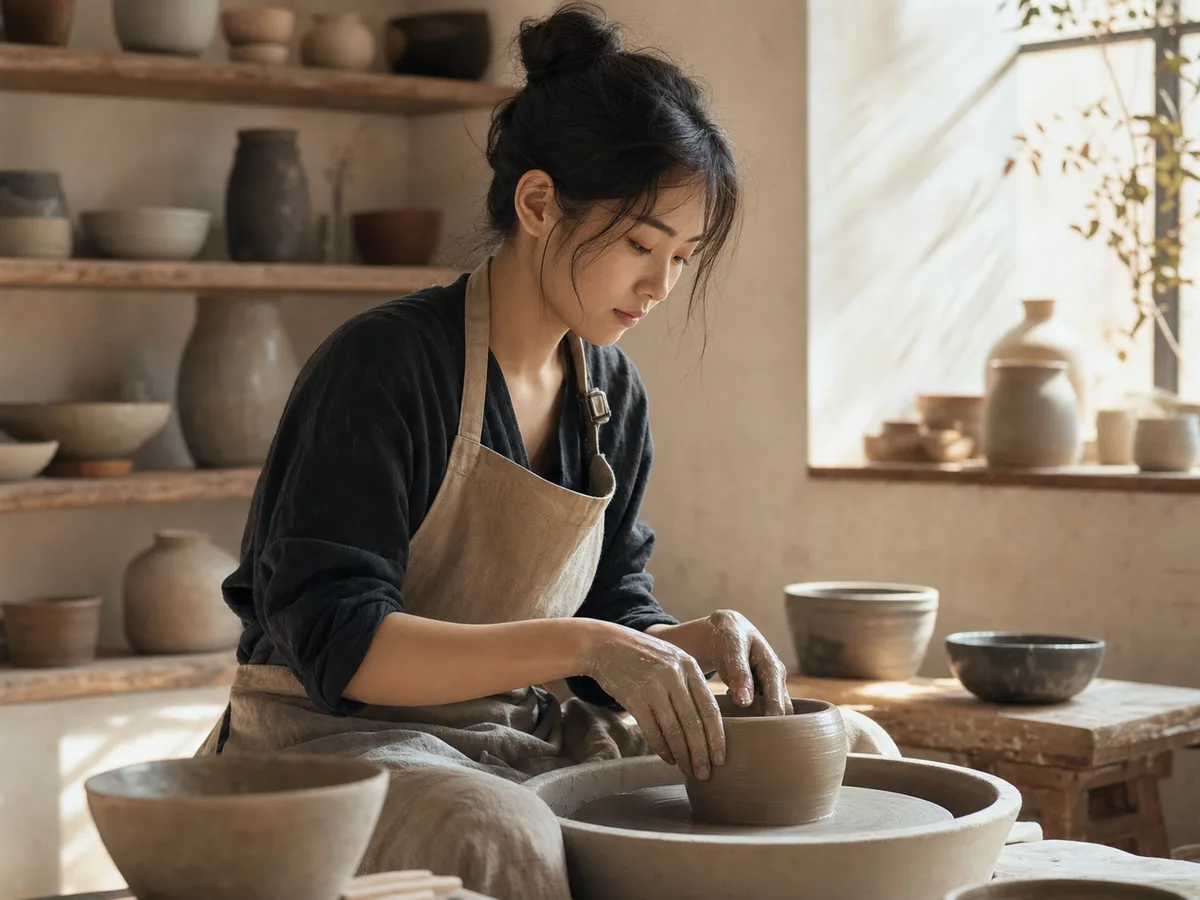 Generate / Edit
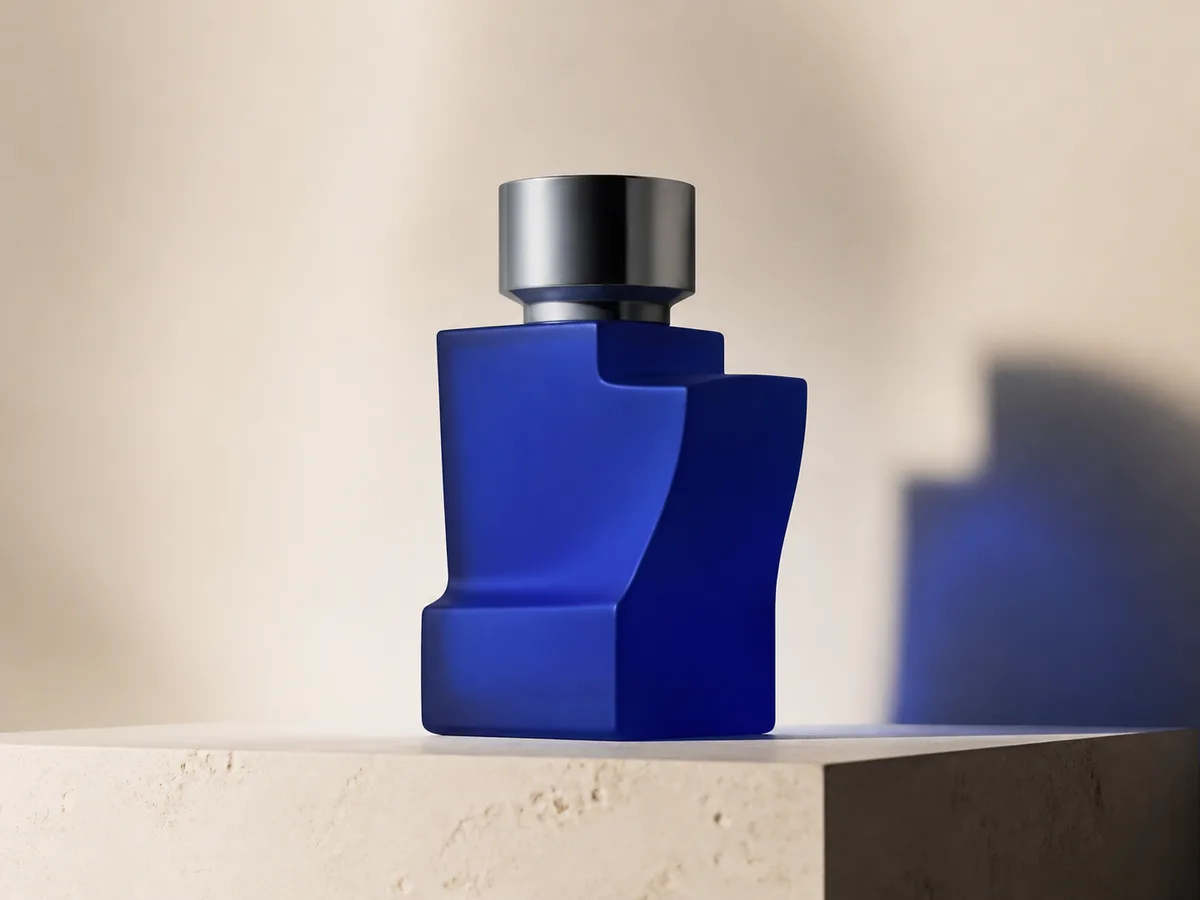 Generate / Edit
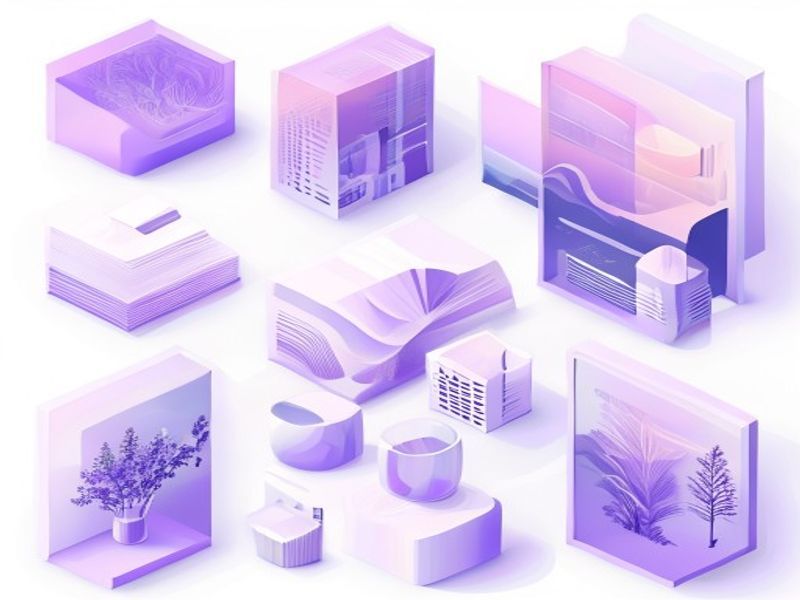 Generate / Edit
Image tools
Start with the result you need
Every tool opens its own upload, editor, batch, brand, template, or workflow interface. Advanced Studio remains available when you want to connect tasks.
Product


Enhance


Design


Workflow




Complete workflows
From source image to finished delivery

One product photo, a complete campaign set
Remove the background, add a believable shadow or scene, create an ad layout, then resize it for each channel.
Create product photosGenerate a poster, then edit its text separately
Create the visual direction first. Keep price, date, and headline as editable layers before exporting multiple sizes.
Make a posterTurn a sketch into editable vector artwork
Use a sketch as the structural reference, convert the chosen graphic into real paths, then recolor and export SVG.
Convert to SVG01 — 03
Como funciona
Da ideia à imagem em três passos simples.
Etapa 1
Escreva sua solicitação
Descreva o que você deseja ver – assunto, estilo, cores e clima.
Etapa 2
Gerar
Qwen Image 3 transforma sua descrição em uma imagem exclusiva de alta qualidade.
Etapa 3
Baixe e compartilhe
Salve o resultado instantaneamente e use-o em qualquer lugar – redes sociais, anúncios ou projetos pessoais.
Fluxo de trabalho criativo
Desde o primeiro prompt até uma imagem que você pode usar
Apenas as escolhas que importam, explicadas a cada passo para que um iniciante possa completar uma primeira geração com confiança.
01
Solicitação guiada
Crie um prompt claro sobre assunto, cenário, estilo e iluminação ou comece com um exemplo pronto para editar.
02
One focused Qwen Image 3 workflow
Generate with the verified Qwen Image 3 endpoint, then continue in the reference-image editor when you need revisions.
03
Proporções úteis
Escolha quadrado, paisagem ou retrato para layouts comuns de produtos, pôsteres e conteúdo social.
04
Privado por padrão
As tarefas conectadas permanecem privadas por padrão; a tabela de classificação nunca publica prompts, imagens ou detalhes da conta.
05
Créditos transparentes
Qwen Image 3 uses 5 credits per output. Confirmed provider failures automatically restore the credits used by that task.
06
Resultados organizados
Visualize e baixe imagens concluídas e gerencie seu histórico de criação na área de trabalho pessoal.
Image editing
Change the scene, keep the subject
Upload up to three references. Describe the exact edit, then name the product, text, crop and geometry that must remain unchanged.
Edit an imageReady-to-use creative inspiration
AI image and video prompt library
Explore 65 prompts adapted for the image and video models on this site. Filter by media and scene, copy a prompt, or continue with the model you choose.
ChineseAI Image
Chinese tea launch poster
Qwen Image 3 · 3:4 · 2K
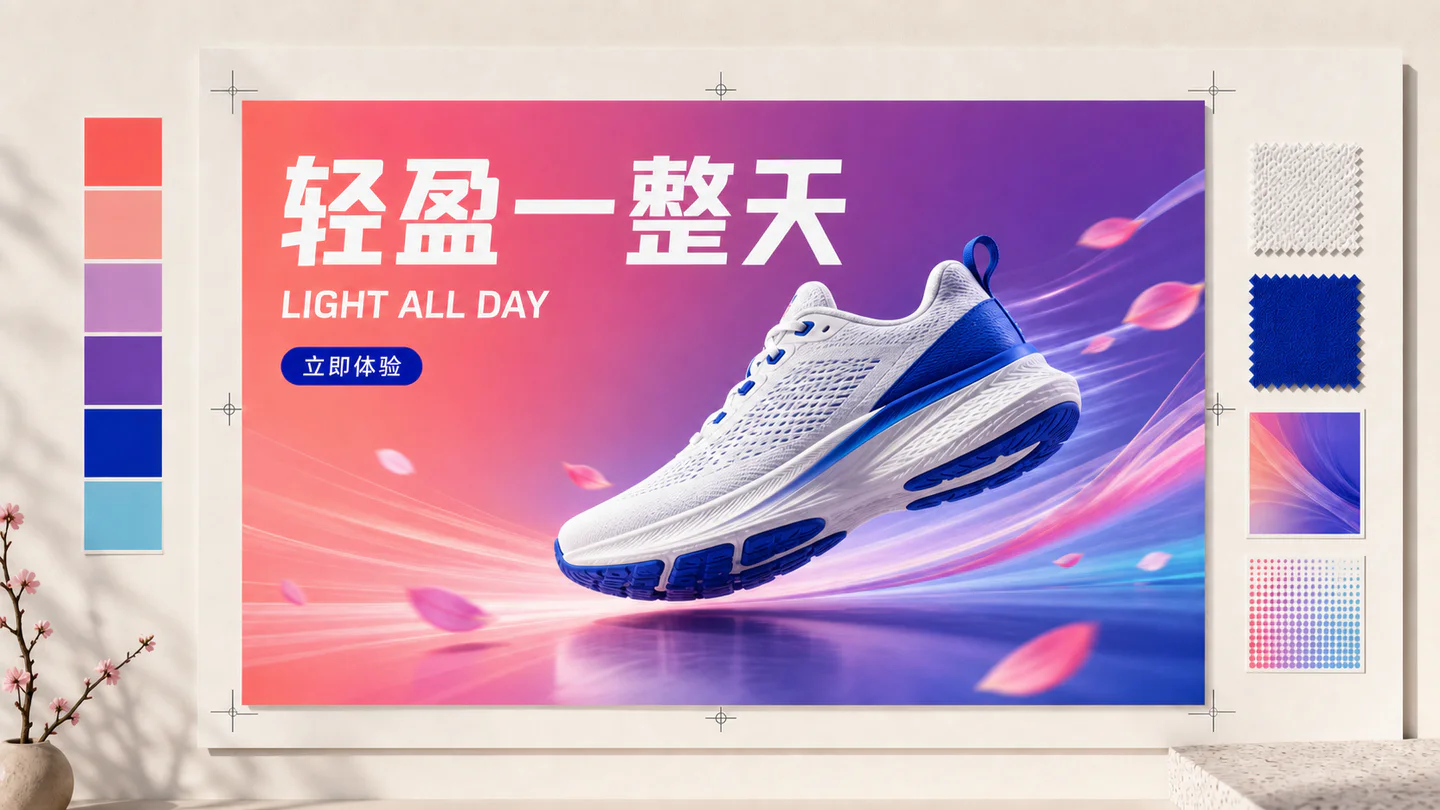
Design a vertical Chinese tea launch poster. Exact headline: “春山新茶”. Exact subheading: “明前龙井 · 清香回甘”. Pale rice-paper texture, one ceramic cup, restrained ink landscape, clear hierarchy, generous margins, no extra text.
NaturezaAI Video
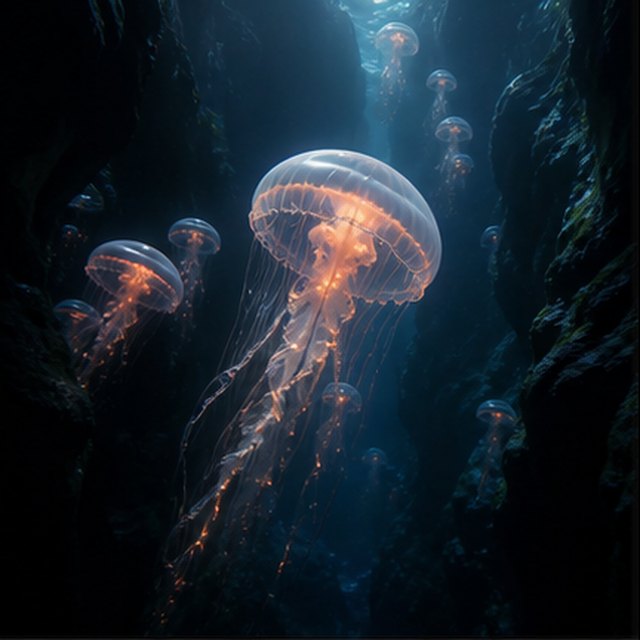
Medusas no abismo
Compatible with 4 video models
Uma medusa luminosa flutua através de um canyon subaquático negro enquanto medusas mais pequenas sobem ao longe. A câmara desliza lentamente para cima ao lado do seu sino translúcido; finas partículas deslizam por feixes de luz azul, os tentáculos pulsam naturalmente, e a ambientação do oceano profundo mantém-se suave e espaçosa.
TypographyAI Image
Editorial typography poster
Qwen Image 3 · 3:4 · 2K
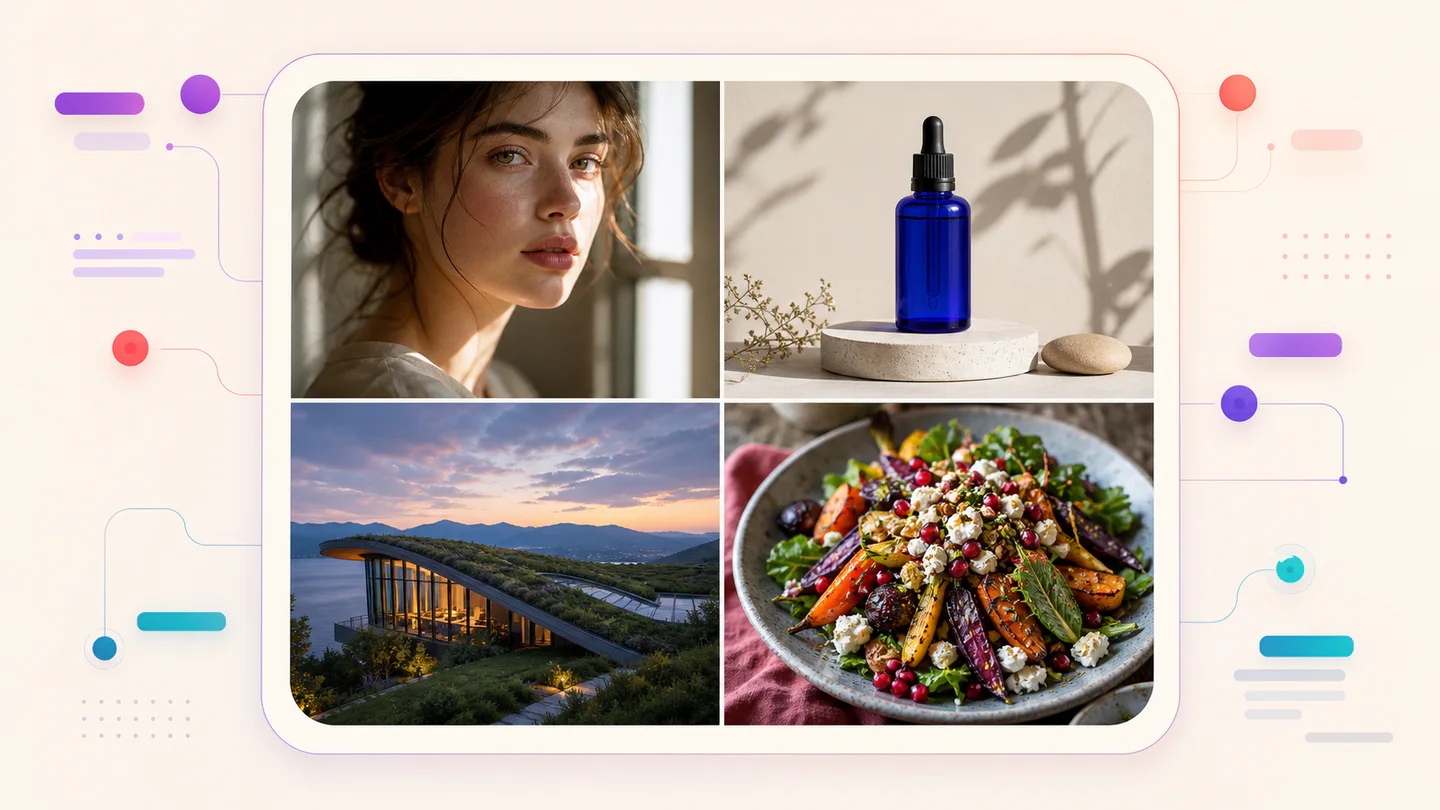
Create a modern editorial poster with the exact headline “FORM FOLLOWS FEELING” and small caption “Design study 03”. Swiss grid, black type on warm ivory, one cobalt geometric form, crisp kerning, no extra words.
CinematográficoAI Video
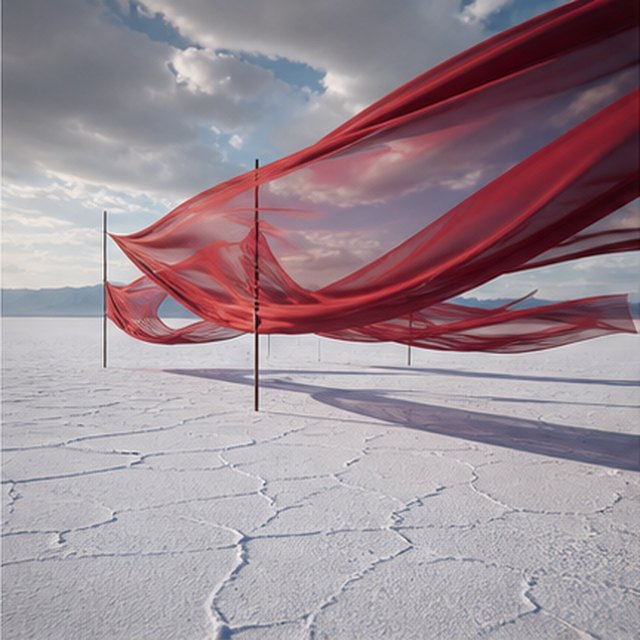
Seda vermelha sobre a planície salgada
Compatible with 4 video models
Longas fitas vermelhas de seda ondulam acima de uma extensa planície de sal branca sob nuvens de tempestade em movimento. Acompanhe lateralmente o tecido enquanto o vento envia ondas por cada camada, longas sombras deslizam sobre o chão rachado e a paisagem sonora contida carrega apenas o som do tecido, do vento e do trovão distante.
ProdutoAI Image
Cobalt perfume advertisement
Qwen Image 3 · 4:3 · 2K
Premium cobalt-blue perfume bottle on dark slate, precise glass reflections, narrow rim light, soft mist behind the bottle, luxury studio advertising, centered product, label readable, no extra objects.
Fantasia e animaçãoAI Video
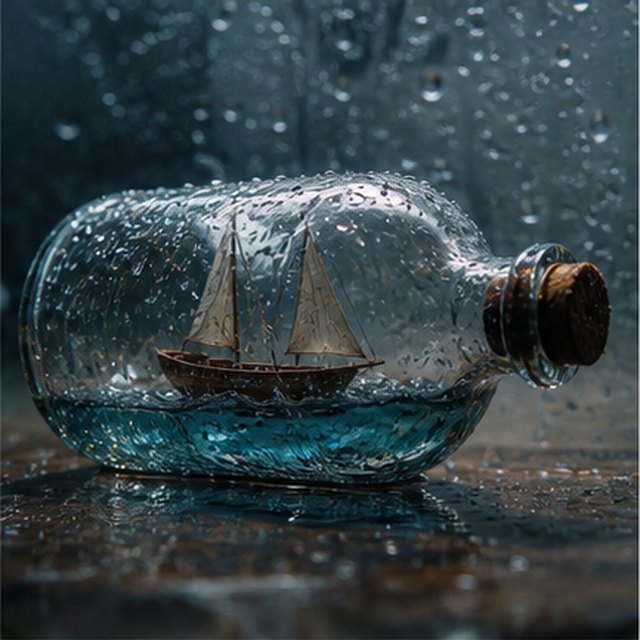
Tempestade dentro de uma garrafa
Compatible with 4 video models
Vista macro cinematográfica de um pequeno veleiro de madeira preso dentro de uma garrafa de vidro coberta de chuva. O mar em miniatura abana o casco enquanto relâmpagos iluminam brevemente as velas; orbite suavemente à volta do vidro molhado com profundidade de campo reduzida, gotas nítidas, trovão abafado e madeira a ranger.
EcommerceAI Image
E-commerce campaign board
Qwen Image 3 · 16:9 · 2K
Build a clean e-commerce campaign board for a neutral running shoe: hero product image, two detail crops, three benefit labels, size guide panel and a clear “SHOP THE DROP” callout. White and graphite palette, consistent product geometry.
CinematográficoAI Video
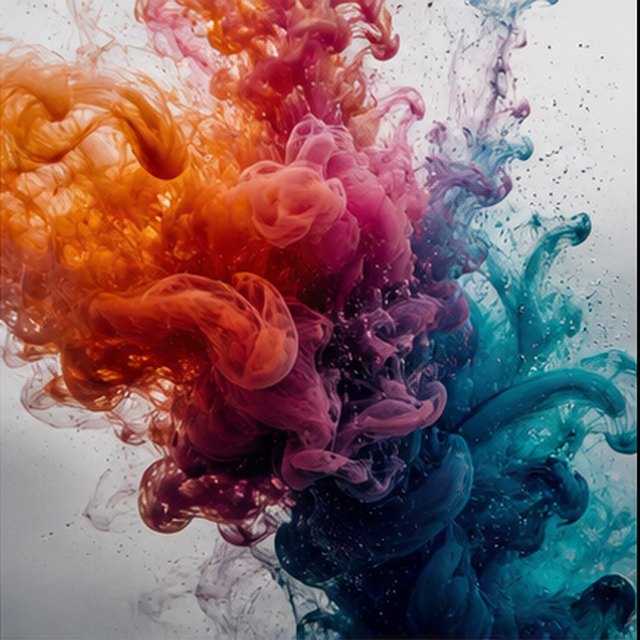
Cor a florescer na água
Compatible with 4 video models
Tinta laranja, magenta, violeta e ciano desabrocham através de água cristalina em movimento extremamente lento. Mantenha uma imagem macro limpa enquanto nuvens em espiral colidem, se dobram e se dissolvem em filamentos delicados; use iluminação intensa de fundo, detalhes microscópicos, movimento líquido subtil e sem recipiente visível.
Qwen Image 3 Lab
Prompts, visible results and failure notes
Each lab page states what was tested, what worked, what needs review and how the prompt can be improved. Unknown data stays unknown.
Qwen Image 3 Chinese Text Test
Qwen Image 3 can produce useful Chinese display text, but small copy still needs visual proofreading before publication.
Qwen Image 3 Typography Test
Short English and Chinese headlines are the safest typography use case; mixed-language and small text need stricter prompts and review.
Qwen Image 3 Product Photo Test
The model is useful for premium product concepts, especially when the brief defines material, lighting, contact shadow and camera angle.
Qwen Image 3 Infographic Test
Qwen Image 3 can draft strong infographic layouts, but facts and labels must be validated separately.
Qwen Image 3 Image Editing Test
Reference editing works best when the instruction separates the requested change from details that must remain unchanged.
Qwen Image 3 Standard vs Pro
This site currently exposes one verified Qwen Image 3 endpoint, so it does not publish a fabricated Standard-versus-Pro winner.
Planos que crescem com você
Preços e créditos do Qwen Image
Escolha o plano mensal recomendado para criação regular ou um pacote de créditos flexível e único, sem renovação.
Cada geração Qwen Image 3 utiliza 5 créditos. Os planos mensais oferecem o menor custo por crédito.
Perguntas frequentes
O que você precisa saber sobre criação, check-ins diários, referências e utilização de créditos.

Pronto para criar a sua primeira imagem?
Registe-se gratuitamente, receba créditos iniciais e transforme ideias em imagens em poucos segundos.