
Popüler
4–10 krediGörsel•İstem → Görsel
Qwen Image 3 Jeneratör
Doğal dildeki istemlerden ayrıntılı görüntüler oluşturun
- Rehberli ipucu
- One focused Qwen Image 3 workflow
- Yararlı en boy oranları
Odaklanmış Qwen Image 3 iş akışları
Boş bir bilgi istemi yerine somut bir teslimatla başlayın. Her araç, işi açısından önemli olan kontrolleri ortaya çıkarır, oluşturulmadan önceki maliyeti gösterir ve insan incelemesinin hangi noktalarda hala önemli olduğunu açıklar.
Doğal dildeki istemlerden ayrıntılı görüntüler oluşturun

Yapay zekayla gösterişli posterler tasarlayın

Stüdyoya hazır ürün fotoğrafçılığı oluşturun
 4 kredi
Öne çıkan, yüksek etkili küçük resimler oluşturun
Önizlemeyi izleyin ve doğrulanmış sürüm güncellemelerini takip edin
Hassas hareketlerle sinematik video oluşturun
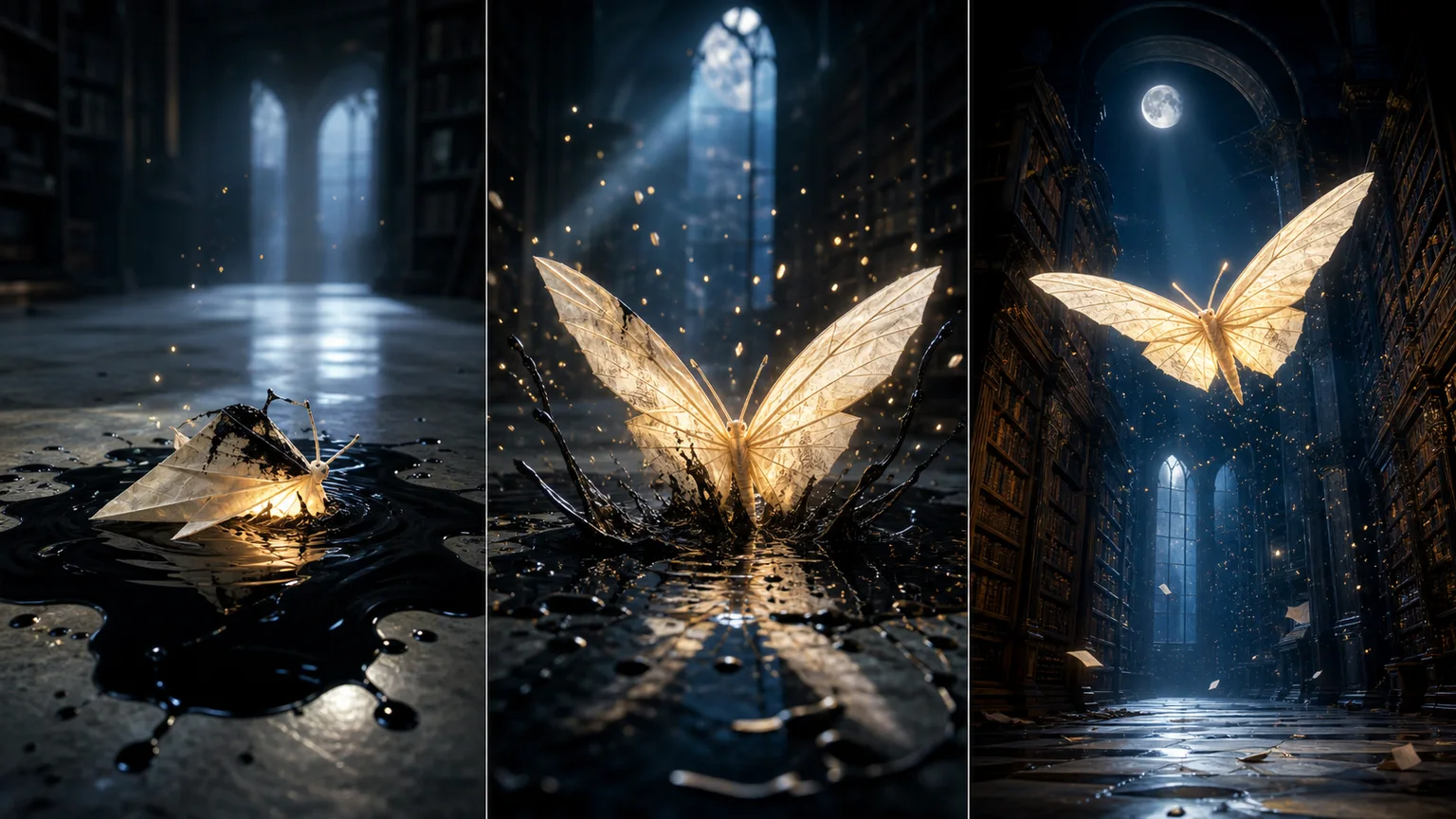
Metin ve görselleri etkileyici videolara dönüştürün
Senkronize ses ile yüksek kaliteli yapay zeka videosu oluşturun
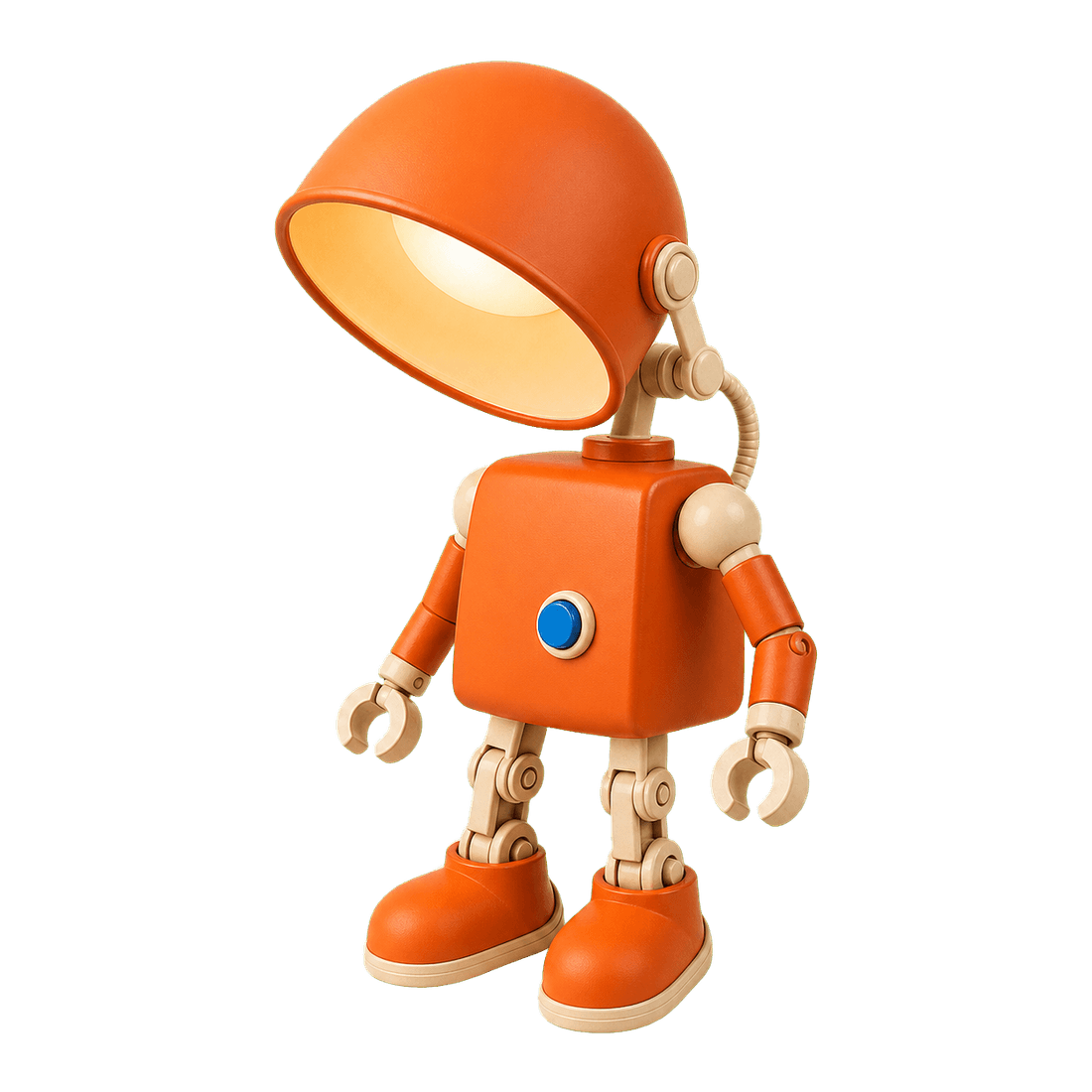
Görüntü arka planlarını saniyeler içinde temiz bir şekilde kaldırın

Restore natural colors from a green matcha cast

Choose an available model and turn a prompt into a new image.

Upload reference images, choose an editing model, and describe the change.

Remove a photo background and download a transparent PNG.

Apply a solid, gradient, uploaded, or generated scene behind a subject.
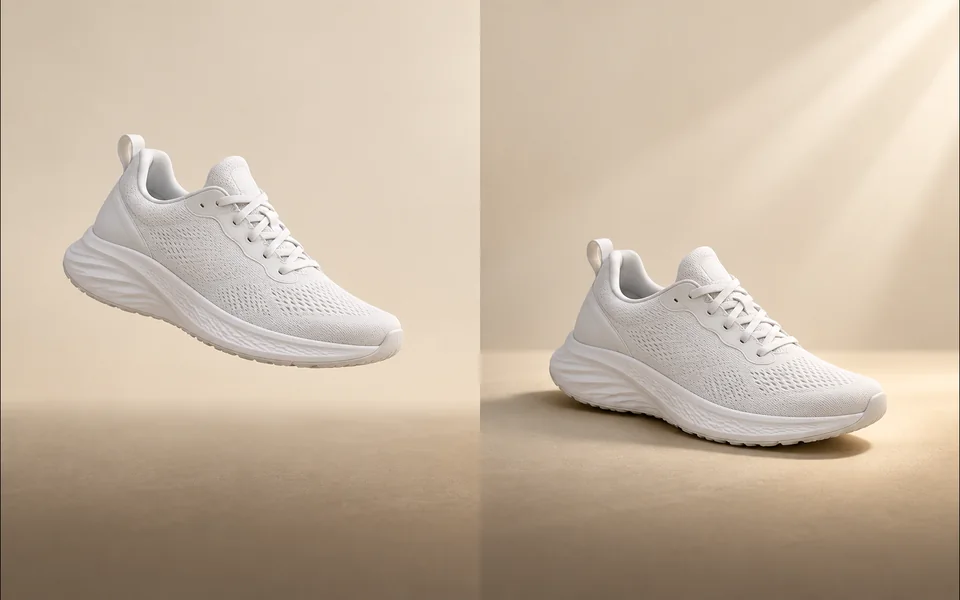
Create a product shadow with visible direction, blur, opacity, and offset controls.
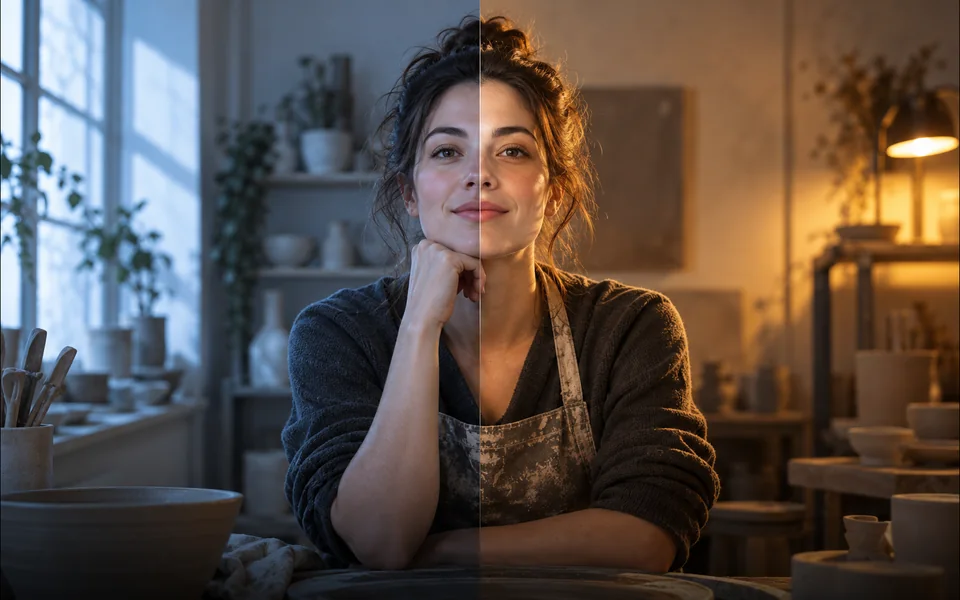
Relight a photo with a selected lighting setup and optional direction.

Mark an unwanted object and remove only the selected area.
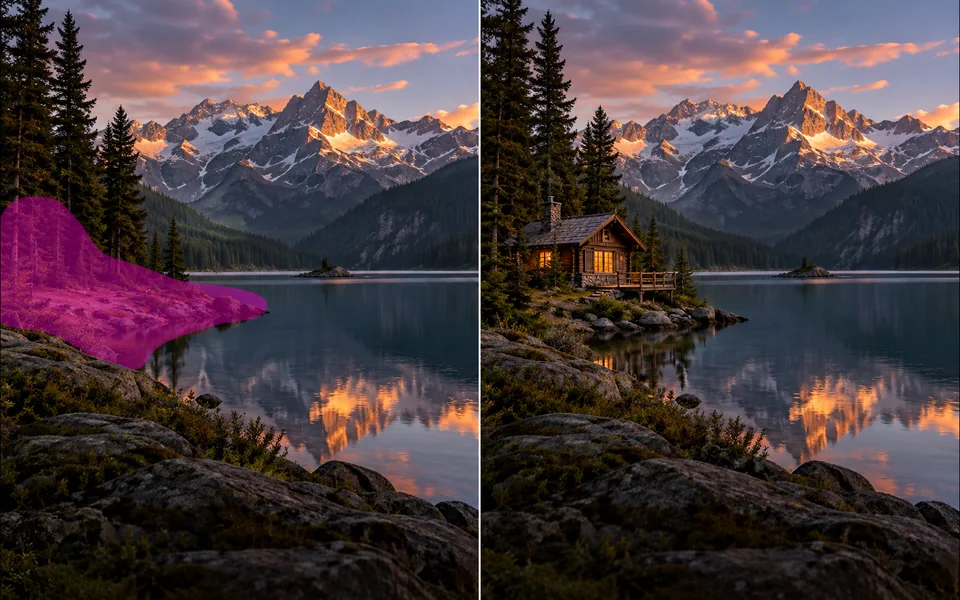
Paint a mask and replace the selected region from a local description.
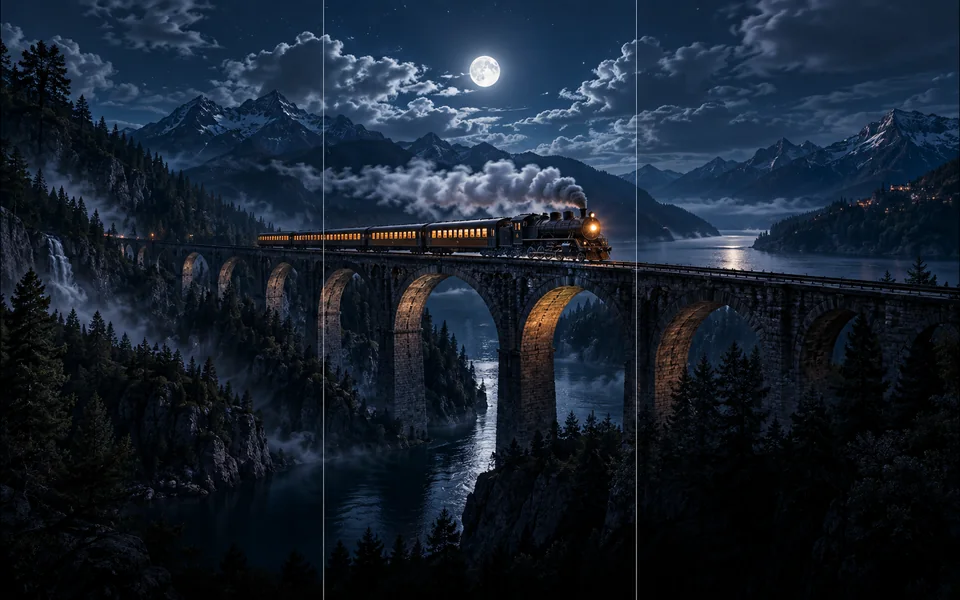
Choose new boundaries and extend an image without stretching the original.

Upscale an image at 2× or 4× and compare the output dimensions.
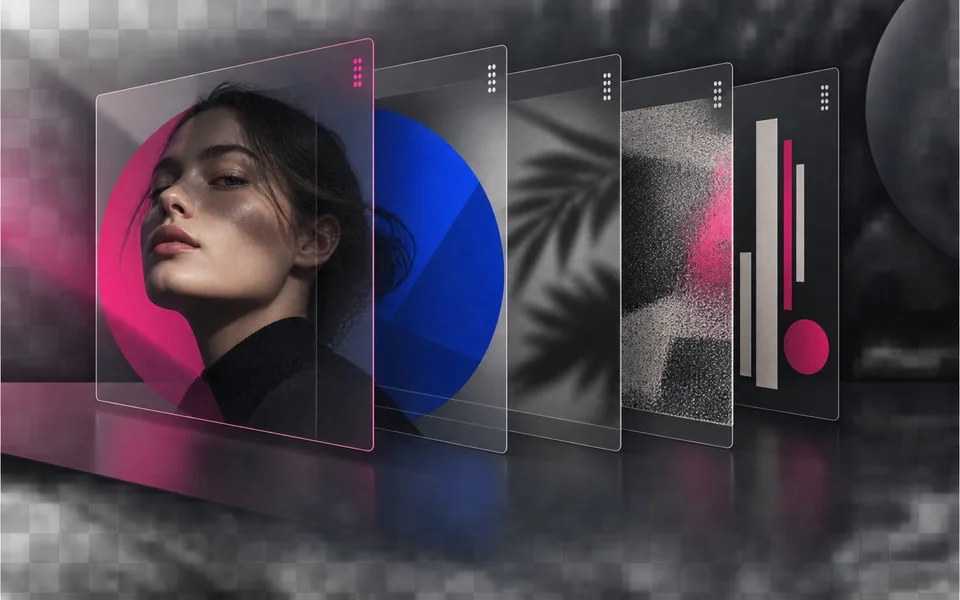
Arrange, hide, lock, reorder, and adjust the opacity of image layers.

Place editable text with independent size, color, alignment, and position.

Crop, rotate, resize, and export an image in one focused workspace.

Queue multiple images, follow item-level progress, and retry failed items only.
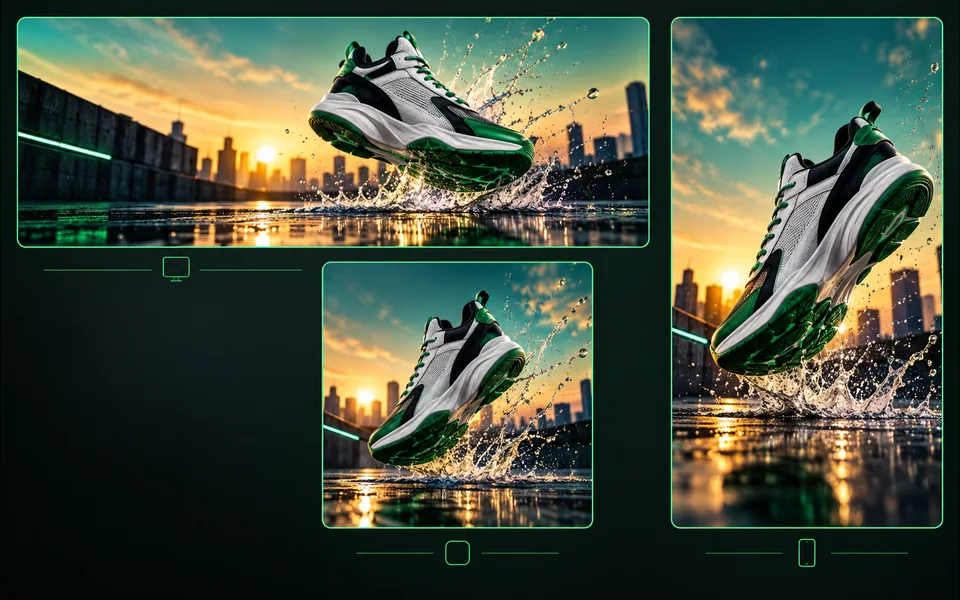
Export one design to platform sizes with contain, cover, or image extension.
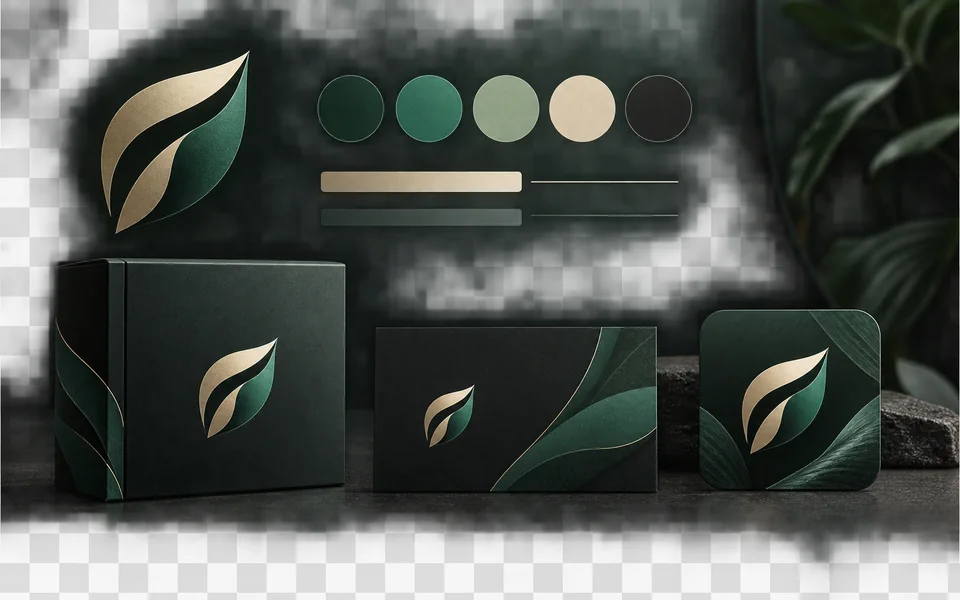
Set a brand name, logo, colors, and fonts for reusable designs.
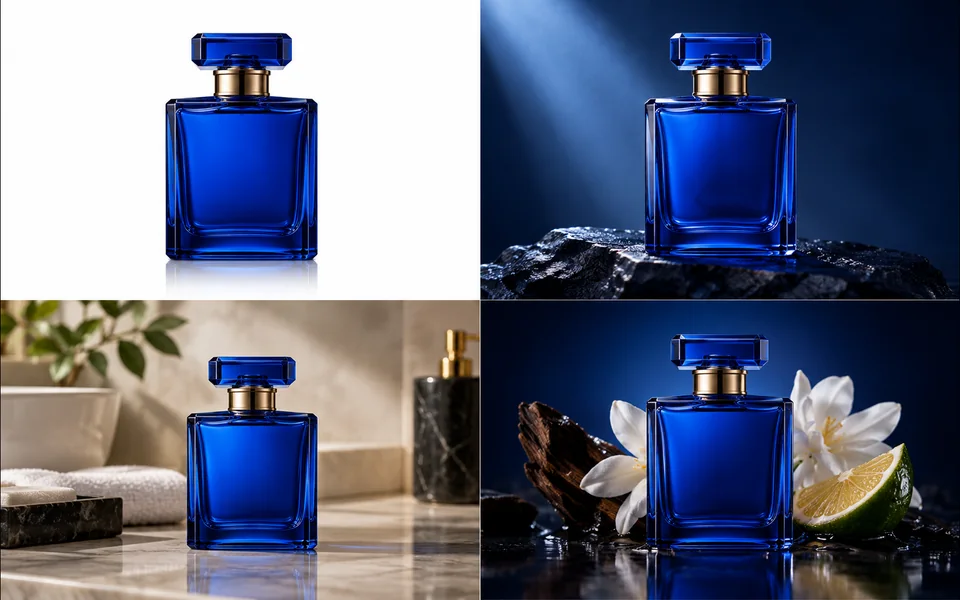
Create a selected set of white, studio, lifestyle, and ad-layout product images.
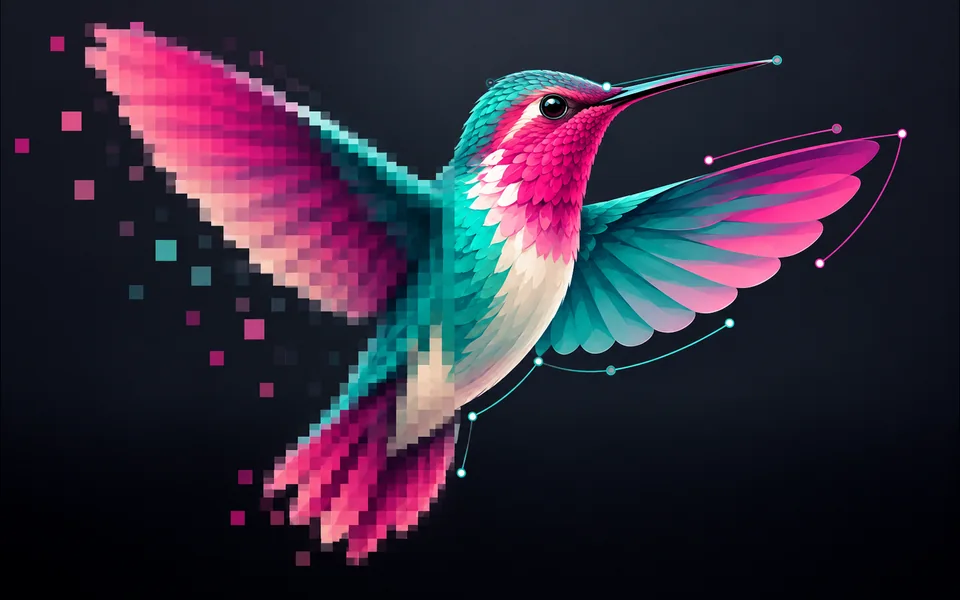
Convert PNG, JPG, or WebP artwork into editable SVG paths instead of wrapping a bitmap.
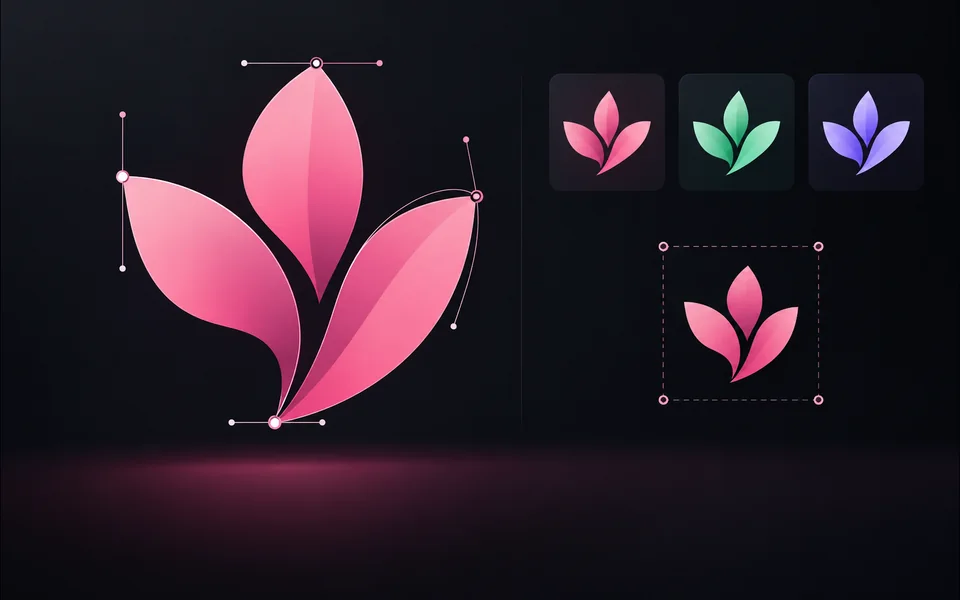
Paste or upload safe SVG markup, recolor it, resize it, and export SVG.
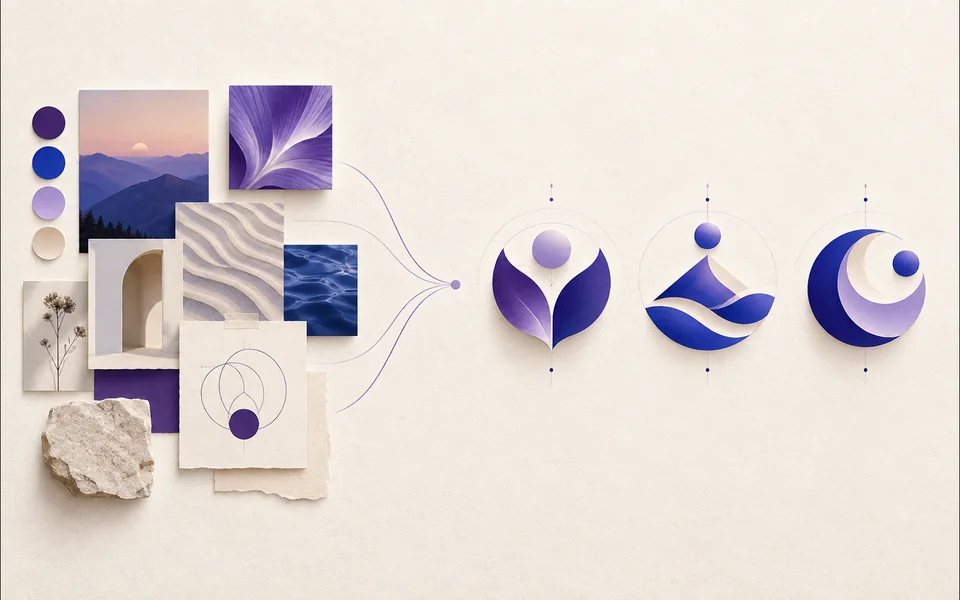
Create a logo brief from brand, industry, style, and graphic type.
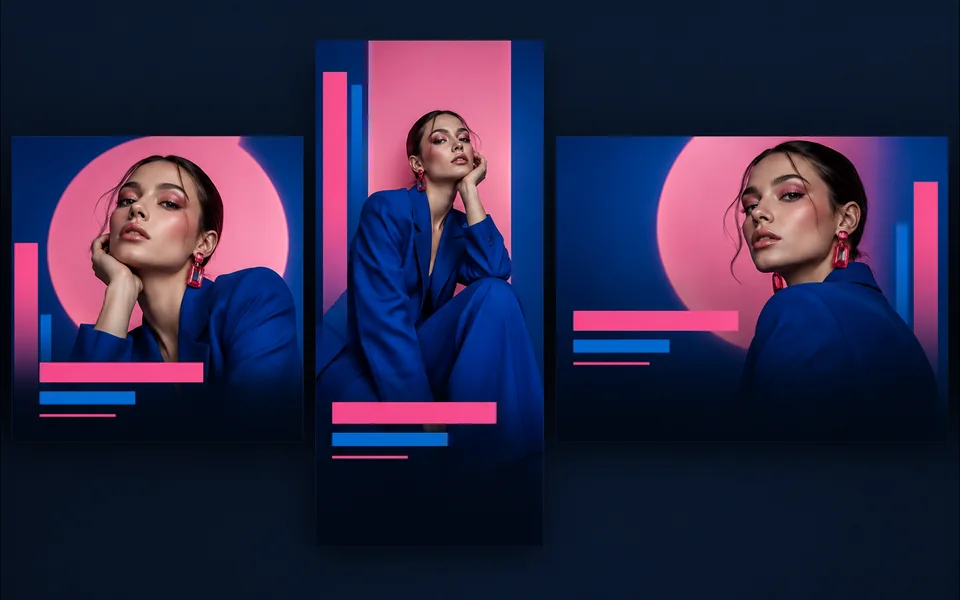
Choose a visual template, fill its fields, preview it, and continue editing.
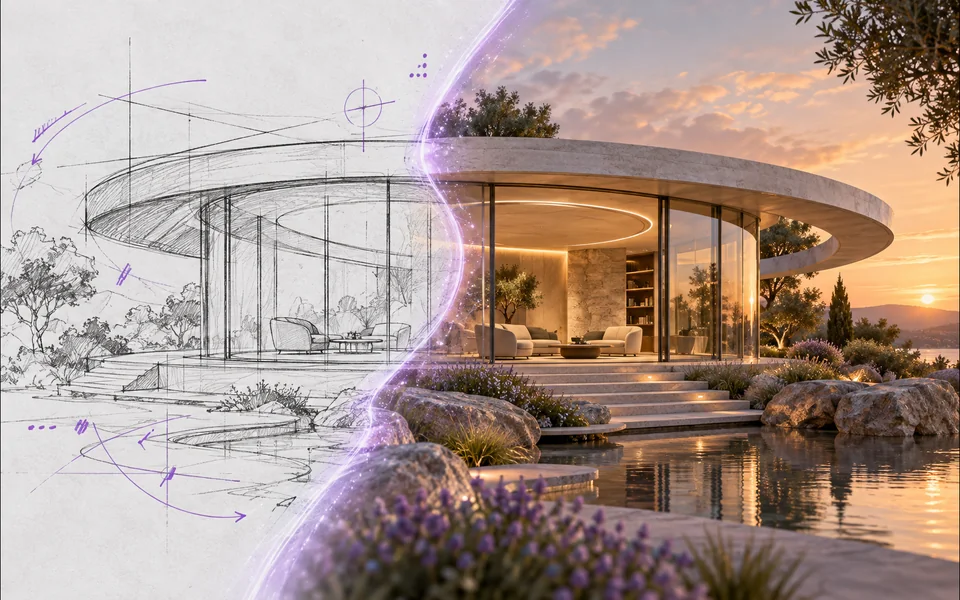
Draw or upload a sketch and pass it as the actual generation reference.
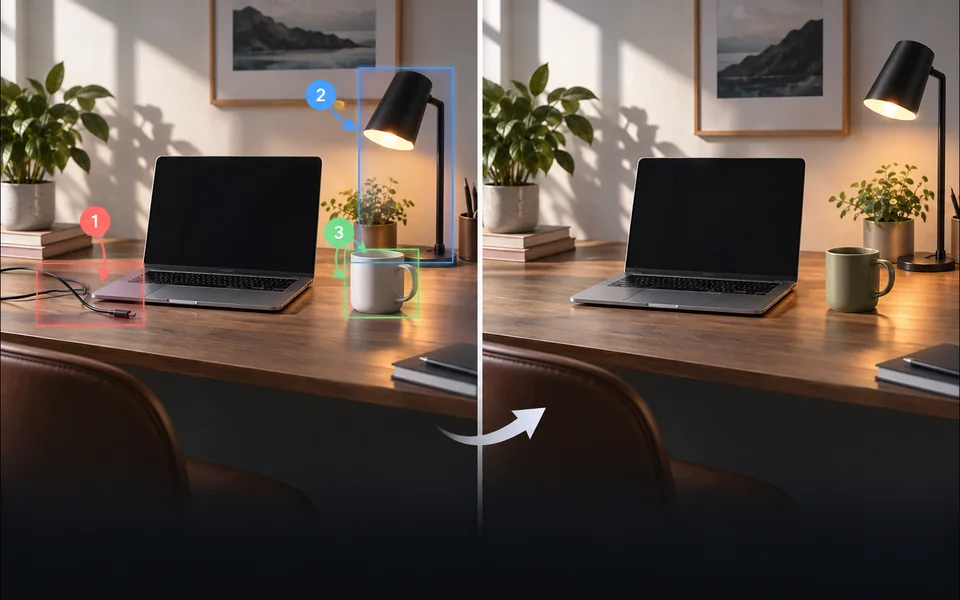
Place numbered notes, arrows, boxes, and brush marks before applying edits.

Build a reusable prompt recipe from variables and share a redacted copy.
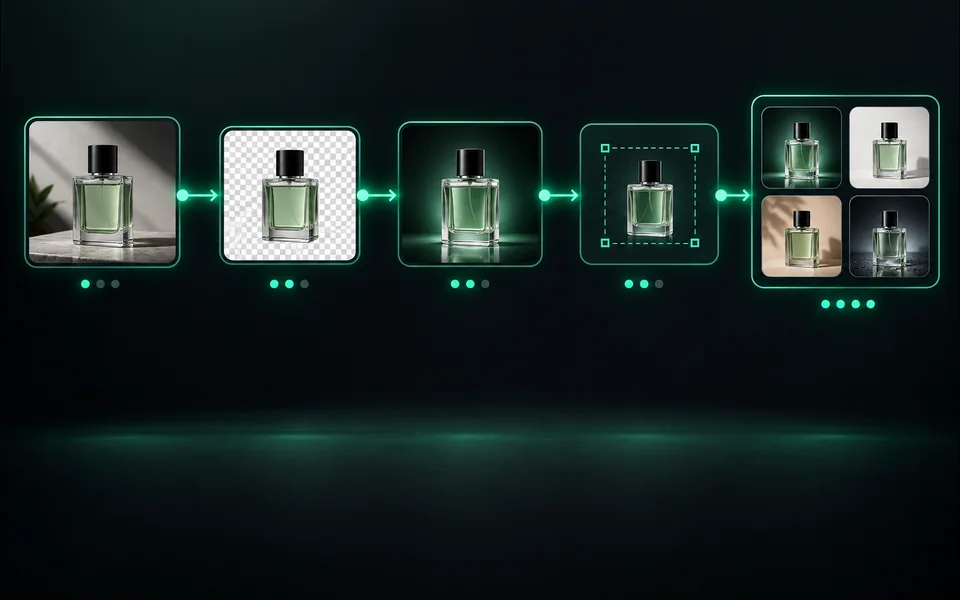
Build a visible sequence of image steps with per-step cost and results.
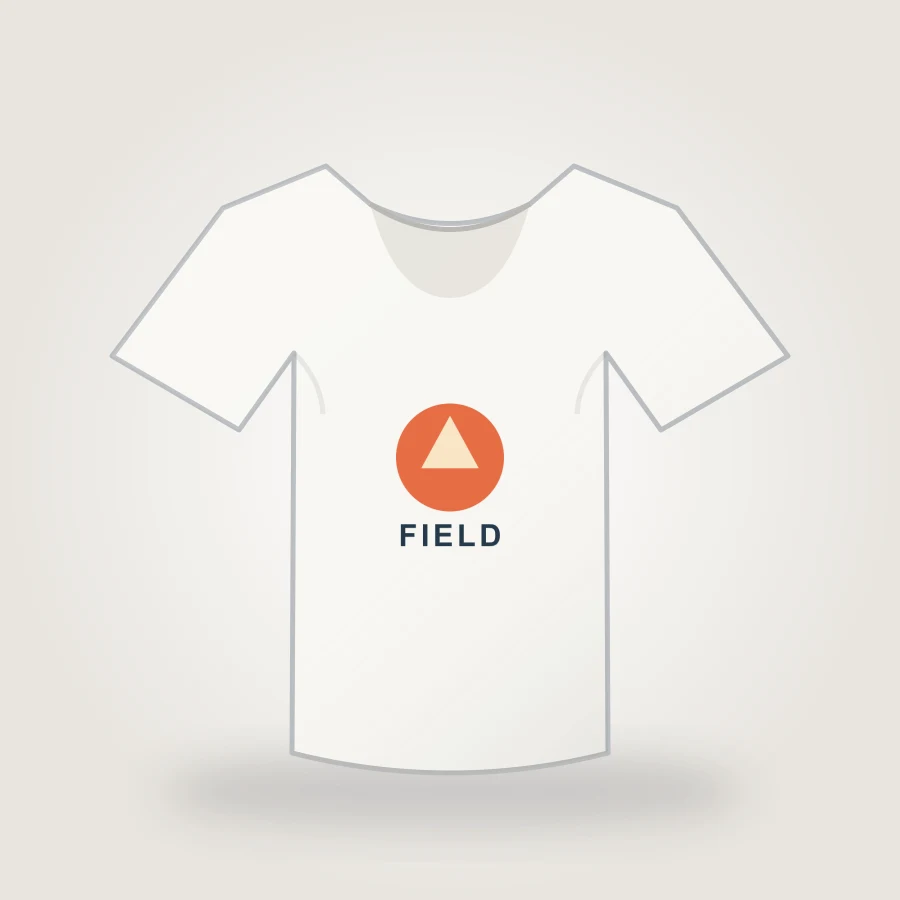
Upload your design, choose a shirt color, adjust print placement, and export an 1800px PNG mockup in your browser.
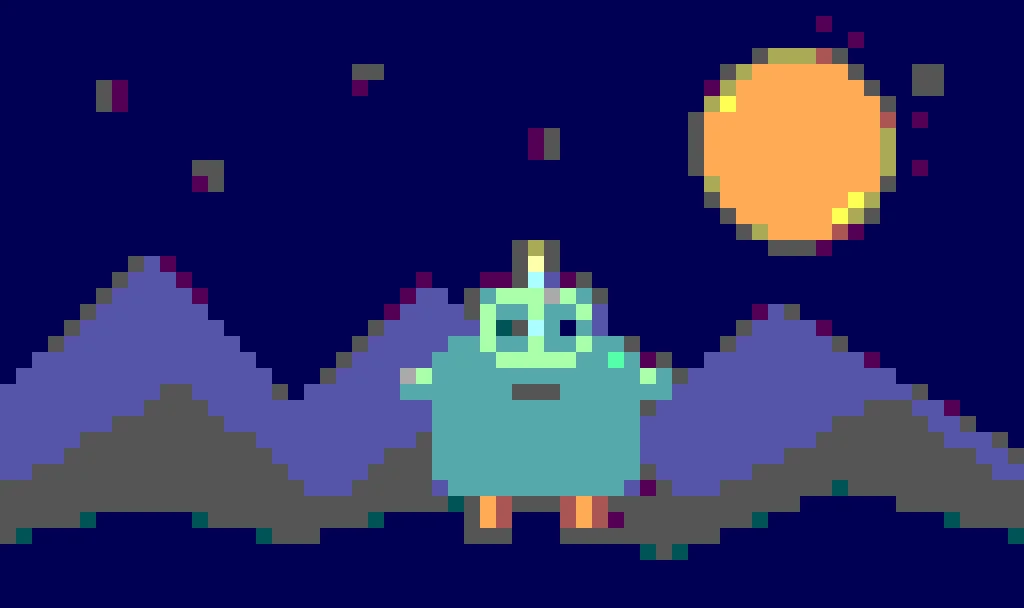
Create pixel art from an upload or text prompt, adjust grid and color levels, and export a crisp PNG.
Araçlar, kimliği doğrulanmış kredileri, görev kurtarmayı ve başarısız iş iadelerini paylaşıyor ancak arayüzleri, model seçimleri, örnekleri ve inceleme kriterleri kasıtlı olarak farklı. Yeni bir sayfa ancak ayrı bir kullanıcı görevini çözdüğünde yerini kazanır.