 Generate
새로운MiniMax H3는 실시간입니다. 기본 스테레오 오디오가 포함된 2K 비디오입니다.
Qwen Image 3 .0 생성기
평소 쓰는 말로 아이디어를 설명하고 형식을 고르면 Qwen Image 3가 완성도 높은 이미지로 만들어 드립니다.
독립적인 타사 제품. Alibaba 또는 Qwen 팀과 제휴하거나 승인하지 않습니다.
이미지 생성기
로그인한 세대는 기본적으로 비공개입니다.
전환 도구
Qwen Image 3
초급 공식: 피사체 + 설정 + 스타일 + 조명. 최대 5,000자.
0/5000
무엇을 써야 할지 모르시나요? 예시를 들어보세요
2. 모델
Compare image models3. 모양 선택
Advanced settings
Prompt enhance (slower)
Outputs
생성하려면 가입하세요
이 세대는 5 크레딧을 사용합니다.
결과
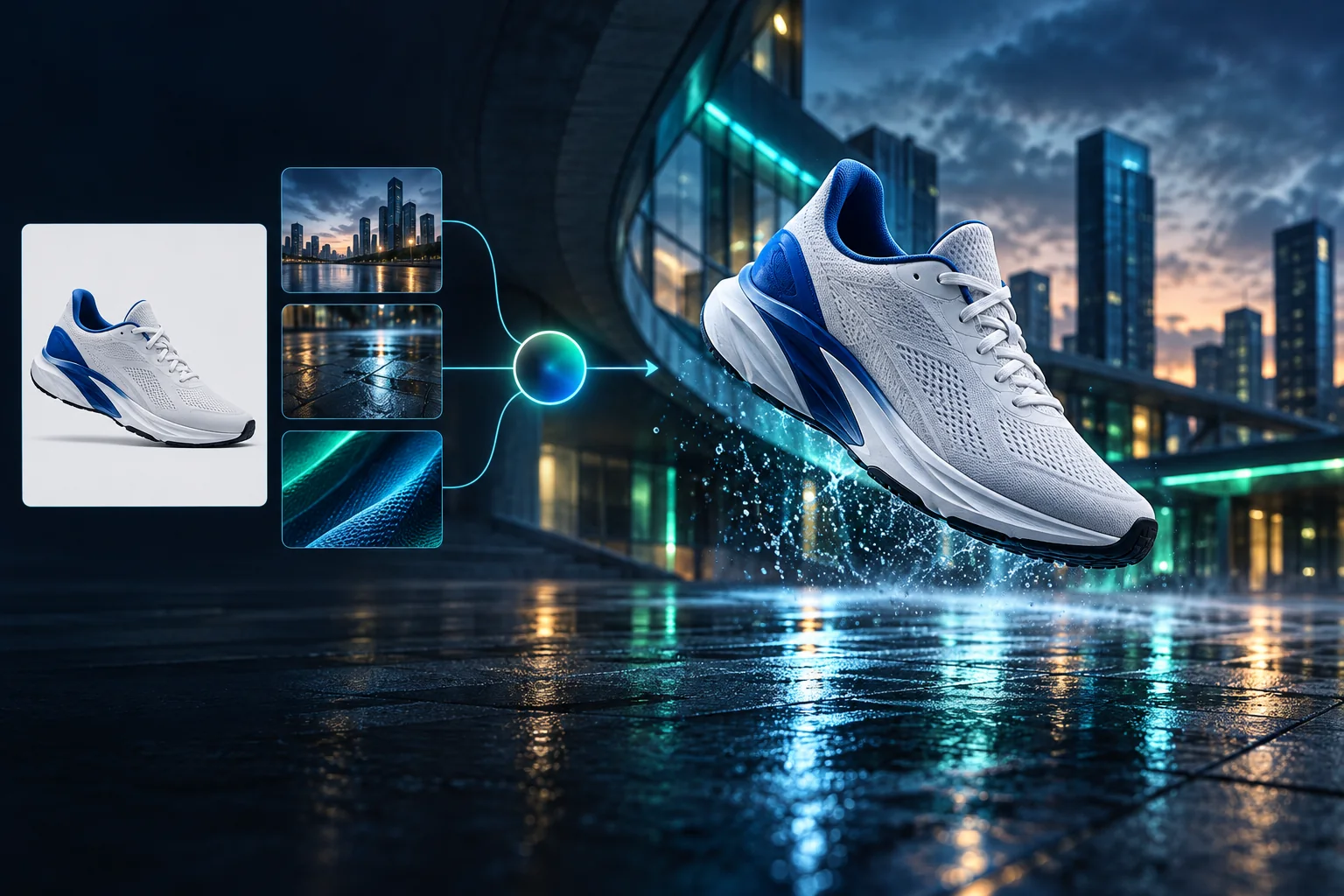
Product campaign transformation
Turn a clean sneaker reference into a finished blue-hour advertising scene.
로그인한 세대는 기본적으로 비공개입니다.
Generate images
Start from a prompt and a precise model.
Edit photos
Describe a change with visual references.
Product photos
Build clean product and campaign sets.
Remove background
Create a transparent PNG cutout.
Upscale
Increase detail and output dimensions.
Create designs
Add text, layers, templates, and exports.
Image models
A dedicated generator for every model
Open the model you searched for. Its page keeps that exact endpoint, capabilities, reference limit, and credit price.
Generate
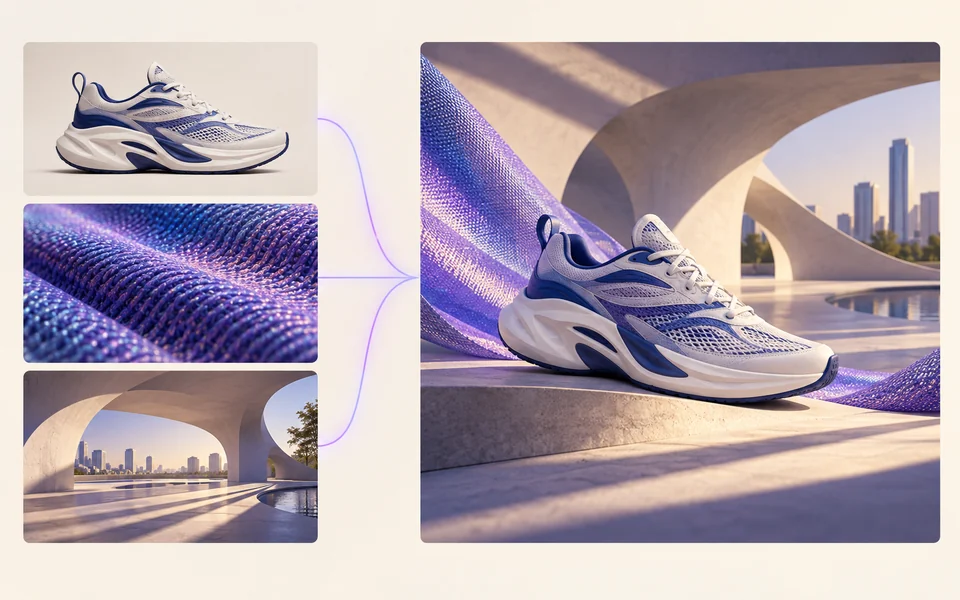 API preview
Qwen Image 2.1
Native transparent RGBA, generation, editing, and up to 10 documented references
Preview Qwen Image 2.1 Native transparent PNG Generate / Edit
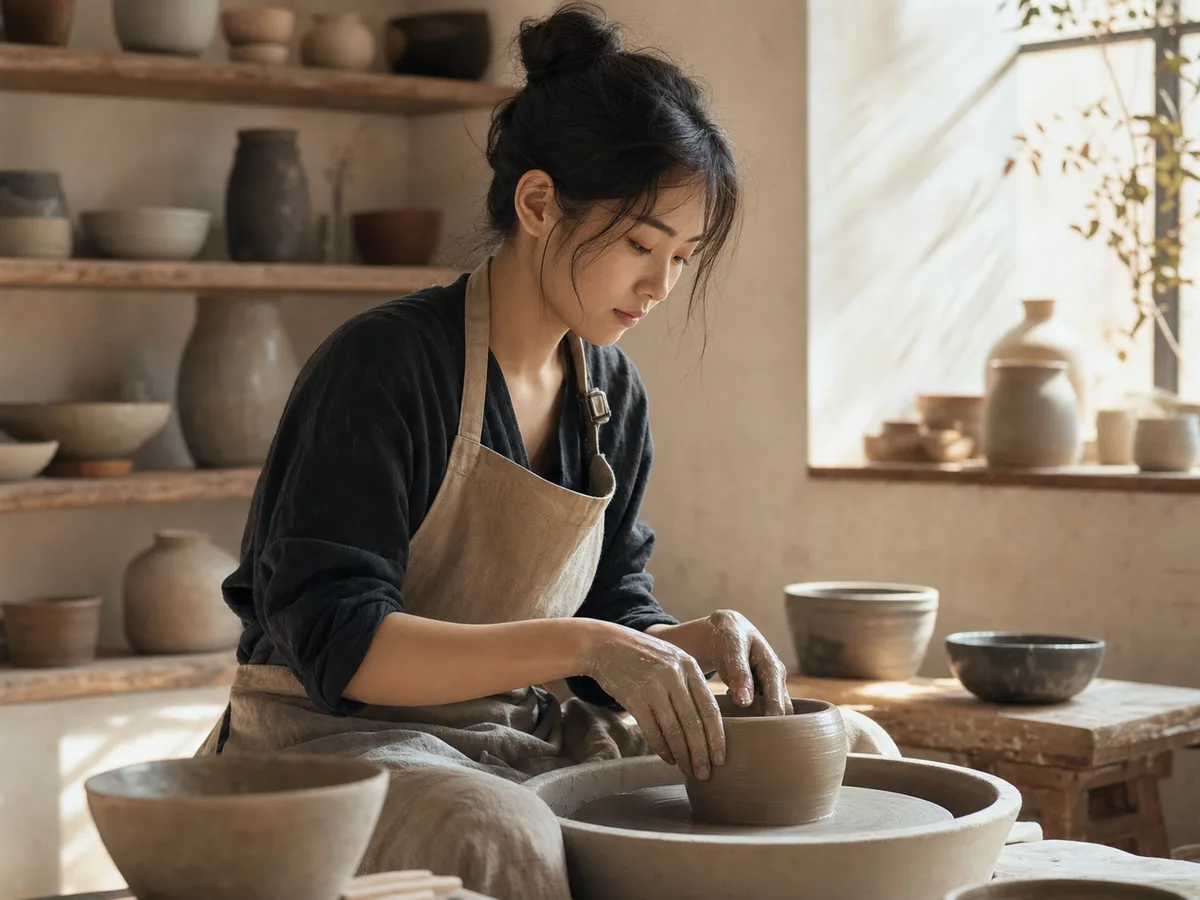 Generate / Edit
 Generate / Edit
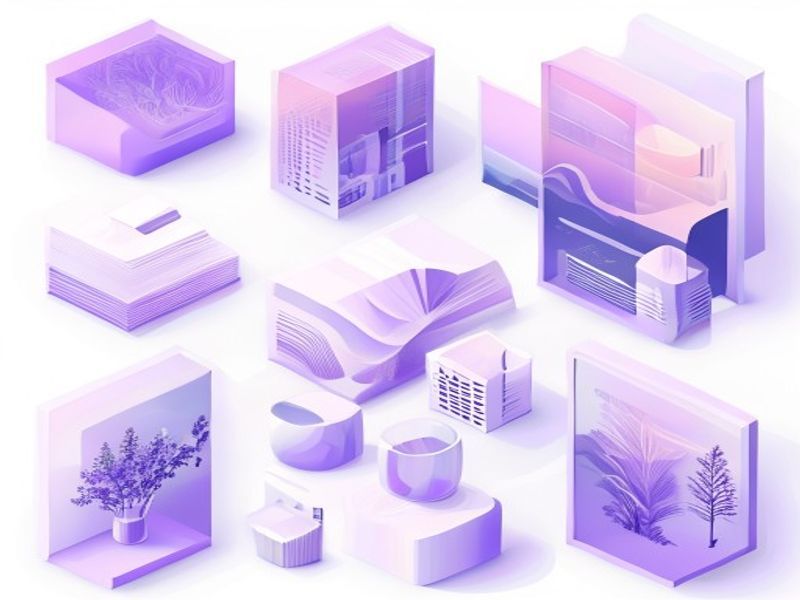 Generate / Edit
Image tools
Start with the result you need
Every tool opens its own upload, editor, batch, brand, template, or workflow interface. Advanced Studio remains available when you want to connect tasks.
Product


Enhance


Design


Workflow




Complete workflows
From source image to finished delivery

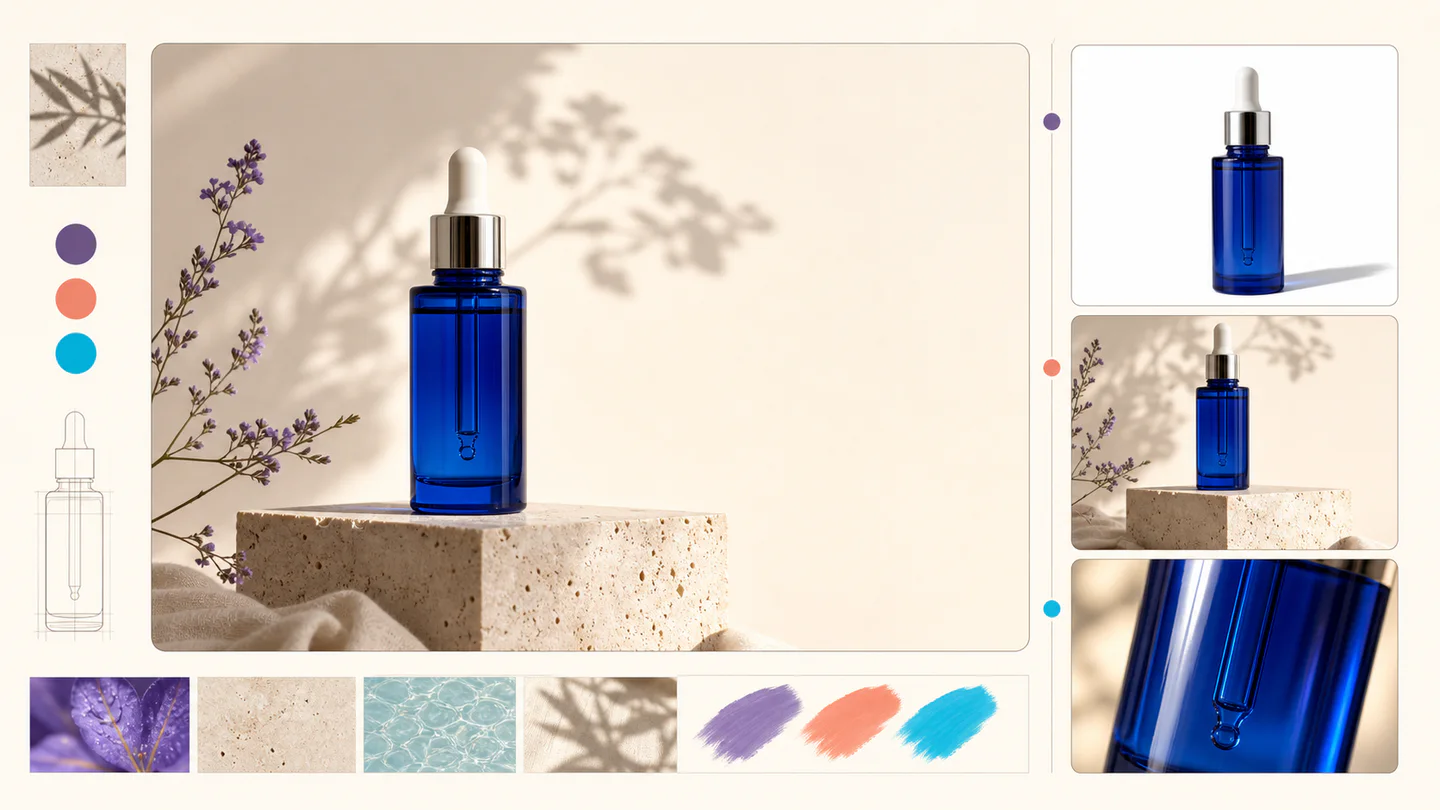
One product photo, a complete campaign set
Remove the background, add a believable shadow or scene, create an ad layout, then resize it for each channel.
Create product photosGenerate a poster, then edit its text separately
Create the visual direction first. Keep price, date, and headline as editable layers before exporting multiple sizes.
Make a posterTurn a sketch into editable vector artwork
Use a sketch as the structural reference, convert the chosen graphic into real paths, then recolor and export SVG.
Convert to SVG01 — 03
작동 원리
간단한 3단계를 통해 아이디어를 이미지로 만들 수 있습니다.
1 단계
프롬프트 작성
피사체, 스타일, 색상, 분위기 등 보고 싶은 내용을 설명하세요.
2 단계
생성
Qwen Image 3는 설명을 고유한 고품질 이미지로 렌더링합니다.
3 단계
다운로드 및 공유
결과를 즉시 저장하고 소셜, 광고, 개인 프로젝트 등 어디에서나 사용하세요.
창의적인 작업 흐름
첫 번째 프롬프트부터 사용할 수 있는 이미지까지
중요한 선택 사항만 모든 단계에서 설명되므로 초보자도 자신감을 가지고 1세대를 완료할 수 있습니다.
01
안내 메시지
주제, 설정, 스타일, 조명을 바탕으로 명확한 프롬프트를 구축하거나 바로 편집 가능한 예시로 시작하세요.
02
One focused Qwen Image 3 workflow
Generate with the verified Qwen Image 3 endpoint, then continue in the reference-image editor when you need revisions.
03
유용한 종횡비
일반적인 제품, 포스터, 소셜 콘텐츠 레이아웃에는 정사각형, 가로 또는 세로 방향을 선택하세요.
04
기본적으로 비공개
로그인한 작업은 기본적으로 비공개로 유지됩니다. 리더보드는 메시지, 이미지 또는 계정 세부정보를 게시하지 않습니다.
05
투명한 크레딧
Qwen Image 3 uses 5 credits per output. Confirmed provider failures automatically restore the credits used by that task.
06
정리된 결과
완성된 이미지를 미리 보고 다운로드한 다음 개인 작업 공간에서 생성 내역을 관리하세요.
Image editing
Change the scene, keep the subject
Upload up to three references. Describe the exact edit, then name the product, text, crop and geometry that must remain unchanged.
Edit an imageReady-to-use creative inspiration
AI image and video prompt library
Explore 65 prompts adapted for the image and video models on this site. Filter by media and scene, copy a prompt, or continue with the model you choose.
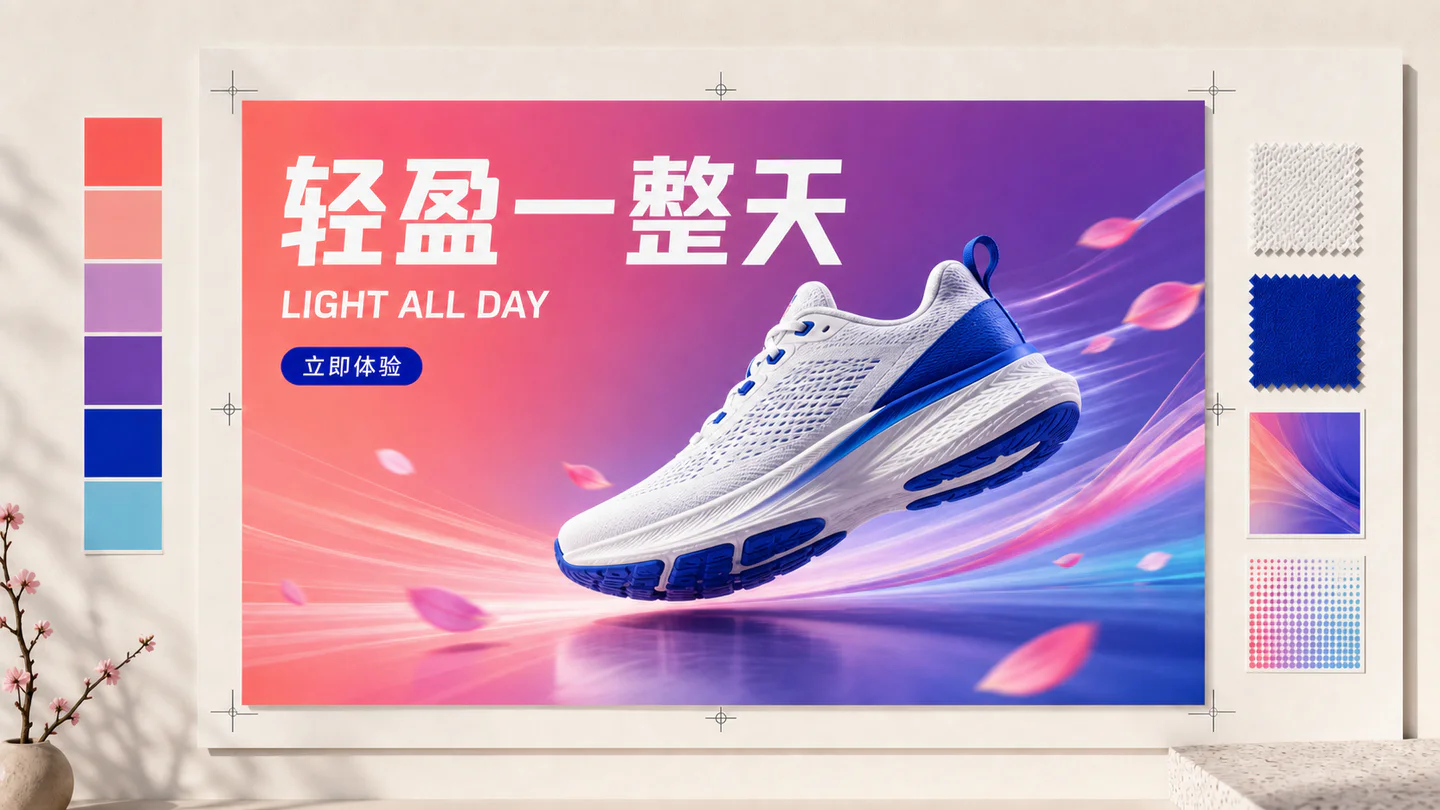
ChineseAI Image
Chinese tea launch poster
Qwen Image 3 · 3:4 · 2K
Design a vertical Chinese tea launch poster. Exact headline: “春山新茶”. Exact subheading: “明前龙井 · 清香回甘”. Pale rice-paper texture, one ceramic cup, restrained ink landscape, clear hierarchy, generous margins, no extra text.
자연AI Video
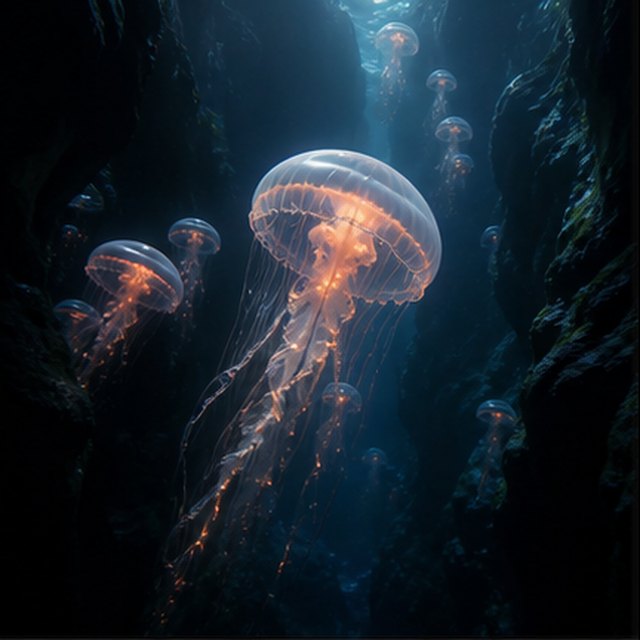
심연 속 해파리
Compatible with 4 video models
빛나는 해파리가 검은 해저 협곡을 떠다니는 동안 작은 해파리들이 멀리서 떠오릅니다. 카메라는 그 투명한 종 모양을 따라 천천히 위로 미끄러지듯 움직이고; 가느다란 입자들이 파란 빛줄기를 통과하며 굴러 다니고, 촉수는 자연스럽게 맥박치고, 깊은 바다의 분위기는 부드럽고 넓게 유지됩니다.
TypographyAI Image
Editorial typography poster
Qwen Image 3 · 3:4 · 2K
Create a modern editorial poster with the exact headline “FORM FOLLOWS FEELING” and small caption “Design study 03”. Swiss grid, black type on warm ivory, one cobalt geometric form, crisp kerning, no extra words.
영화 같은AI Video
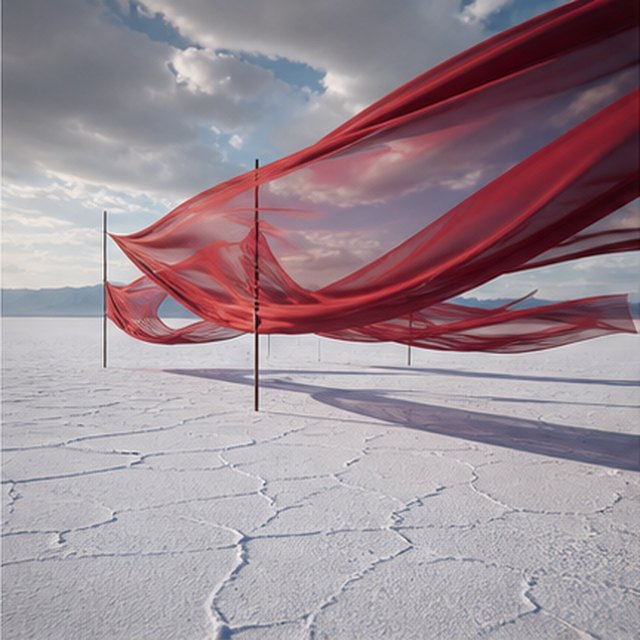
소금 평원 위의 빨간 비단
Compatible with 4 video models
긴 붉은 비단 리본이 움직이는 폭풍 구름 아래 끝없이 펼쳐진 흰 소금 평원 위에서 물결친다. 바람이 각 층을 통해 파동을 보내면서 천을 따라 옆으로 이동하고, 긴 그림자가 갈라진 땅 위를 미끄러지듯 지나가며, 절제된 사운드스케이프에는 오직 천, 바람, 그리고 먼 천둥 소리만 들린다.
제품AI Image
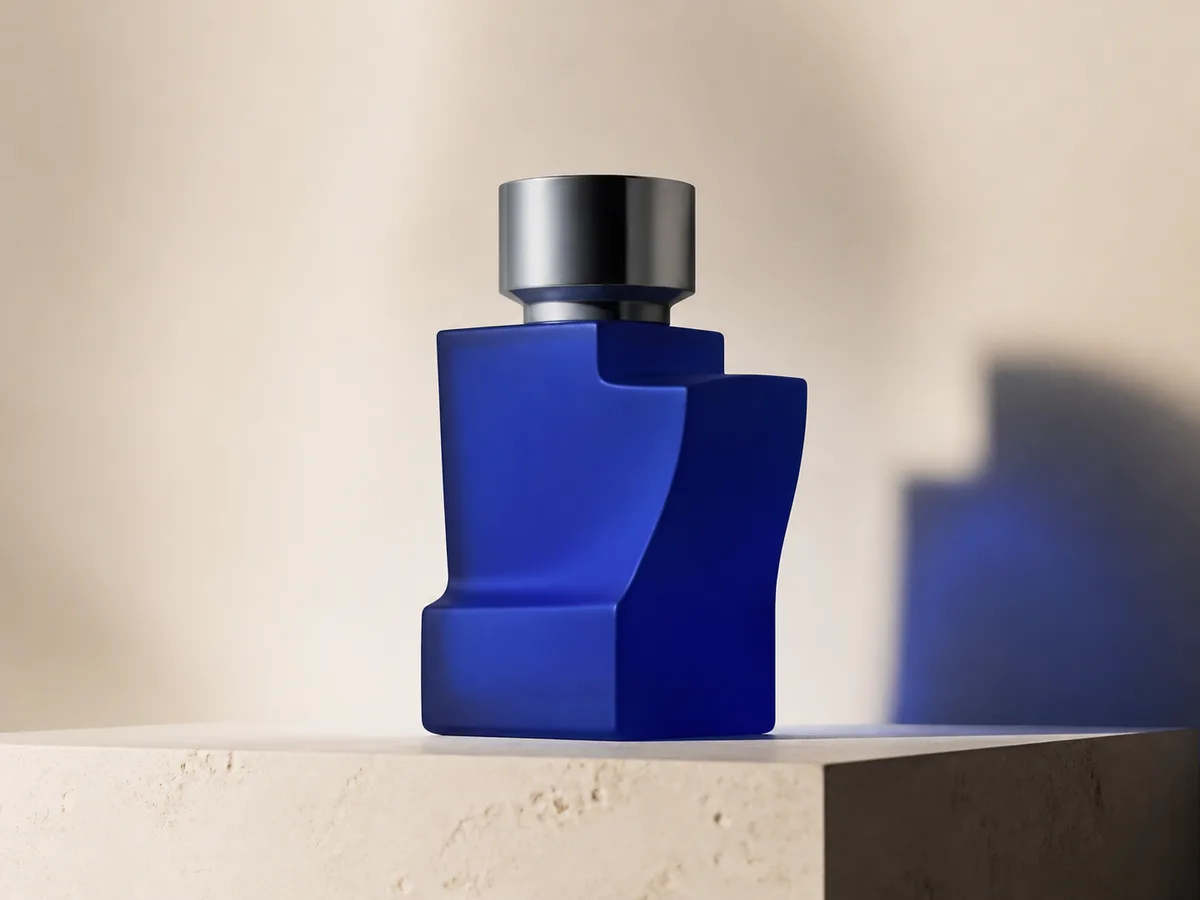
Cobalt perfume advertisement
Qwen Image 3 · 4:3 · 2K
Premium cobalt-blue perfume bottle on dark slate, precise glass reflections, narrow rim light, soft mist behind the bottle, luxury studio advertising, centered product, label readable, no extra objects.
판타지 & 애니메이션AI Video
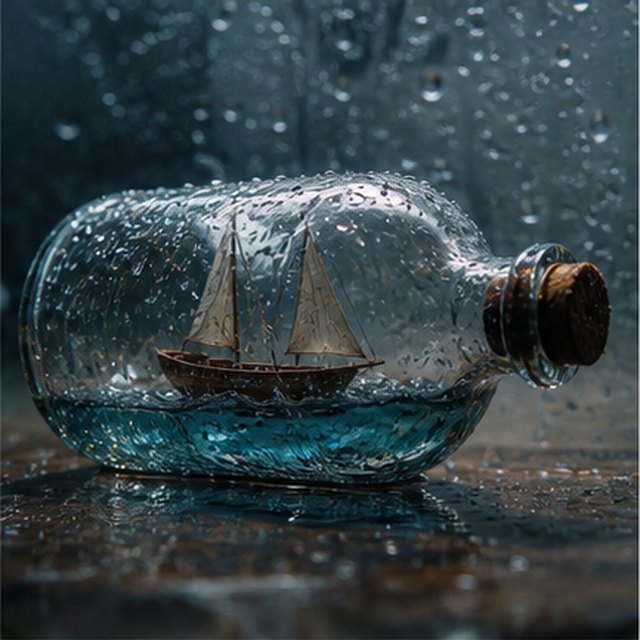
병 속의 폭풍
Compatible with 4 video models
빗물로 덮인 유리병 안에 갇힌 작은 나무 범선의 매크로 시네마틱 뷰. 미니어처 바다가 선체를 흔들고, 번개가 잠시 돛을 비춘다; 얕은 피사계 심도로 젖은 유리를 부드럽게 공전하며, 선명한 물방울, 묵직한 천둥 소리, 삐걱거리는 목재 소리.
EcommerceAI Image
E-commerce campaign board
Qwen Image 3 · 16:9 · 2K
Build a clean e-commerce campaign board for a neutral running shoe: hero product image, two detail crops, three benefit labels, size guide panel and a clear “SHOP THE DROP” callout. White and graphite palette, consistent product geometry.
영화 같은AI Video
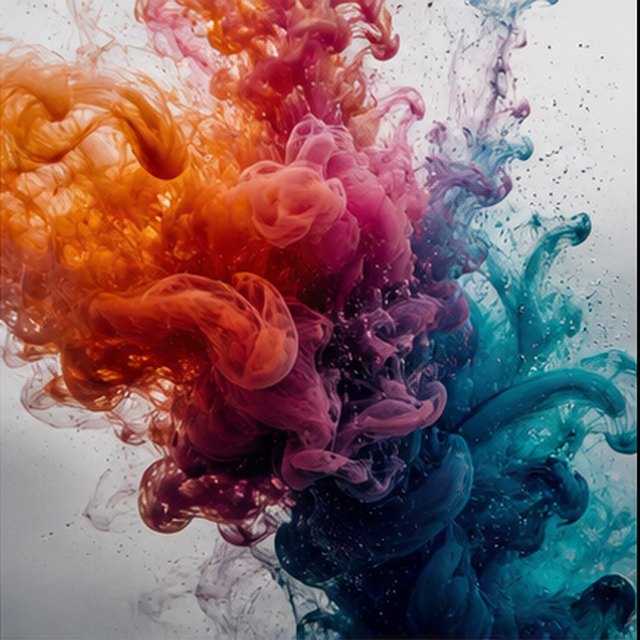
물 속에서 피어나는 색
Compatible with 4 video models
주황색, 마젠타, 보라색, 시안 잉크가 수정처럼 맑은 물 속에서 극도로 느린 움직임으로 퍼져 나갑니다. 구르는 구름이 충돌하고, 접히고, 섬세한 실처럼 해체되는 동안 깨끗한 매크로 프레임을 유지하세요; 밝은 역광, 미세한 디테일, 섬세한 액체 움직임을 사용하고, 용기가 보이지 않도록 하세요.
Qwen Image 3 Lab
Prompts, visible results and failure notes
Each lab page states what was tested, what worked, what needs review and how the prompt can be improved. Unknown data stays unknown.
Qwen Image 3 Chinese Text Test
Qwen Image 3 can produce useful Chinese display text, but small copy still needs visual proofreading before publication.
Qwen Image 3 Typography Test
Short English and Chinese headlines are the safest typography use case; mixed-language and small text need stricter prompts and review.
Qwen Image 3 Product Photo Test
The model is useful for premium product concepts, especially when the brief defines material, lighting, contact shadow and camera angle.
Qwen Image 3 Infographic Test
Qwen Image 3 can draft strong infographic layouts, but facts and labels must be validated separately.
Qwen Image 3 Image Editing Test
Reference editing works best when the instruction separates the requested change from details that must remain unchanged.
Qwen Image 3 Standard vs Pro
This site currently exposes one verified Qwen Image 3 endpoint, so it does not publish a fabricated Standard-versus-Pro winner.
당신과 함께 성장하는 계획
Qwen Image 요금제 및 크레딧
정기적으로 생성하려면 권장되는 월간 요금제를 선택하거나 갱신이 필요 없는 유연한 일회성 크레딧 팩을 선택하세요.
각 Qwen Image 3 세대는 5크레딧을 사용합니다. 월간 요금제는 크레딧당 최저 비용을 제공합니다.
자주 묻는 질문
생성, 일일 체크인, 추천 및 크레딧 사용에 대해 알아야 할 사항.