Qwen Image 3

집중된 Qwen Image 3 워크플로우

당신 앞에 있는 작업에 맞는 AI 도구를 선택하세요

빈 메시지 대신 구체적인 결과물로 시작하세요. 각 도구는 해당 작업에 중요한 제어 기능을 노출하고, 생성 전 비용을 표시하며, 인적 검토가 여전히 중요한 부분을 설명합니다.

Qwen Image 3 생성기
인기
4~10 크레딧
이미지프롬프트이미지

Qwen Image 3 생성기

자연어 프롬프트에서 상세한 이미지 생성

  • 안내 메시지
  • One focused Qwen Image 3 workflow
  • 유용한 종횡비
도구 열기
AI 포스터 생성기
인기
4 크레딧
이미지프롬프트이미지

AI 포스터 생성기

AI로 세련된 포스터 디자인하기

  • 별도의 헤드라인 및 보조 카피 입력
  • 목적, 스타일, 팔레트 및 측면 제어
  • 교정 지침 및 실제 프롬프트 예시
도구 열기
AI 제품 사진 생성기
인기
5 크레딧
이미지프롬프트이미지

AI 제품 사진 생성기

스튜디오에서 바로 사용할 수 있는 제품 사진 제작

  • 형상, 재료 및 포장 세부 정보 입력
  • 스튜디오, 라이프스타일, 럭셔리 및 캠페인 사전 설정
  • 텍스트-이미지 충실도 제한을 명확하게 공개합니다.
도구 열기
AI YouTube 썸네일 생성기
4 크레딧
이미지프롬프트이미지

AI YouTube 썸네일 생성기

눈에 띄고 영향력 있는 미리보기 이미지를 만드세요.

  • 기본 16:9 이미지 출력
  • 별도의 제목, 주제 및 호기심 제어
  • 모바일 가독성 및 정직한 클릭 안내
도구 열기
Wan 3.0 미리보기
신규
150~450 크레딧
영상프롬프트 + 이미지 + 영상영상

Wan 3.0 미리보기

미리보기를 시청하고 검증된 릴리스 업데이트를 따르세요.

  • 미리보기가 가능합니다
  • Wan 3.0 액세스가 확인되지 않았습니다.
  • Public Wan 제품은 이전 버전으로 유지됩니다.
도구 열기
Seedance 2.5
신규
250~1500 크레딧
영상프롬프트 + 이미지영상

Seedance 2.5

정확한 모션으로 영화 같은 비디오 생성

  • 무료 프롬프트 계획
  • 리얼시던스 2.0 출력
  • 2.5 연결 보류 중
도구 열기
시드스 2.0
인기
150~240 크레딧
영상프롬프트영상

시드스 2.0

텍스트와 이미지를 표현력이 풍부한 비디오로 변환

  • Real Seedance 2.0 텍스트-비디오 작업
  • 5~8초 제어 모션 브리프
  • 가로, 세로, 정사각형 배송
도구 열기
MiniMax H3
신규
150~450 크레딧
영상프롬프트영상

MiniMax H3

동기화된 오디오로 고품질 AI 비디오 제작

  • 네이티브 2K 출력
  • 동일한 패스의 스테레오 오디오
  • 최대 15초
도구 열기
배경 제거제
인기
2 크레딧
편집이미지이미지

배경 제거제

단 몇 초 만에 이미지 배경을 깔끔하게 제거

  • 특수 목적의 배경 분할
  • 대화형 자동 및 드래그 가능한 공개
  • 가장자리 안내가 포함된 투명한 PNG 다운로드
도구 열기
Remove Matcha Filter
신규
5 크레딧
편집이미지이미지

Remove Matcha Filter

Restore natural colors from a green matcha cast

  • Natural skin-tone recovery
  • Conservative identity-preserving edit
  • Draggable before-and-after review
도구 열기
AI Image Generator task illustration
신규
3~15 크레딧
이미지프롬프트이미지

AI Image Generator

Choose an available model and turn a prompt into a new image.

  • Create task-specific controls
  • Server-verified model and credits
  • Dedicated public workspace
Generate image
AI Image Editor task illustration
신규
3~15 크레딧
이미지이미지이미지

AI Image Editor

Upload reference images, choose an editing model, and describe the change.

  • Create task-specific controls
  • Server-verified model and credits
  • Dedicated public workspace
Edit image
Background Remover task illustration
인기신규
5 크레딧
편집이미지이미지

Background Remover

Remove a photo background and download a transparent PNG.

  • Product task-specific controls
  • Preview before export
  • Dedicated public workspace
Remove background
Background Changer task illustration
인기신규
0 크레딧
편집이미지이미지

Background Changer

Apply a solid, gradient, uploaded, or generated scene behind a subject.
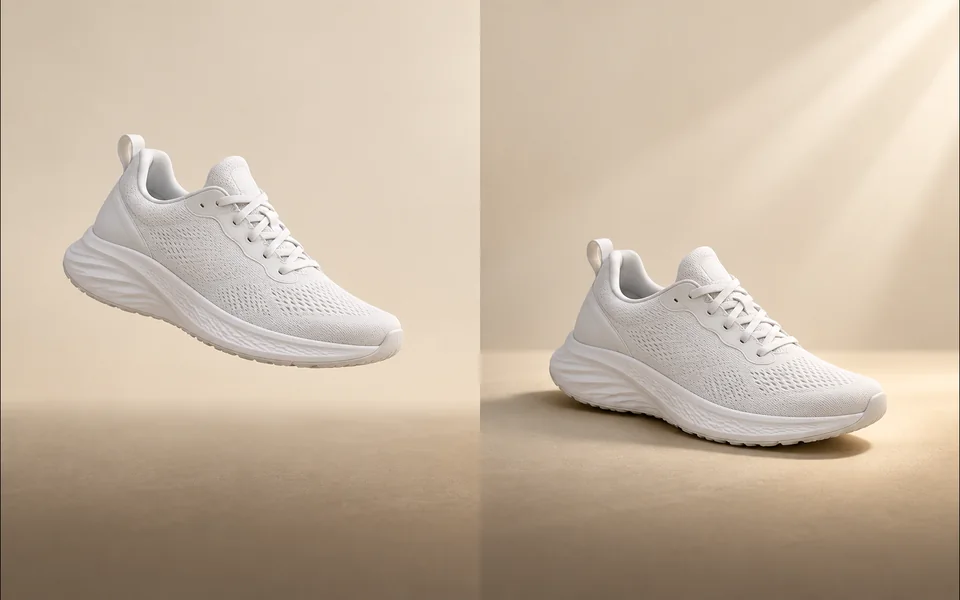
  • Product task-specific controls
  • Preview before export
  • Dedicated public workspace
Apply background
Add Shadow to Image task illustration
인기신규
0 크레딧
편집이미지이미지

Add Shadow to Image

Create a product shadow with visible direction, blur, opacity, and offset controls.
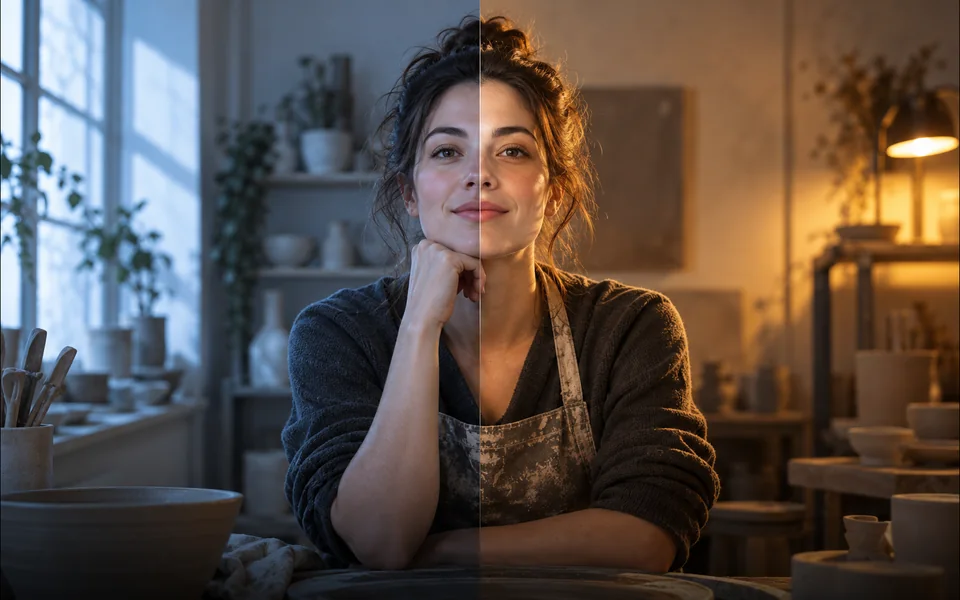
  • Product task-specific controls
  • Preview before export
  • Dedicated public workspace
Export with shadow
AI Relight task illustration
신규
3~15 크레딧
편집이미지이미지

AI Relight

Relight a photo with a selected lighting setup and optional direction.

  • Product task-specific controls
  • Server-verified model and credits
  • Dedicated public workspace
Relight image
Object Remover task illustration
인기신규
3~15 크레딧
편집이미지이미지

Object Remover

Mark an unwanted object and remove only the selected area.
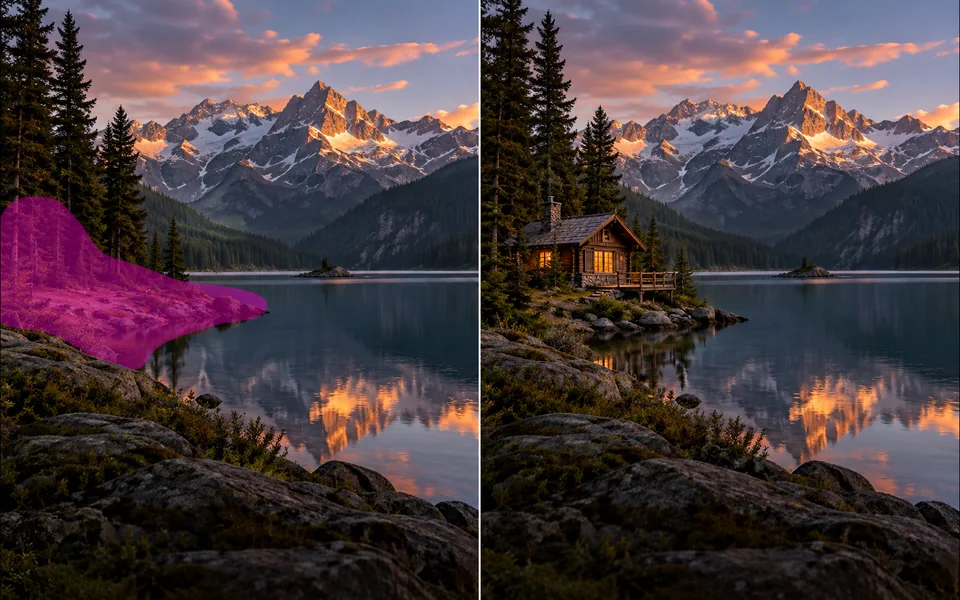
  • Enhance task-specific controls
  • Server-verified model and credits
  • Dedicated public workspace
Remove selected object
AI Inpainting task illustration
신규
3~15 크레딧
편집이미지이미지

AI Inpainting

Paint a mask and replace the selected region from a local description.
  • Enhance task-specific controls
  • Server-verified model and credits
  • Dedicated public workspace
Replace selected area
AI Image Extender task illustration
신규
3~15 크레딧
편집이미지이미지

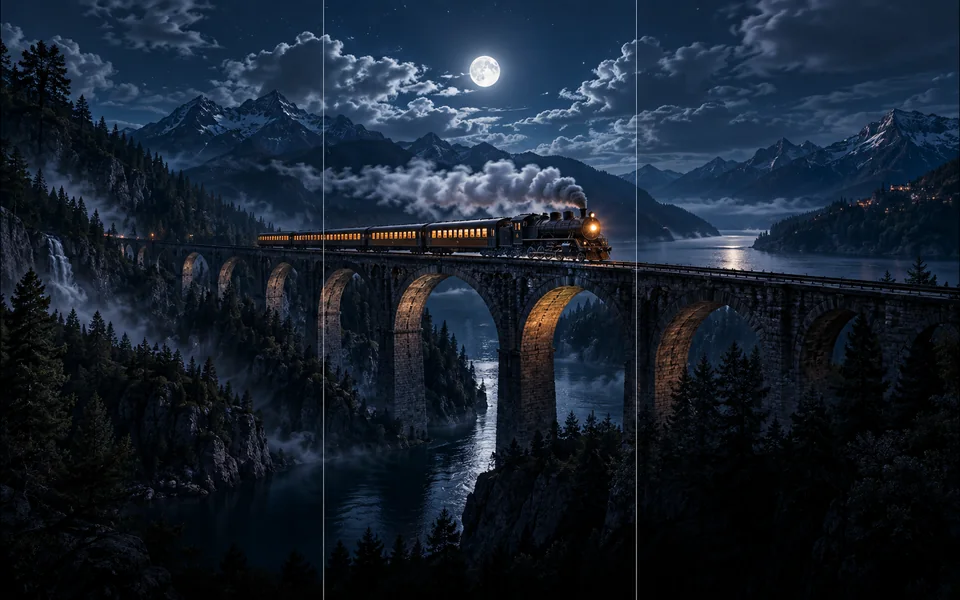
AI Image Extender

Choose new boundaries and extend an image without stretching the original.

  • Enhance task-specific controls
  • Server-verified model and credits
  • Dedicated public workspace
Extend image
AI Image Upscaler task illustration
인기신규
5 크레딧
편집이미지이미지

AI Image Upscaler

Upscale an image at 2× or 4× and compare the output dimensions.
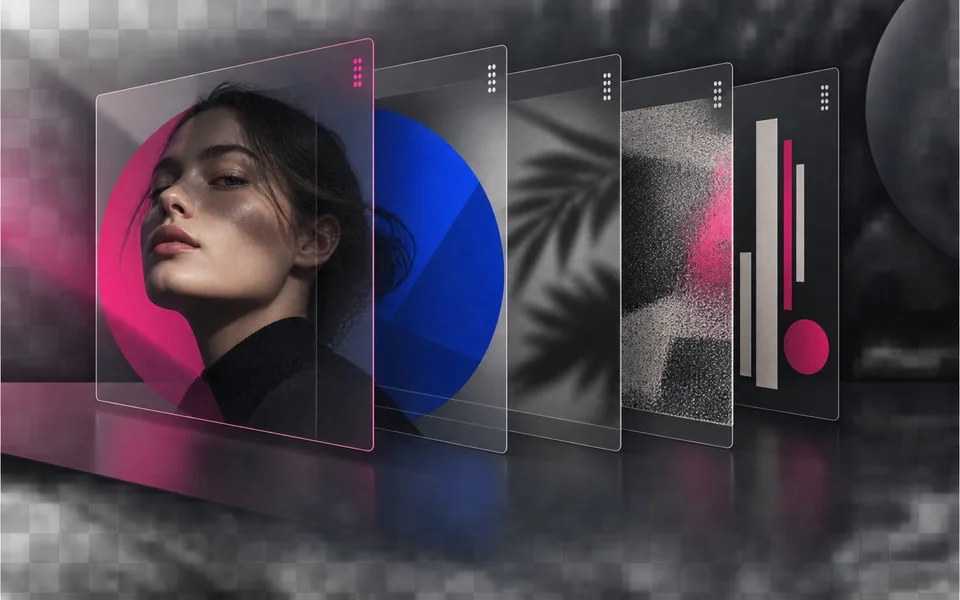
  • Enhance task-specific controls
  • Preview before export
  • Dedicated public workspace
Upscale image
Image Layers Editor task illustration
신규
0 크레딧
편집이미지이미지

Image Layers Editor

Arrange, hide, lock, reorder, and adjust the opacity of image layers.

  • Design task-specific controls
  • Preview before export
  • Dedicated public workspace
Export composition
Add Text to Image task illustration
신규
0 크레딧
편집이미지이미지

Add Text to Image

Place editable text with independent size, color, alignment, and position.

  • Design task-specific controls
  • Preview before export
  • Dedicated public workspace
Export image
Online Image Editor task illustration
신규
0 크레딧
편집이미지이미지

Online Image Editor

Crop, rotate, resize, and export an image in one focused workspace.

  • Design task-specific controls
  • Preview before export
  • Dedicated public workspace
Export edit
Batch Image Editor task illustration
신규
0 크레딧
편집이미지이미지

Batch Image Editor

Queue multiple images, follow item-level progress, and retry failed items only.
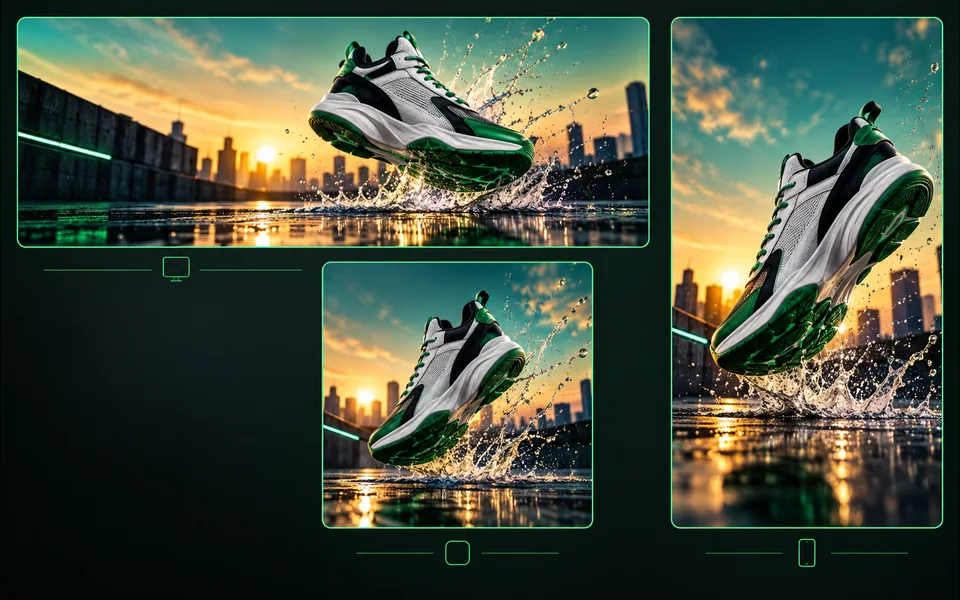
  • Workflow task-specific controls
  • Preview before export
  • Dedicated public workspace
Process batch
Image Resizer task illustration
신규
0 크레딧
편집이미지이미지

Image Resizer

Export one design to platform sizes with contain, cover, or image extension.
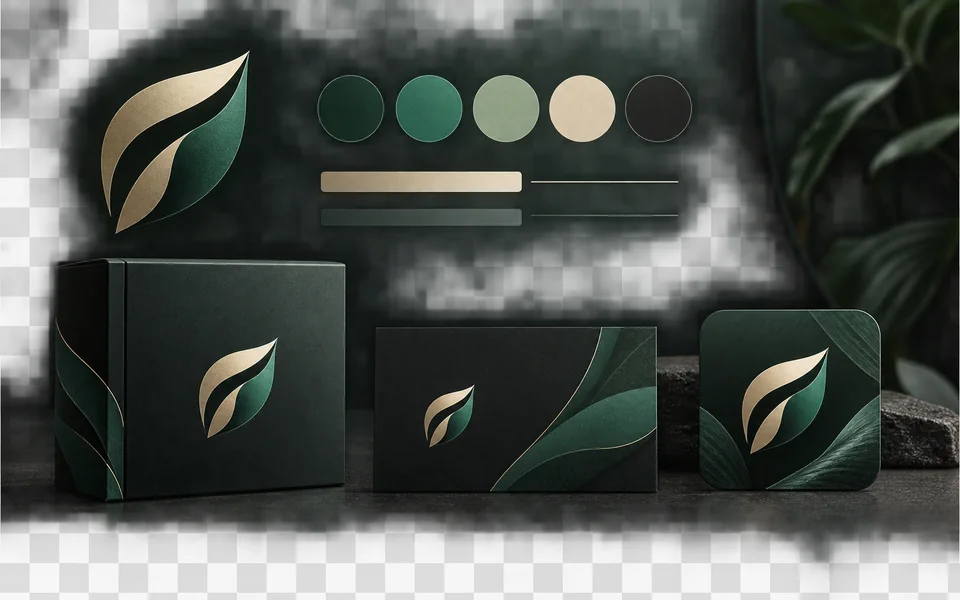
  • Workflow task-specific controls
  • Preview before export
  • Dedicated public workspace
Resize and export
Brand Kit task illustration
신규
0 크레딧
편집이미지

Brand Kit

Set a brand name, logo, colors, and fonts for reusable designs.

  • Workflow task-specific controls
  • Preview before export
  • Dedicated public workspace
Apply brand
Product Image Set task illustration
신규
0 크레딧
편집이미지이미지

Product Image Set

Create a selected set of white, studio, lifestyle, and ad-layout product images.
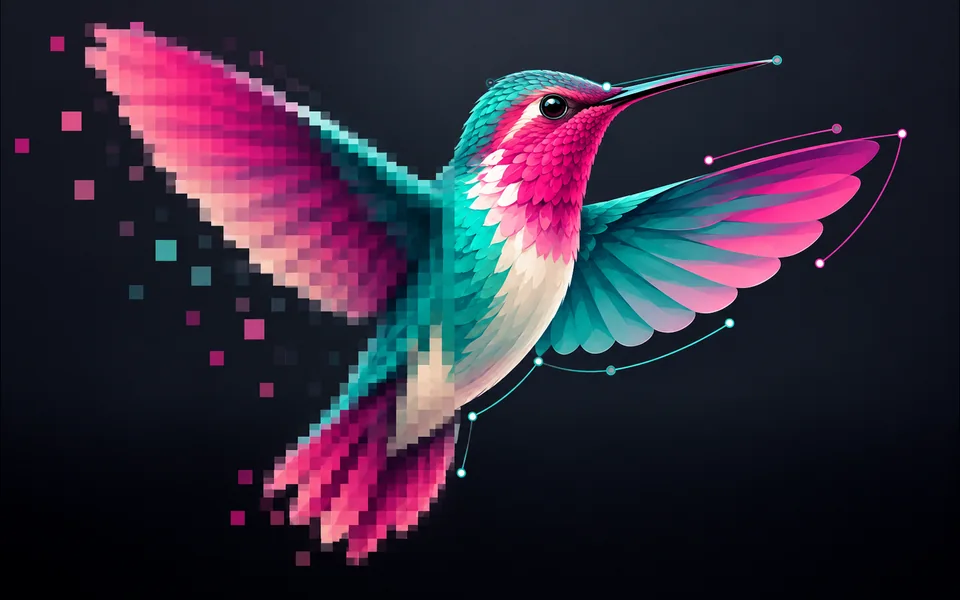
  • Product task-specific controls
  • Preview before export
  • Dedicated public workspace
Create image set
Image to SVG task illustration
인기신규
5 크레딧
편집이미지이미지

Image to SVG

Convert PNG, JPG, or WebP artwork into editable vector paths.

  • Design task-specific controls
  • Preview before export
  • Dedicated public workspace
Convert to SVG
SVG Editor task illustration
신규
0 크레딧
편집이미지이미지

SVG Editor

Paste or upload safe SVG markup, recolor it, resize it, and export SVG.
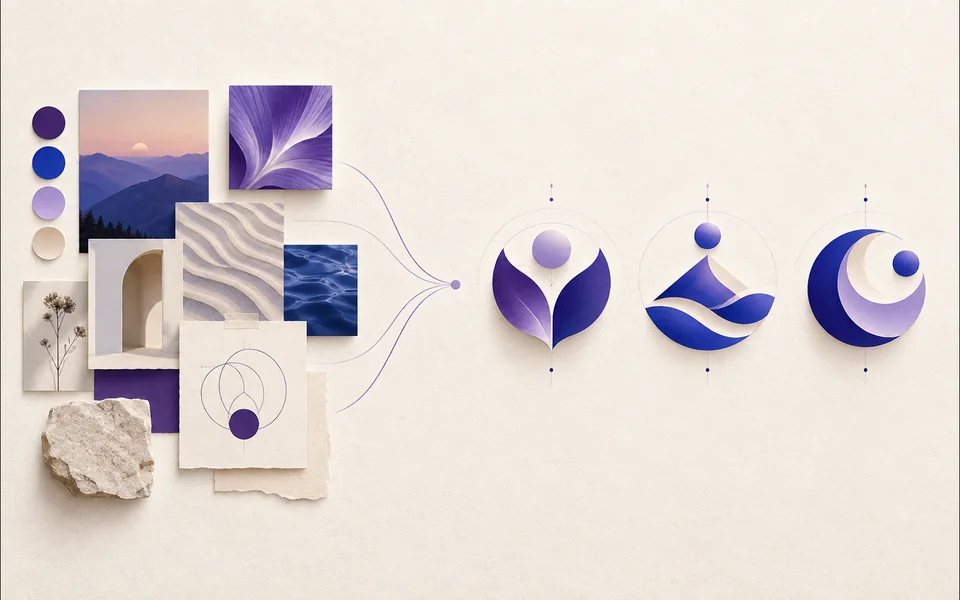
  • Design task-specific controls
  • Preview before export
  • Dedicated public workspace
Export SVG
AI Logo Generator task illustration
신규
3~15 크레딧
이미지프롬프트이미지

AI Logo Generator

Create a logo brief from brand, industry, style, and graphic type.
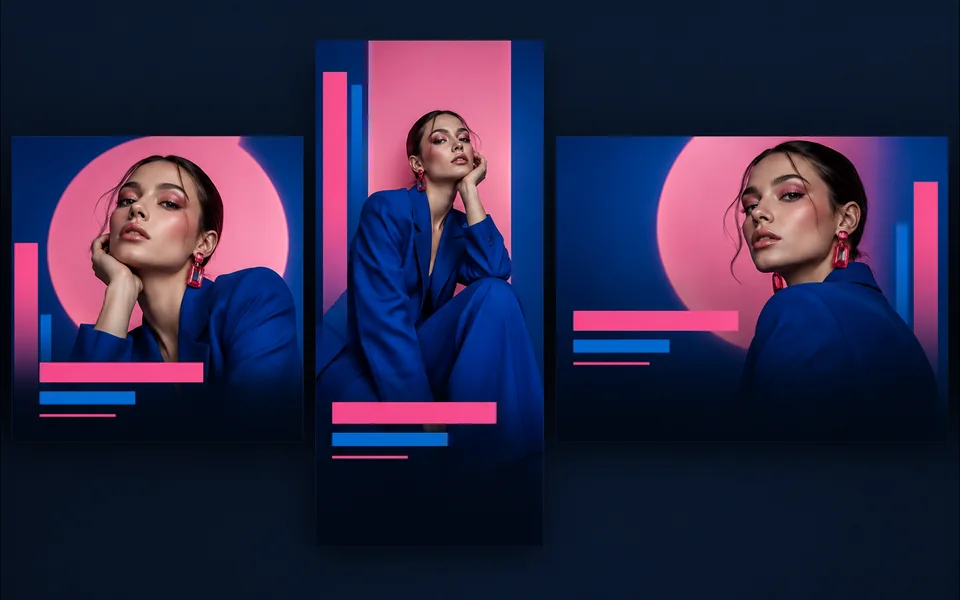
  • Create task-specific controls
  • Server-verified model and credits
  • Dedicated public workspace
Generate logo
Design Templates task illustration
신규
0 크레딧
편집이미지

Design Templates

Choose a visual template, fill its fields, preview it, and continue editing.

  • Design task-specific controls
  • Preview before export
  • Dedicated public workspace
Use template
Sketch to Image task illustration
신규
3~15 크레딧
이미지이미지이미지

Sketch to Image

Draw or upload a sketch and pass it as the actual generation reference.
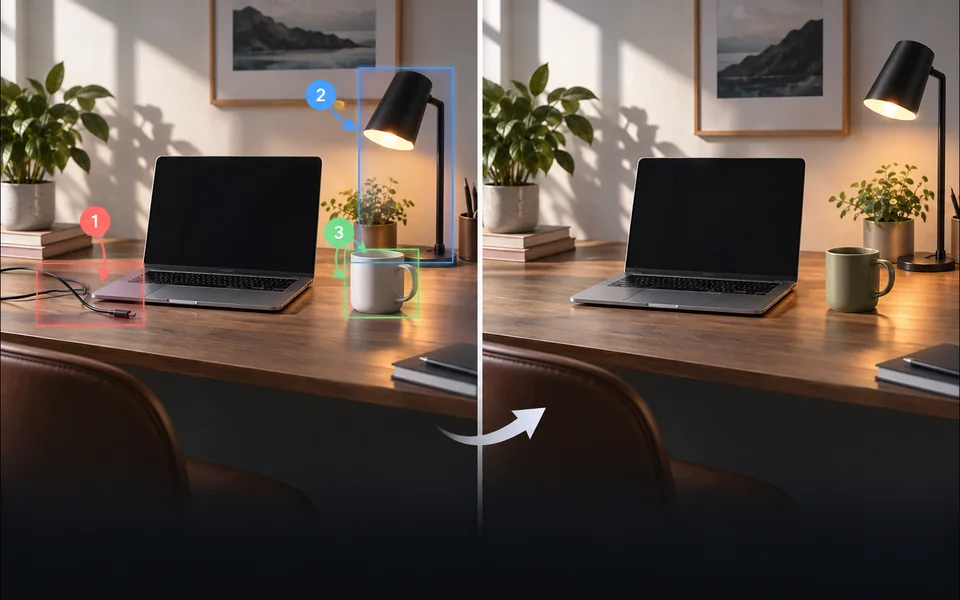
  • Create task-specific controls
  • Server-verified model and credits
  • Dedicated public workspace
Generate from sketch
Annotate & Edit Image task illustration
신규
3~15 크레딧
편집이미지이미지

Annotate & Edit Image

Place numbered notes, arrows, boxes, and brush marks before applying edits.

  • Enhance task-specific controls
  • Server-verified model and credits
  • Dedicated public workspace
Apply edits
Prompt Builder & Sharing task illustration
신규
0 크레딧
편집이미지

Prompt Builder & Sharing

Build a reusable prompt recipe from variables and share a redacted copy.
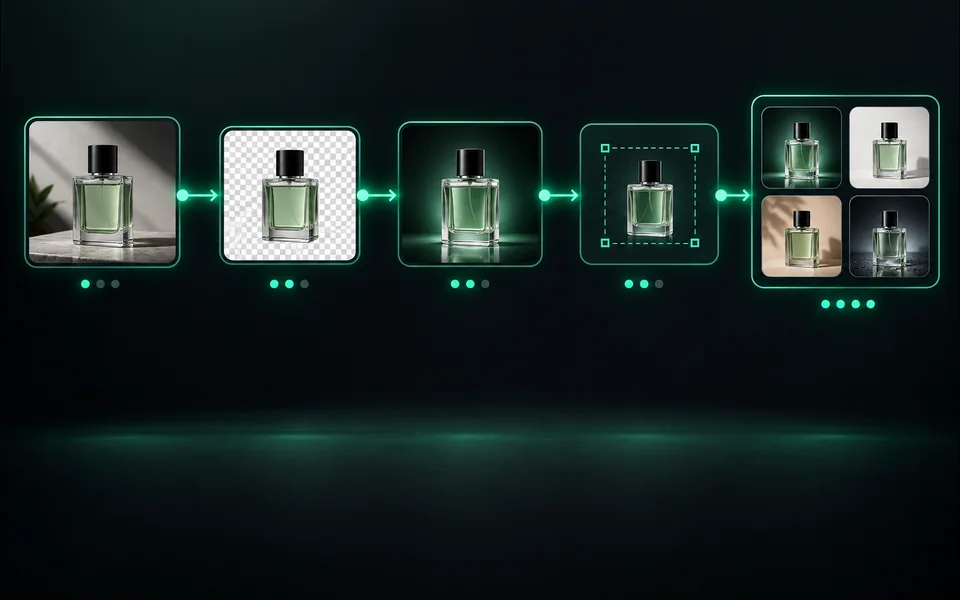
  • Workflow task-specific controls
  • Preview before export
  • Dedicated public workspace
Save recipe
Image Workflow Builder task illustration
신규
0 크레딧
편집이미지이미지

Image Workflow Builder

Build a visible sequence of image steps with per-step cost and results.
  • Workflow task-specific controls
  • Preview before export
  • Dedicated public workspace
Run workflow

5가지 고유한 생산 워크플로우, 하나의 보안 계정 시스템

두 도구는 인증된 크레딧, 작업 복구 및 실패한 작업 환불을 공유하지만 인터페이스, 모델 선택, 예시 및 검토 기준은 의도적으로 다릅니다. 새 페이지는 별도의 사용자 작업을 해결할 때만 그 자리를 차지합니다.