
 Generate
ใหม่MiniMax H3 ถ่ายทอดสด · วิดีโอ 2K พร้อมเสียงสเตอริโอเนทีฟ
เครื่องกำเนิดไฟฟ้า Qwen Image 3.0
อธิบายไอเดียด้วยภาษาที่ใช้จริง เลือกรูปแบบ แล้วให้ Qwen Image 3 สร้างภาพที่พร้อมใช้งาน
ผลิตภัณฑ์ของบุคคลที่สามที่เป็นอิสระ ไม่มีส่วนเกี่ยวข้องหรือรับรองโดยอาลีบาบาหรือทีมงาน Qwen
เครื่องกำเนิดภาพ
รุ่นที่ลงชื่อเข้าใช้จะเป็นแบบส่วนตัวตามค่าเริ่มต้น
สลับเครื่องมือ
Qwen Image 3
สูตรสำหรับผู้เริ่มต้น: วัตถุ + การตั้งค่า + สไตล์ + การจัดแสง มากถึง 5,000 ตัวอักษร
0/5000
ไม่แน่ใจว่าจะเขียนอะไร? ลองตัวอย่าง
2. แบบ
Compare image models3. เลือกรูปทรง
Advanced settings
Prompt enhance (slower)
Outputs
ลงทะเบียนเพื่อสร้าง
รุ่นนี้ใช้เครดิต 5
ผลลัพธ์ของคุณ
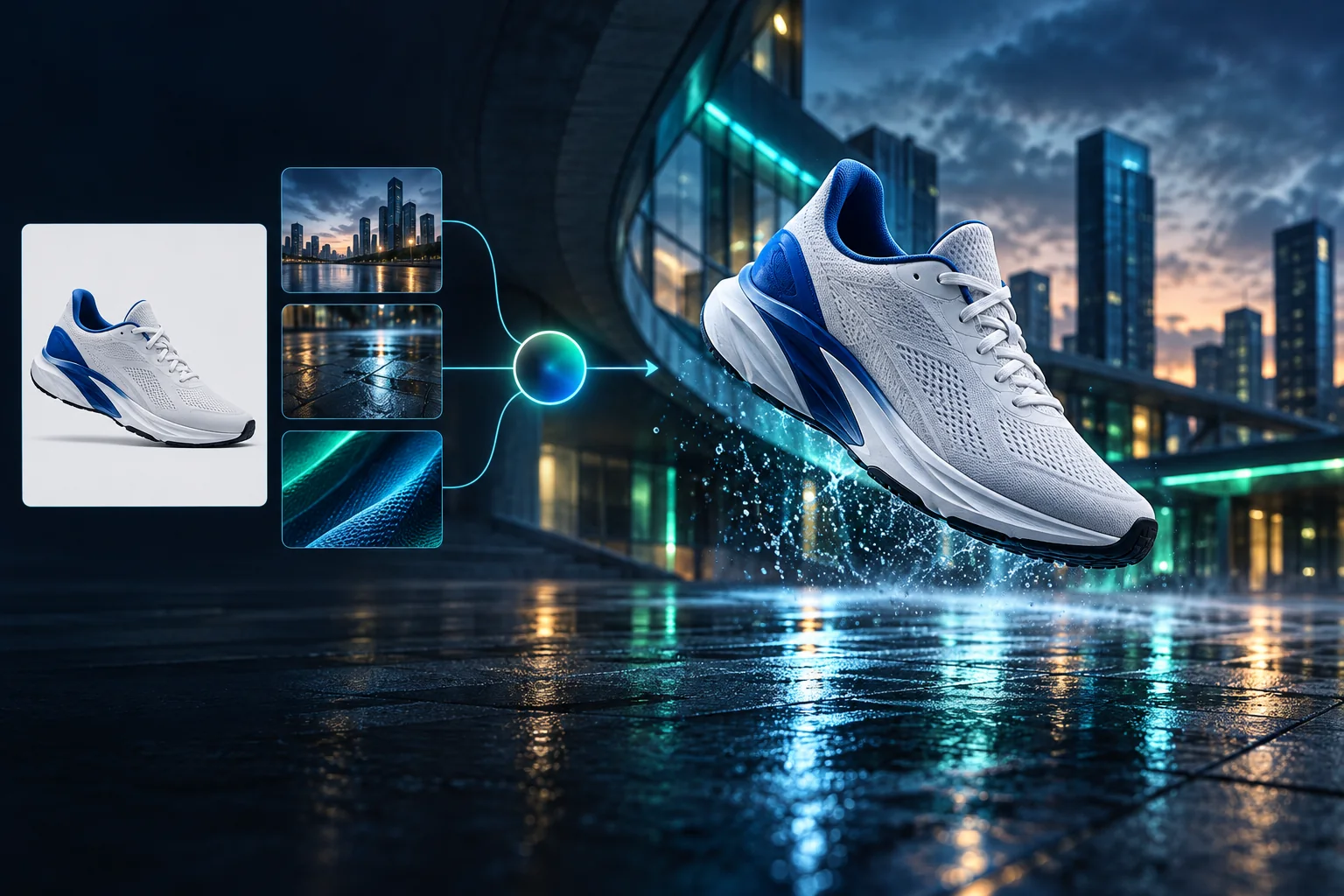
Product campaign transformation
Turn a clean sneaker reference into a finished blue-hour advertising scene.
รุ่นที่ลงชื่อเข้าใช้จะเป็นแบบส่วนตัวตามค่าเริ่มต้น
Generate images
Start from a prompt and a precise model.
Edit photos
Describe a change with visual references.
Product photos
Build clean product and campaign sets.
Remove background
Create a transparent PNG cutout.
Upscale
Increase detail and output dimensions.
Create designs
Add text, layers, templates, and exports.
Image models
A dedicated generator for every model
Open the model you searched for. Its page keeps that exact endpoint, capabilities, reference limit, and credit price.
Generate
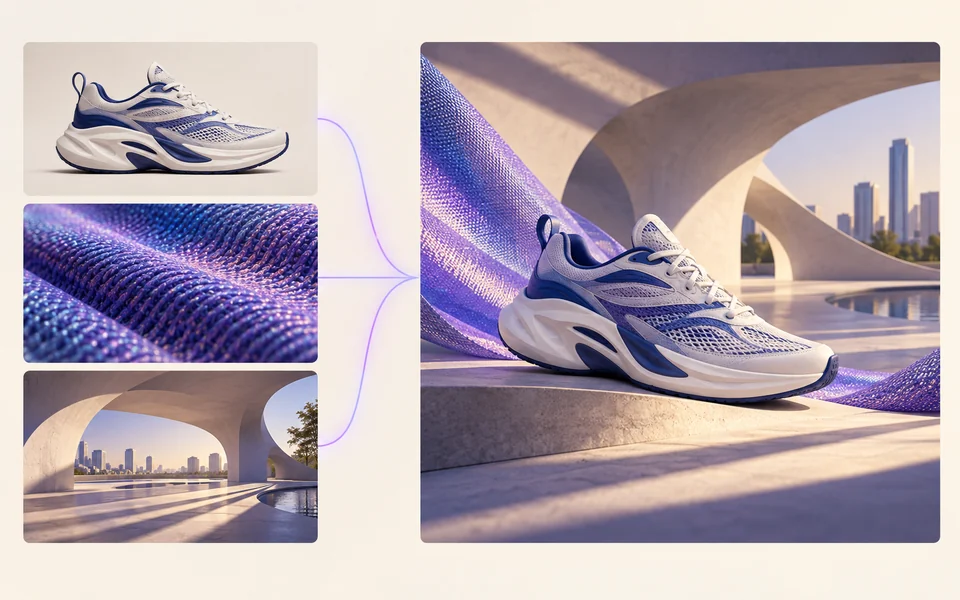 API preview
Qwen Image 2.1
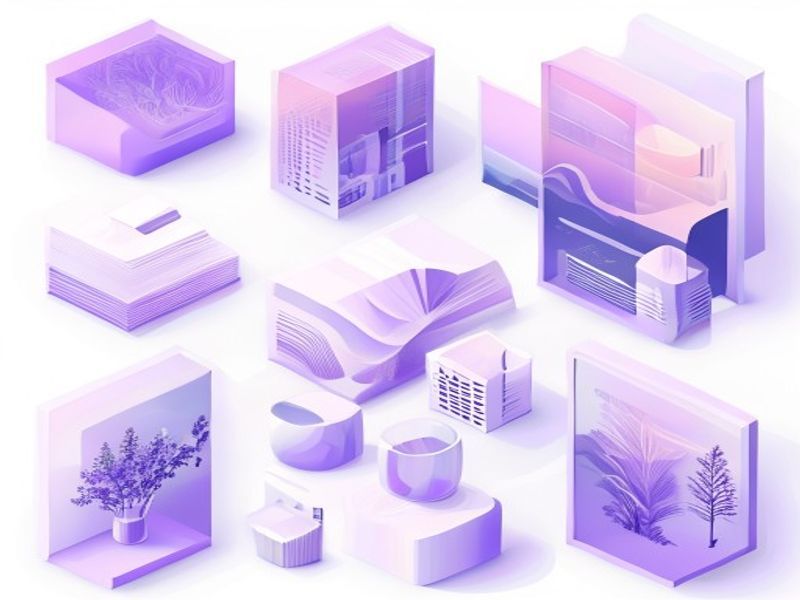
Native transparent RGBA, generation, editing, and up to 10 documented references
Preview Qwen Image 2.1 Native transparent PNG Generate / Edit
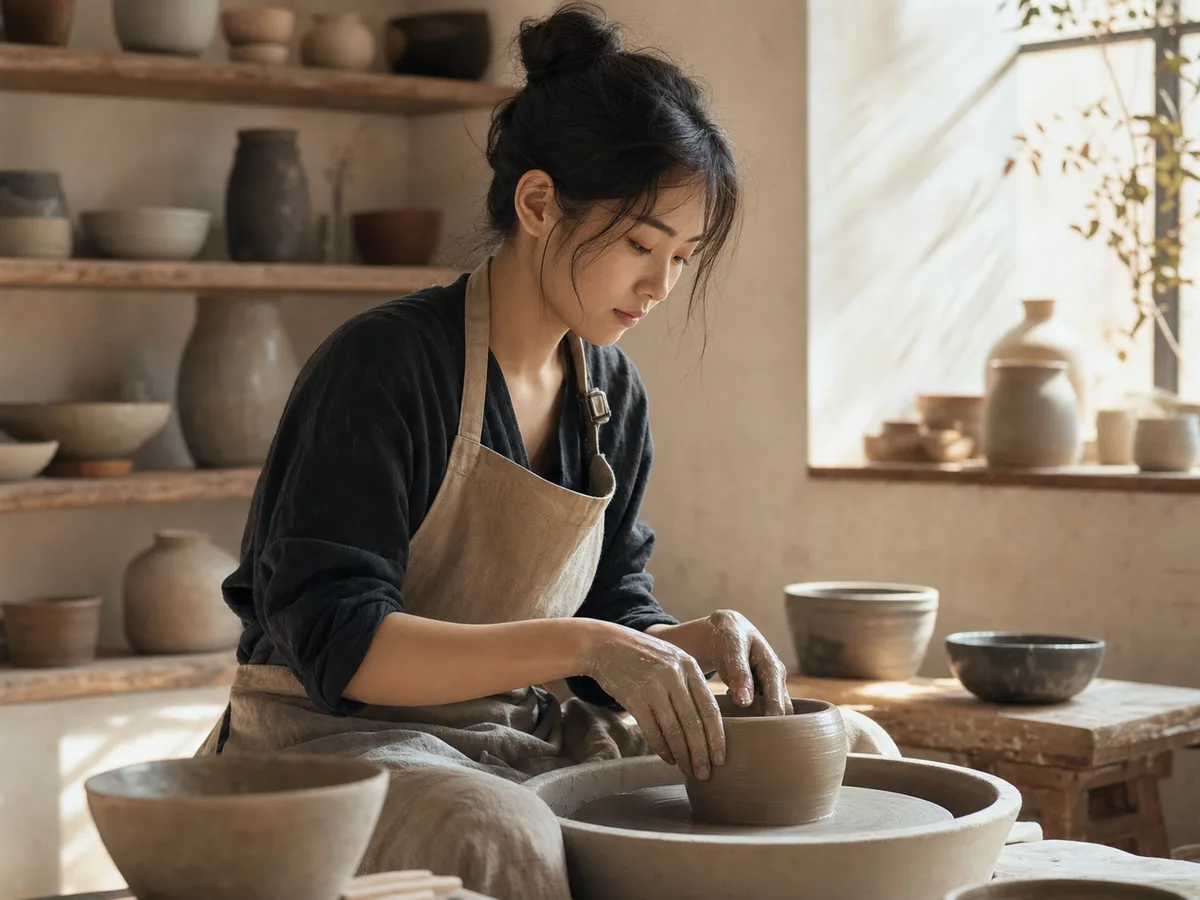 Generate / Edit
 Generate / Edit
 Generate / Edit
Image tools
Start with the result you need
Every tool opens its own upload, editor, batch, brand, template, or workflow interface. Advanced Studio remains available when you want to connect tasks.
Product


Enhance


Design


Workflow




Complete workflows
From source image to finished delivery

One product photo, a complete campaign set
Remove the background, add a believable shadow or scene, create an ad layout, then resize it for each channel.
Create product photosGenerate a poster, then edit its text separately
Create the visual direction first. Keep price, date, and headline as editable layers before exporting multiple sizes.
Make a posterTurn a sketch into editable vector artwork
Use a sketch as the structural reference, convert the chosen graphic into real paths, then recolor and export SVG.
Convert to SVG01 — 03
มันทำงานอย่างไร
จากแนวคิดสู่ภาพในสามขั้นตอนง่ายๆ
ขั้นตอน 1
เขียนข้อความแจ้งของคุณ
อธิบายสิ่งที่คุณต้องการดู — เรื่อง สไตล์ สี และอารมณ์
ขั้นตอน 2
สร้าง
Qwen Image 3 เรนเดอร์คำอธิบายของคุณให้เป็นภาพคุณภาพสูงที่ไม่ซ้ำใคร
ขั้นตอน 3
ดาวน์โหลดและแชร์
บันทึกผลลัพธ์ทันทีและใช้งานได้ทุกที่ ไม่ว่าจะเป็นโซเชียล โฆษณา หรือโครงการส่วนตัว
กระบวนการทำงานที่สร้างสรรค์
จากข้อความแจ้งครั้งแรกไปจนถึงรูปภาพที่คุณสามารถใช้ได้
มีเพียงตัวเลือกที่สำคัญเท่านั้นที่ได้รับการอธิบายในทุกขั้นตอนเพื่อให้ผู้เริ่มต้นสามารถดำเนินการรุ่นแรกได้อย่างมั่นใจ
01
การกระตุ้นเตือนแบบมีคำแนะนำ
สร้างข้อความที่ชัดเจนจากวัตถุ การตั้งค่า สไตล์ และแสง หรือเริ่มต้นด้วยตัวอย่างที่พร้อมแก้ไข
02
One focused Qwen Image 3 workflow
Generate with the verified Qwen Image 3 endpoint, then continue in the reference-image editor when you need revisions.
03
อัตราส่วนภาพที่เป็นประโยชน์
เลือกสี่เหลี่ยมจัตุรัส แนวนอน หรือแนวตั้งสำหรับเค้าโครงผลิตภัณฑ์ โปสเตอร์ และเนื้อหาโซเชียลทั่วไป
04
ส่วนตัวตามค่าเริ่มต้น
งานที่ลงชื่อเข้าใช้จะเป็นส่วนตัวตามค่าเริ่มต้น บอร์ดผู้นำจะไม่เผยแพร่ข้อความ รูปภาพ หรือรายละเอียดบัญชี
05
เครดิตโปร่งใส
Qwen Image 3 uses 5 credits per output. Confirmed provider failures automatically restore the credits used by that task.
06
ผลลัพธ์ที่จัดขึ้น
ดูตัวอย่างและดาวน์โหลดภาพที่เสร็จสมบูรณ์ จากนั้นจัดการประวัติการสร้างของคุณจากพื้นที่ทำงานส่วนตัว
Image editing
Change the scene, keep the subject
Upload up to three references. Describe the exact edit, then name the product, text, crop and geometry that must remain unchanged.
Edit an imageReady-to-use creative inspiration
AI image and video prompt library
Explore 65 prompts adapted for the image and video models on this site. Filter by media and scene, copy a prompt, or continue with the model you choose.
ChineseAI Image
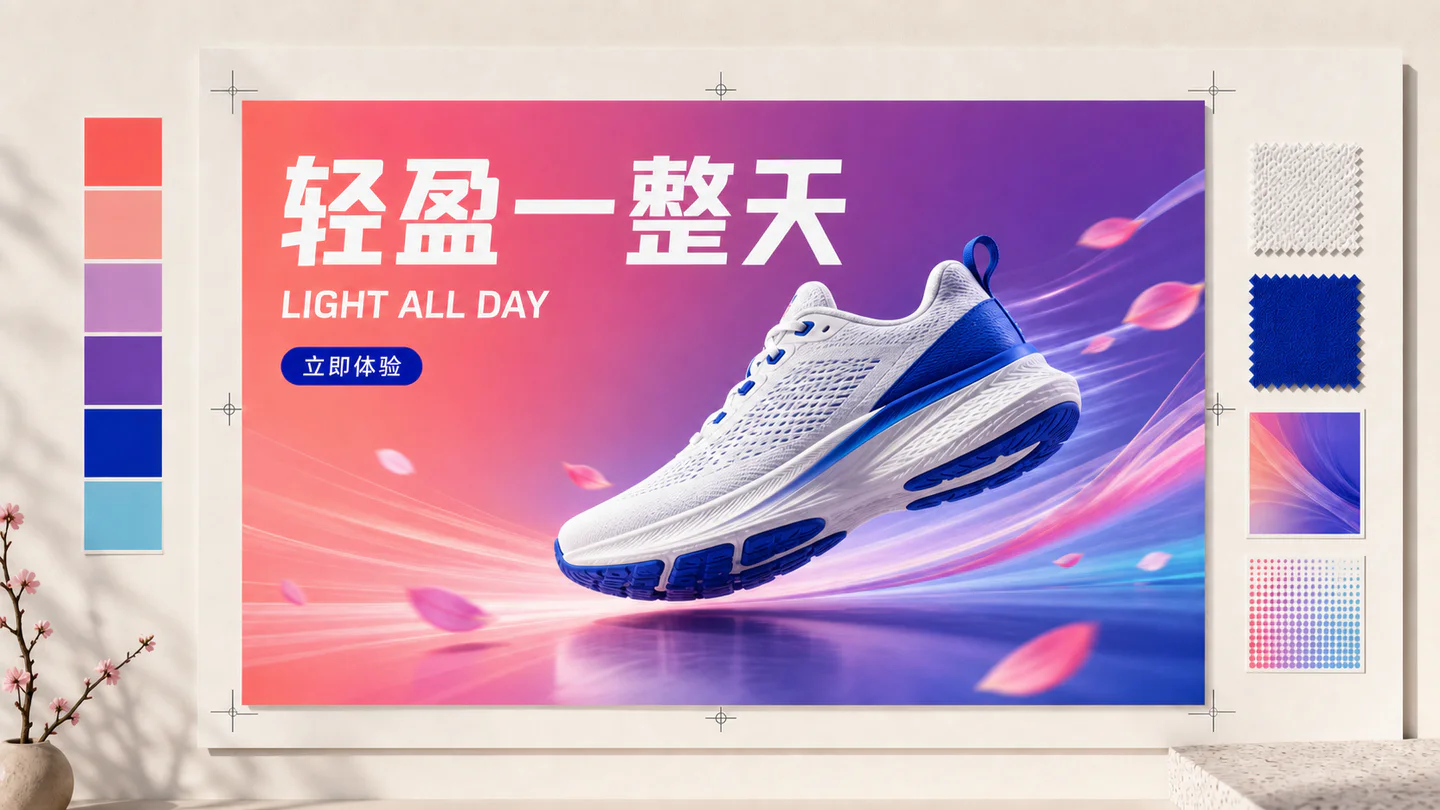
Chinese tea launch poster
Qwen Image 3 · 3:4 · 2K
Design a vertical Chinese tea launch poster. Exact headline: “春山新茶”. Exact subheading: “明前龙井 · 清香回甘”. Pale rice-paper texture, one ceramic cup, restrained ink landscape, clear hierarchy, generous margins, no extra text.
ธรรมชาติAI Video
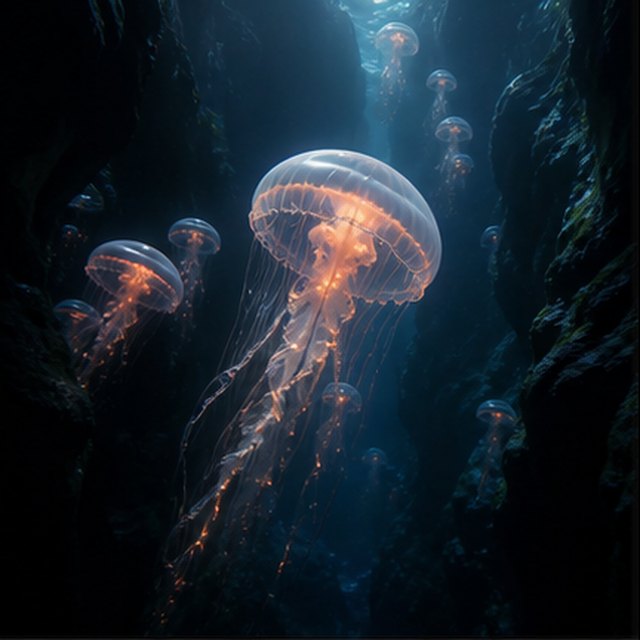
แมงกะพรุนในความลึก
Compatible with 4 video models
แมงกะพรุนเรืองแสงลอยผ่านหุบเหวใต้น้ำสีดำในขณะที่แมงกะพรุนขนาดเล็กขึ้นไปในระยะไกล กล้องเคลื่อนไหวขึ้นช้า ๆ ข้างกระดิ่งใสของมัน ฝุ่นละอองเล็ก ๆ ไหลผ่านลำแสงสีน้ำเงิน หนวดงอกชีพจรอย่างเป็นธรรมชาติ และบรรยากาศของมหาสมุทรลึกยังคงนุ่มนวลและกว้างขวาง
TypographyAI Image
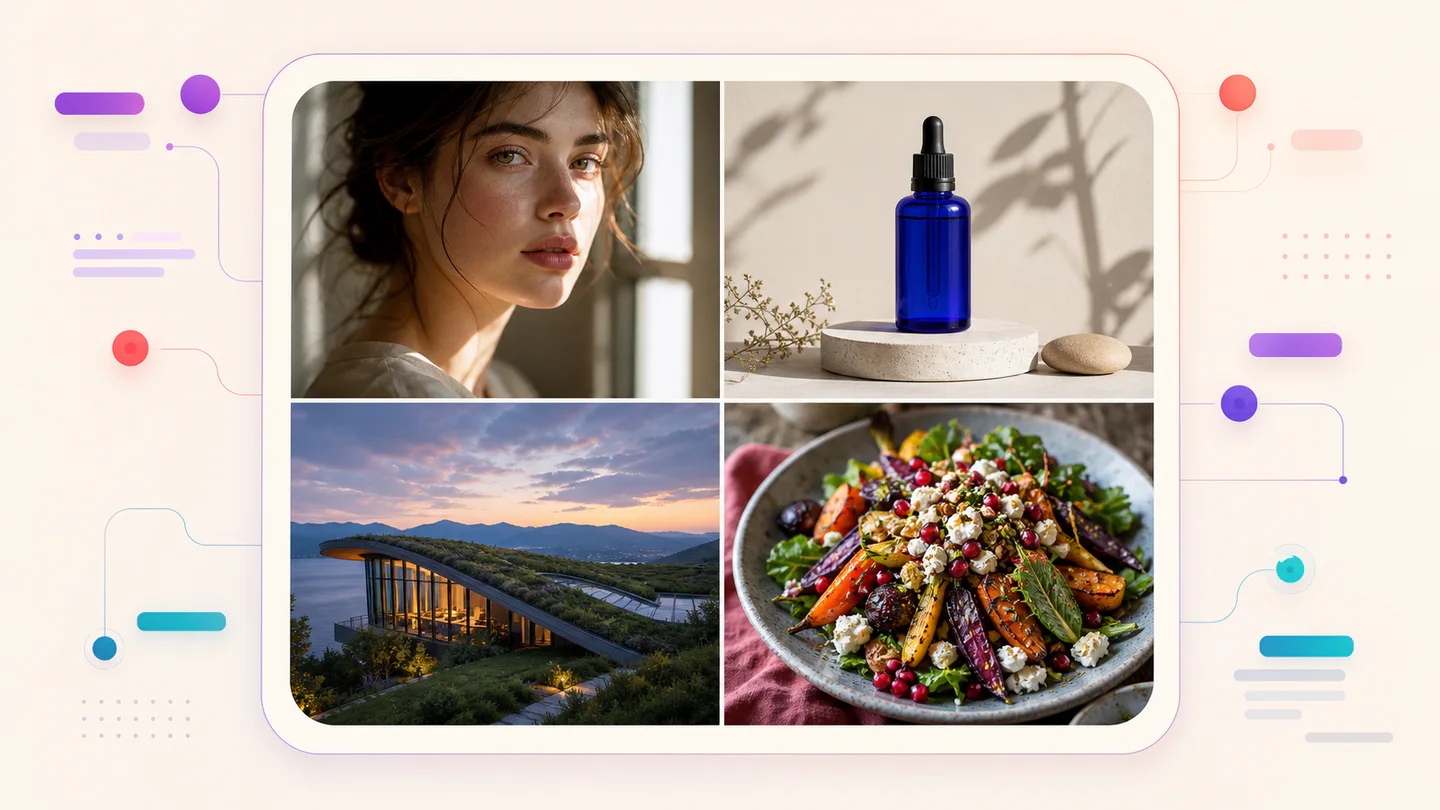
Editorial typography poster
Qwen Image 3 · 3:4 · 2K
Create a modern editorial poster with the exact headline “FORM FOLLOWS FEELING” and small caption “Design study 03”. Swiss grid, black type on warm ivory, one cobalt geometric form, crisp kerning, no extra words.
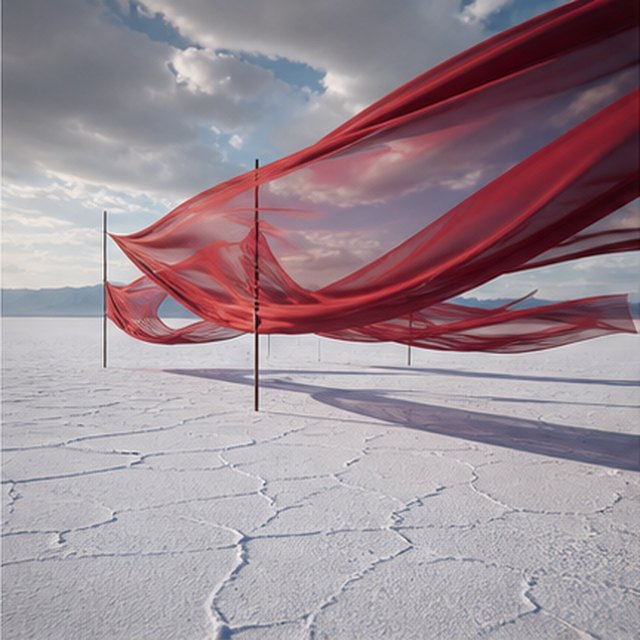
เหมือนภาพยนตร์AI Video
ผ้าไหมสีแดงบนเกลือแบน
Compatible with 4 video models
ริบบิ้นไหมสีแดงยาวพลิ้วไหวเหนือทุ่งเกลือสีขาวที่ไม่มีที่สิ้นสุดภายใต้เมฆพายุที่เคลื่อนตัว ติดตามไปตามผืนผ้าในแนวด้านข้างขณะที่ลมสร้างคลื่นผ่านแต่ละชั้น เงายาวเลื่อนไปตามพื้นดินที่แตก และเสียงประกอบที่ควบคุมอย่างเข้มงวดมีเพียงเสียงผ้า ลม และฟ้าร้องไกล
ผลิตภัณฑ์AI Image
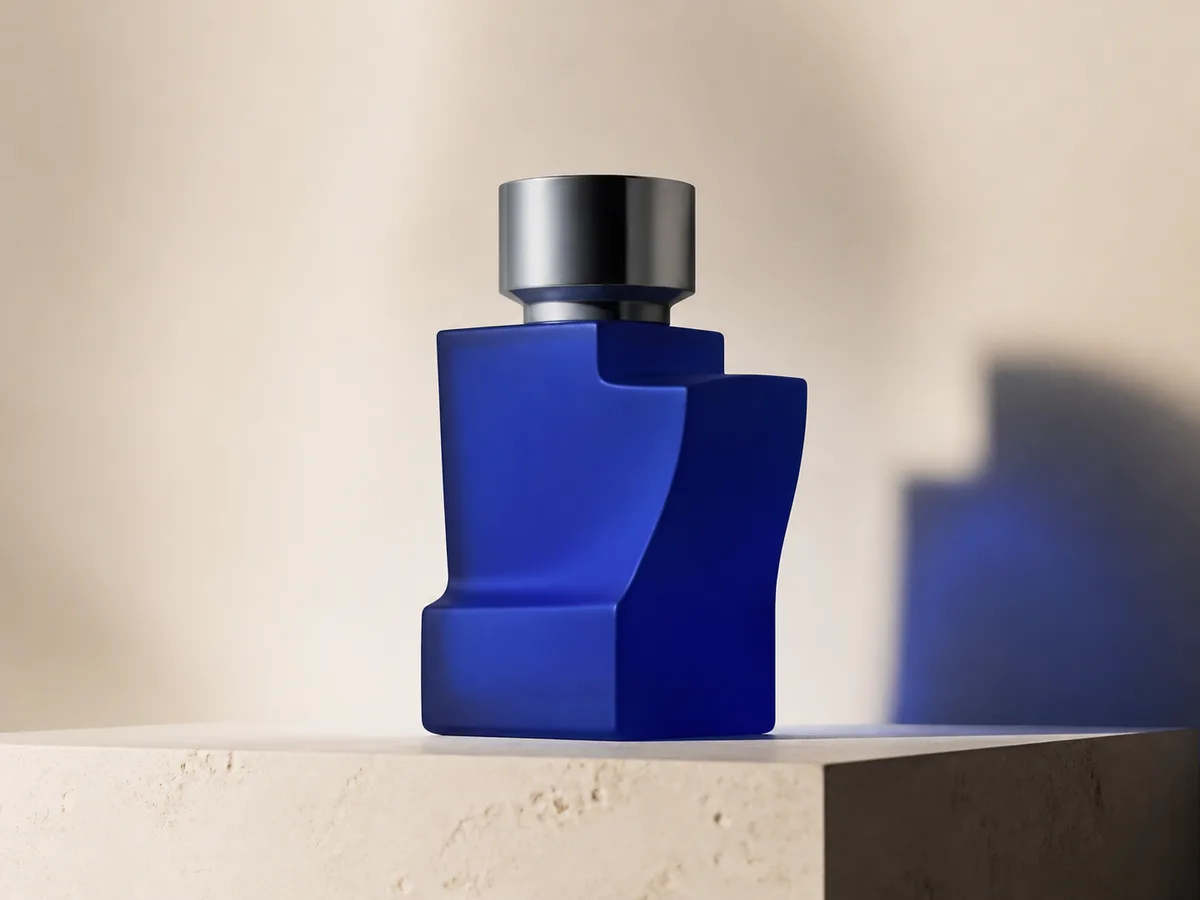
Cobalt perfume advertisement
Qwen Image 3 · 4:3 · 2K
Premium cobalt-blue perfume bottle on dark slate, precise glass reflections, narrow rim light, soft mist behind the bottle, luxury studio advertising, centered product, label readable, no extra objects.
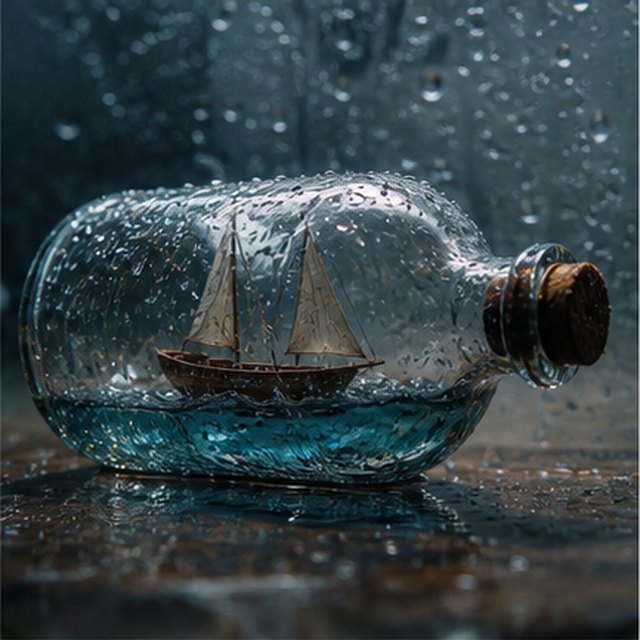
แฟนตาซีและแอนิเมชันAI Video
พายุในขวด
Compatible with 4 video models
มุมมองภาพยนตร์มาโครของเรือลำเล็กไม้ติดอยู่ภายในขวดแก้วที่มีฝนเปียก ท้องทะเลขนาดจิ๋วโยกคลื่นต่อเรือเมื่อฟ้าแลบส่องแสงไปที่ใบเรือชั่วครู่; โคจรรอบแก้วที่เปียกอย่างนุ่มนวลพร้อมความลึกของภาพตื้น, หยดน้ำชัดเจน, ฟ้าร้องทึบ, และไม้ยืดเสียงดัง
EcommerceAI Image
E-commerce campaign board
Qwen Image 3 · 16:9 · 2K
Build a clean e-commerce campaign board for a neutral running shoe: hero product image, two detail crops, three benefit labels, size guide panel and a clear “SHOP THE DROP” callout. White and graphite palette, consistent product geometry.
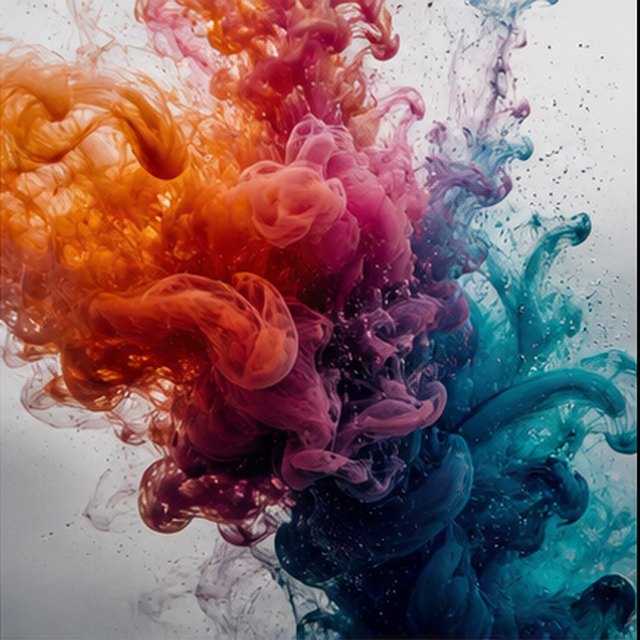
เหมือนภาพยนตร์AI Video
สีเบ่งบานในน้ำ
Compatible with 4 video models
หมึกสีส้ม สีม่วงแดง สีม่วง และสีฟ้าอ่อนก่อตัวในน้ำใสบริสุทธิ์ในโหมดสโลว์โมชั่นสุดขีด เก็บภาพมาโครที่สะอาดขณะที่กลุ่มเมฆม้วนตัวชนกัน พับกัน และละลายกลายเป็นเส้นใยละเอียด ใช้แสงหลังสว่าง รายละเอียดจุลภาค การเคลื่อนไหวของของเหลวอย่างละเอียด และไม่มีภาชนะให้เห็น
Qwen Image 3 Lab
Prompts, visible results and failure notes
Each lab page states what was tested, what worked, what needs review and how the prompt can be improved. Unknown data stays unknown.
Qwen Image 3 Chinese Text Test
Qwen Image 3 can produce useful Chinese display text, but small copy still needs visual proofreading before publication.
Qwen Image 3 Typography Test
Short English and Chinese headlines are the safest typography use case; mixed-language and small text need stricter prompts and review.
Qwen Image 3 Product Photo Test
The model is useful for premium product concepts, especially when the brief defines material, lighting, contact shadow and camera angle.
Qwen Image 3 Infographic Test
Qwen Image 3 can draft strong infographic layouts, but facts and labels must be validated separately.
Qwen Image 3 Image Editing Test
Reference editing works best when the instruction separates the requested change from details that must remain unchanged.
Qwen Image 3 Standard vs Pro
This site currently exposes one verified Qwen Image 3 endpoint, so it does not publish a fabricated Standard-versus-Pro winner.
แผนที่เติบโตไปพร้อมกับคุณ
ราคาและแพ็กเกจเครดิต Qwen Image
เลือกแผนรายเดือนที่แนะนำสำหรับการสร้างปกติ หรือชุดเครดิตแบบครั้งเดียวที่ยืดหยุ่นและไม่มีการต่ออายุ
การสร้างภาพด้วย Qwen Image 3 แต่ละครั้งใช้ 5 เครดิต แพ็กเกจรายเดือนมีต้นทุนต่อเครดิตต่ำที่สุด
คำถามที่พบบ่อย
สิ่งที่คุณต้องรู้เกี่ยวกับการสร้าง การเช็คอินรายวัน การอ้างอิง และการใช้เครดิต

พร้อมสร้างภาพแรกแล้วหรือยัง?
สมัครฟรี รับเครดิตเริ่มต้น และเปลี่ยนไอเดียให้เป็นภาพได้ในไม่กี่วินาที