
ยอดนิยม
4–10 เครดิตภาพ•พรอมต์ → ภาพ
เครื่องกำเนิดไฟฟ้า Qwen Image 3
สร้างภาพที่มีรายละเอียดจากข้อความแจ้งที่เป็นภาษาธรรมชาติ
- การกระตุ้นเตือนแบบมีคำแนะนำ
- One focused Qwen Image 3 workflow
- อัตราส่วนภาพที่เป็นประโยชน์
เวิร์กโฟลว์ Qwen Image 3 ที่มุ่งเน้น
เริ่มต้นด้วยการส่งมอบที่เป็นรูปธรรมแทนการแจ้งที่ว่างเปล่า เครื่องมือแต่ละอันเปิดเผยการควบคุมที่สำคัญต่องาน แสดงต้นทุนก่อนการสร้าง และอธิบายว่าการตรวจสอบโดยมนุษย์ยังคงมีความสำคัญในจุดใด
สร้างภาพที่มีรายละเอียดจากข้อความแจ้งที่เป็นภาษาธรรมชาติ

ออกแบบโปสเตอร์ที่สวยงามด้วย AI

สร้างสรรค์ภาพถ่ายสินค้าพร้อมสตูดิโอ
 4 เครดิต
สร้างภาพขนาดย่อที่มีผลกระทบสูงและโดดเด่น
ชมตัวอย่างและติดตามการอัปเดตรุ่นที่ได้รับการยืนยัน
สร้างวิดีโอระดับภาพยนตร์ด้วยการเคลื่อนไหวที่แม่นยำ
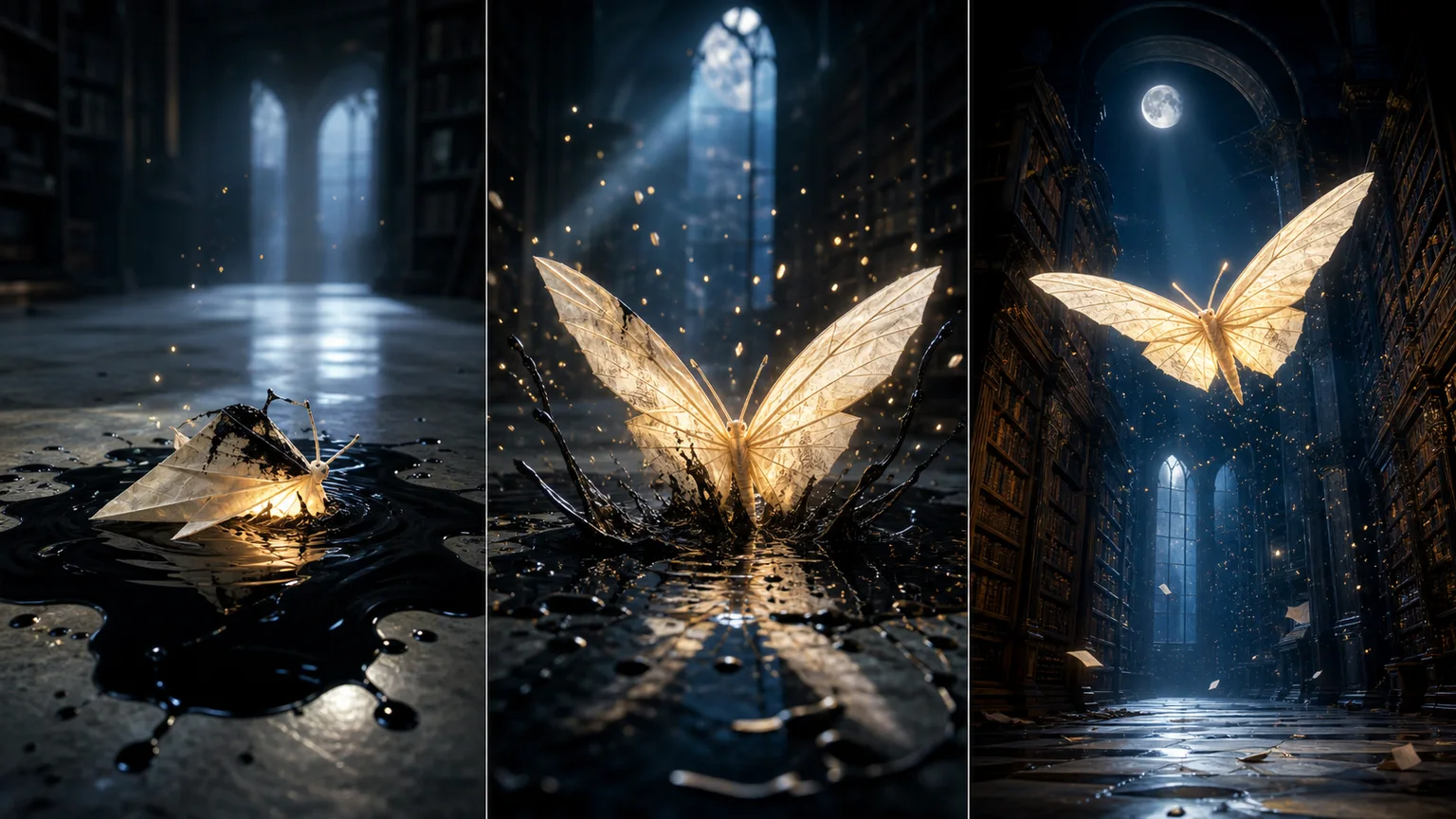
เปลี่ยนข้อความและรูปภาพให้เป็นวิดีโอที่สื่อความหมาย
สร้างวิดีโอ AI คุณภาพสูงพร้อมเสียงที่ซิงค์
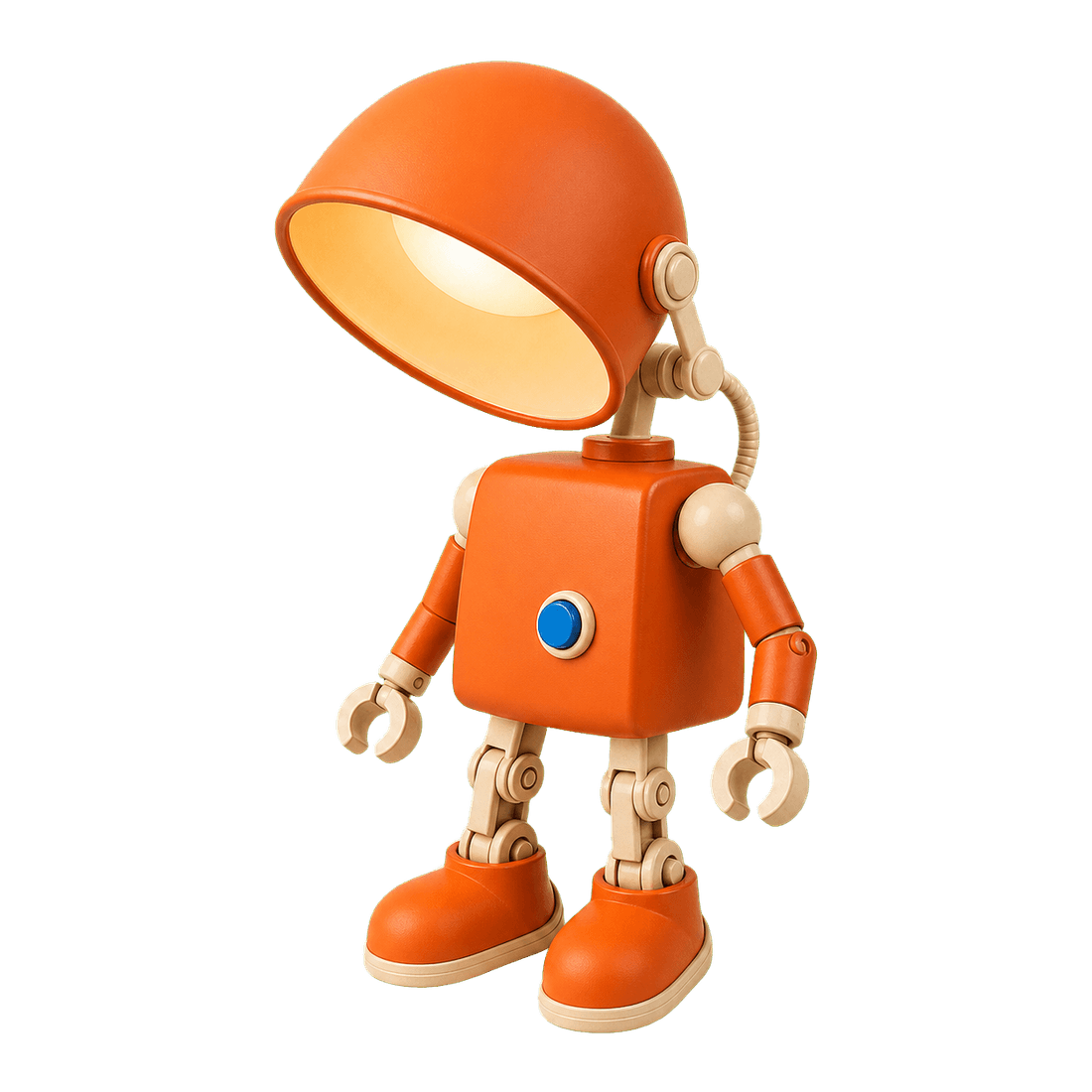
ลบพื้นหลังรูปภาพอย่างหมดจดในไม่กี่วินาที

Restore natural colors from a green matcha cast

Choose an available model and turn a prompt into a new image.

Upload reference images, choose an editing model, and describe the change.

Remove a photo background and download a transparent PNG.

Apply a solid, gradient, uploaded, or generated scene behind a subject.
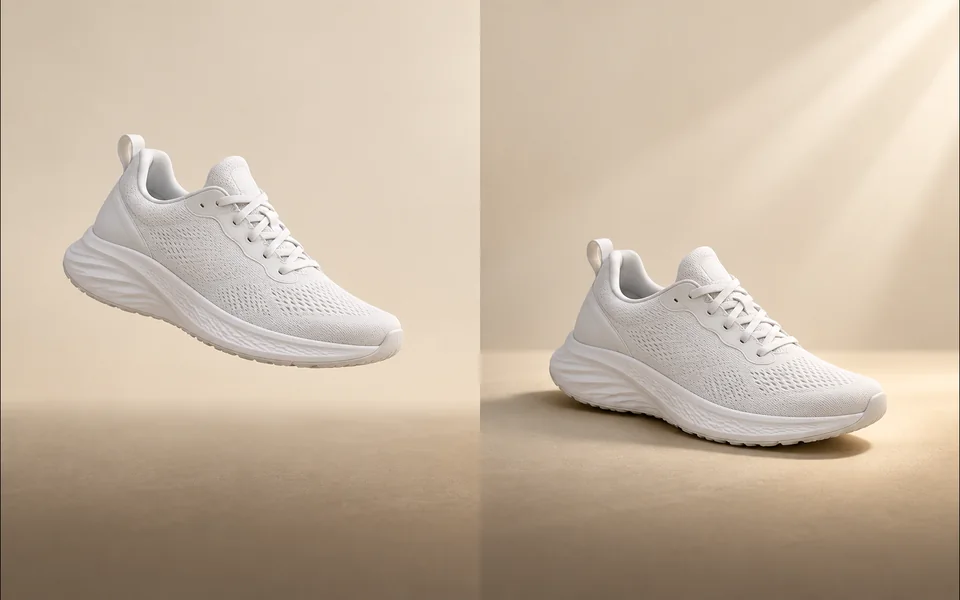
Create a product shadow with visible direction, blur, opacity, and offset controls.
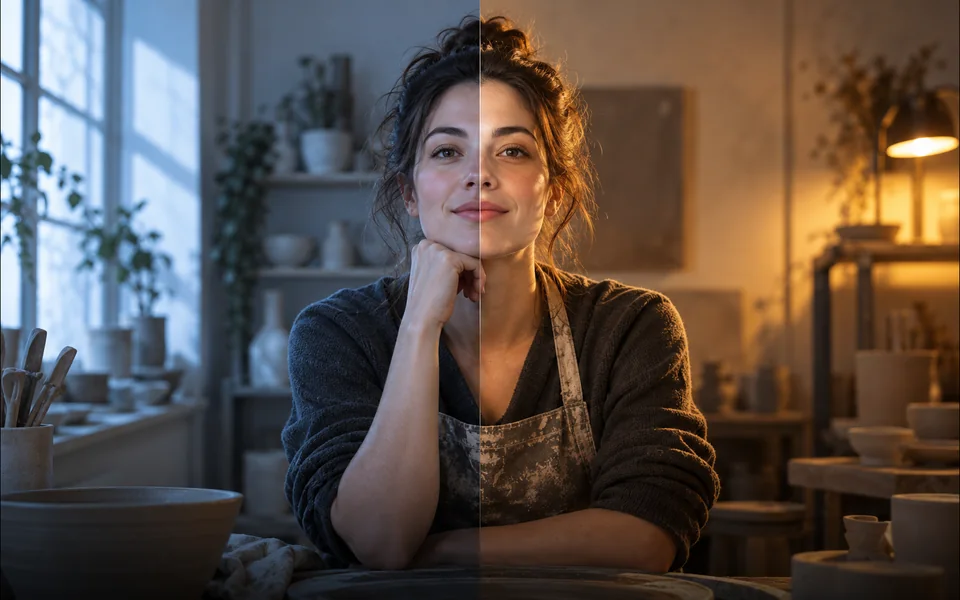
Relight a photo with a selected lighting setup and optional direction.

Mark an unwanted object and remove only the selected area.
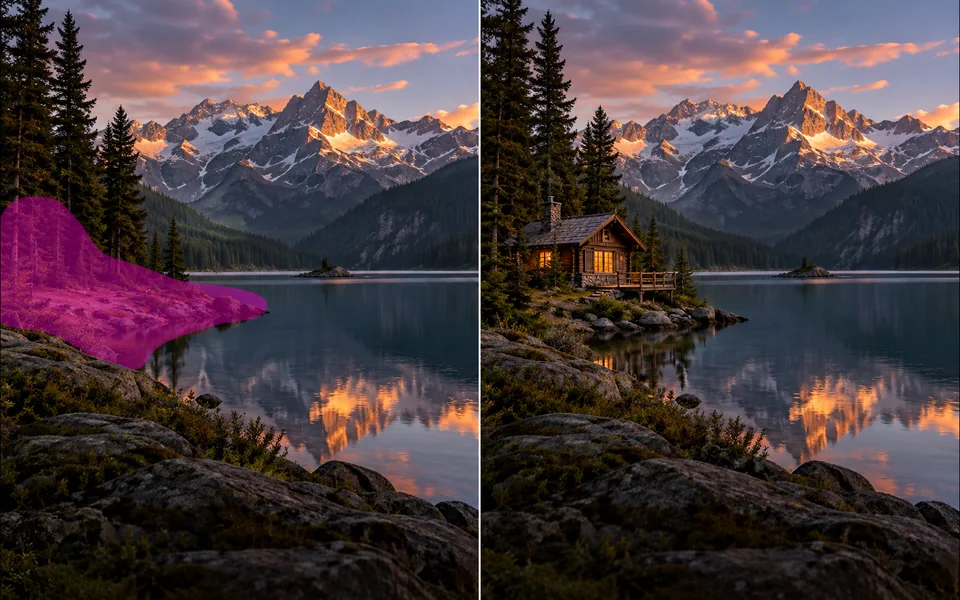
Paint a mask and replace the selected region from a local description.
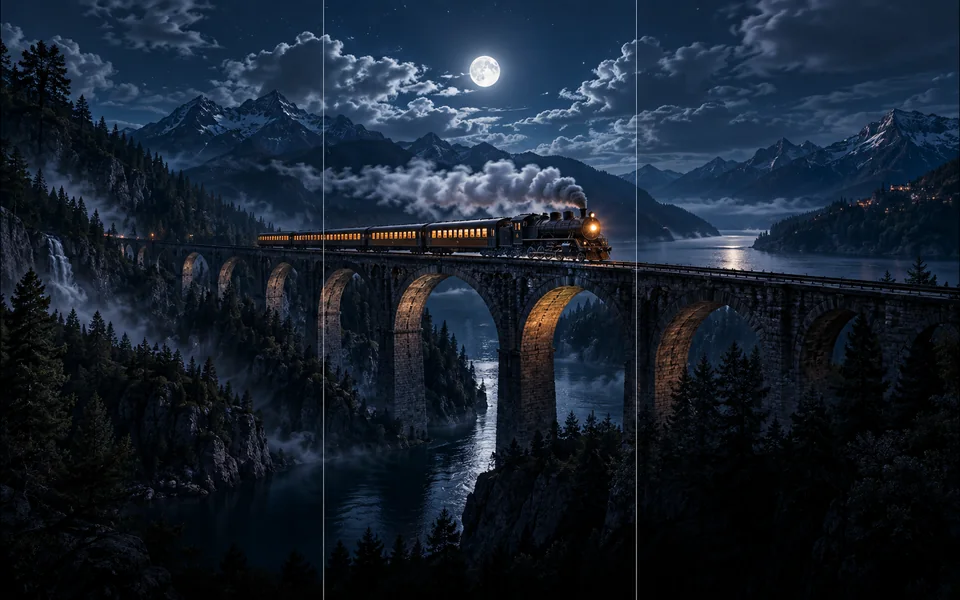
Choose new boundaries and extend an image without stretching the original.

Upscale an image at 2× or 4× and compare the output dimensions.
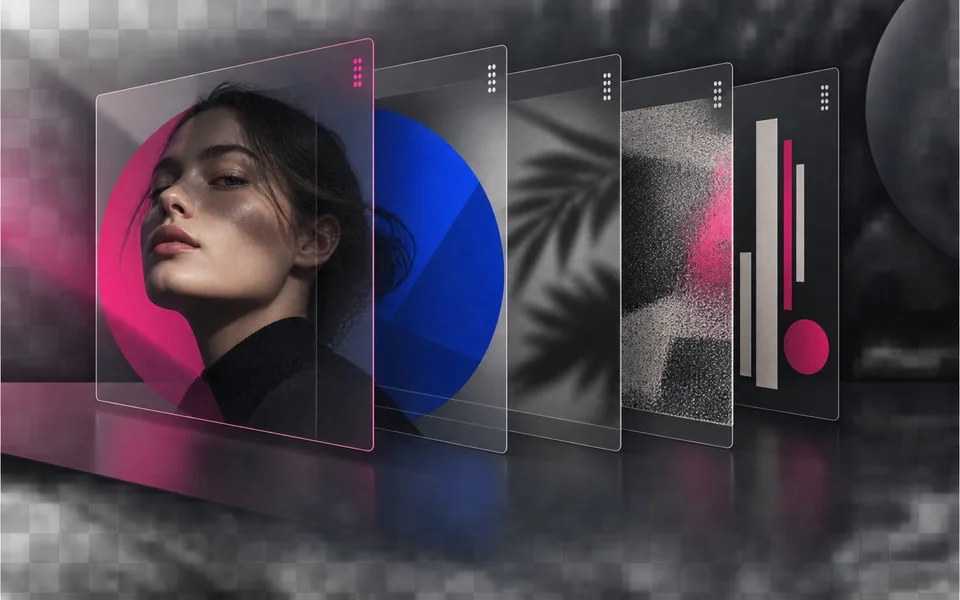
Arrange, hide, lock, reorder, and adjust the opacity of image layers.

Place editable text with independent size, color, alignment, and position.

Crop, rotate, resize, and export an image in one focused workspace.

Queue multiple images, follow item-level progress, and retry failed items only.
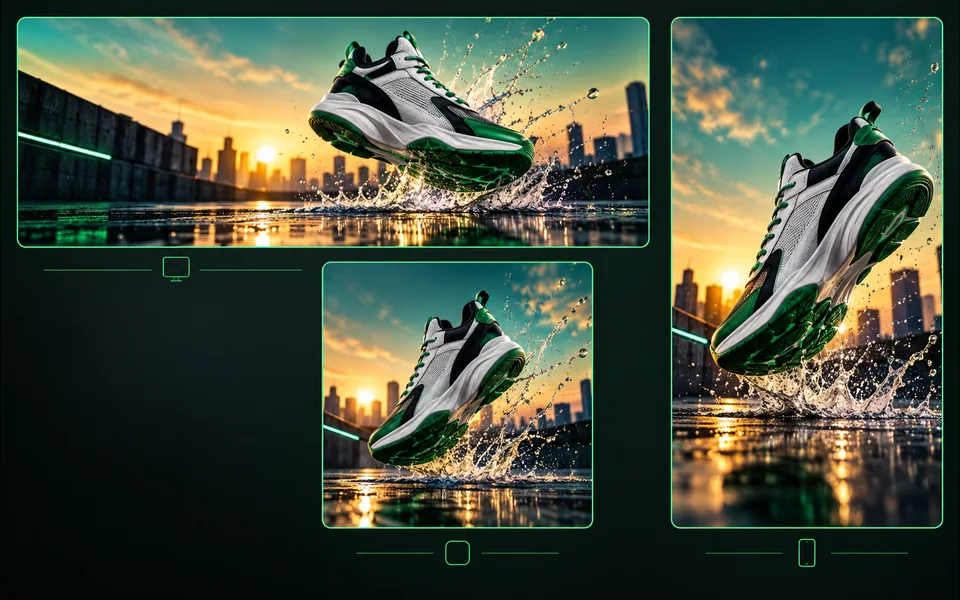
Export one design to platform sizes with contain, cover, or image extension.
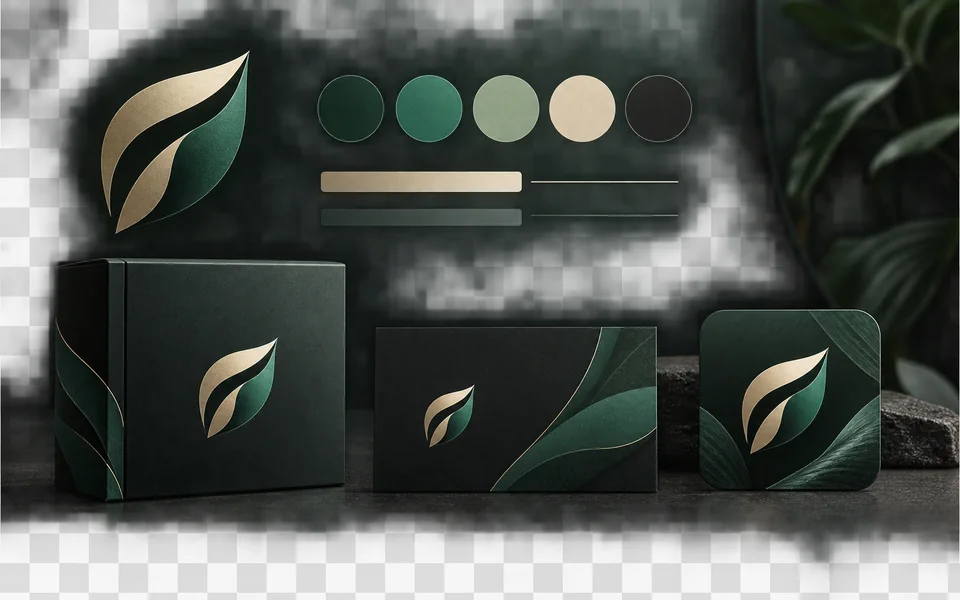
Set a brand name, logo, colors, and fonts for reusable designs.
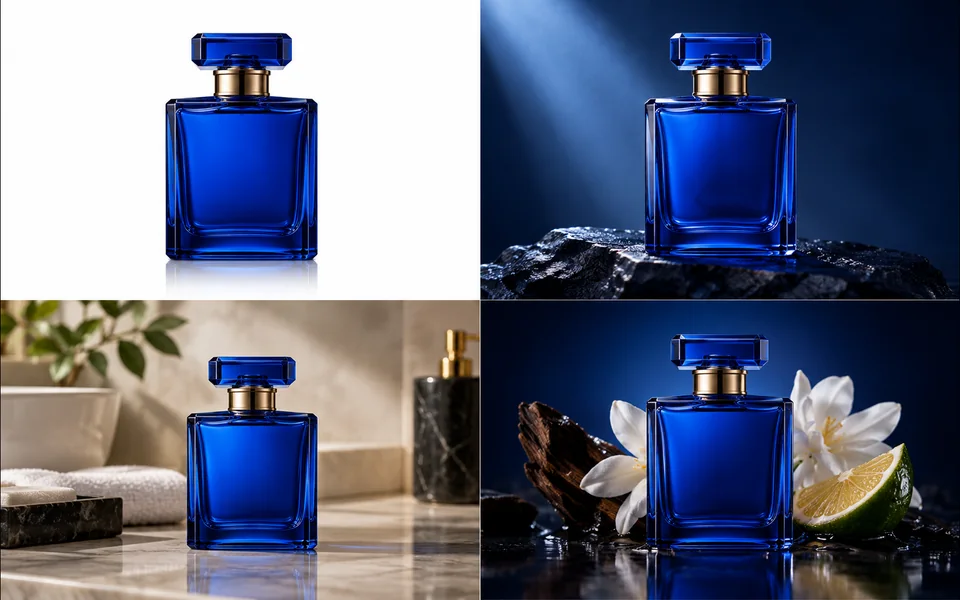
Create a selected set of white, studio, lifestyle, and ad-layout product images.
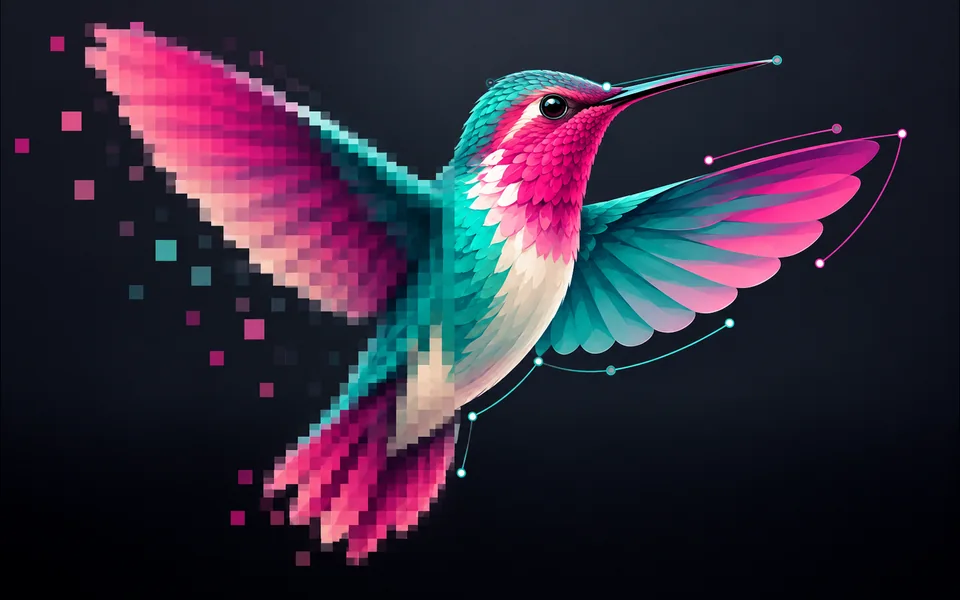
Convert PNG, JPG, or WebP artwork into editable SVG paths instead of wrapping a bitmap.
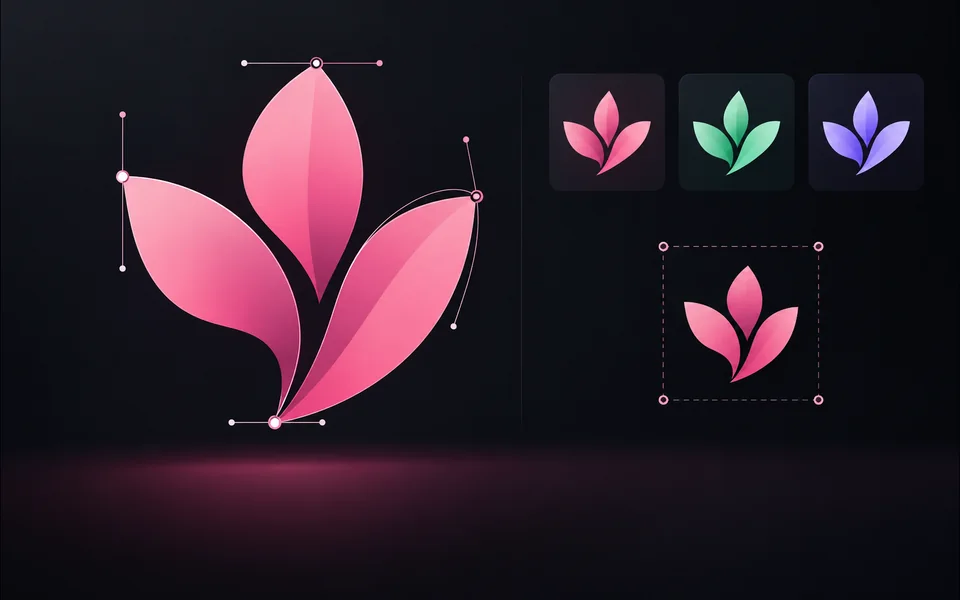
Paste or upload safe SVG markup, recolor it, resize it, and export SVG.
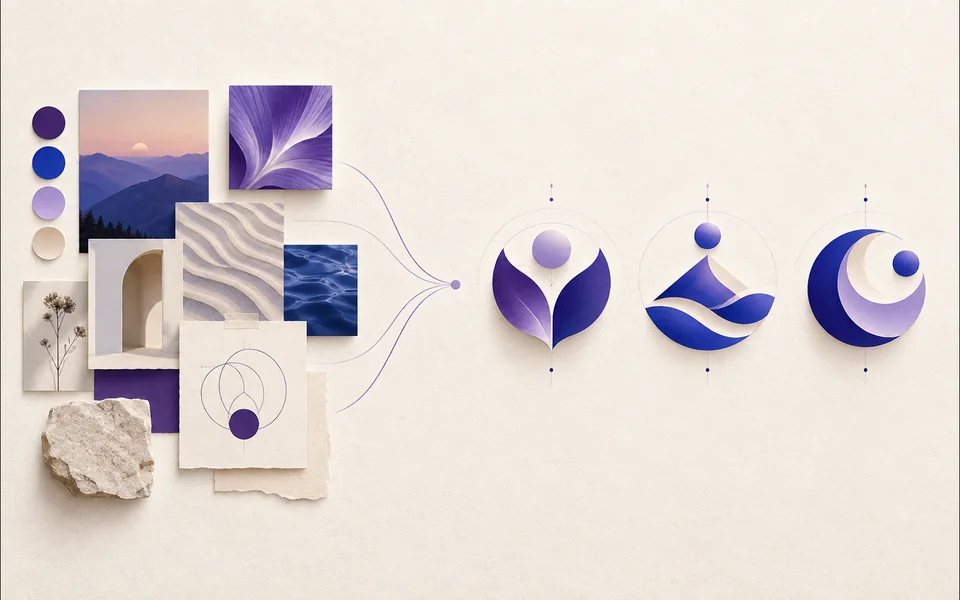
Create a logo brief from brand, industry, style, and graphic type.
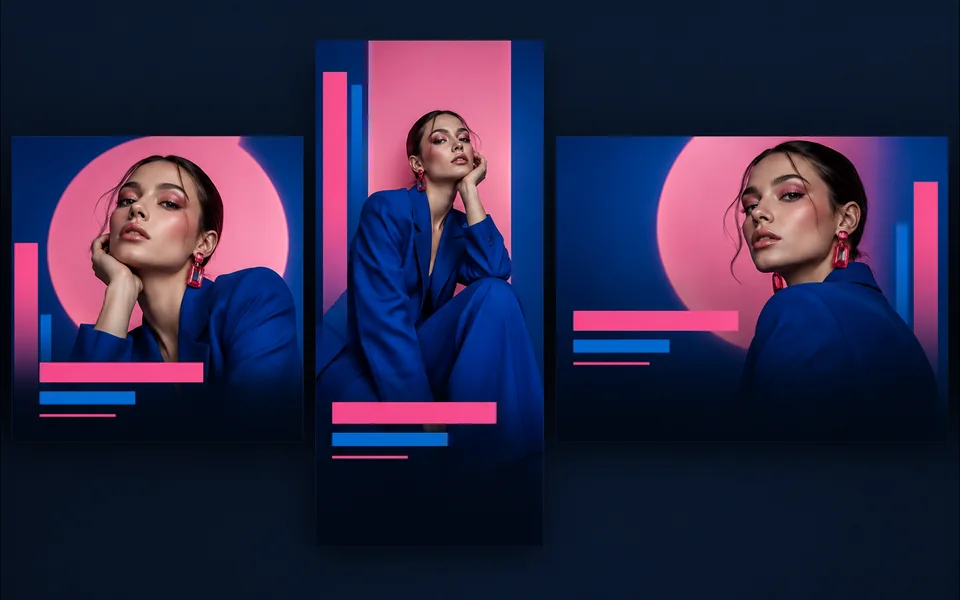
Choose a visual template, fill its fields, preview it, and continue editing.
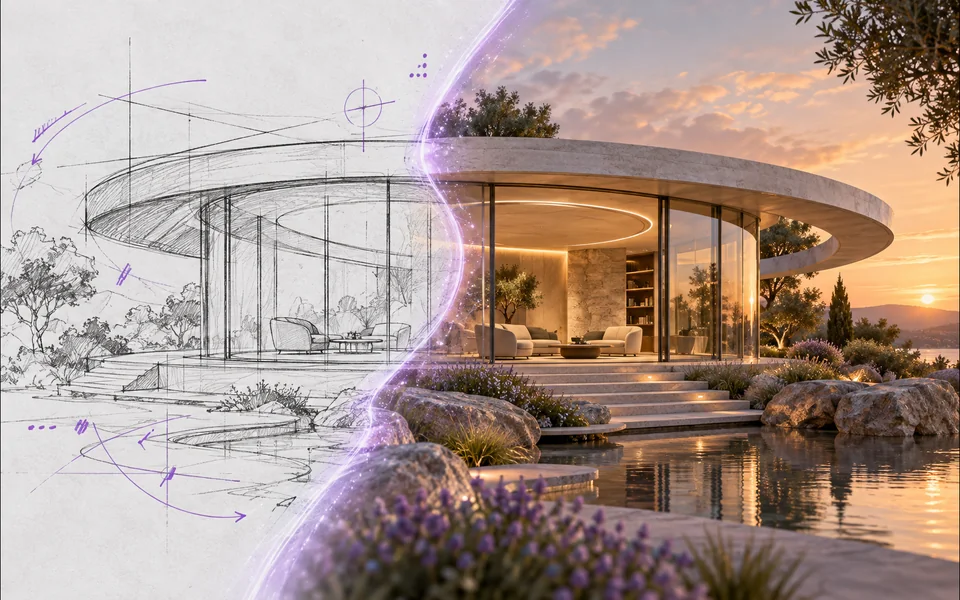
Draw or upload a sketch and pass it as the actual generation reference.
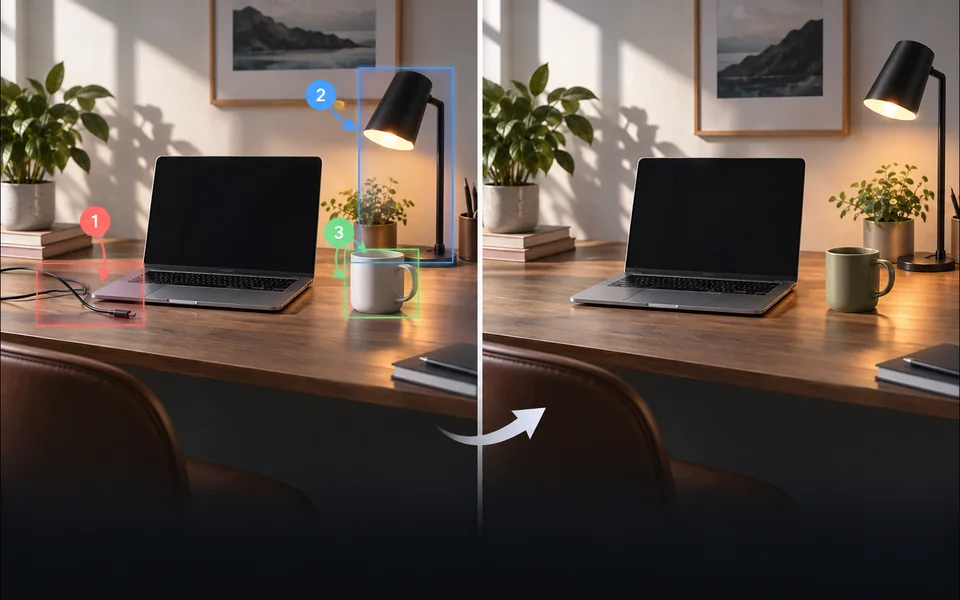
Place numbered notes, arrows, boxes, and brush marks before applying edits.

Build a reusable prompt recipe from variables and share a redacted copy.
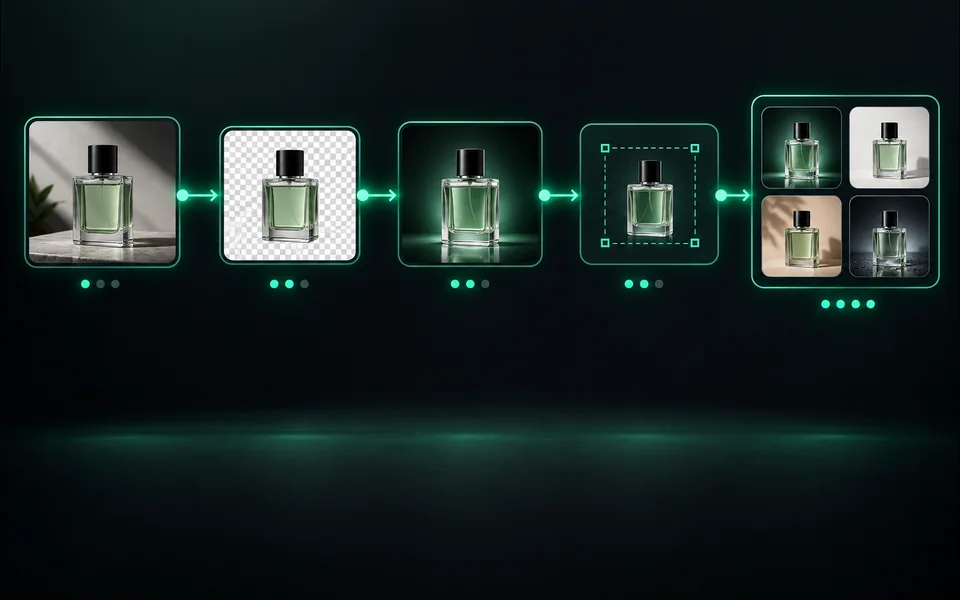
Build a visible sequence of image steps with per-step cost and results.
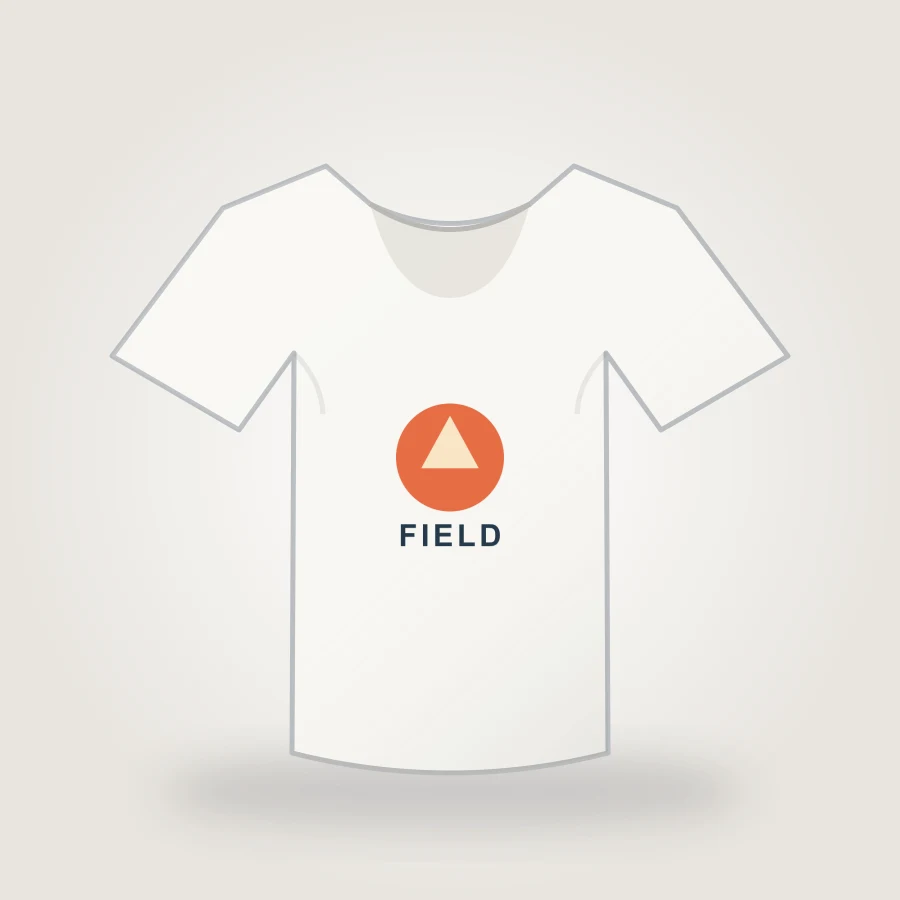
Upload your design, choose a shirt color, adjust print placement, and export an 1800px PNG mockup in your browser.
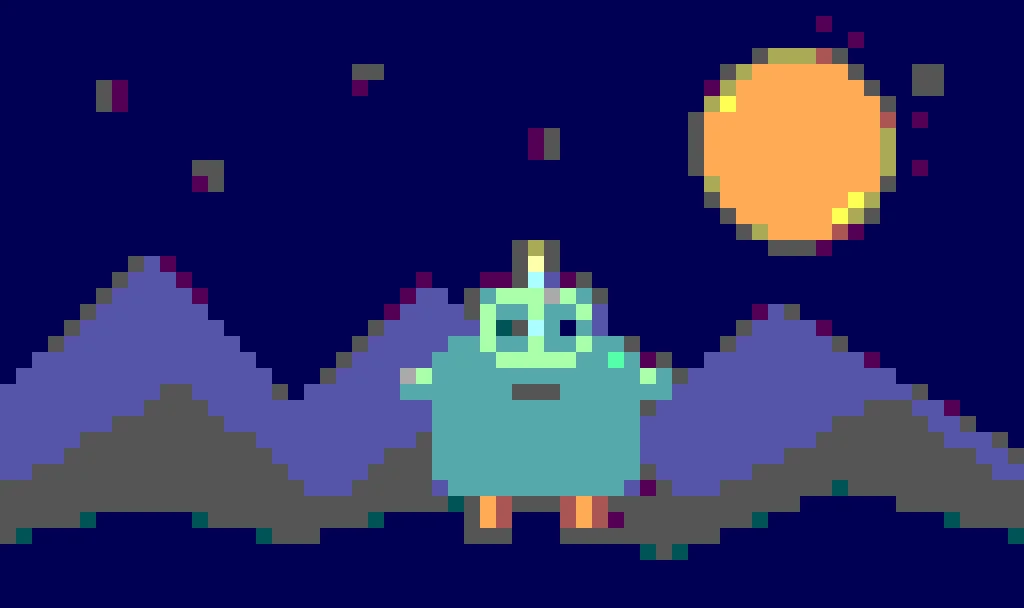
Create pixel art from an upload or text prompt, adjust grid and color levels, and export a crisp PNG.
เครื่องมือเหล่านี้แบ่งปันเครดิตที่ได้รับการรับรองความถูกต้อง การกู้คืนงาน และการคืนเงินงานที่ล้มเหลว แต่อินเทอร์เฟซ ตัวเลือกรุ่น ตัวอย่าง และเกณฑ์การตรวจสอบมีความแตกต่างกันโดยเจตนา หน้าใหม่จะได้รับตำแหน่งเฉพาะเมื่อแก้ไขงานของผู้ใช้ที่แยกจากกันเท่านั้น