
 Generate
MớiMiniMax H3 đang hoạt động · Video 2K với âm thanh nổi gốc
Máy phát điện Qwen Image 3.0
Mô tả ý tưởng bằng lời tự nhiên, chọn định dạng và để Qwen Image 3 tạo nên hình ảnh hoàn thiện.
Sản phẩm của bên thứ ba độc lập. Không được liên kết hoặc xác nhận bởi Alibaba hoặc nhóm Qwen.
Trình tạo hình ảnh
Các thế hệ đã đăng nhập được đặt ở chế độ riêng tư theo mặc định
Công cụ chuyển đổi
Qwen Image 3
Công thức dành cho người mới bắt đầu: chủ đề + bối cảnh + phong cách + ánh sáng. Lên đến 5,000 ký tự.
0/5000
Không biết phải viết gì? Hãy thử một ví dụ
2. Người mẫu
Compare image models3. Chọn hình dạng
Advanced settings
Prompt enhance (slower)
Outputs
Đăng ký để tạo
Thế hệ này sử dụng tín dụng 5
Kết quả của bạn
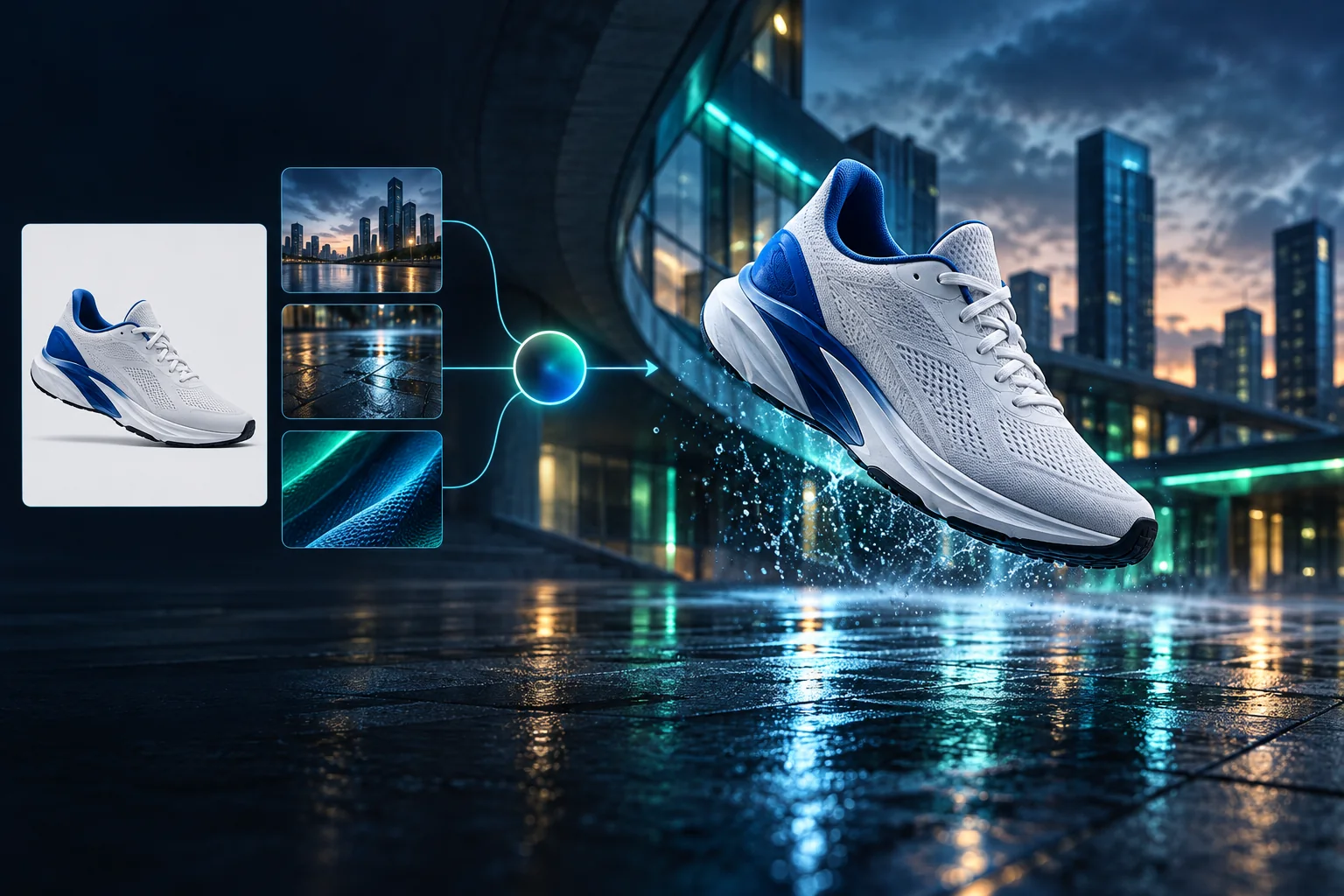
Product campaign transformation
Turn a clean sneaker reference into a finished blue-hour advertising scene.
Các thế hệ đã đăng nhập được đặt ở chế độ riêng tư theo mặc định
Generate images
Start from a prompt and a precise model.
Edit photos
Describe a change with visual references.
Product photos
Build clean product and campaign sets.
Remove background
Create a transparent PNG cutout.
Upscale
Increase detail and output dimensions.
Create designs
Add text, layers, templates, and exports.
Image models
A dedicated generator for every model
Open the model you searched for. Its page keeps that exact endpoint, capabilities, reference limit, and credit price.
Generate
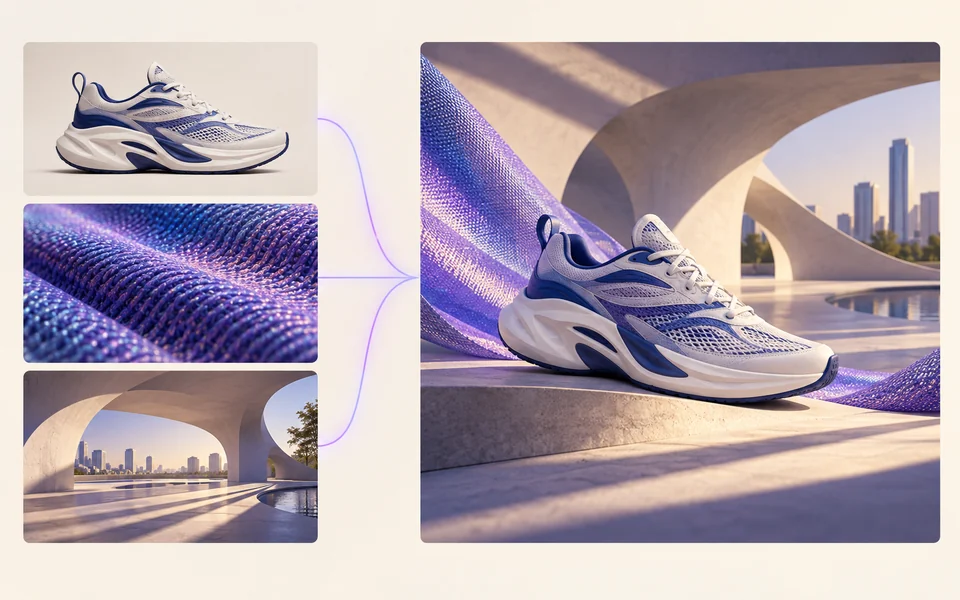 API preview
Qwen Image 2.1
Native transparent RGBA, generation, editing, and up to 10 documented references
Preview Qwen Image 2.1 Native transparent PNG Generate / Edit
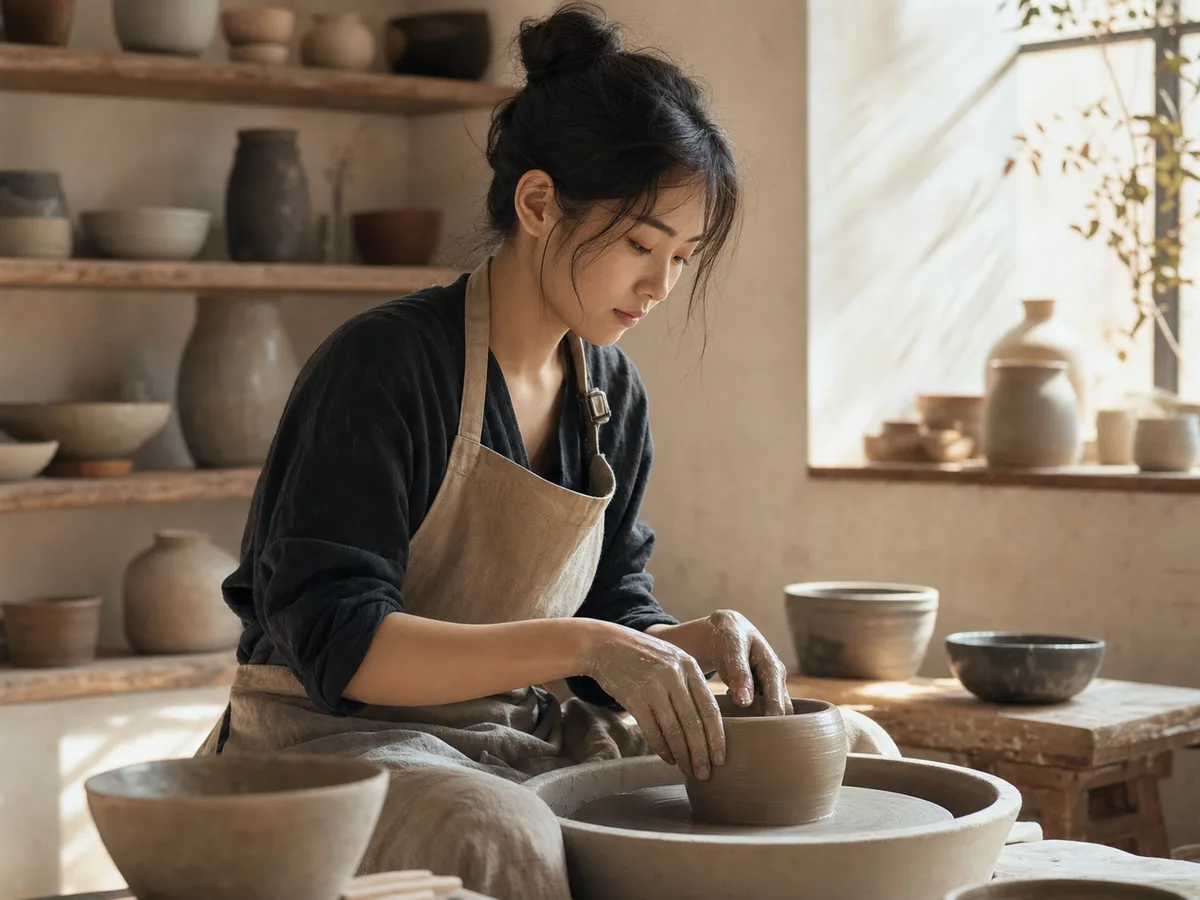 Generate / Edit
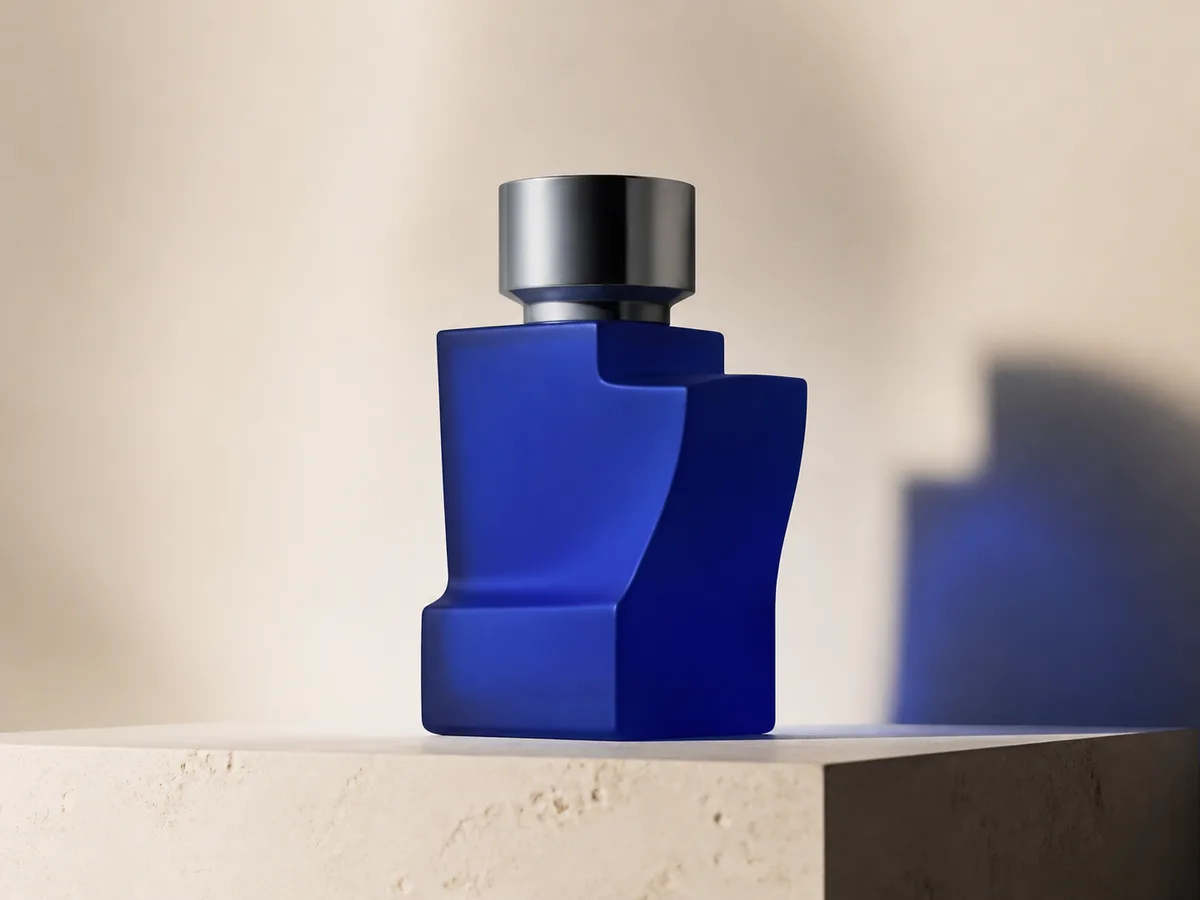 Generate / Edit
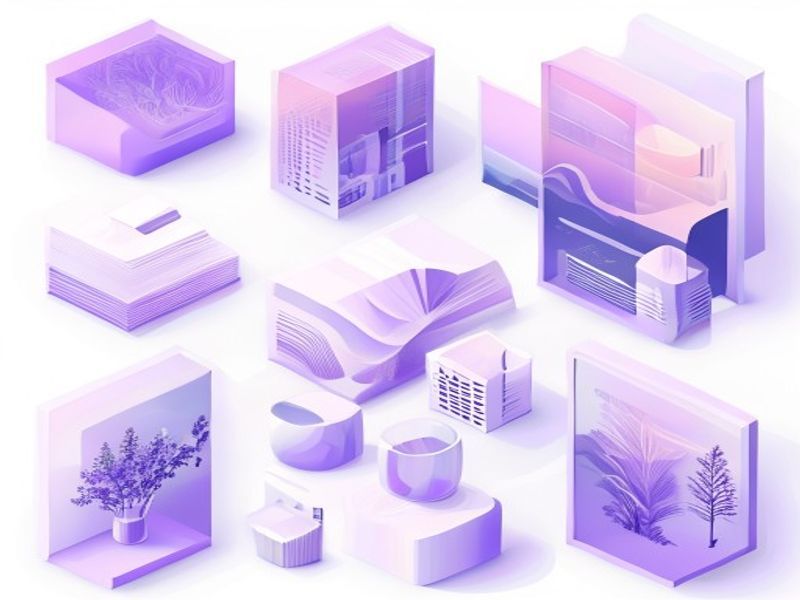 Generate / Edit
Image tools
Start with the result you need
Every tool opens its own upload, editor, batch, brand, template, or workflow interface. Advanced Studio remains available when you want to connect tasks.
Product


Enhance


Design


Workflow




Complete workflows
From source image to finished delivery

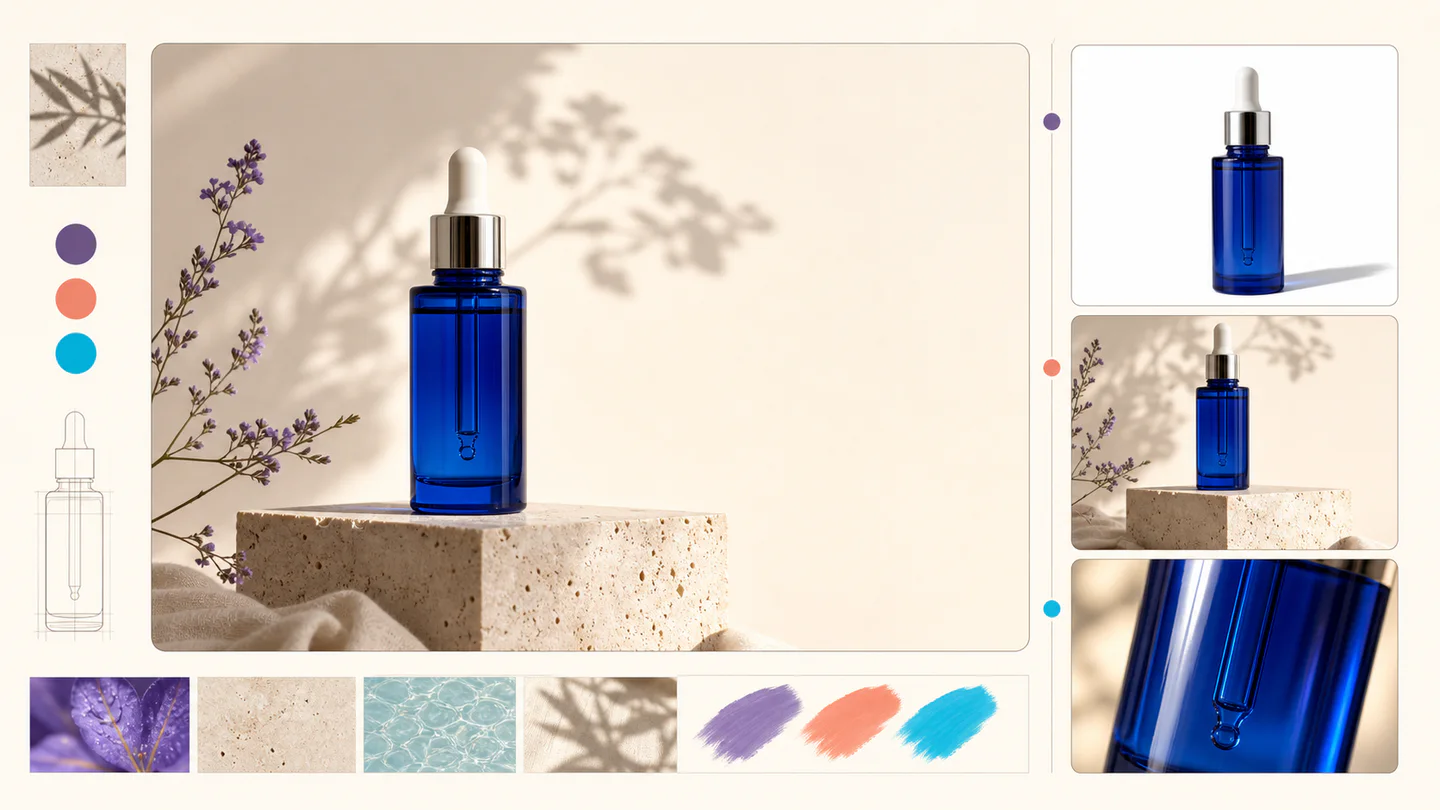
One product photo, a complete campaign set
Remove the background, add a believable shadow or scene, create an ad layout, then resize it for each channel.
Create product photosGenerate a poster, then edit its text separately
Create the visual direction first. Keep price, date, and headline as editable layers before exporting multiple sizes.
Make a posterTurn a sketch into editable vector artwork
Use a sketch as the structural reference, convert the chosen graphic into real paths, then recolor and export SVG.
Convert to SVG01 — 03
Nó hoạt động như thế nào
Từ ý tưởng đến hình ảnh chỉ trong ba bước đơn giản.
Bước 1
Viết lời nhắc của bạn
Mô tả những gì bạn muốn xem - chủ đề, phong cách, màu sắc và tâm trạng.
Bước 2
Tạo
Qwen Image 3 hiển thị mô tả của bạn thành hình ảnh chất lượng cao độc đáo.
Bước 3
Tải xuống và chia sẻ
Lưu kết quả ngay lập tức và sử dụng nó ở mọi nơi — dự án xã hội, quảng cáo hoặc cá nhân.
Quy trình làm việc sáng tạo
Từ lời nhắc đầu tiên đến hình ảnh bạn có thể sử dụng
Chỉ những lựa chọn quan trọng mới được giải thích ở mỗi bước để người mới bắt đầu có thể tự tin hoàn thành thế hệ đầu tiên.
01
Nhắc nhở có hướng dẫn
Xây dựng lời nhắc rõ ràng từ chủ đề, bối cảnh, phong cách và ánh sáng hoặc bắt đầu bằng một ví dụ sẵn sàng chỉnh sửa.
02
One focused Qwen Image 3 workflow
Generate with the verified Qwen Image 3 endpoint, then continue in the reference-image editor when you need revisions.
03
Tỷ lệ khung hình hữu ích
Chọn hình vuông, ngang hoặc dọc cho bố cục sản phẩm, áp phích và nội dung xã hội thông thường.
04
Riêng tư theo mặc định
Các tác vụ đã đăng nhập được giữ ở chế độ riêng tư theo mặc định; bảng xếp hạng không bao giờ xuất bản lời nhắc, hình ảnh hoặc chi tiết tài khoản.
05
Tín dụng minh bạch
Qwen Image 3 uses 5 credits per output. Confirmed provider failures automatically restore the credits used by that task.
06
Kết quả được tổ chức
Xem trước và tải xuống các hình ảnh đã hoàn thành, sau đó quản lý lịch sử sáng tạo của bạn từ không gian làm việc cá nhân.
Image editing
Change the scene, keep the subject
Upload up to three references. Describe the exact edit, then name the product, text, crop and geometry that must remain unchanged.
Edit an imageReady-to-use creative inspiration
AI image and video prompt library
Explore 65 prompts adapted for the image and video models on this site. Filter by media and scene, copy a prompt, or continue with the model you choose.
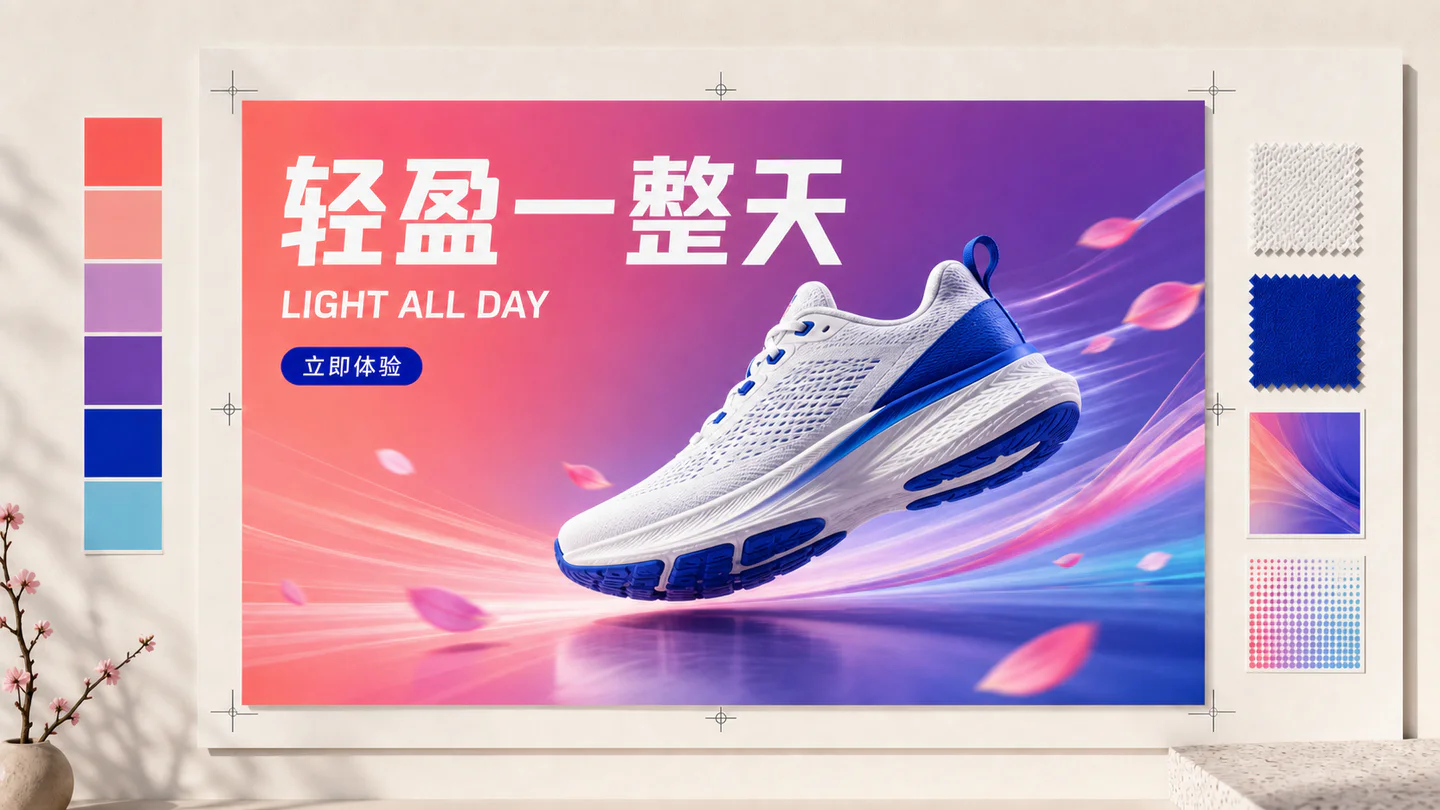
ChineseAI Image
Chinese tea launch poster
Qwen Image 3 · 3:4 · 2K
Design a vertical Chinese tea launch poster. Exact headline: “春山新茶”. Exact subheading: “明前龙井 · 清香回甘”. Pale rice-paper texture, one ceramic cup, restrained ink landscape, clear hierarchy, generous margins, no extra text.
Thiên nhiênAI Video
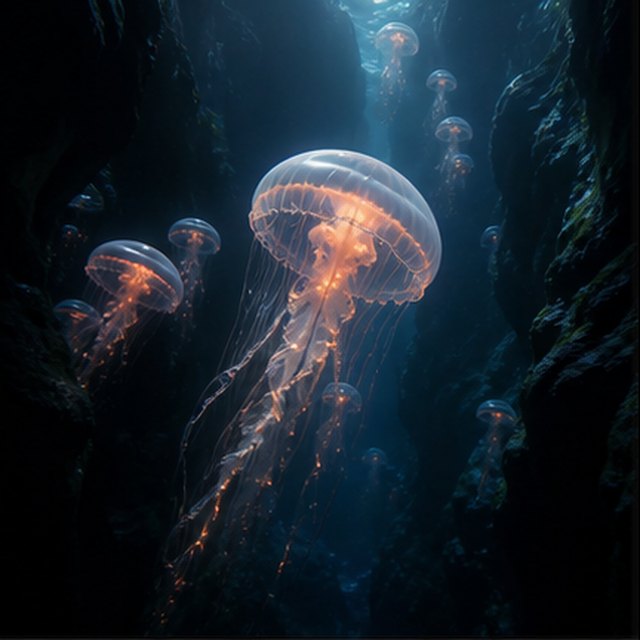
Sứa trong vực sâu
Compatible with 4 video models
Một con sứa phát sáng trôi qua một hẻm núi dưới nước màu đen trong khi những con sứa nhỏ hơn nổi lên ở phía xa. Máy quay trượt chậm lên bên cạnh chiếc chuông trong suốt của nó; những hạt mịn lăn qua các tia sáng màu xanh, tua sên đập nhịp một cách tự nhiên, và không gian đại dương sâu thẳm vẫn mềm mại và rộng rãi.
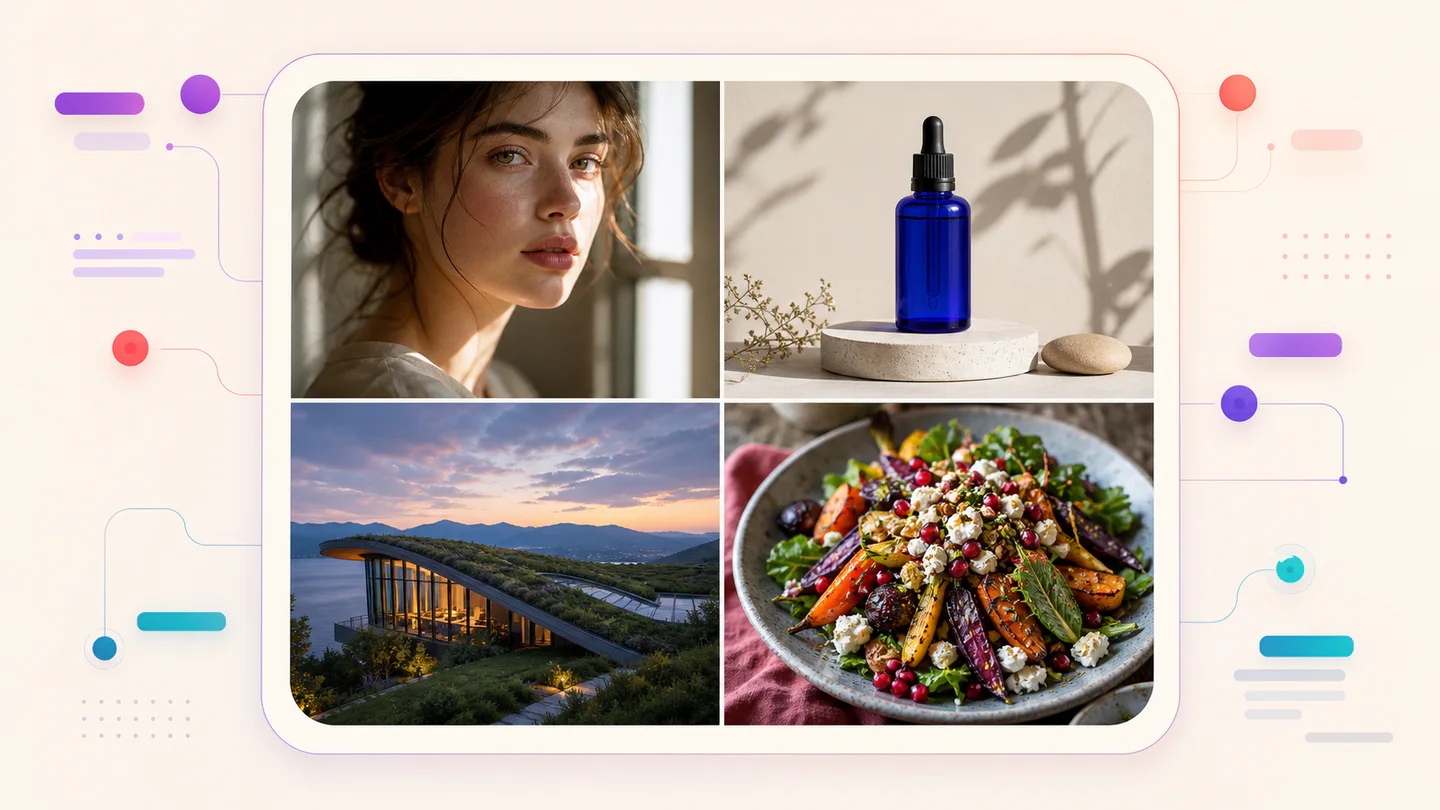
TypographyAI Image
Editorial typography poster
Qwen Image 3 · 3:4 · 2K
Create a modern editorial poster with the exact headline “FORM FOLLOWS FEELING” and small caption “Design study 03”. Swiss grid, black type on warm ivory, one cobalt geometric form, crisp kerning, no extra words.
Điện ảnhAI Video
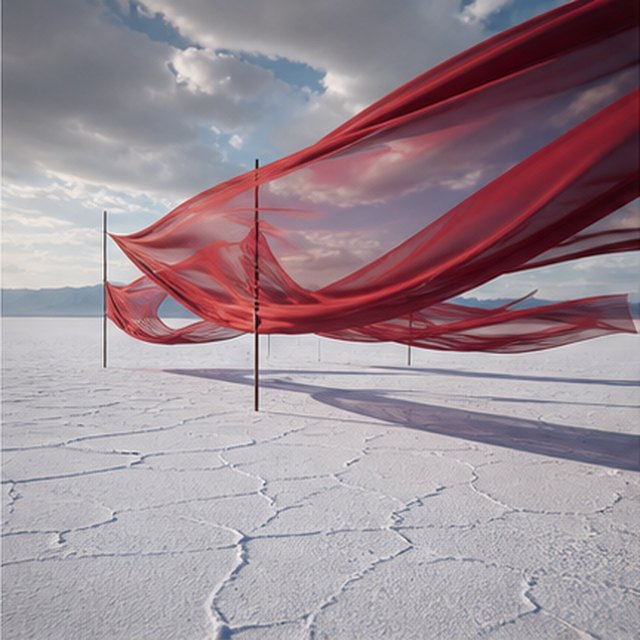
Lụa đỏ trên cánh đồng muối
Compatible with 4 video models
Những dải lụa đỏ dài rung rinh trên một cánh đồng muối trắng vô tận dưới những đám mây giông đang chuyển động. Theo dõi theo chiều ngang dọc theo vải khi gió tạo ra sóng qua từng lớp, những bóng dài trượt trên mặt đất nứt nẻ, và âm thanh tiết chế chỉ mang lại tiếng vải, gió và sấm xa xăm.
Sản phẩmAI Image
Cobalt perfume advertisement
Qwen Image 3 · 4:3 · 2K
Premium cobalt-blue perfume bottle on dark slate, precise glass reflections, narrow rim light, soft mist behind the bottle, luxury studio advertising, centered product, label readable, no extra objects.
Giả tưởng & hoạt hìnhAI Video
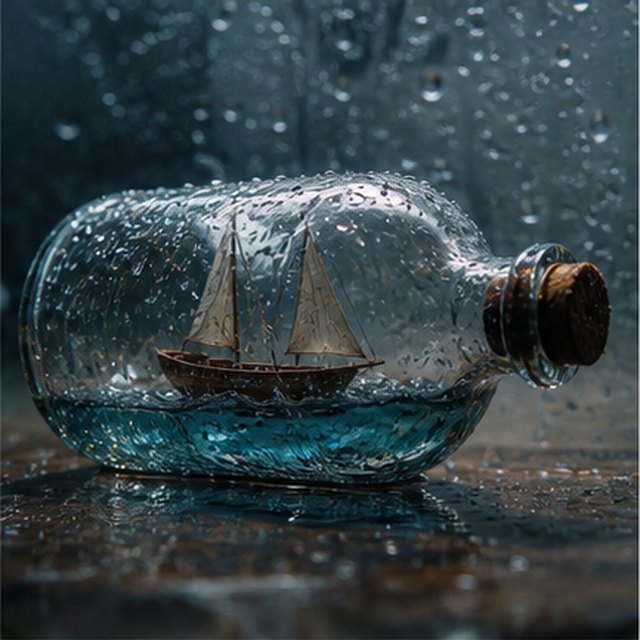
Cơn bão trong một chai
Compatible with 4 video models
Cảnh quay điện ảnh cận cảnh của một chiếc thuyền buồm gỗ nhỏ bé bị mắc kẹt bên trong một chai thủy tinh phủ mưa. Biển nhỏ làm lắc lư thân thuyền khi tia chớp lóe sáng trong giây lát chiếu lên buồm; quay quanh chiếc chai ướt một cách nhẹ nhàng với độ sâu trường ảnh nông, giọt nước sắc nét, sấm rền âm ỉ và gỗ kêu ken két.
EcommerceAI Image
E-commerce campaign board
Qwen Image 3 · 16:9 · 2K
Build a clean e-commerce campaign board for a neutral running shoe: hero product image, two detail crops, three benefit labels, size guide panel and a clear “SHOP THE DROP” callout. White and graphite palette, consistent product geometry.
Điện ảnhAI Video
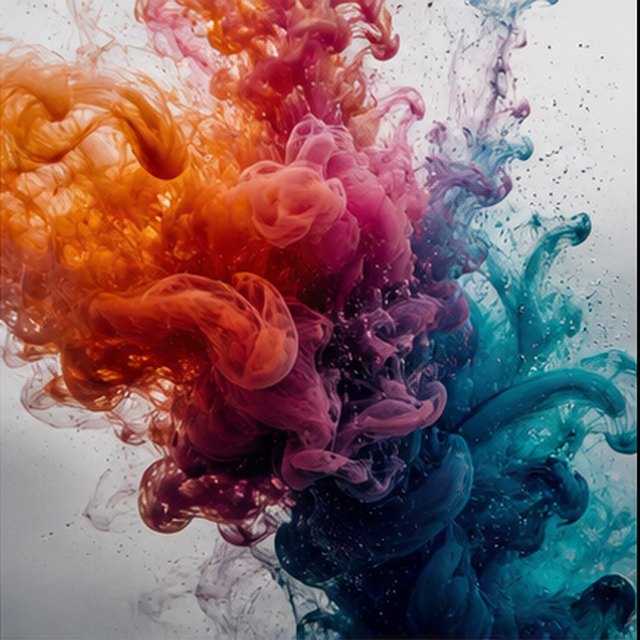
Màu sắc nở rộ trong nước
Compatible with 4 video models
Mực màu cam, hồng đậm, tím và lam nở ra trong nước trong suốt tinh khiết ở chế độ chuyển động cực chậm. Giữ một khung hình macro sạch sẽ khi các đám mây xoắn va chạm, gập lại và tan biến thành những sợi mảnh tinh tế; sử dụng ánh sáng nền sáng, chi tiết vi mô, chuyển động chất lỏng tinh tế và không có bình chứa nhìn thấy được.
Qwen Image 3 Lab
Prompts, visible results and failure notes
Each lab page states what was tested, what worked, what needs review and how the prompt can be improved. Unknown data stays unknown.
Qwen Image 3 Chinese Text Test
Qwen Image 3 can produce useful Chinese display text, but small copy still needs visual proofreading before publication.
Qwen Image 3 Typography Test
Short English and Chinese headlines are the safest typography use case; mixed-language and small text need stricter prompts and review.
Qwen Image 3 Product Photo Test
The model is useful for premium product concepts, especially when the brief defines material, lighting, contact shadow and camera angle.
Qwen Image 3 Infographic Test
Qwen Image 3 can draft strong infographic layouts, but facts and labels must be validated separately.
Qwen Image 3 Image Editing Test
Reference editing works best when the instruction separates the requested change from details that must remain unchanged.
Qwen Image 3 Standard vs Pro
This site currently exposes one verified Qwen Image 3 endpoint, so it does not publish a fabricated Standard-versus-Pro winner.
Các kế hoạch phát triển cùng bạn
Bảng giá và gói tín dụng Qwen Image
Chọn gói hàng tháng được đề xuất để tạo thường xuyên hoặc gói tín dụng một lần linh hoạt mà không cần gia hạn.
Mỗi thế hệ Qwen Image 3 sử dụng 5 tín chỉ. Kế hoạch hàng tháng cung cấp chi phí thấp nhất cho mỗi tín dụng.
Câu hỏi thường gặp
Những điều bạn cần biết về việc tạo, đăng ký hàng ngày, giới thiệu và sử dụng tín dụng.

Sẵn sàng tạo bức ảnh đầu tiên?
Đăng ký miễn phí, nhận tín dụng khởi đầu và biến ý tưởng thành hình ảnh chỉ trong vài giây.