
Phổ biến
4–10 tín dụngHình ảnh•Câu lệnh → Hình ảnh
Máy phát điện Qwen Image 3
Tạo hình ảnh chi tiết từ lời nhắc bằng ngôn ngữ tự nhiên
- Nhắc nhở có hướng dẫn
- One focused Qwen Image 3 workflow
- Tỷ lệ khung hình hữu ích
Quy trình công việc Qwen Image 3 tập trung
Bắt đầu bằng một sản phẩm cụ thể thay vì một lời nhắc trống. Mỗi công cụ đưa ra các biện pháp kiểm soát quan trọng đối với công việc của nó, hiển thị chi phí trước khi tạo và giải thích những điểm mà sự đánh giá của con người vẫn quan trọng.
Tạo hình ảnh chi tiết từ lời nhắc bằng ngôn ngữ tự nhiên

Thiết kế poster bóng bẩy với AI

Tạo ảnh sản phẩm sẵn sàng cho studio
 4 tín dụng
Tạo hình thu nhỏ có tác động cao và nổi bật
Xem bản xem trước và theo dõi các bản cập nhật phát hành đã được xác minh
Tạo video điện ảnh với chuyển động chính xác
Biến văn bản và hình ảnh thành video biểu cảm
Tạo video AI chất lượng cao với âm thanh được đồng bộ hóa

Xóa nền hình ảnh một cách sạch sẽ trong vài giây

Restore natural colors from a green matcha cast

Choose an available model and turn a prompt into a new image.

Upload reference images, choose an editing model, and describe the change.

Remove a photo background and download a transparent PNG.

Apply a solid, gradient, uploaded, or generated scene behind a subject.
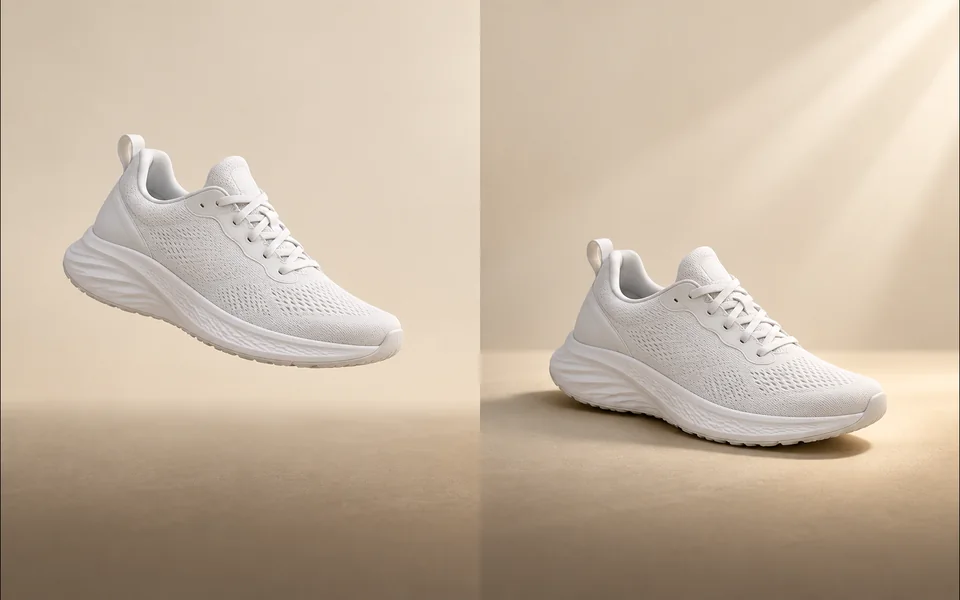
Create a product shadow with visible direction, blur, opacity, and offset controls.
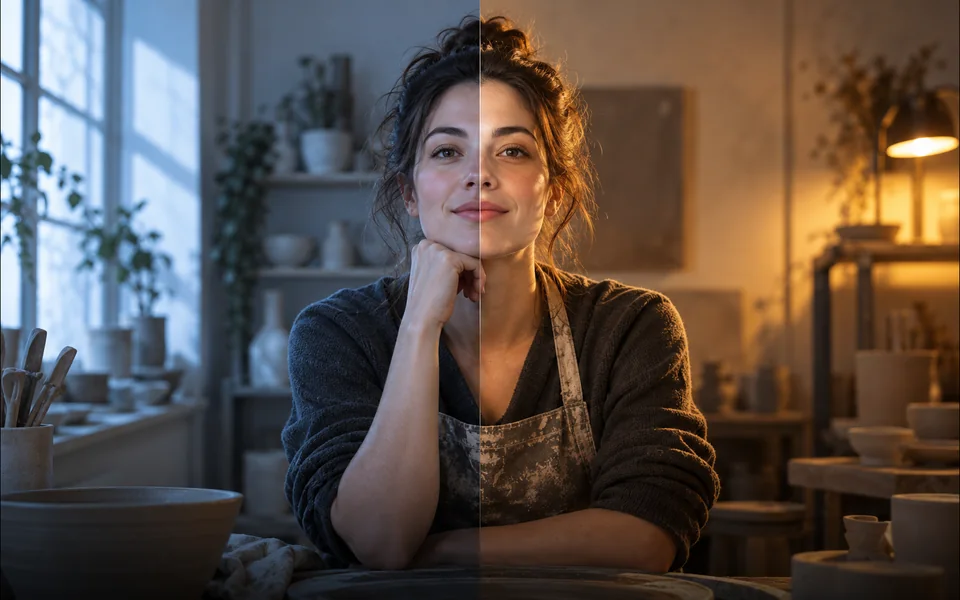
Relight a photo with a selected lighting setup and optional direction.

Mark an unwanted object and remove only the selected area.
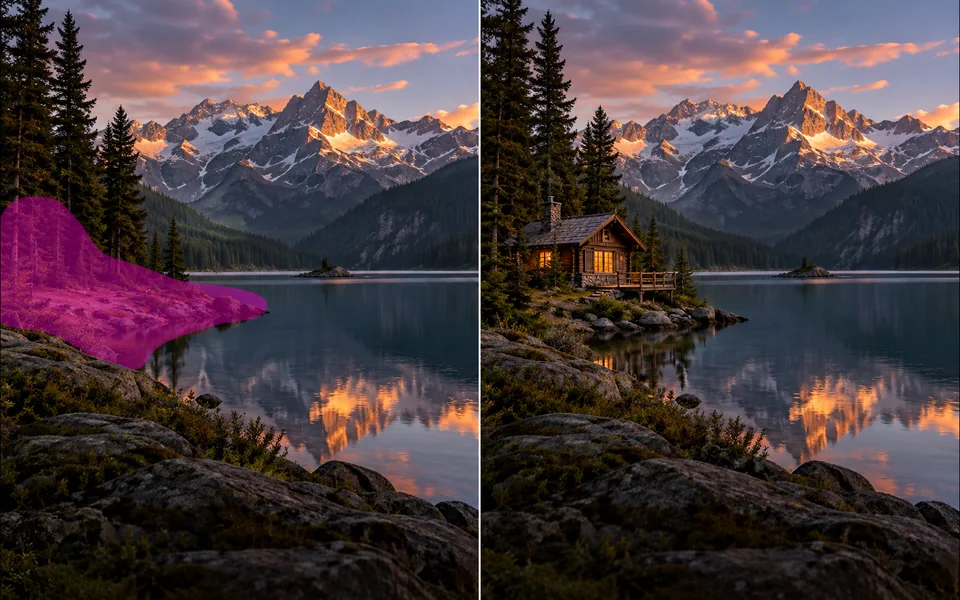
Paint a mask and replace the selected region from a local description.
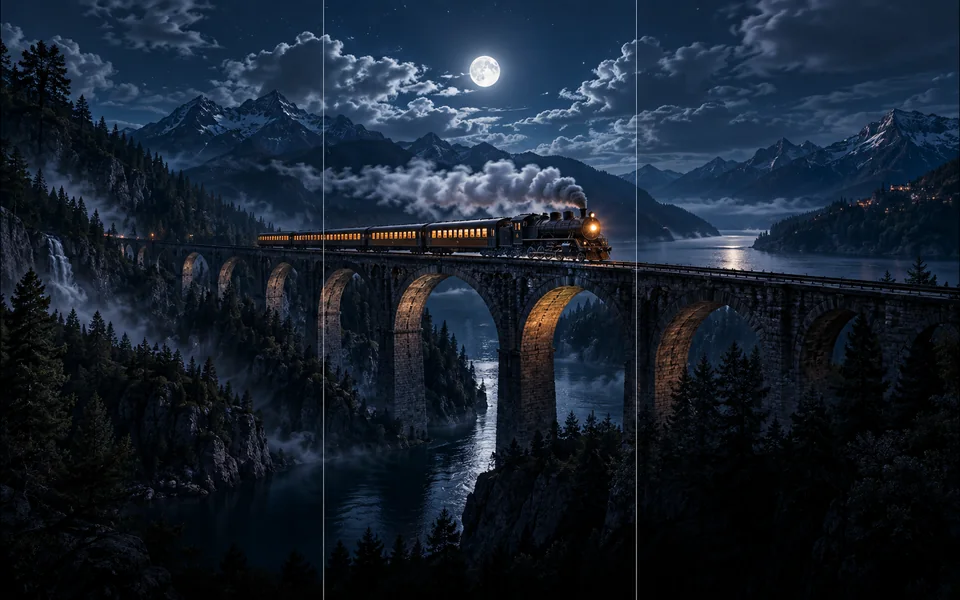
Choose new boundaries and extend an image without stretching the original.

Upscale an image at 2× or 4× and compare the output dimensions.
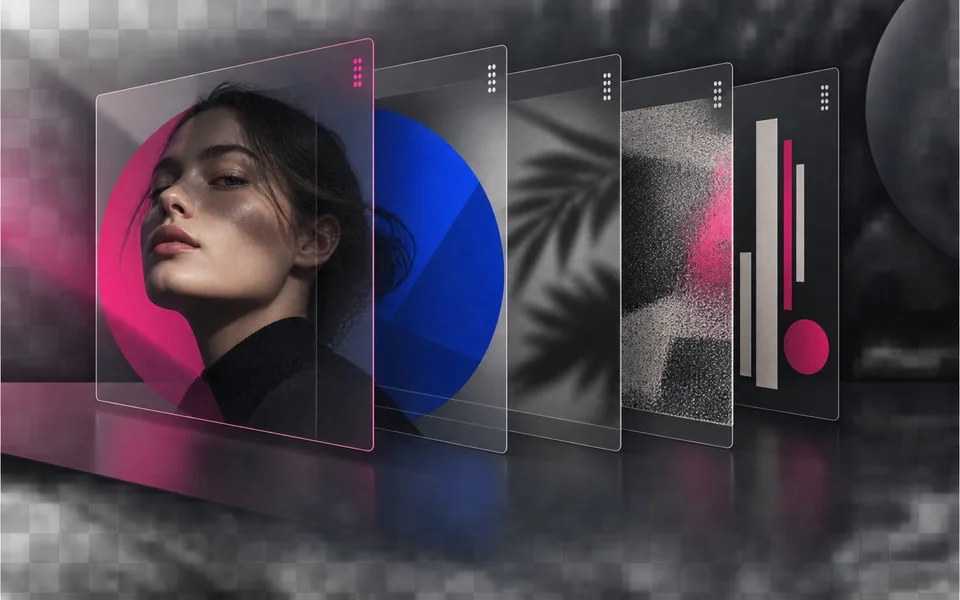
Arrange, hide, lock, reorder, and adjust the opacity of image layers.

Place editable text with independent size, color, alignment, and position.

Crop, rotate, resize, and export an image in one focused workspace.

Queue multiple images, follow item-level progress, and retry failed items only.
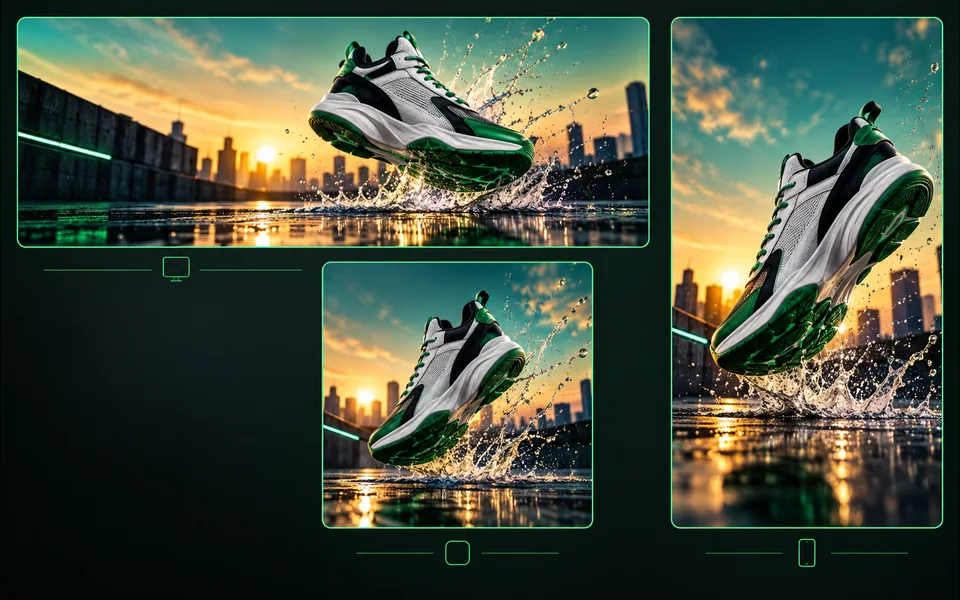
Export one design to platform sizes with contain, cover, or image extension.
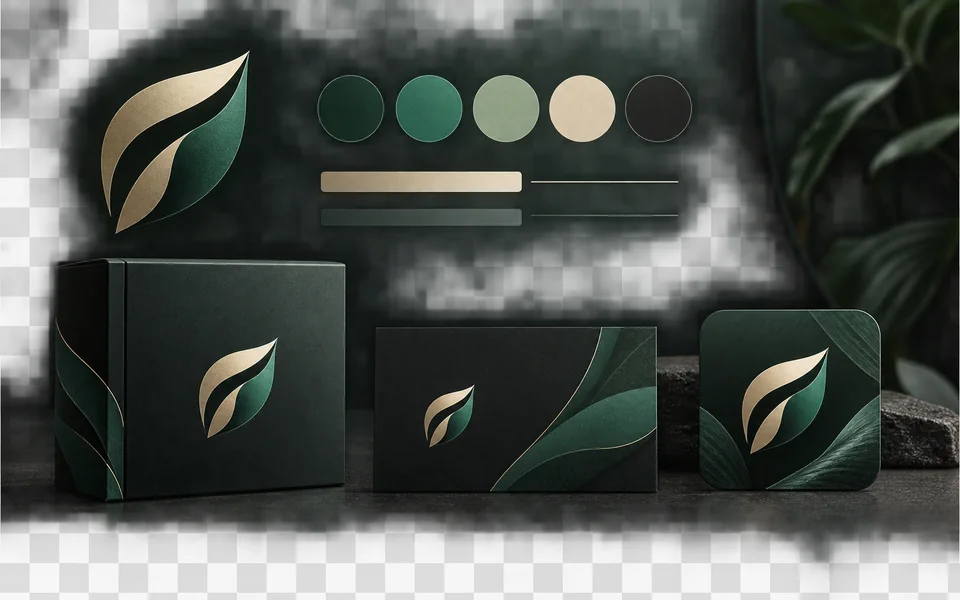
Set a brand name, logo, colors, and fonts for reusable designs.
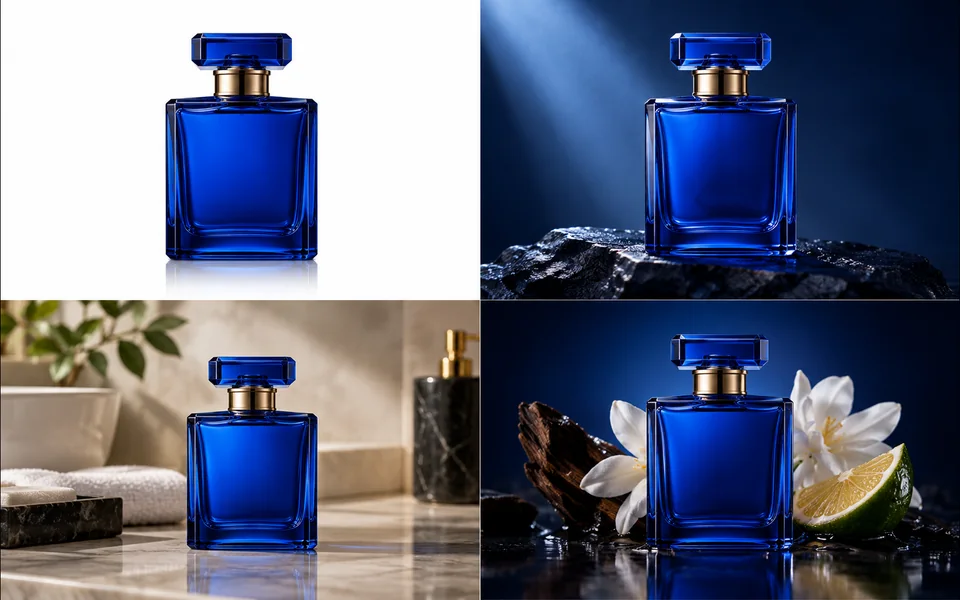
Create a selected set of white, studio, lifestyle, and ad-layout product images.
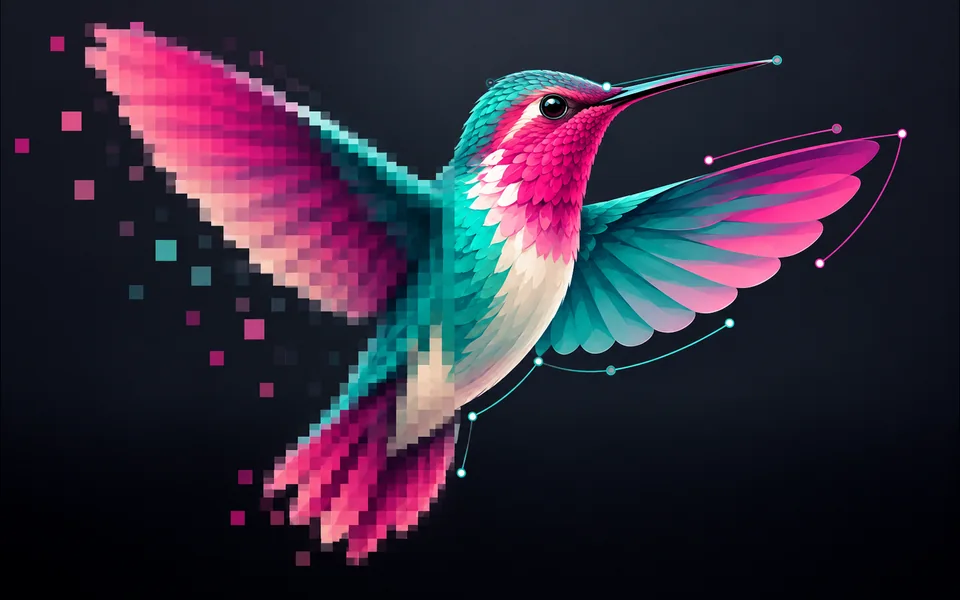
Convert PNG, JPG, or WebP artwork into editable SVG paths instead of wrapping a bitmap.
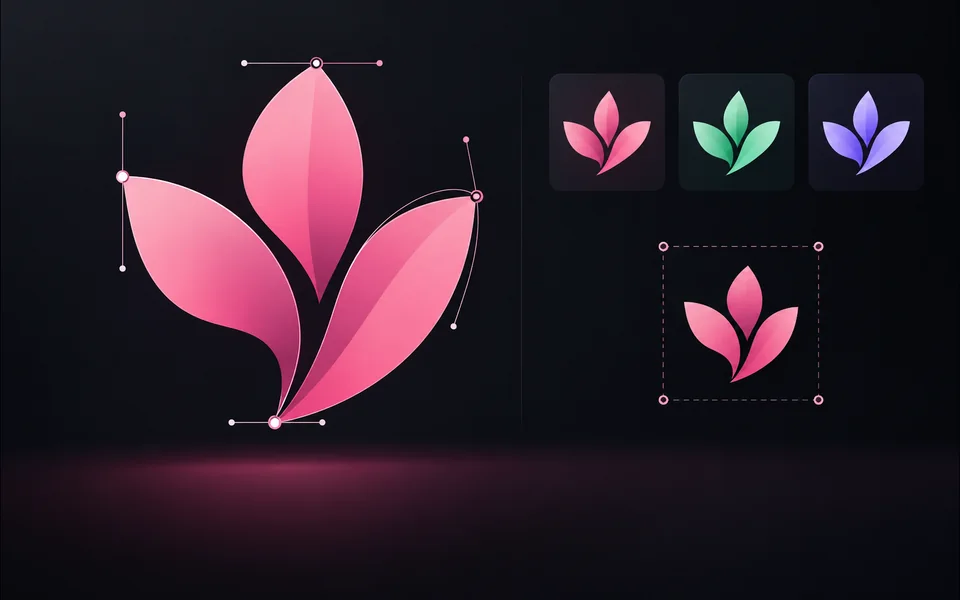
Paste or upload safe SVG markup, recolor it, resize it, and export SVG.
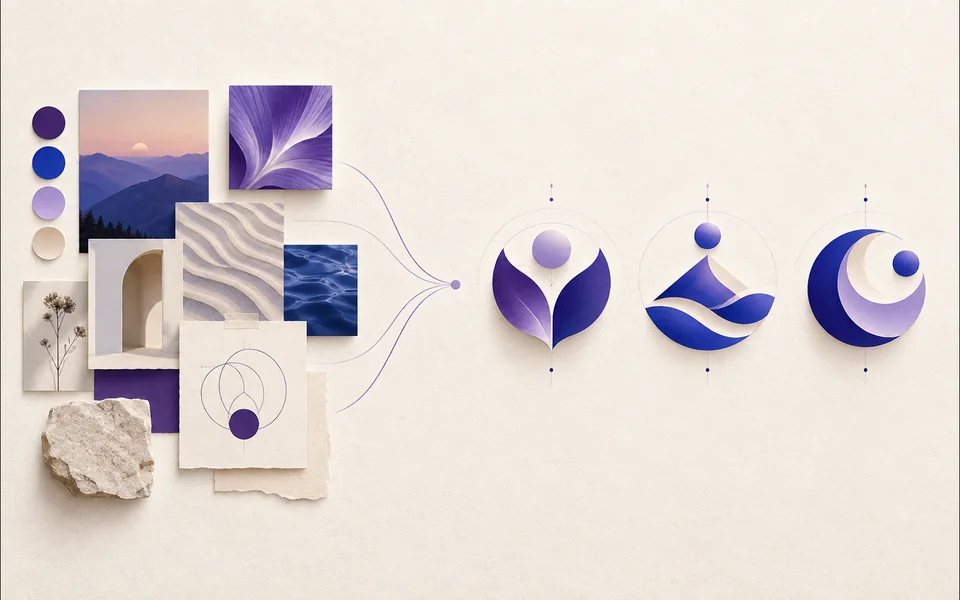
Create a logo brief from brand, industry, style, and graphic type.
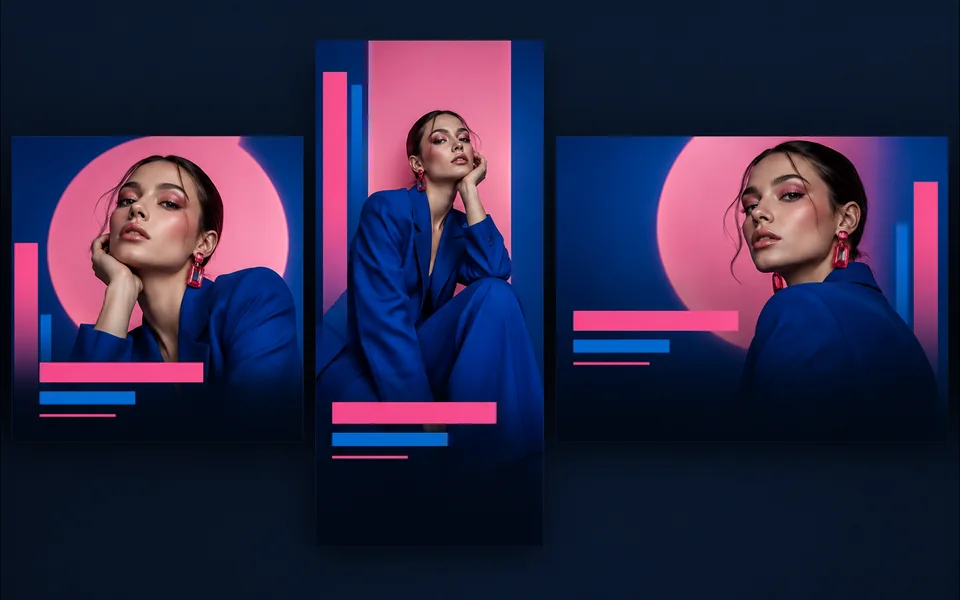
Choose a visual template, fill its fields, preview it, and continue editing.
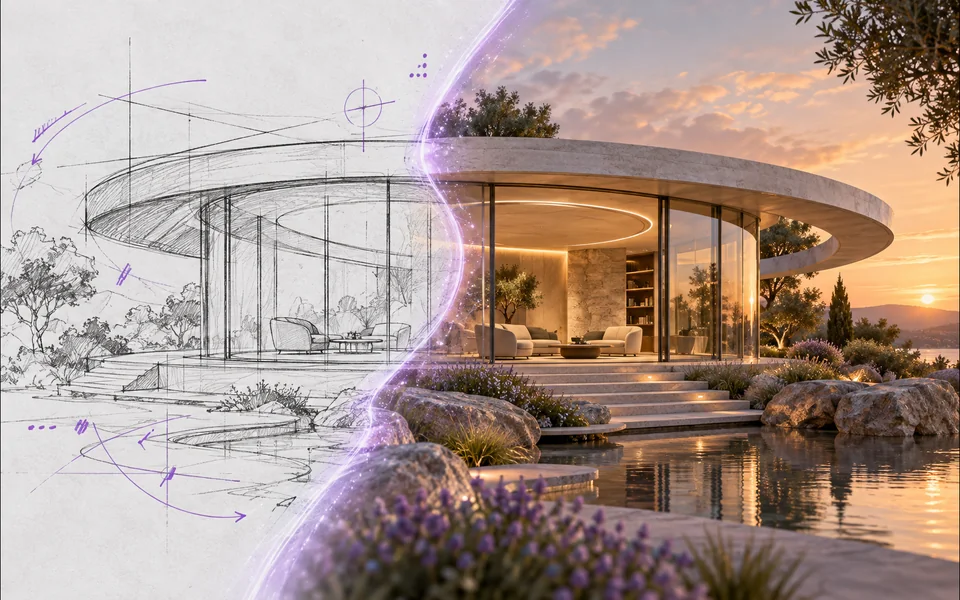
Draw or upload a sketch and pass it as the actual generation reference.
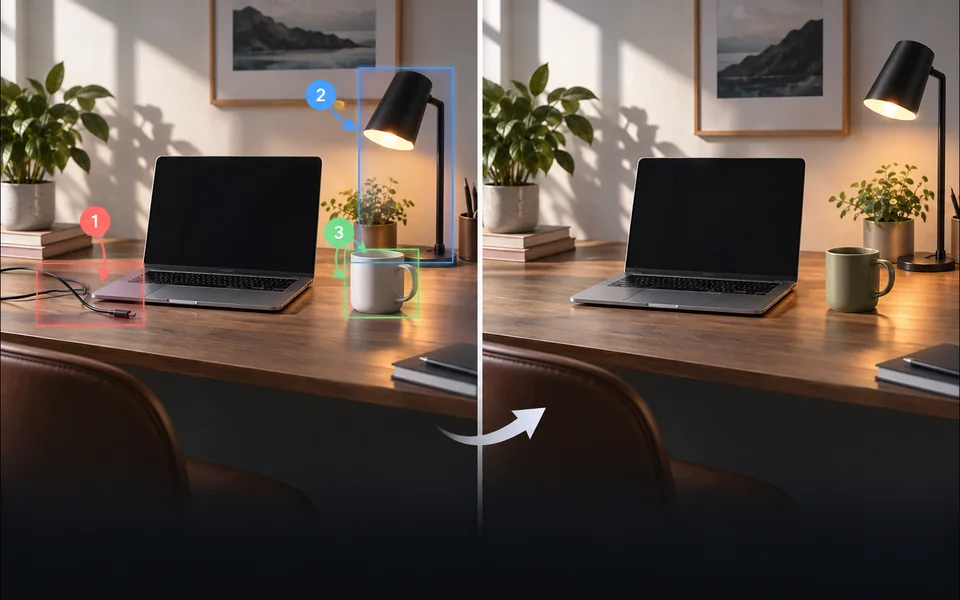
Place numbered notes, arrows, boxes, and brush marks before applying edits.

Build a reusable prompt recipe from variables and share a redacted copy.
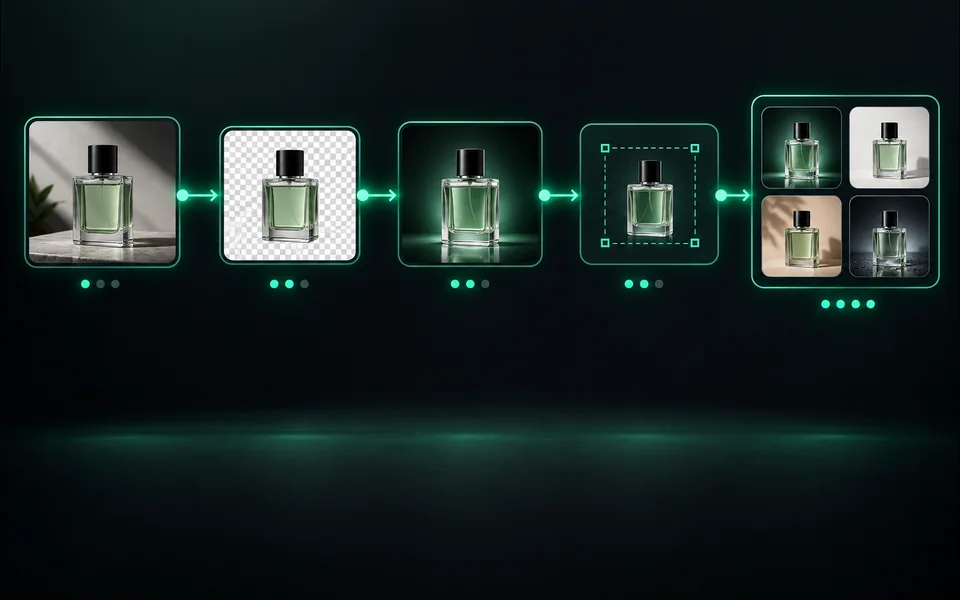
Build a visible sequence of image steps with per-step cost and results.
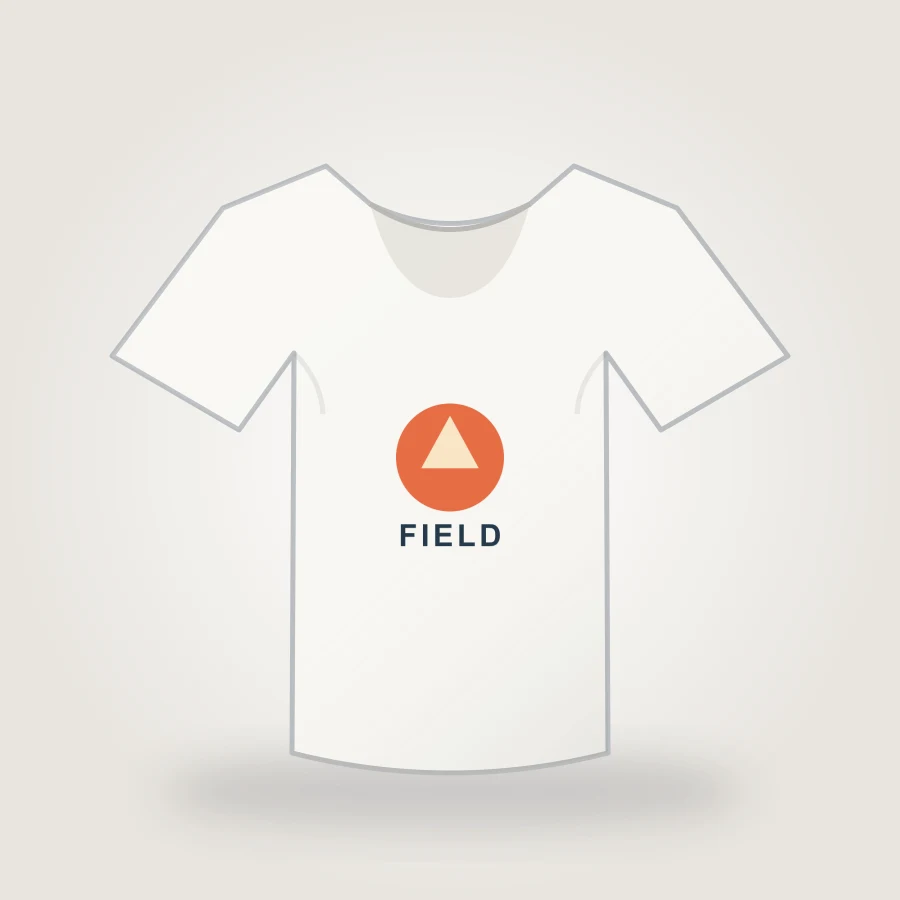
Upload your design, choose a shirt color, adjust print placement, and export an 1800px PNG mockup in your browser.
Create pixel art from an upload or text prompt, adjust grid and color levels, and export a crisp PNG.
Các công cụ chia sẻ tín dụng đã được xác thực, khôi phục nhiệm vụ và hoàn lại tiền do công việc không thành công, nhưng giao diện, lựa chọn mô hình, ví dụ và tiêu chí đánh giá của chúng khác nhau một cách có chủ ý. Một trang mới chỉ giành được vị trí khi nó giải quyết được một nhiệm vụ riêng biệt của người dùng.