
 Generate
جديدMiniMax H3 مباشر · فيديو بدقة 2K مع صوت استريو أصلي
مولد Qwen Image 3.0
صِف فكرتك بلغتك اليومية، واختر المقاس، ودع Qwen Image 3 ينشئ لك صورة متقنة.
منتج مستقل لطرف ثالث. ليست تابعة أو معتمدة من قبل علي بابا أو فريق Qwen.
مولد الصور
تكون الأجيال التي تم تسجيل دخولها خاصة بشكل افتراضي
أداة التبديل
Qwen Image 3
صيغة المبتدئين: الموضوع + الإعداد + الأسلوب + الإضاءة. ما يصل إلى 5,000 حرفا.
0/5000
لست متأكدا ماذا أكتب؟ جرب مثالا
2. النموذج
Compare image models3. اختر الشكل
Advanced settings
Prompt enhance (slower)
Outputs
قم بالتسجيل لإنشاء
يستخدم هذا الجيل أرصدة 5
النتيجة الخاصة بك
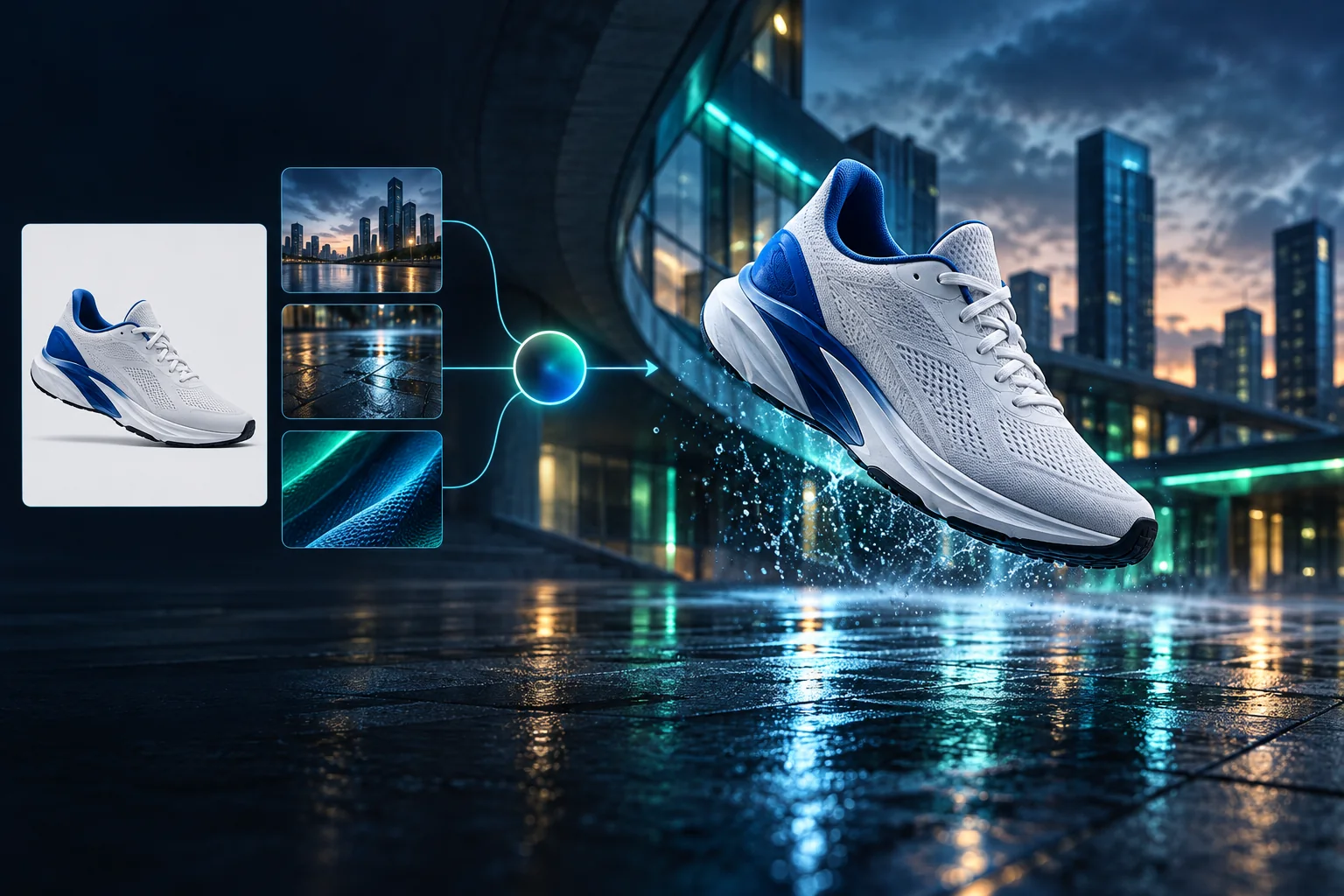
Product campaign transformation
Turn a clean sneaker reference into a finished blue-hour advertising scene.
تكون الأجيال التي تم تسجيل دخولها خاصة بشكل افتراضي
Generate images
Start from a prompt and a precise model.
Edit photos
Describe a change with visual references.
Product photos
Build clean product and campaign sets.
Remove background
Create a transparent PNG cutout.
Upscale
Increase detail and output dimensions.
Create designs
Add text, layers, templates, and exports.
Image models
A dedicated generator for every model
Open the model you searched for. Its page keeps that exact endpoint, capabilities, reference limit, and credit price.
Generate
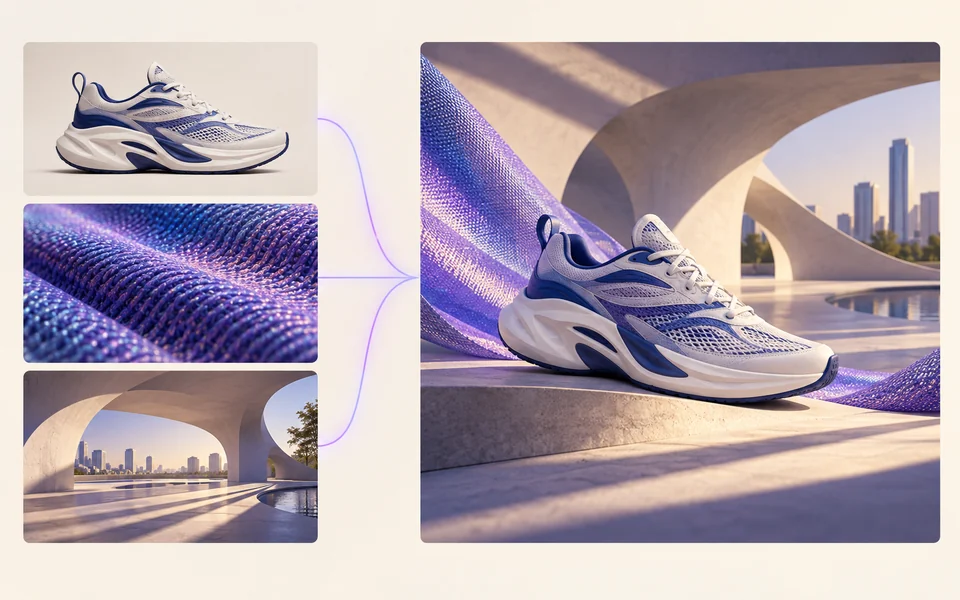 API preview
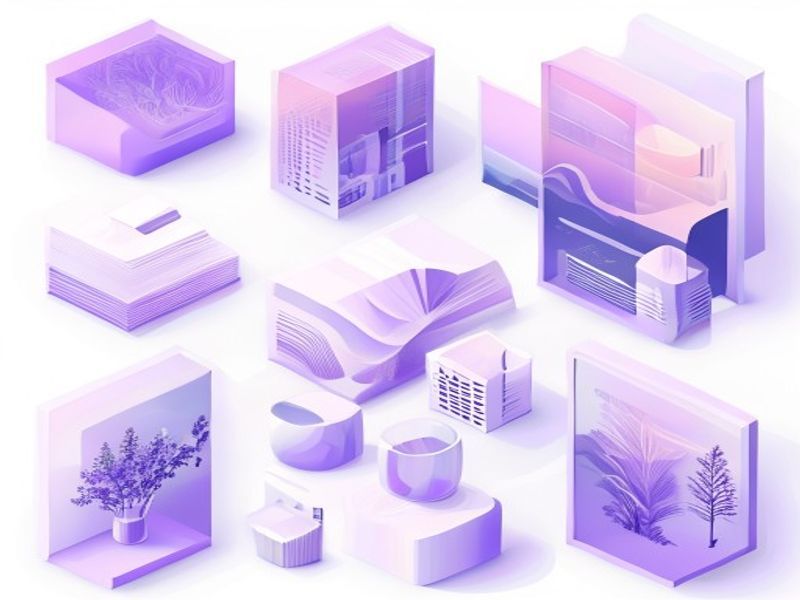
Qwen Image 2.1
Native transparent RGBA, generation, editing, and up to 10 documented references
Preview Qwen Image 2.1 Native transparent PNG Generate / Edit
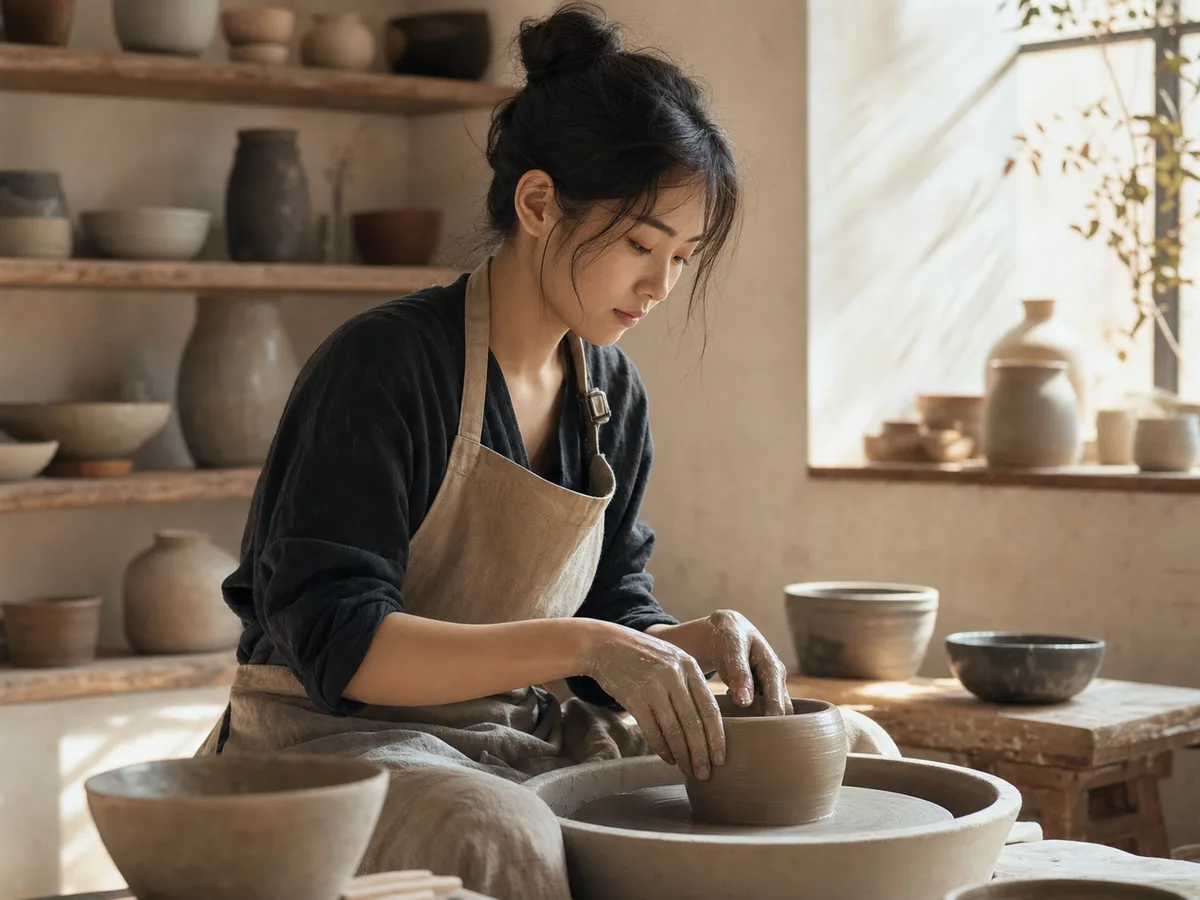 Generate / Edit
 Generate / Edit
 Generate / Edit
Image tools
Start with the result you need
Every tool opens its own upload, editor, batch, brand, template, or workflow interface. Advanced Studio remains available when you want to connect tasks.
Product


Enhance


Design


Workflow




Complete workflows
From source image to finished delivery

One product photo, a complete campaign set
Remove the background, add a believable shadow or scene, create an ad layout, then resize it for each channel.
Create product photosGenerate a poster, then edit its text separately
Create the visual direction first. Keep price, date, and headline as editable layers before exporting multiple sizes.
Make a posterTurn a sketch into editable vector artwork
Use a sketch as the structural reference, convert the chosen graphic into real paths, then recolor and export SVG.
Convert to SVG01 — 03
كيف يعمل
من الفكرة إلى الصورة في ثلاث خطوات بسيطة.
الخطوة 1
اكتب مطالبتك
قم بوصف ما تريد رؤيته – الموضوع والأسلوب والألوان والمزاج.
الخطوة 2
توليد
Qwen Image 3 يعرض وصفك في صورة فريدة عالية الجودة.
الخطوة 3
تحميل ومشاركة
احفظ النتيجة على الفور واستخدمها في أي مكان — على مواقع التواصل الاجتماعي أو الإعلانات أو المشاريع الشخصية.
سير العمل الإبداعي
من المطالبة الأولى إلى الصورة التي يمكنك استخدامها
يتم شرح الاختيارات المهمة فقط في كل خطوة حتى يتمكن المبتدئ من إكمال الجيل الأول بثقة.
01
الحث الموجه
أنشئ مطالبة واضحة حول الموضوع والإعداد والأسلوب والإضاءة، أو ابدأ بمثال جاهز للتعديل.
02
One focused Qwen Image 3 workflow
Generate with the verified Qwen Image 3 endpoint, then continue in the reference-image editor when you need revisions.
03
نسب العرض إلى الارتفاع مفيدة
اختر مربعًا أو أفقيًا أو عموديًا للتخطيطات الشائعة للمنتج والملصقات والمحتوى الاجتماعي.
04
خاصة بشكل افتراضي
تظل المهام التي تم تسجيل الدخول بها خاصة بشكل افتراضي؛ لا تنشر لوحة المتصدرين مطلقًا أي مطالبات أو صور أو تفاصيل الحساب.
05
اعتمادات شفافة
Qwen Image 3 uses 5 credits per output. Confirmed provider failures automatically restore the credits used by that task.
06
نتائج منظمة
قم بمعاينة الصور المكتملة وتنزيلها، ثم قم بإدارة سجل الإنشاء الخاص بك من مساحة العمل الشخصية.
Image editing
Change the scene, keep the subject
Upload up to three references. Describe the exact edit, then name the product, text, crop and geometry that must remain unchanged.
Edit an imageReady-to-use creative inspiration
AI image and video prompt library
Explore 65 prompts adapted for the image and video models on this site. Filter by media and scene, copy a prompt, or continue with the model you choose.
ChineseAI Image
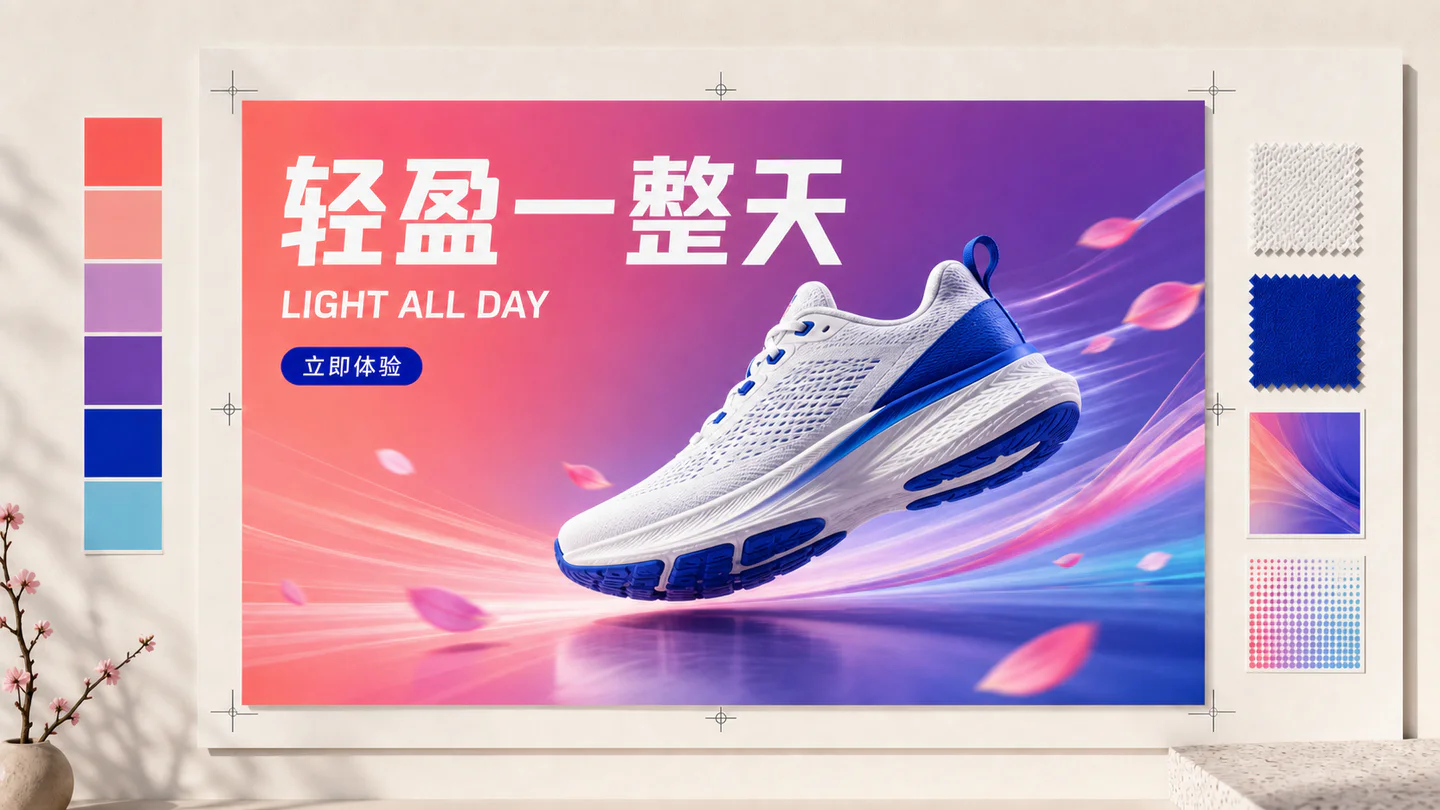
Chinese tea launch poster
Qwen Image 3 · 3:4 · 2K
Design a vertical Chinese tea launch poster. Exact headline: “春山新茶”. Exact subheading: “明前龙井 · 清香回甘”. Pale rice-paper texture, one ceramic cup, restrained ink landscape, clear hierarchy, generous margins, no extra text.
الطبيعةAI Video
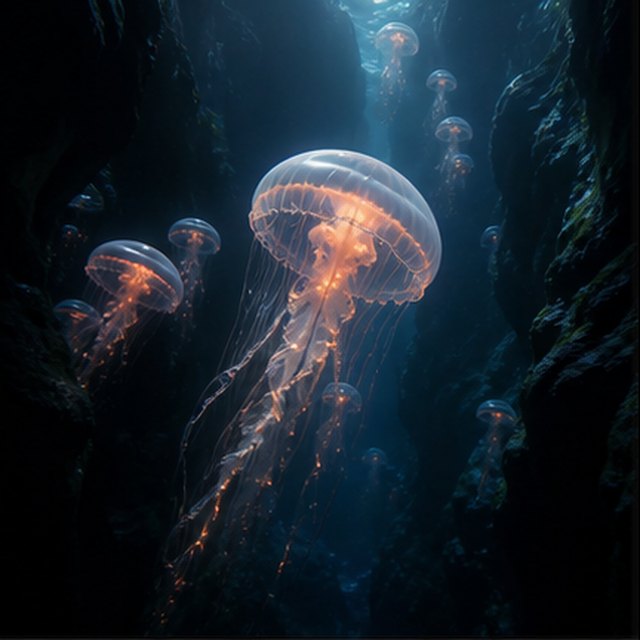
قنديل البحر في الهاوية
Compatible with 4 video models
قنديل بحر مضيء ينجرف عبر وادٍ تحت الماء أسود بينما ترتفع قناديل بحر أصغر في المسافة. تتحرك الكاميرا ببطء للأعلى بجانب قبعته الشفافة؛ تتدحرج جزيئات دقيقة عبر أشعة الضوء الأزرق، وتنبض المجسات بشكل طبيعي، ويظل جو المحيط العميق ناعمًا وواسعًا.
TypographyAI Image
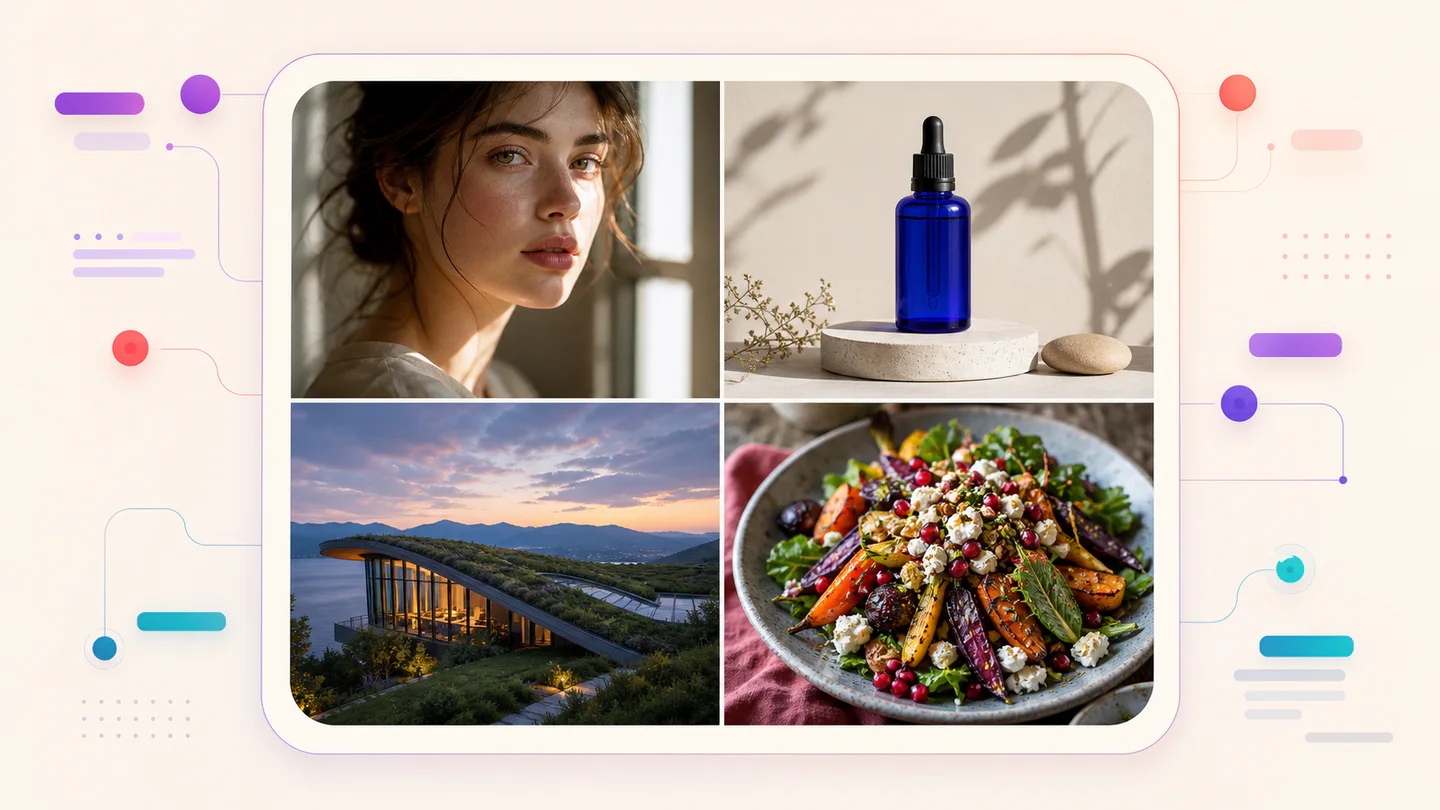
Editorial typography poster
Qwen Image 3 · 3:4 · 2K
Create a modern editorial poster with the exact headline “FORM FOLLOWS FEELING” and small caption “Design study 03”. Swiss grid, black type on warm ivory, one cobalt geometric form, crisp kerning, no extra words.
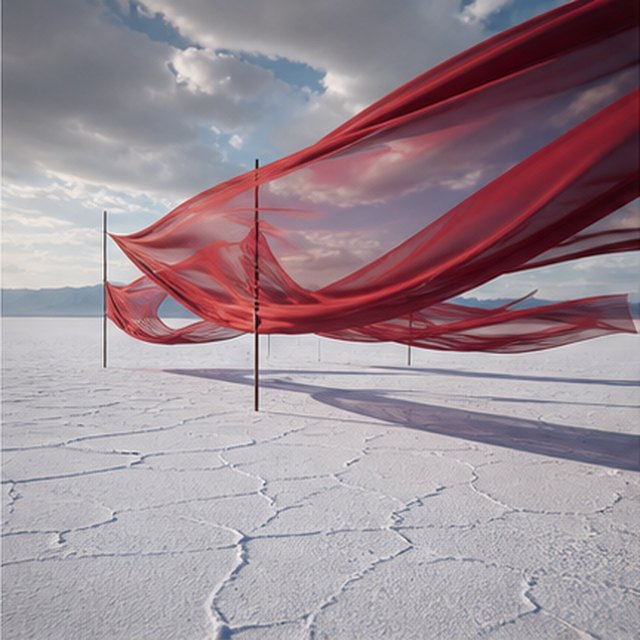
سينمائيAI Video
الحرير الأحمر فوق الملح المسطح
Compatible with 4 video models
أشرطة حمراء طويلة من الحرير تتماوج فوق صحراء ملحية بيضاء لا نهائية تحت سحب عاصفة متحركة. تتبع العرض طوليًا على طول القماش بينما يرسل الريح أمواجًا عبر كل طبقة، وتنزلق الظلال الطويلة على الأرض المتشققة، ويحمل المشهد الصوتي المحدود فقط صوت القماش والريح والرعد البعيد.
منتجAI Image
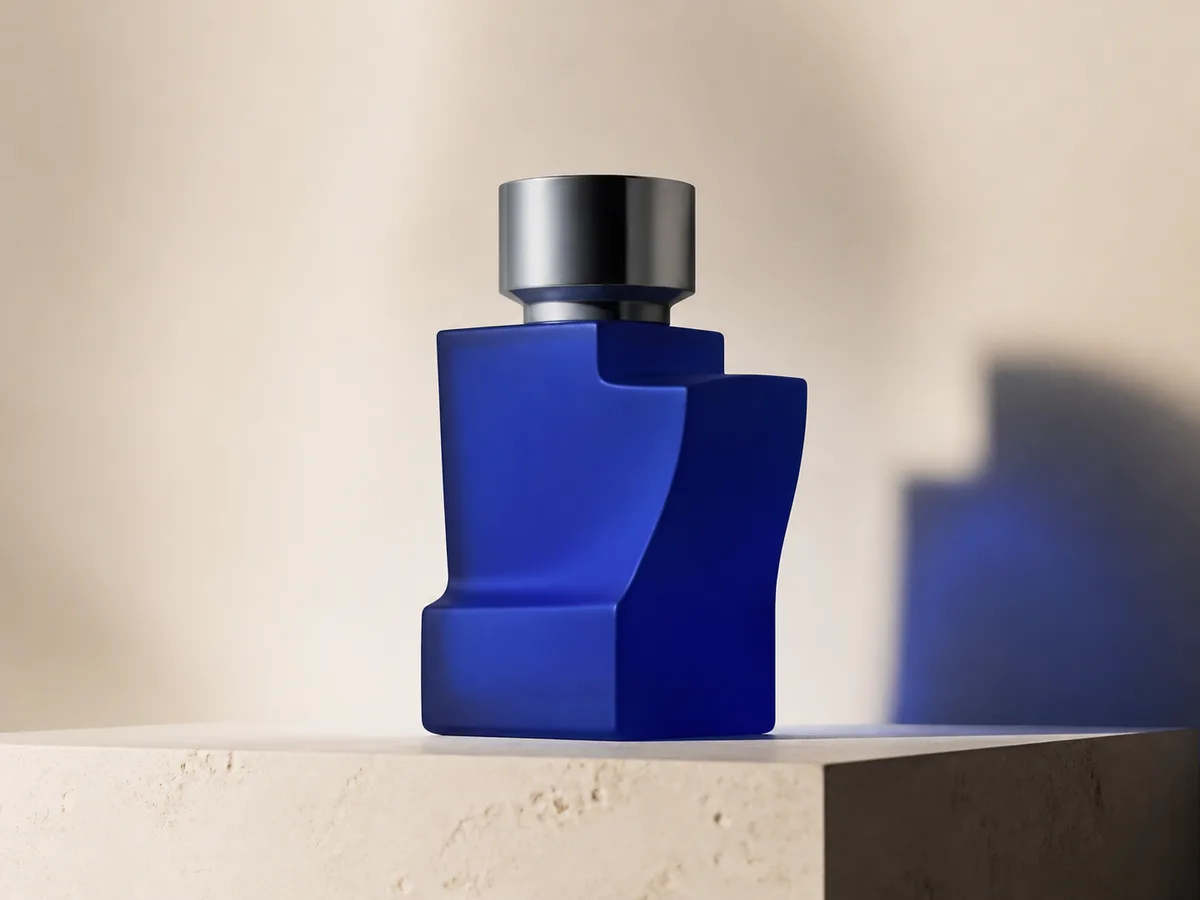
Cobalt perfume advertisement
Qwen Image 3 · 4:3 · 2K
Premium cobalt-blue perfume bottle on dark slate, precise glass reflections, narrow rim light, soft mist behind the bottle, luxury studio advertising, centered product, label readable, no extra objects.
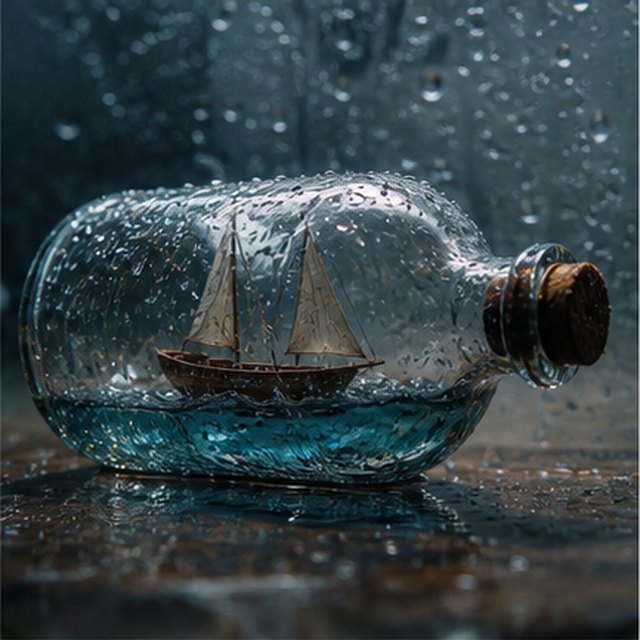
خيال ورسوم متحركةAI Video
عاصفة داخل زجاجة
Compatible with 4 video models
عرض سينمائي مكرو لصورة قارب شراعي صغير من الخشب محاصر داخل زجاجة مغطاة بالمطر. يهزّ البحر المصغر بدن القارب بينما يضيء البرق الشراع لفترة وجيزة؛ دار حول الزجاج المبلل بلطف مع عمق ميدان سطحي، قطرات حادة، رعد مكتوم، وأخشاب تصدر صريراً.
EcommerceAI Image
E-commerce campaign board
Qwen Image 3 · 16:9 · 2K
Build a clean e-commerce campaign board for a neutral running shoe: hero product image, two detail crops, three benefit labels, size guide panel and a clear “SHOP THE DROP” callout. White and graphite palette, consistent product geometry.
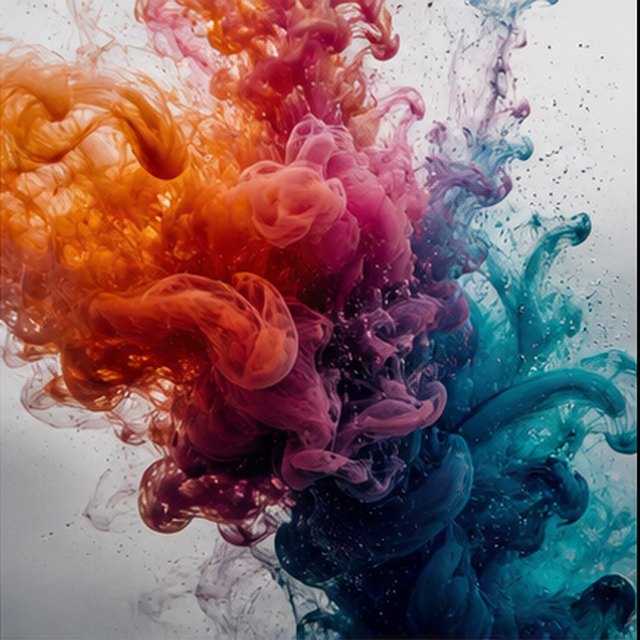
سينمائيAI Video
تفتح اللون في الماء
Compatible with 4 video models
البرتقالي، الماجنتا، البنفسجي، وحبر السيان تتفتح في ماء صافٍ كالكريستال في حركة بطيئة للغاية. تمسك بإطار ماكرو نظيف بينما تتصادم السحب المتدفقة، وتطوى، وتتحلل إلى خيوط دقيقة؛ استخدم ضوء خلفي ساطع، تفاصيل مجهرية، حركة سائلة خفيفة، ولا يظهر أي وعاء.
Qwen Image 3 Lab
Prompts, visible results and failure notes
Each lab page states what was tested, what worked, what needs review and how the prompt can be improved. Unknown data stays unknown.
Qwen Image 3 Chinese Text Test
Qwen Image 3 can produce useful Chinese display text, but small copy still needs visual proofreading before publication.
Qwen Image 3 Typography Test
Short English and Chinese headlines are the safest typography use case; mixed-language and small text need stricter prompts and review.
Qwen Image 3 Product Photo Test
The model is useful for premium product concepts, especially when the brief defines material, lighting, contact shadow and camera angle.
Qwen Image 3 Infographic Test
Qwen Image 3 can draft strong infographic layouts, but facts and labels must be validated separately.
Qwen Image 3 Image Editing Test
Reference editing works best when the instruction separates the requested change from details that must remain unchanged.
Qwen Image 3 Standard vs Pro
This site currently exposes one verified Qwen Image 3 endpoint, so it does not publish a fabricated Standard-versus-Pro winner.
الخطط التي تنمو معك
أسعار وباقات Qwen Image
اختر الخطة الشهرية الموصى بها للإنشاء المنتظم، أو حزمة ائتمانية مرنة لمرة واحدة بدون تجديد.
يستخدم كل جيل Qwen Image 3 5 وحدات. تقدم الخطط الشهرية أقل تكلفة لكل رصيد.
الأسئلة المتداولة
ما تحتاج إلى معرفته حول الإنشاء وتسجيل الوصول اليومي والإحالات واستخدام الاعتمادات.

هل أنت مستعد لإنشاء صورتك الأولى؟
أنشئ حسابًا مجانيًا، واحصل على نقاط ترحيبية، وحوّل أفكارك إلى صور خلال ثوانٍ.