
الأكثر رواجًا
4–10 رصيدصور•وصف نصي → صورة
مولد Qwen Image 3
قم بإنشاء صور مفصلة من مطالبات اللغة الطبيعية
- الحث الموجه
- One focused Qwen Image 3 workflow
- نسب العرض إلى الارتفاع مفيدة
سير العمل المركز Qwen Image 3
ابدأ بتسليم ملموس بدلاً من مطالبة فارغة. تكشف كل أداة عن الضوابط التي تهم وظيفتها، وتظهر التكلفة قبل الإنشاء وتشرح أين لا تزال المراجعة البشرية مهمة.
قم بإنشاء صور مفصلة من مطالبات اللغة الطبيعية

تصميم ملصقات مصقولة باستخدام الذكاء الاصطناعي

قم بإنشاء تصوير فوتوغرافي للمنتجات جاهز للاستوديو
 4 رصيد
أنشئ صورًا مصغرة عالية التأثير ومميزة
شاهد المعاينة واتبع تحديثات الإصدار التي تم التحقق منها
قم بإنشاء فيديو سينمائي بحركة دقيقة
تحويل النص والصور إلى فيديو معبر
قم بإنشاء فيديو AI عالي الجودة مع صوت متزامن

قم بإزالة خلفيات الصور بشكل نظيف في ثوانٍ

Restore natural colors from a green matcha cast

Choose an available model and turn a prompt into a new image.

Upload reference images, choose an editing model, and describe the change.

Remove a photo background and download a transparent PNG.

Apply a solid, gradient, uploaded, or generated scene behind a subject.
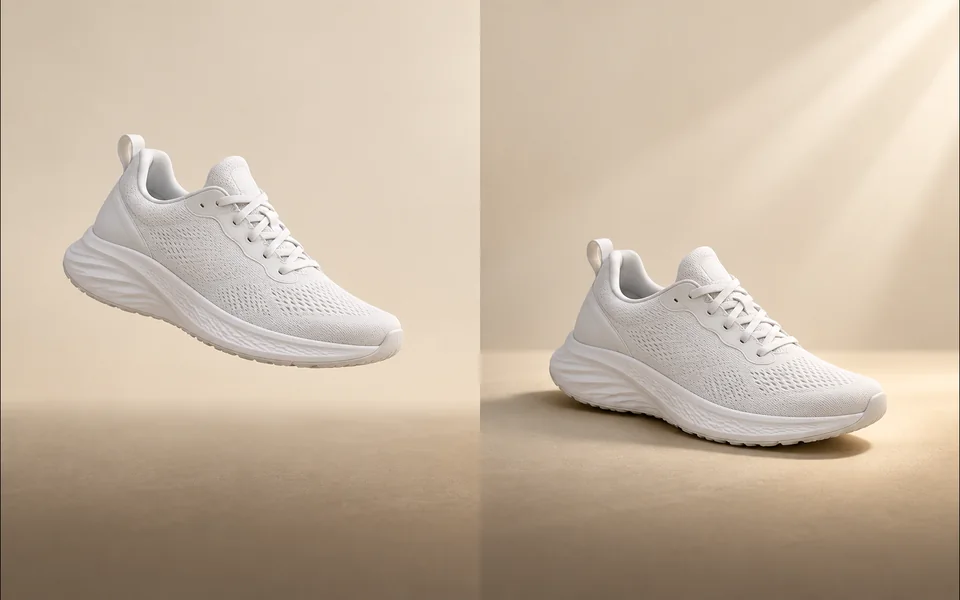
Create a product shadow with visible direction, blur, opacity, and offset controls.
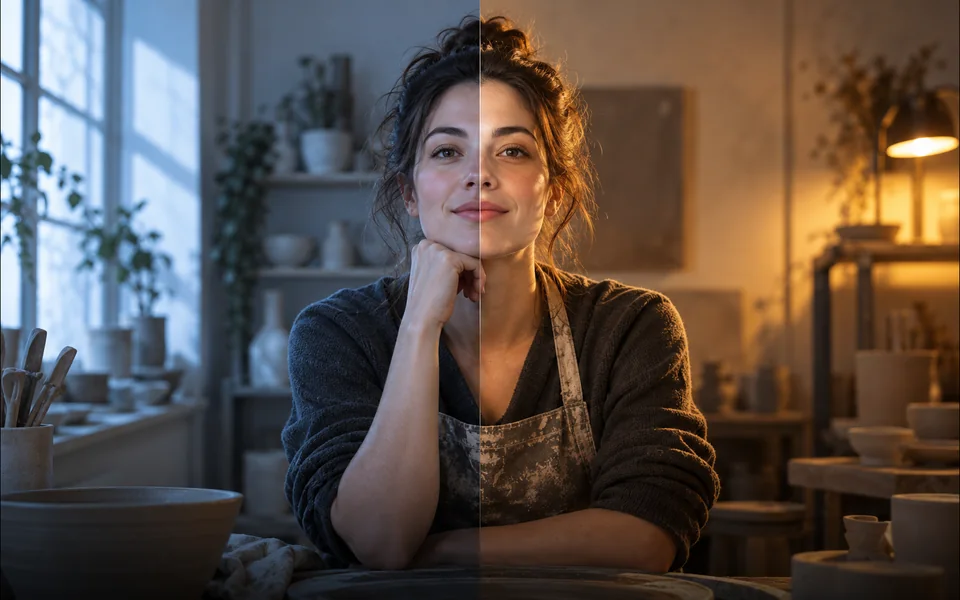
Relight a photo with a selected lighting setup and optional direction.

Mark an unwanted object and remove only the selected area.
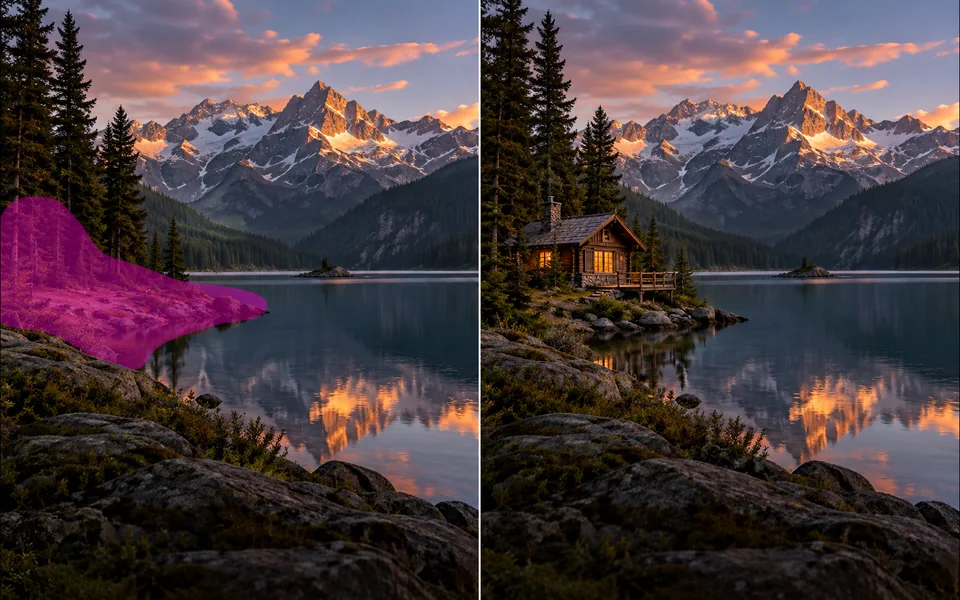
Paint a mask and replace the selected region from a local description.
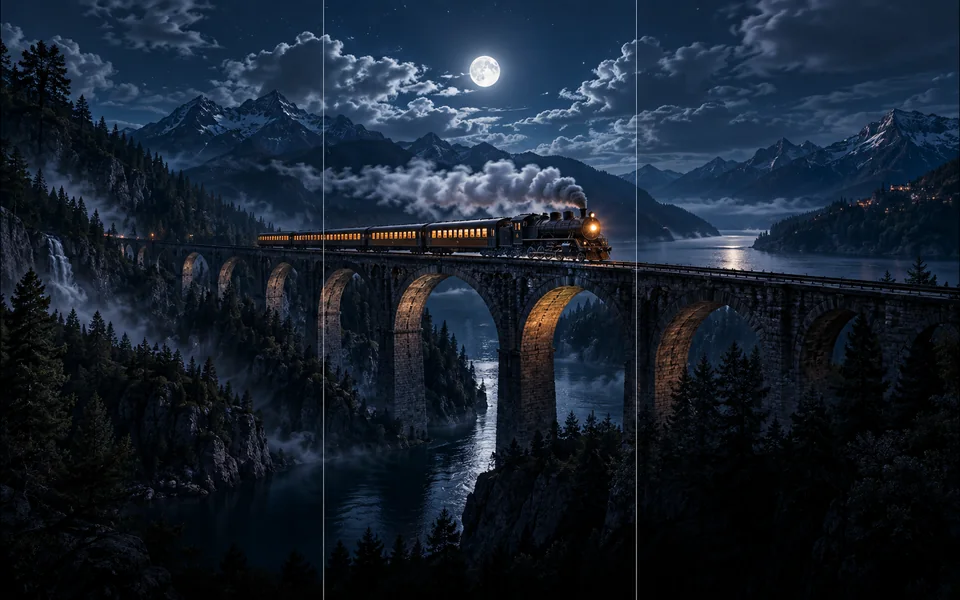
Choose new boundaries and extend an image without stretching the original.

Upscale an image at 2× or 4× and compare the output dimensions.
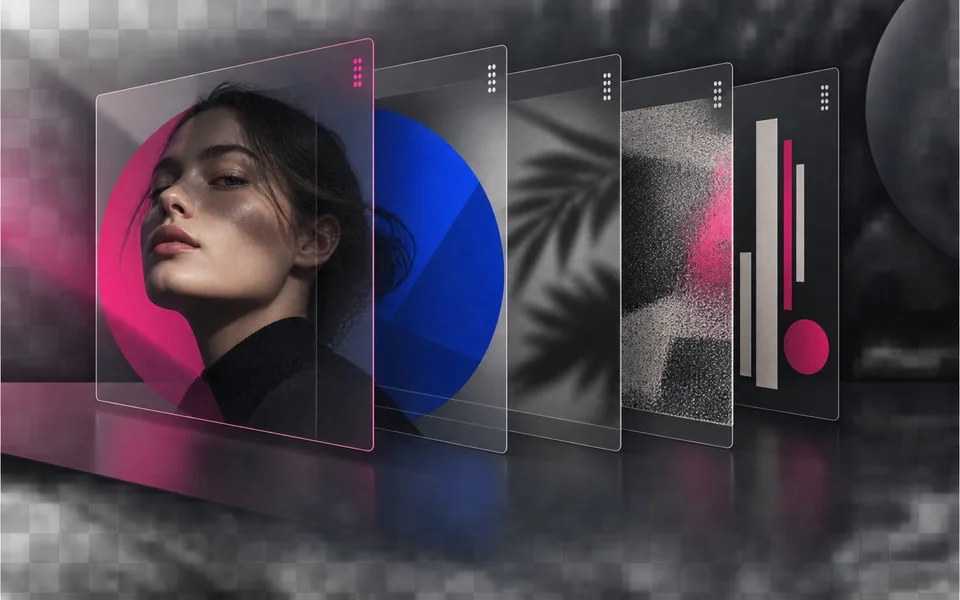
Arrange, hide, lock, reorder, and adjust the opacity of image layers.

Place editable text with independent size, color, alignment, and position.

Crop, rotate, resize, and export an image in one focused workspace.

Queue multiple images, follow item-level progress, and retry failed items only.
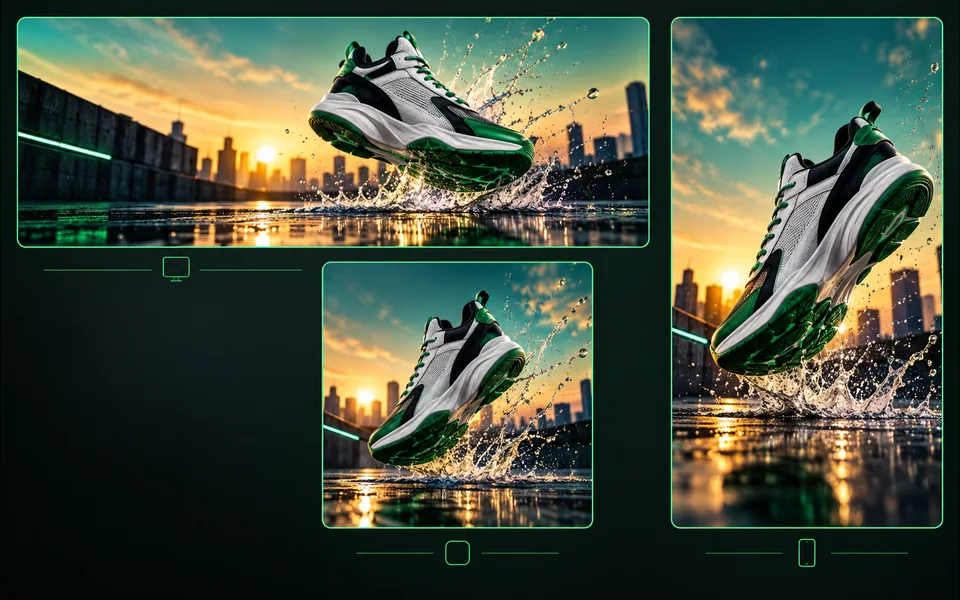
Export one design to platform sizes with contain, cover, or image extension.
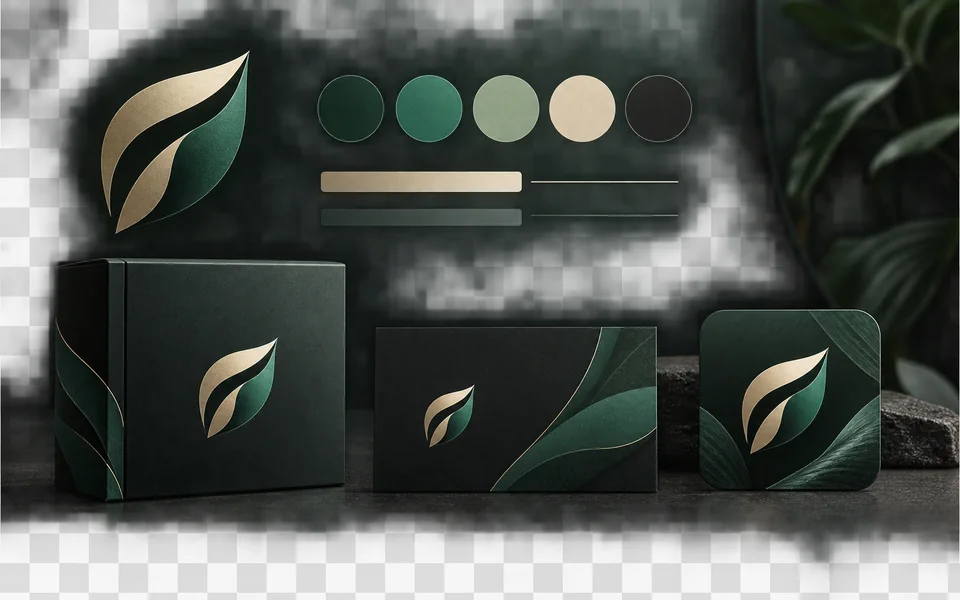
Set a brand name, logo, colors, and fonts for reusable designs.
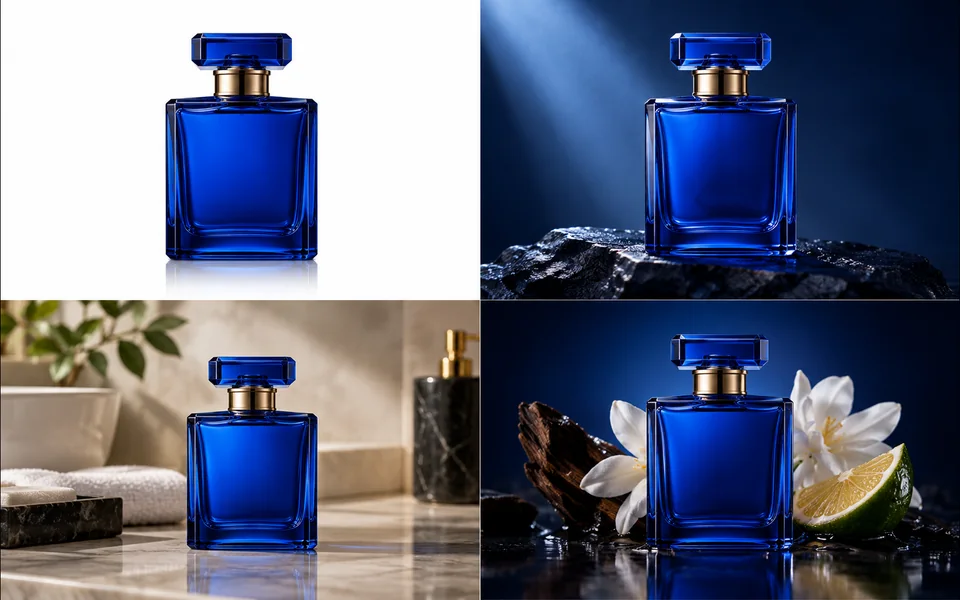
Create a selected set of white, studio, lifestyle, and ad-layout product images.
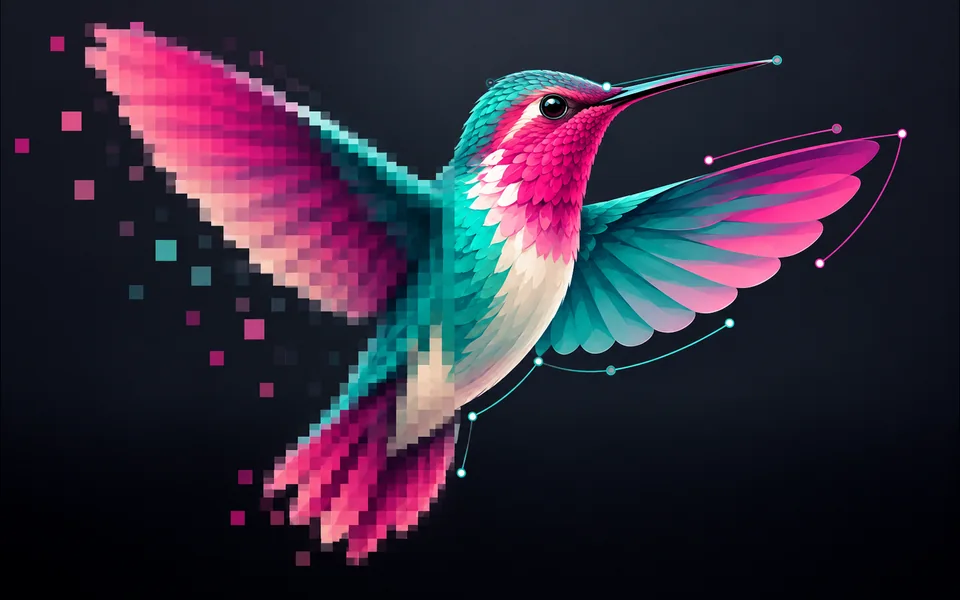
Convert PNG, JPG, or WebP artwork into editable SVG paths instead of wrapping a bitmap.
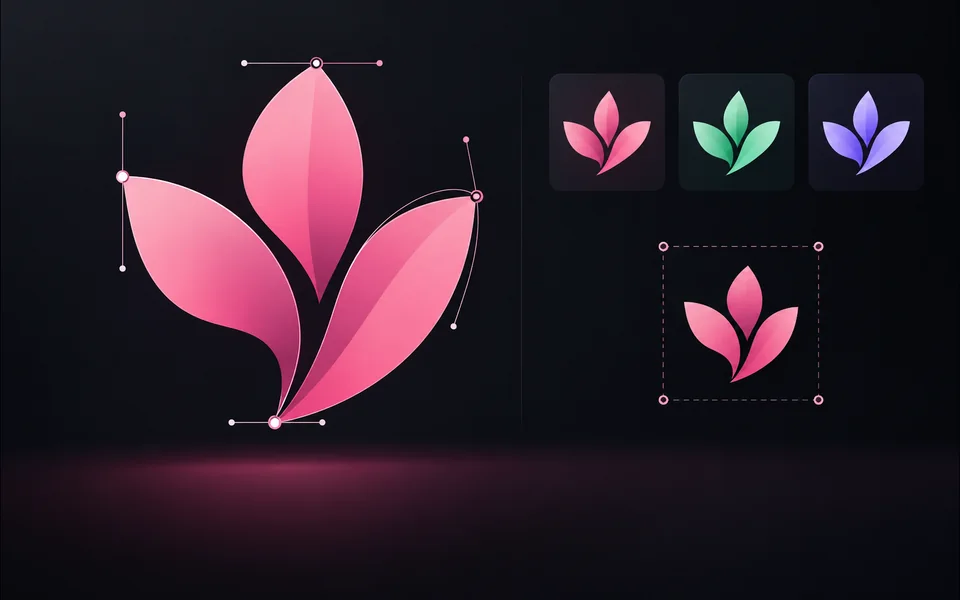
Paste or upload safe SVG markup, recolor it, resize it, and export SVG.
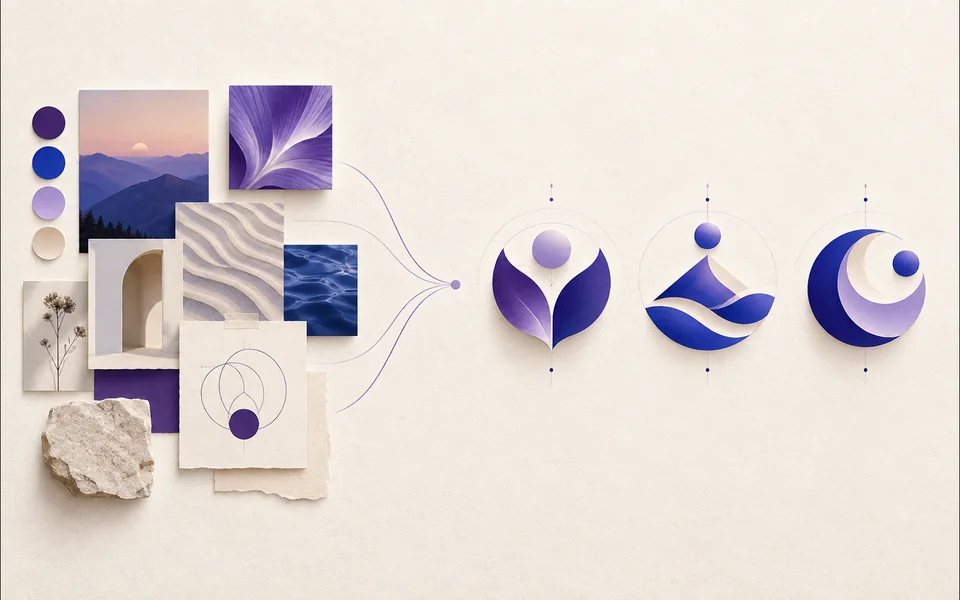
Create a logo brief from brand, industry, style, and graphic type.
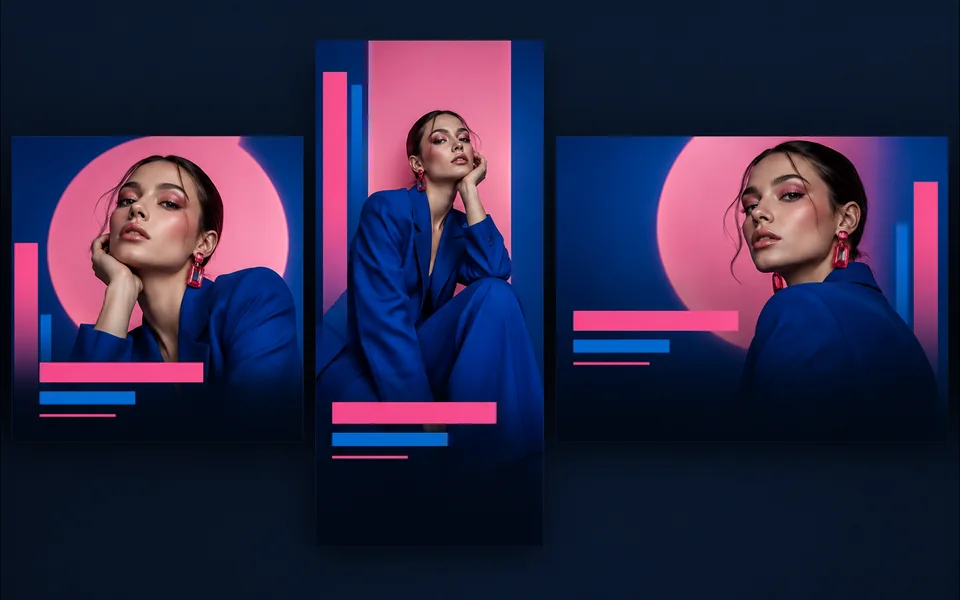
Choose a visual template, fill its fields, preview it, and continue editing.
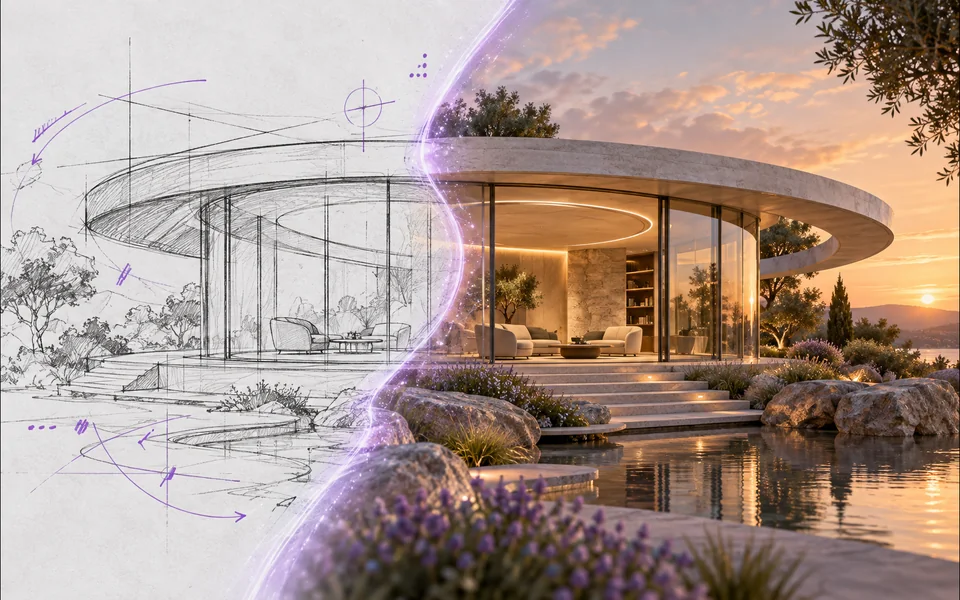
Draw or upload a sketch and pass it as the actual generation reference.
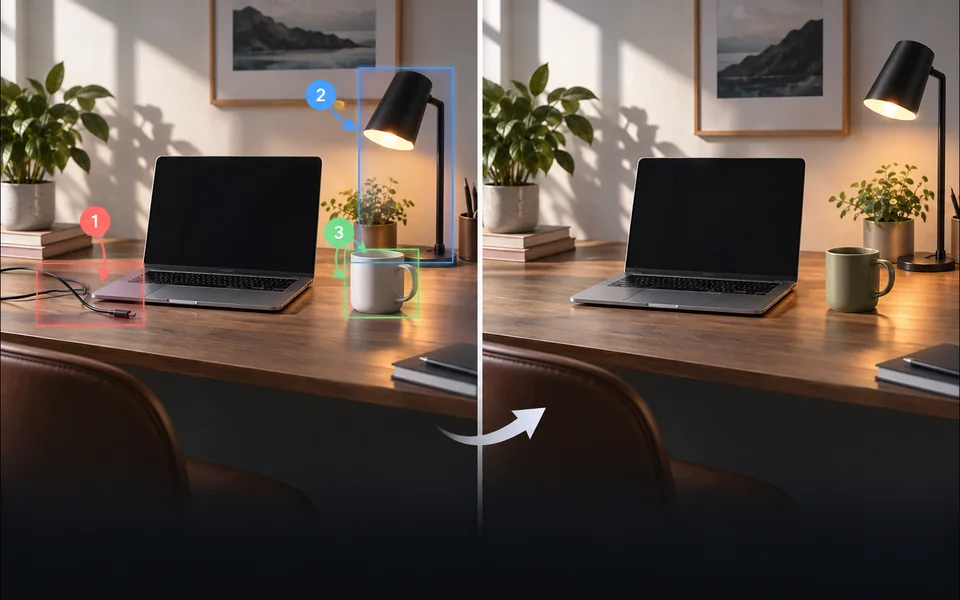
Place numbered notes, arrows, boxes, and brush marks before applying edits.

Build a reusable prompt recipe from variables and share a redacted copy.
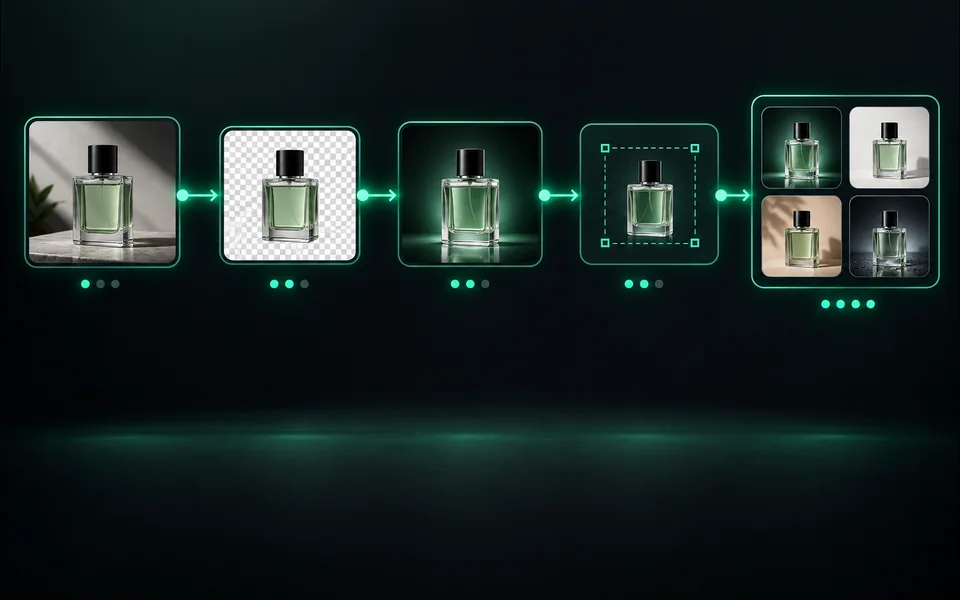
Build a visible sequence of image steps with per-step cost and results.
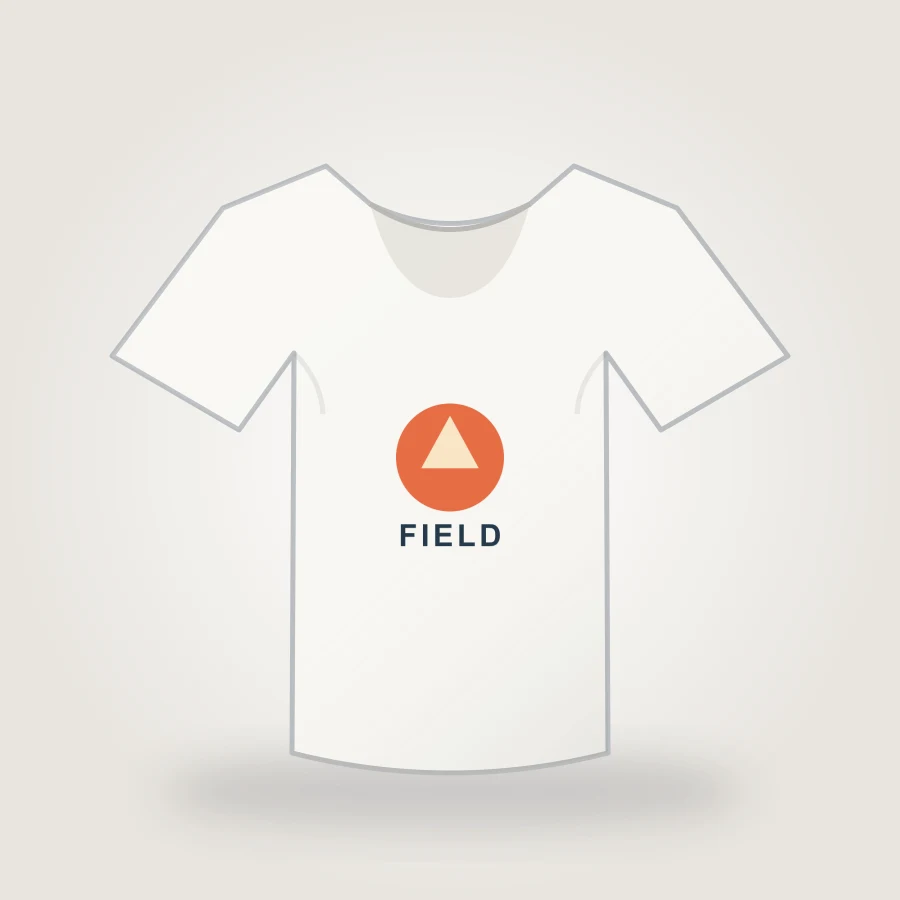
Upload your design, choose a shirt color, adjust print placement, and export an 1800px PNG mockup in your browser.
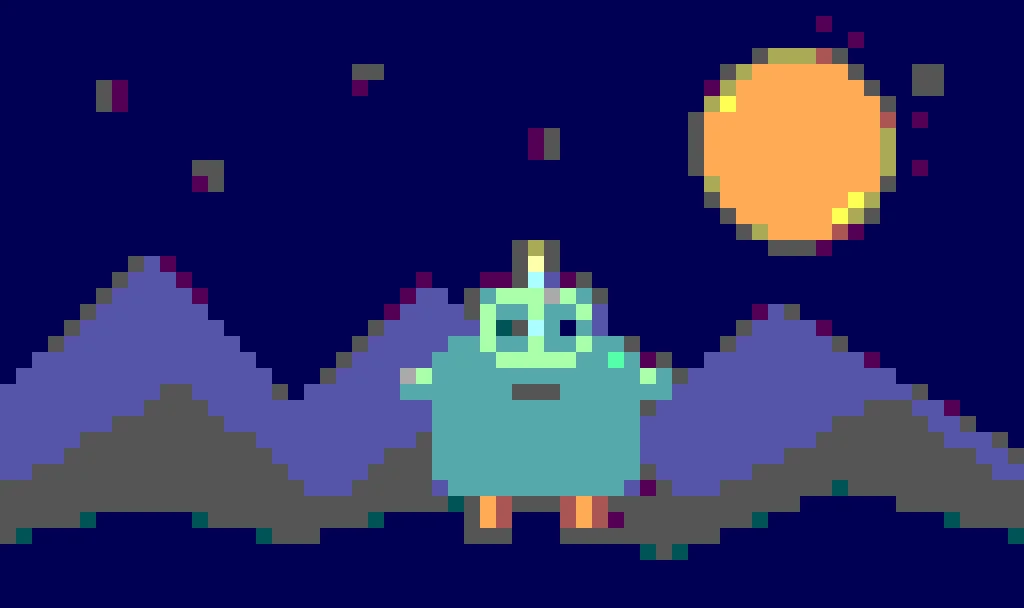
Create pixel art from an upload or text prompt, adjust grid and color levels, and export a crisp PNG.
تشترك الأدوات في الاعتمادات الموثقة واسترداد المهام واسترداد المهام الفاشلة، لكن واجهاتها وخيارات النماذج والأمثلة ومعايير المراجعة مختلفة عن عمد. لا تكتسب الصفحة الجديدة مكانها إلا عندما تحل مهمة مستخدم منفصلة.