 Generate
图片编辑用自然语言指令编辑参考图片
Qwen Image 3 生成器与图片编辑器
使用 Qwen Image 3 通过文字生成图片,或上传参考图进行编辑。可用于多语言海报、商品视觉和复杂排版。
独立第三方产品,与阿里巴巴或 Qwen 团队无隶属、授权或背书关系。
图像生成器
登录后的生成默认保持私密
切换工具
Qwen Image 3
描述主体、排版、准确文字、风格与光线,最多 5,000 个字符。
0/5000
不知道怎么写?试试示例
2. 使用模型
Compare image models3. 选择比例
Advanced settings
Prompt enhance (slower)
Outputs
登录或注册后生成
本次生成消耗 5 积分
生成结果
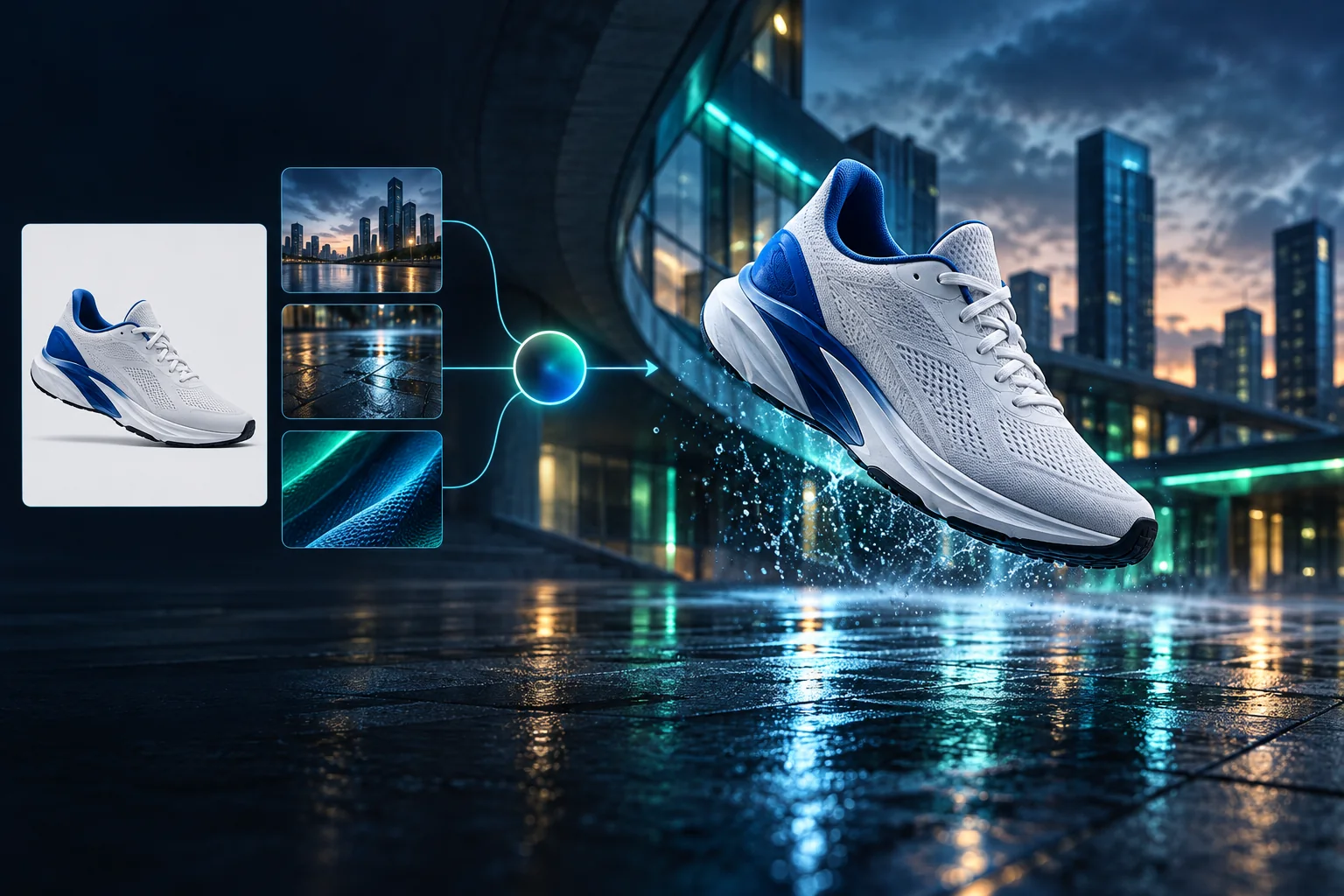
产品广告场景重塑
从干净的运动鞋参考图,生成完整的蓝调城市广告成片。
登录后的生成默认保持私密
Generate images
Start from a prompt and a precise model.
Edit photos
Describe a change with visual references.
Product photos
Build clean product and campaign sets.
Remove background
Create a transparent PNG cutout.
Upscale
Increase detail and output dimensions.
Create designs
Add text, layers, templates, and exports.
Image models
A dedicated generator for every model
Open the model you searched for. Its page keeps that exact endpoint, capabilities, reference limit, and credit price.
Generate
 API preview
Qwen Image 2.1
Native transparent RGBA, generation, editing, and up to 10 documented references
Preview Qwen Image 2.1 Native transparent PNG Generate / Edit
 Generate / Edit
 Generate / Edit
 Generate / Edit
Image tools
Start with the result you need
Every tool opens its own upload, editor, batch, brand, template, or workflow interface. Advanced Studio remains available when you want to connect tasks.
Product


Enhance


Design


Workflow




Complete workflows
From source image to finished delivery

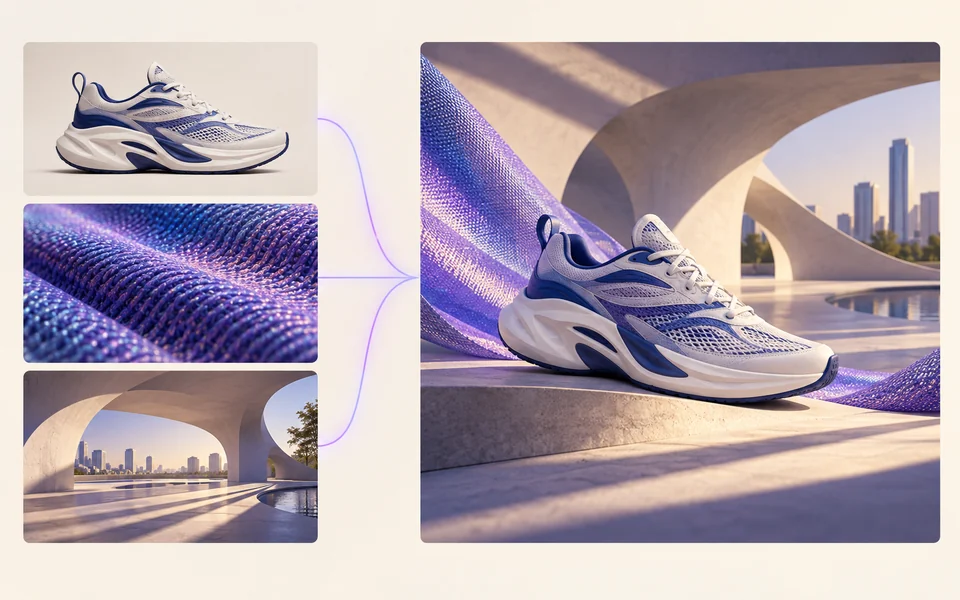
One product photo, a complete campaign set
Remove the background, add a believable shadow or scene, create an ad layout, then resize it for each channel.
Create product photosGenerate a poster, then edit its text separately
Create the visual direction first. Keep price, date, and headline as editable layers before exporting multiple sizes.
Make a posterTurn a sketch into editable vector artwork
Use a sketch as the structural reference, convert the chosen graphic into real paths, then recolor and export SVG.
Convert to SVG01 — 03
使用流程
三步完成,从想法到图像。
第 1 步
输入描述
描述你想看到的画面 — 主体、风格、色彩和氛围。
第 2 步
AI 生成
Qwen Image 3 会把你的描述渲染成独特的高质量图像。
第 3 步
下载分享
即时保存结果,用于社交、广告或个人项目。
创作工作流
从第一条提示词,到可以使用的作品
只保留真正需要的选择,每一步都有清楚说明,新手也能安心完成第一次生成。
01
提示词引导
用主题、场景、风格和光线四部分写出清晰提示词,也可直接套用示例。
02
聚焦 Qwen Image 3 的创作流程
使用已验证的 Qwen Image 3 端点生成图片,需要修改时可继续进入参考图编辑器。
03
常用画面比例
支持方形、横版和竖版,覆盖商品图、海报与社交内容的常见构图。
04
默认私密创作
登录后的生成任务默认私密;排行榜不会公开提示词、图片或账户信息。
05
透明积分规则
Qwen Image 3 每张输出消耗 5 积分;服务商确认任务失败时会自动返还本次积分。
06
结果集中管理
生成完成后可预览、下载,并在个人工作区中继续管理自己的创作记录。
Image editing
Change the scene, keep the subject
Upload up to three references. Describe the exact edit, then name the product, text, crop and geometry that must remain unchanged.
Edit an image可直接使用的创作灵感
AI 图片与视频提示词库
精选展示 65 条图片与视频提示词中的商品、海报、排版、插画和电影场景案例。进入完整提示词库可按任务、尺寸和视觉风格筛选。
ChineseAI 图片
Chinese tea launch poster
Qwen Image 3 · 3:4 · 2K
Design a vertical Chinese tea launch poster. Exact headline: “春山新茶”. Exact subheading: “明前龙井 · 清香回甘”. Pale rice-paper texture, one ceramic cup, restrained ink landscape, clear hierarchy, generous margins, no extra text.
自然风光AI 视频
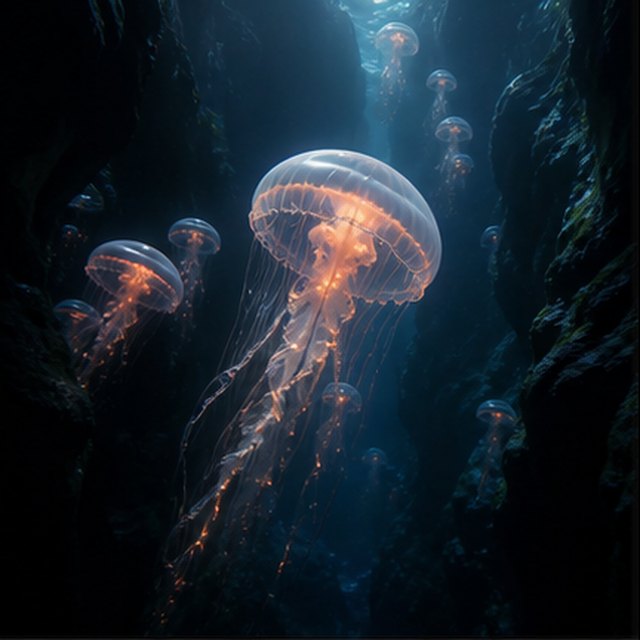
深渊中的发光水母
兼容 4 个视频模型
一只发光水母漂过漆黑的海底峡谷,远处的小水母缓缓上升。摄影机贴近半透明伞体向上滑行,触须自然脉动,细小颗粒穿过蓝色光束,深海环境声柔和而空旷。
TypographyAI 图片
Editorial typography poster
Qwen Image 3 · 3:4 · 2K
Create a modern editorial poster with the exact headline “FORM FOLLOWS FEELING” and small caption “Design study 03”. Swiss grid, black type on warm ivory, one cobalt geometric form, crisp kerning, no extra words.
电影感AI 视频
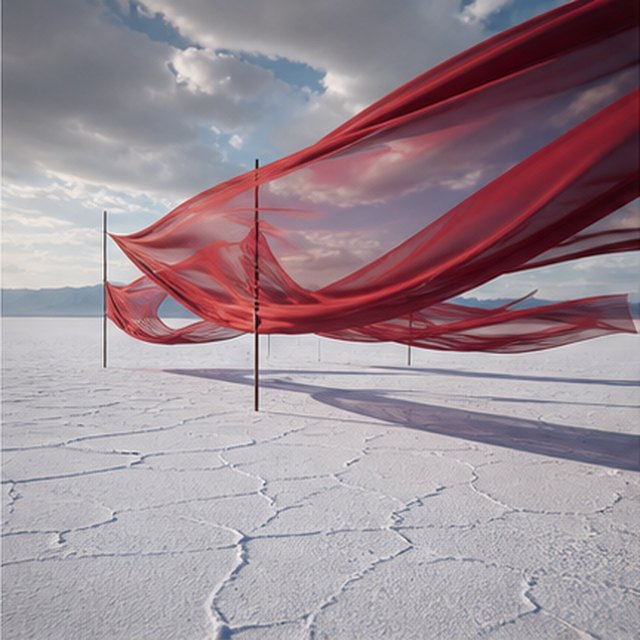
盐湖上空的红绸
兼容 4 个视频模型
层层红色绸带在无边白色盐湖上方随风起伏,暴风云缓慢移动。摄影机沿绸带横向跟拍,波纹逐层传递,长影掠过开裂地面,声音仅保留布料、风声和远处闷雷。
产品广告AI 图片
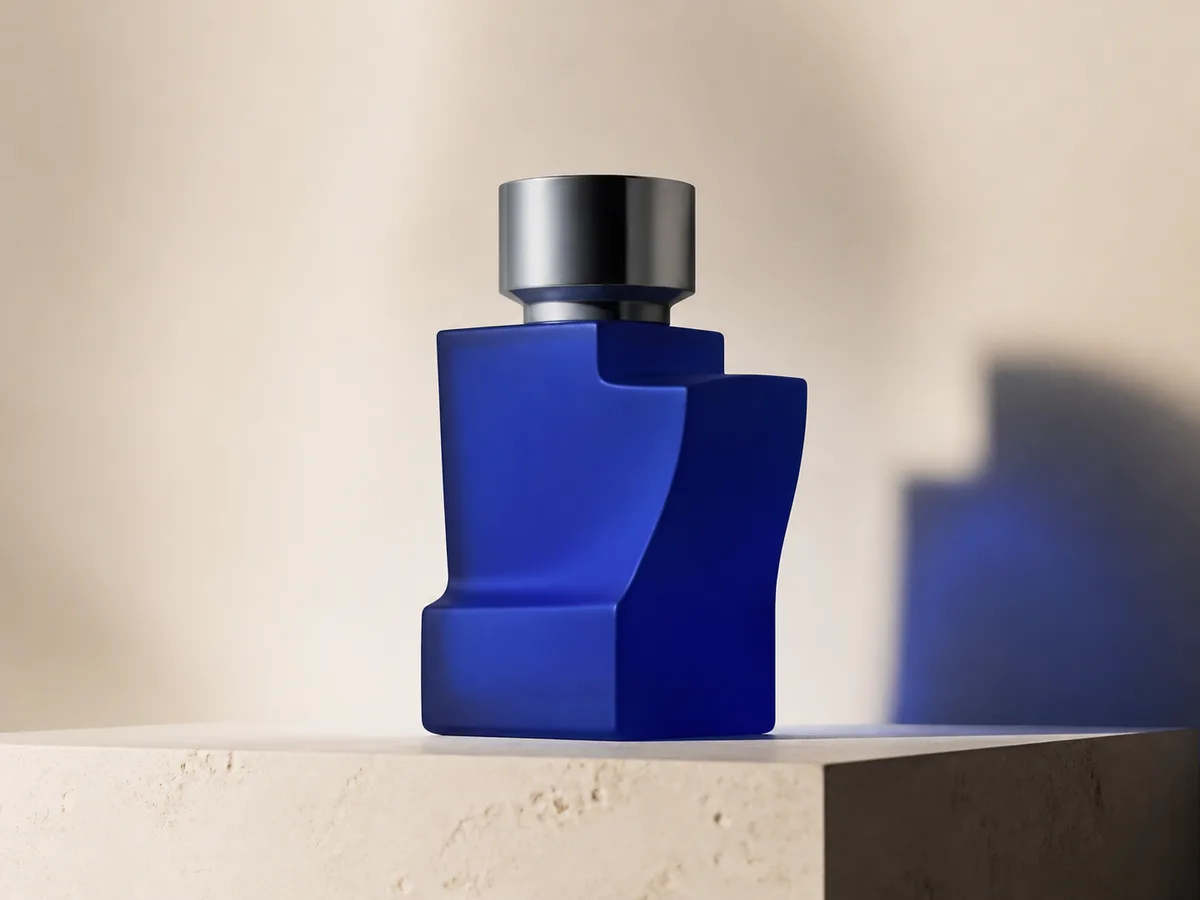
Cobalt perfume advertisement
Qwen Image 3 · 4:3 · 2K
Premium cobalt-blue perfume bottle on dark slate, precise glass reflections, narrow rim light, soft mist behind the bottle, luxury studio advertising, centered product, label readable, no extra objects.
奇幻与动画AI 视频
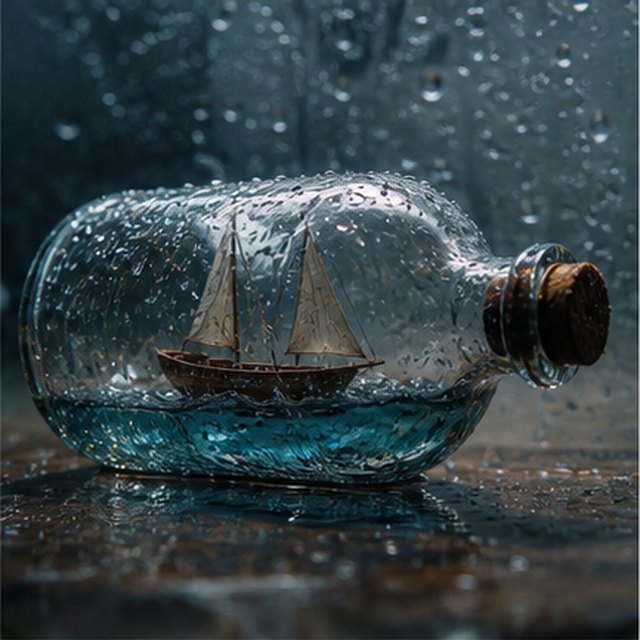
玻璃瓶里的风暴
兼容 4 个视频模型
微距电影镜头,一艘微型木帆船被困在布满雨滴的玻璃瓶中。迷你海浪摇晃船身,闪电短暂照亮船帆;摄影机绕湿润玻璃轻微环绕,浅景深、清晰水滴,配以压低的雷声与木船吱呀声。
EcommerceAI 图片
E-commerce campaign board
Qwen Image 3 · 16:9 · 2K
Build a clean e-commerce campaign board for a neutral running shoe: hero product image, two detail crops, three benefit labels, size guide panel and a clear “SHOP THE DROP” callout. White and graphite palette, consistent product geometry.
电影感AI 视频
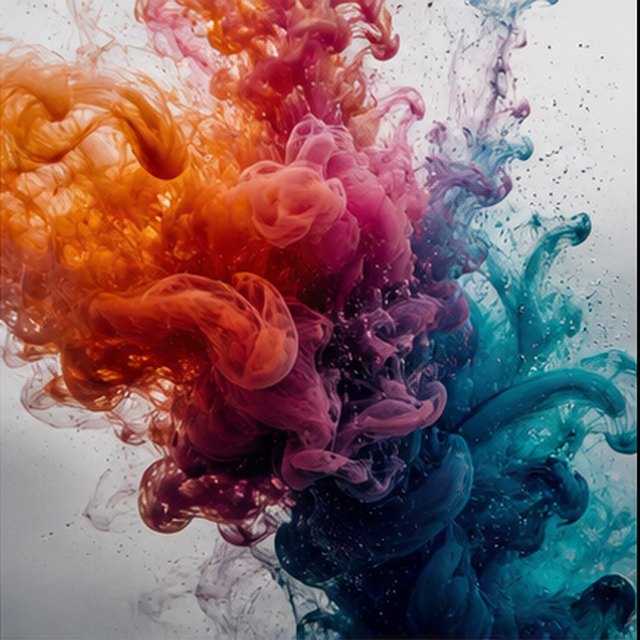
水中盛开的色彩
兼容 4 个视频模型
橙色、洋红、紫色与青色墨水在清澈水中以极慢速度绽放。固定干净的微距画面,彩色云团卷曲、碰撞并分解成细丝;明亮逆光、微观细节、细腻液体运动,不出现容器。
Qwen Image 3 Lab
Prompts, visible results and failure notes
Each lab page states what was tested, what worked, what needs review and how the prompt can be improved. Unknown data stays unknown.
Qwen Image 3 Chinese Text Test
Qwen Image 3 can produce useful Chinese display text, but small copy still needs visual proofreading before publication.
Qwen Image 3 Typography Test
Short English and Chinese headlines are the safest typography use case; mixed-language and small text need stricter prompts and review.
Qwen Image 3 Product Photo Test
The model is useful for premium product concepts, especially when the brief defines material, lighting, contact shadow and camera angle.
Qwen Image 3 Infographic Test
Qwen Image 3 can draft strong infographic layouts, but facts and labels must be validated separately.
Qwen Image 3 Image Editing Test
Reference editing works best when the instruction separates the requested change from details that must remain unchanged.
Qwen Image 3 Standard vs Pro
This site currently exposes one verified Qwen Image 3 endpoint, so it does not publish a fabricated Standard-versus-Pro winner.
随创作需求升级
Qwen Image 价格与积分套餐
经常创作可选择推荐月付方案,偶尔使用可购买不自动续费的一次性积分包。
每张 Qwen Image 3 图像消耗 5 积分;月度订阅的单积分价格最低。
常见问题
从第一次生成到签到、邀请和积分使用,这里是开始创作前最需要了解的信息。