 Generate
新MiniMax H3 已上線 · 2K 視頻,原生立體聲
Qwen Image 3 .0 發電機
用日常語言描述想法、選擇圖片比例,Qwen Image 3 就能為你生成精緻成品。
獨立第三方產品。不隸屬於阿里巴巴或 Qwen 團隊,也不受其認可。
影像生成器
預設情況下,登入一代是私有的
切換工具
Qwen Image 3
初學者公式:主題+背景+風格+燈光。最多 5,000 個字元。
0/5000
不知道該寫什麼?嘗試一個例子
2. 型號
Compare image models3. 選擇形狀
Advanced settings
Prompt enhance (slower)
Outputs
註冊生成
本世代使用5積分
你的結果
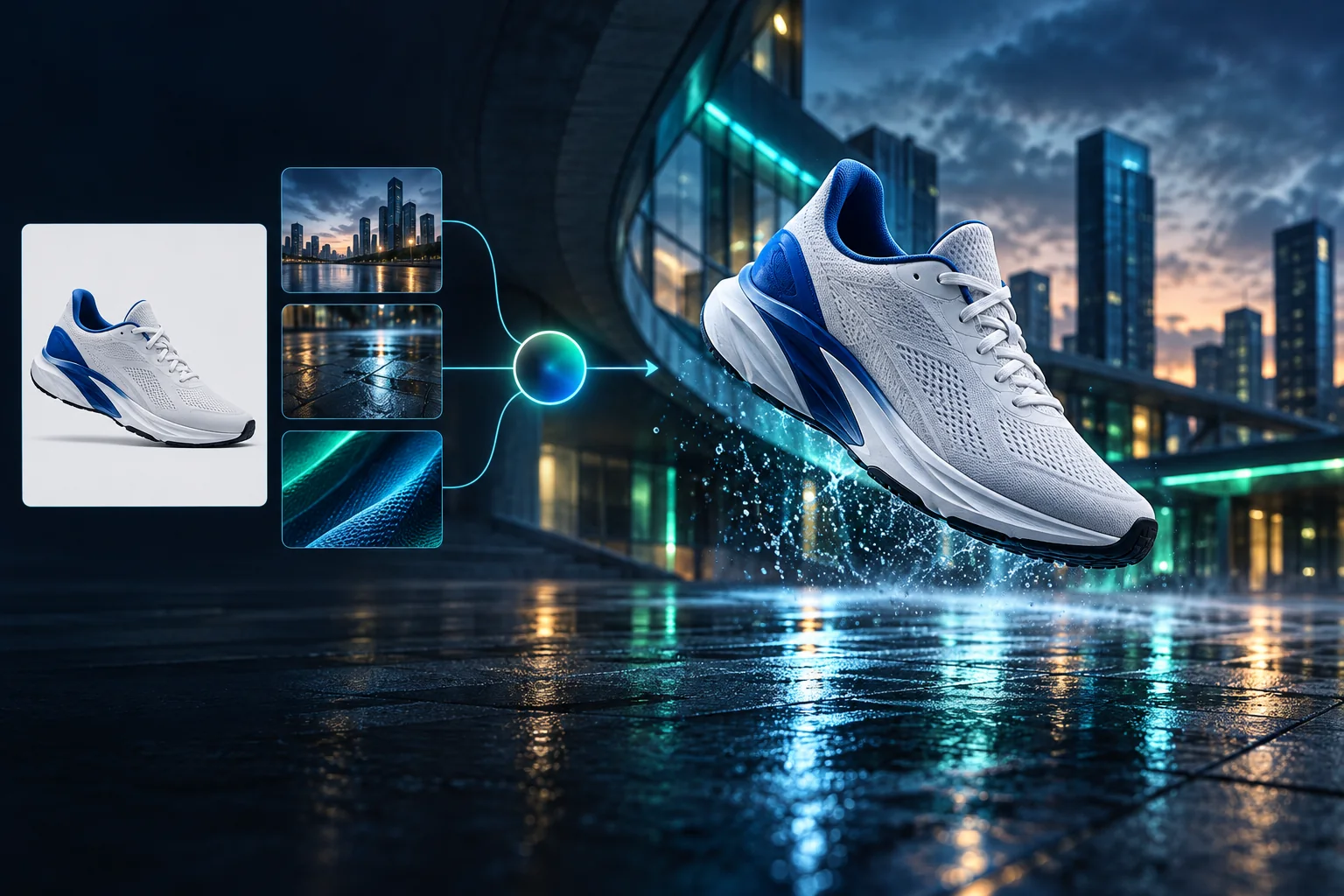
Product campaign transformation
Turn a clean sneaker reference into a finished blue-hour advertising scene.
預設情況下,登入一代是私有的
Generate images
Start from a prompt and a precise model.
Edit photos
Describe a change with visual references.
Product photos
Build clean product and campaign sets.
Remove background
Create a transparent PNG cutout.
Upscale
Increase detail and output dimensions.
Create designs
Add text, layers, templates, and exports.
Image models
A dedicated generator for every model
Open the model you searched for. Its page keeps that exact endpoint, capabilities, reference limit, and credit price.
Generate
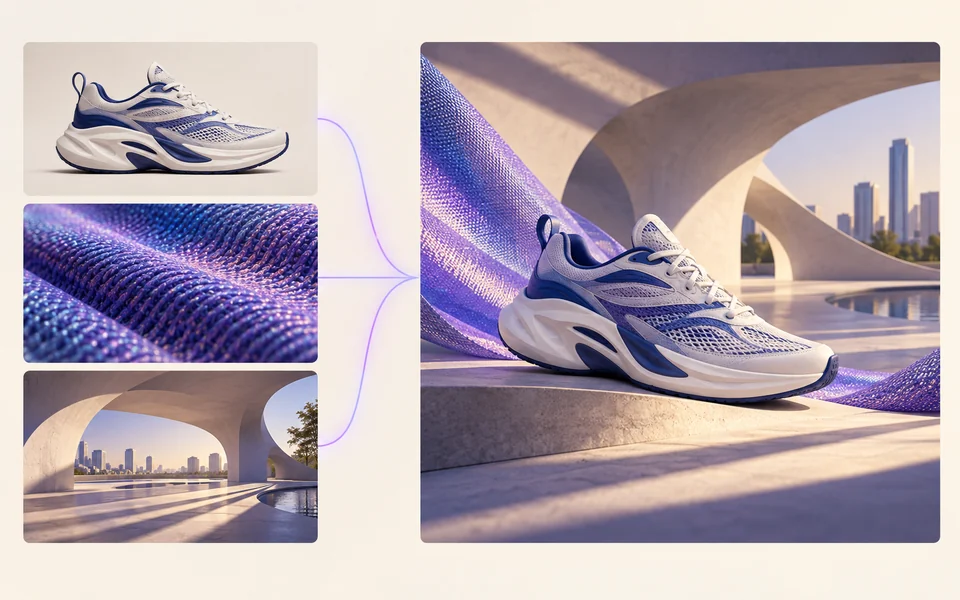 API preview
Qwen Image 2.1
Native transparent RGBA, generation, editing, and up to 10 documented references
Preview Qwen Image 2.1 Native transparent PNG Generate / Edit
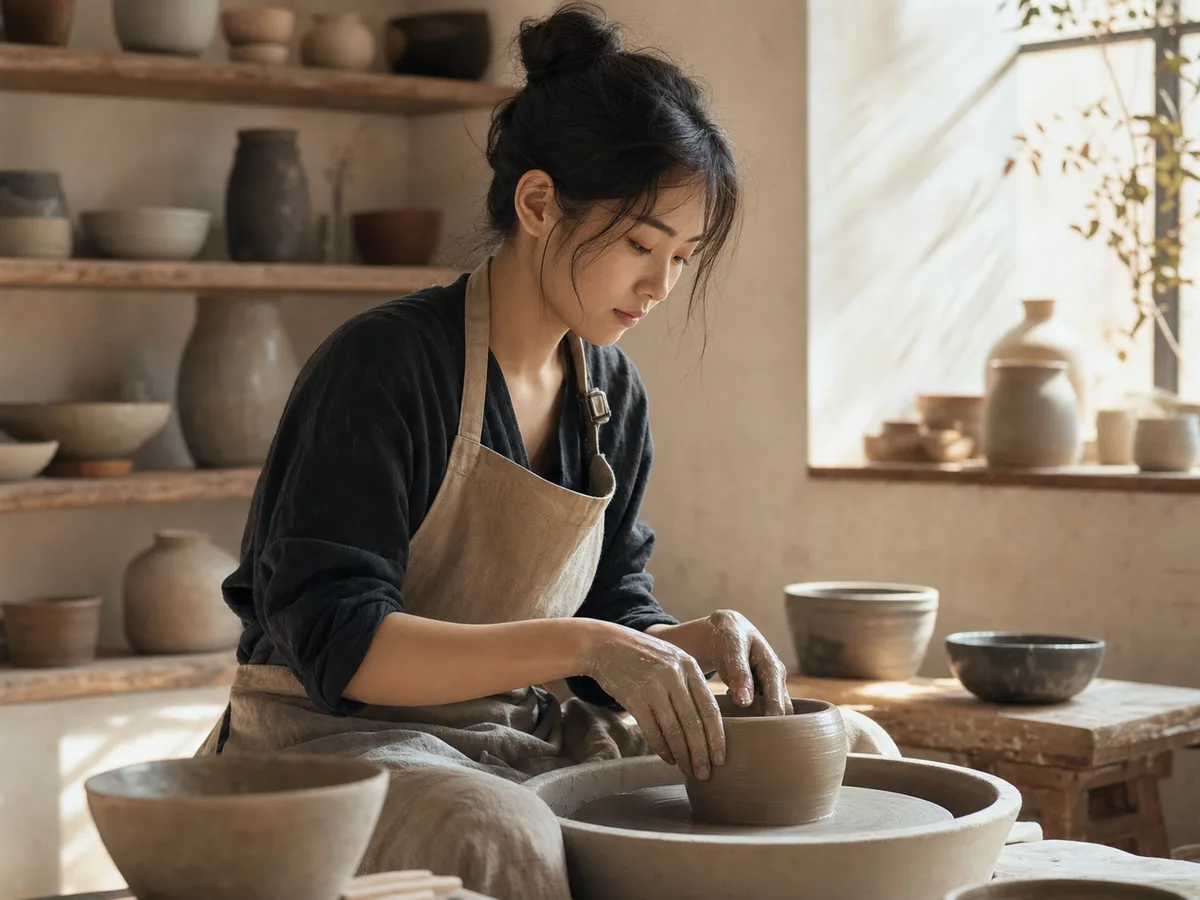 Generate / Edit
 Generate / Edit
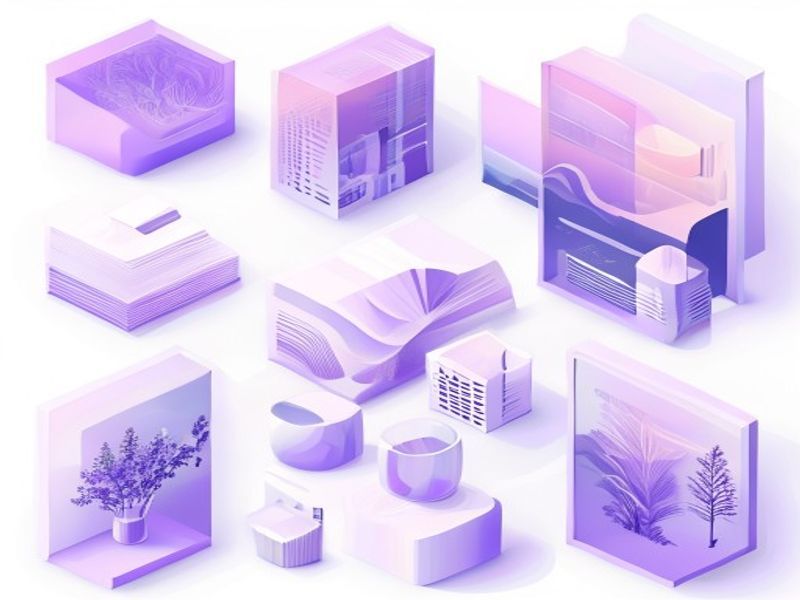 Generate / Edit
Image tools
Start with the result you need
Every tool opens its own upload, editor, batch, brand, template, or workflow interface. Advanced Studio remains available when you want to connect tasks.
Product


Enhance


Design


Workflow




Complete workflows
From source image to finished delivery

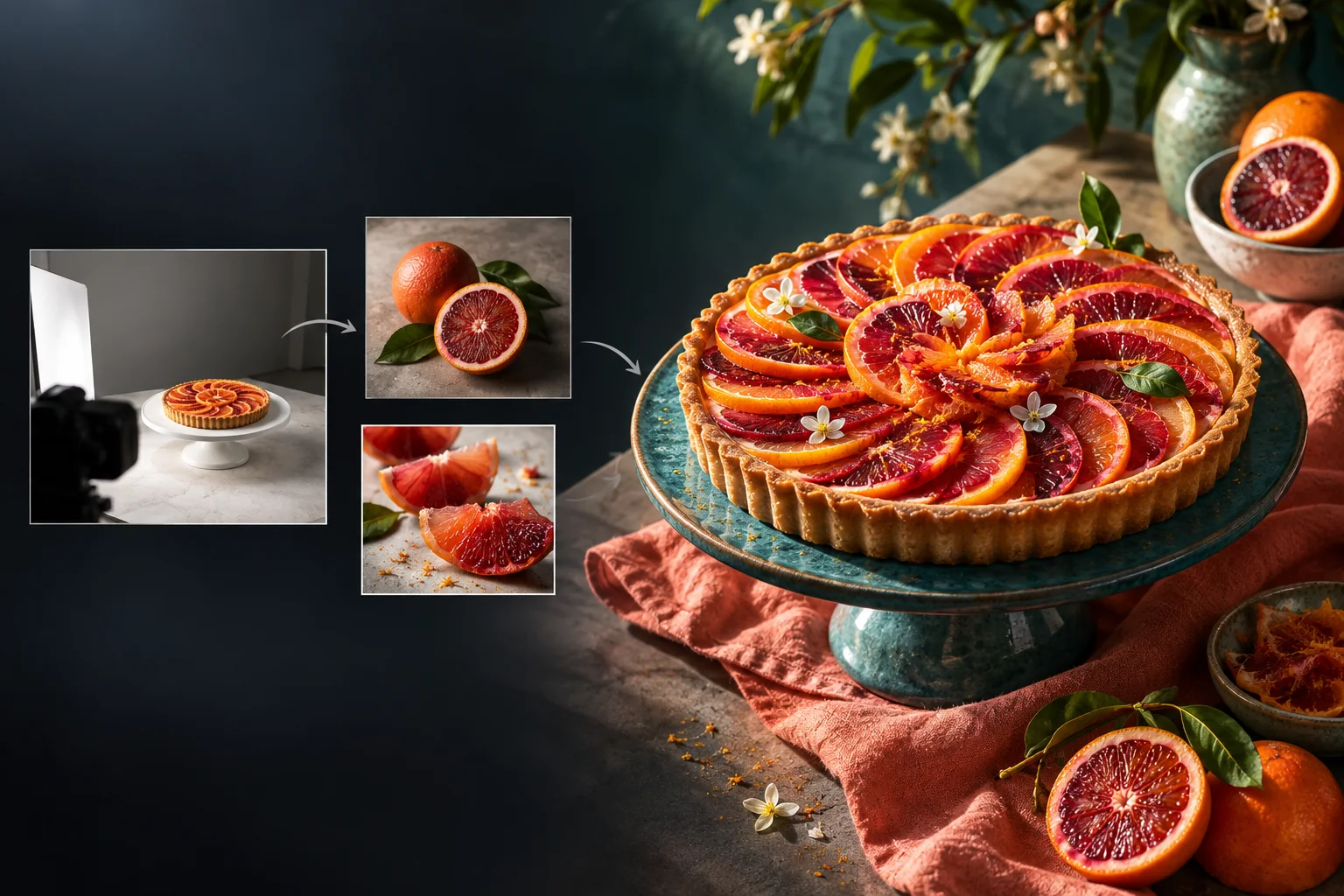
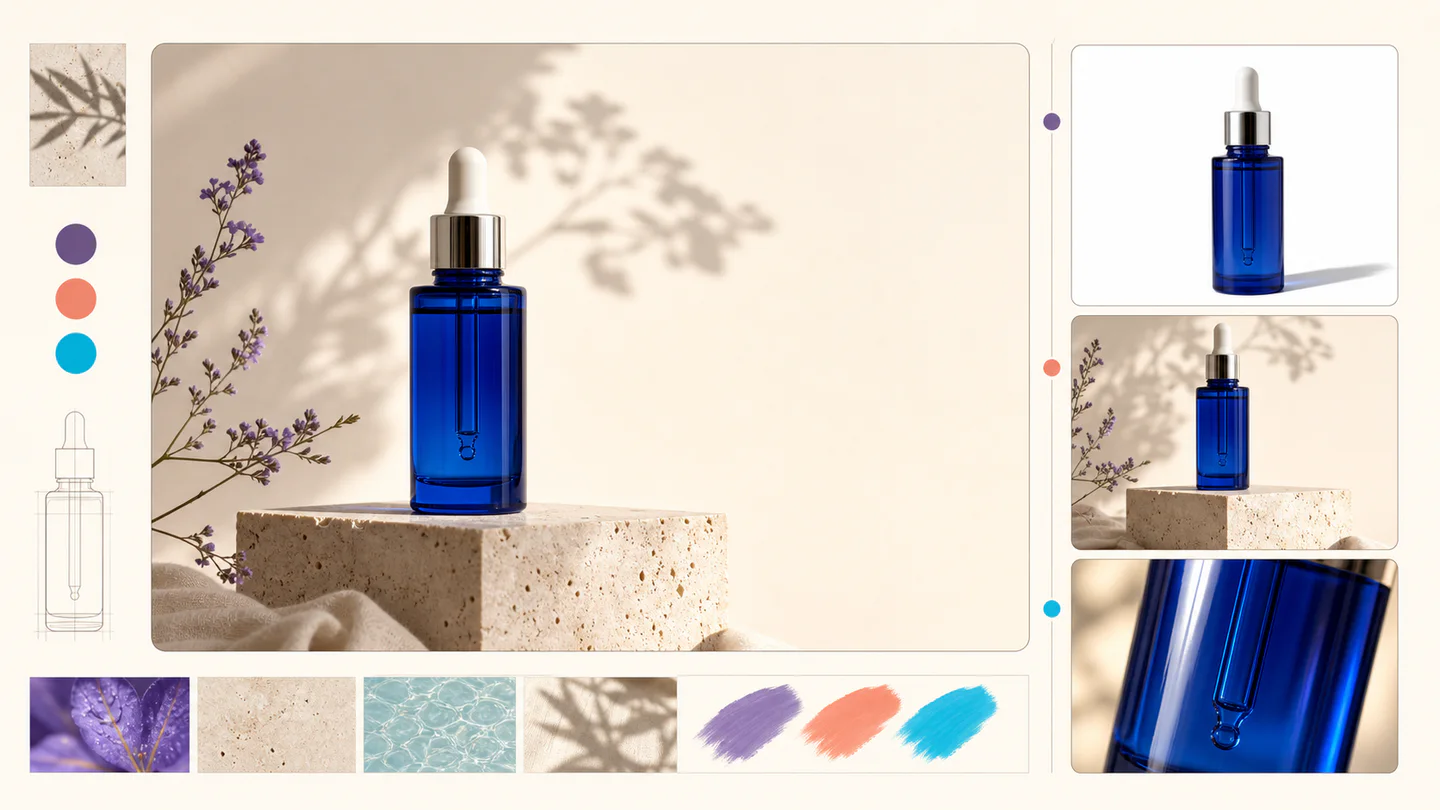
One product photo, a complete campaign set
Remove the background, add a believable shadow or scene, create an ad layout, then resize it for each channel.
Create product photosGenerate a poster, then edit its text separately
Create the visual direction first. Keep price, date, and headline as editable layers before exporting multiple sizes.
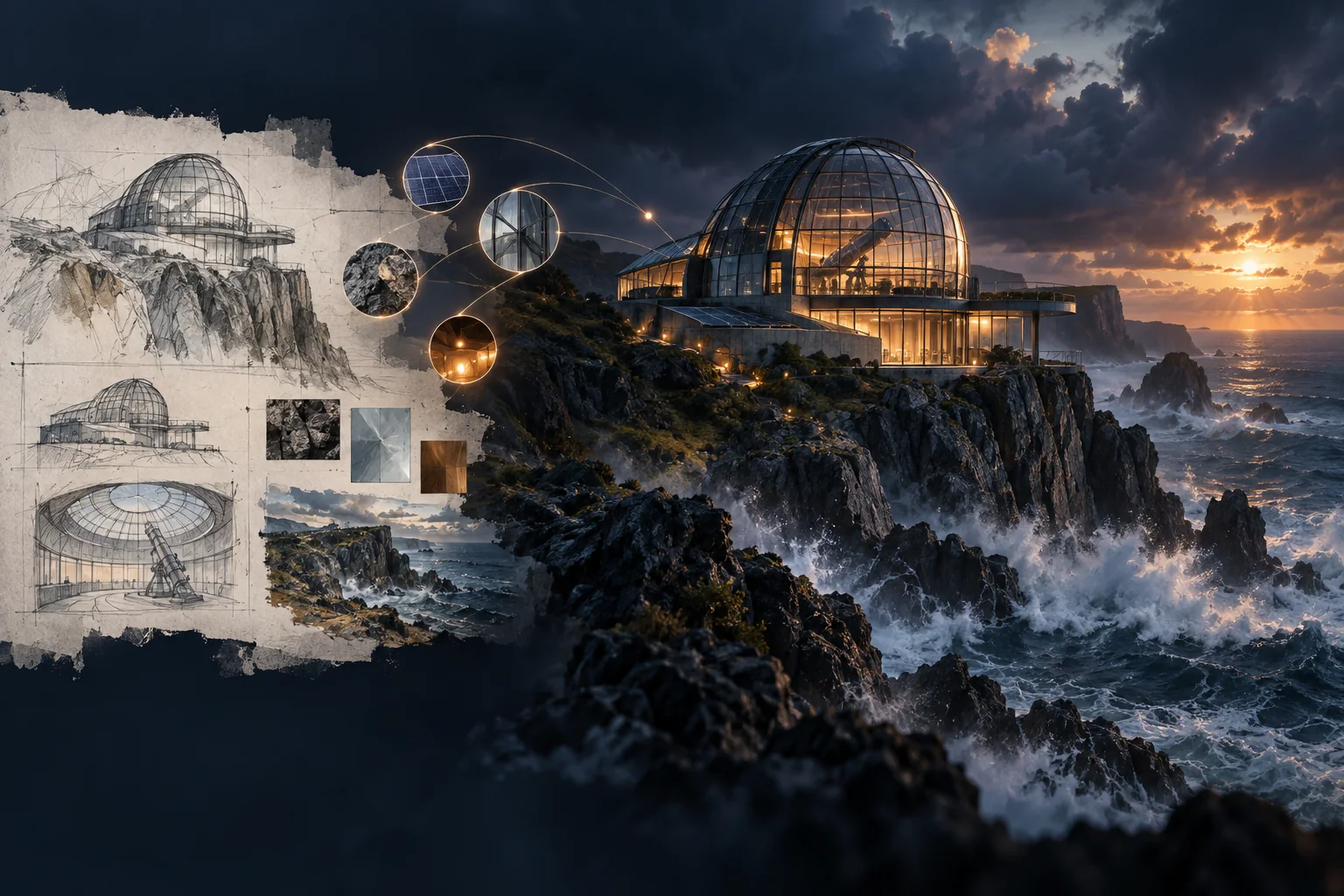
Make a posterTurn a sketch into editable vector artwork
Use a sketch as the structural reference, convert the chosen graphic into real paths, then recolor and export SVG.
Convert to SVG01 — 03
它是如何運作的
從想法到圖像只需三個簡單的步驟。
步驟 1
寫下你的提示
描述您想看到的內容—主題、風格、顏色和情緒。
步驟 2
產生
Qwen Image 3 將您的描述呈現為獨特的高品質圖像。
步驟 3
下載並分享
立即儲存結果並在任何地方使用—社交、廣告或個人專案。
創意工作流程
從您的第一個提示到您可以使用的圖像
只有重要的選擇,每一步都進行解釋,以便初學者可以充滿信心地完成第一代。
01
引導式提示
從主題、設定、風格和燈光建立清晰的提示,或從準備編輯的範例開始。
02
One focused Qwen Image 3 workflow
Generate with the verified Qwen Image 3 endpoint, then continue in the reference-image editor when you need revisions.
03
有用的縱橫比
為常見產品、海報和社交內容佈局選擇方形、橫向或縱向。
04
預設為私有
登入任務預設保持私密狀態;排行榜從不發布提示、圖像或帳戶詳細資訊。
05
透明的積分
Qwen Image 3 uses 5 credits per output. Confirmed provider failures automatically restore the credits used by that task.
06
組織結果
預覽並下載完成的影像,然後從個人工作區管理您的建立歷史記錄。
Image editing
Change the scene, keep the subject
Upload up to three references. Describe the exact edit, then name the product, text, crop and geometry that must remain unchanged.
Edit an image可直接使用的創作靈感
AI 圖片與影片提示詞庫
瀏覽 65 條適配本站圖片與影片模型的提示詞。按媒介和場景篩選、複製提示詞,或選擇對應模型繼續創作。
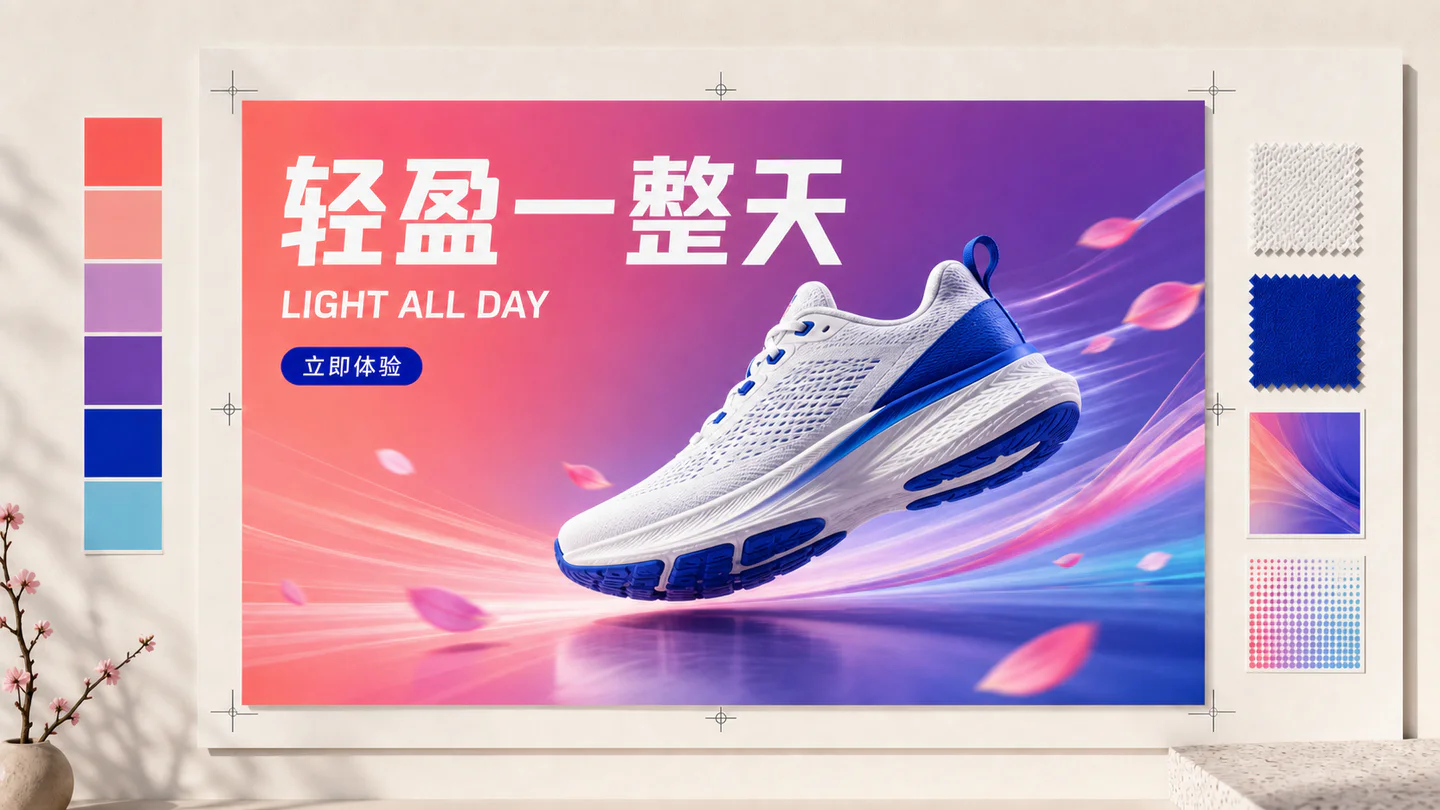
ChineseAI 圖片
Chinese tea launch poster
Qwen Image 3 · 3:4 · 2K
Design a vertical Chinese tea launch poster. Exact headline: “春山新茶”. Exact subheading: “明前龙井 · 清香回甘”. Pale rice-paper texture, one ceramic cup, restrained ink landscape, clear hierarchy, generous margins, no extra text.
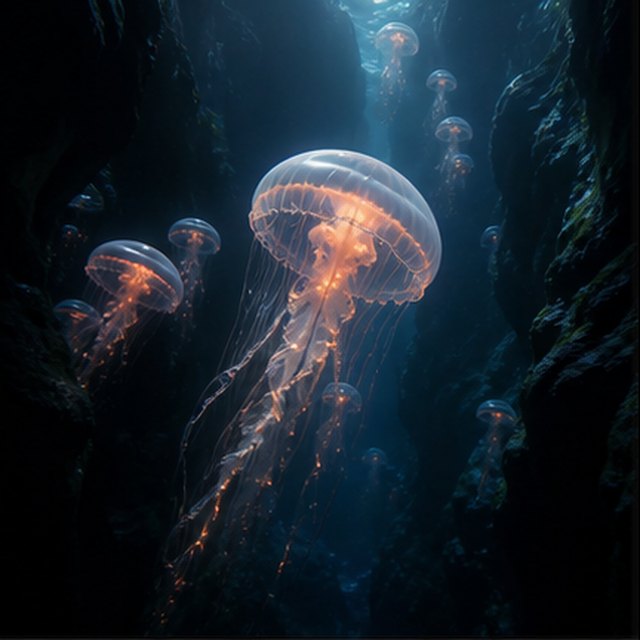
自然風光AI 影片
深淵中的發光水母
相容 4 個影片模型
一隻發光水母漂過漆黑的海底峽谷,遠處的小水母緩緩上升。攝影機貼近半透明傘體向上滑行,觸鬚自然脈動,細小顆粒穿過藍色光束,深海環境聲柔和而空曠。
TypographyAI 圖片
Editorial typography poster
Qwen Image 3 · 3:4 · 2K
Create a modern editorial poster with the exact headline “FORM FOLLOWS FEELING” and small caption “Design study 03”. Swiss grid, black type on warm ivory, one cobalt geometric form, crisp kerning, no extra words.
電影感AI 影片
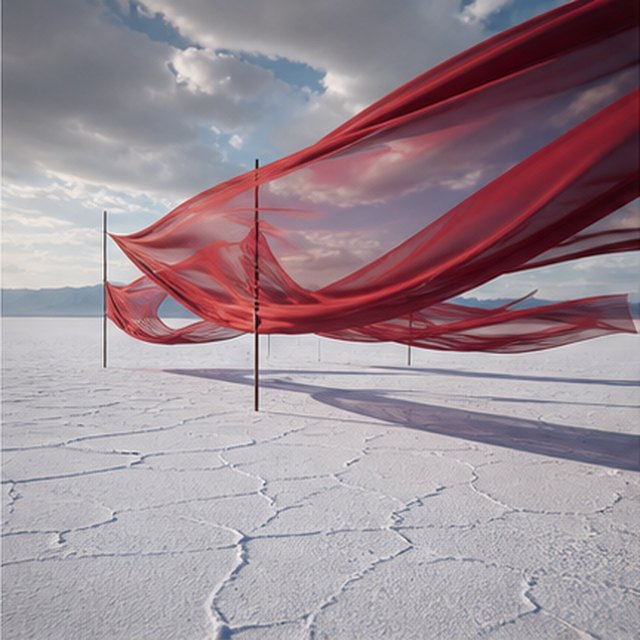
鹽湖上空的紅綢
相容 4 個影片模型
層層紅色綢帶在無邊白色鹽湖上方隨風起伏,暴風雲緩慢移動。攝影機沿綢帶橫向跟拍,波紋逐層傳遞,長影掠過開裂地面,聲音僅保留布料、風聲和遠處悶雷。
產品廣告AI 圖片
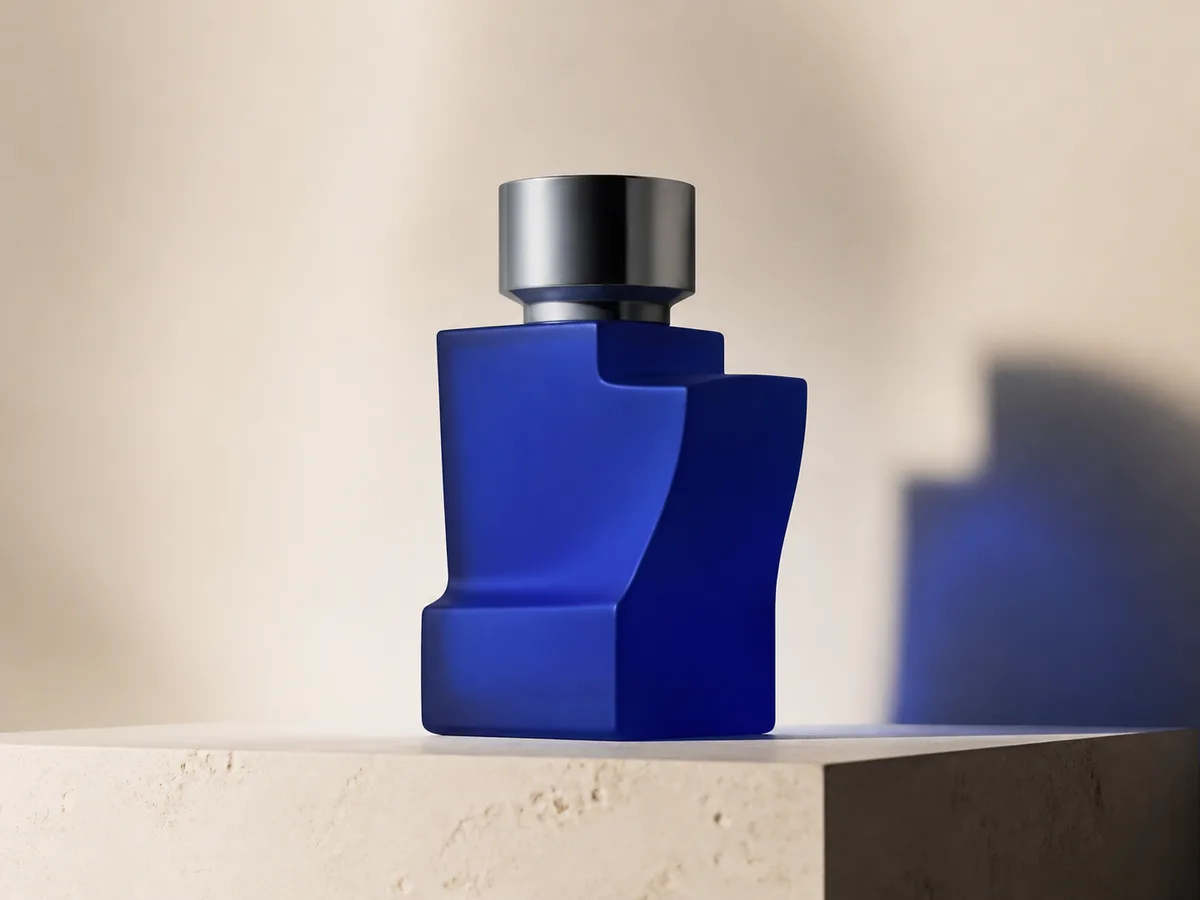
Cobalt perfume advertisement
Qwen Image 3 · 4:3 · 2K
Premium cobalt-blue perfume bottle on dark slate, precise glass reflections, narrow rim light, soft mist behind the bottle, luxury studio advertising, centered product, label readable, no extra objects.
奇幻與動畫AI 影片
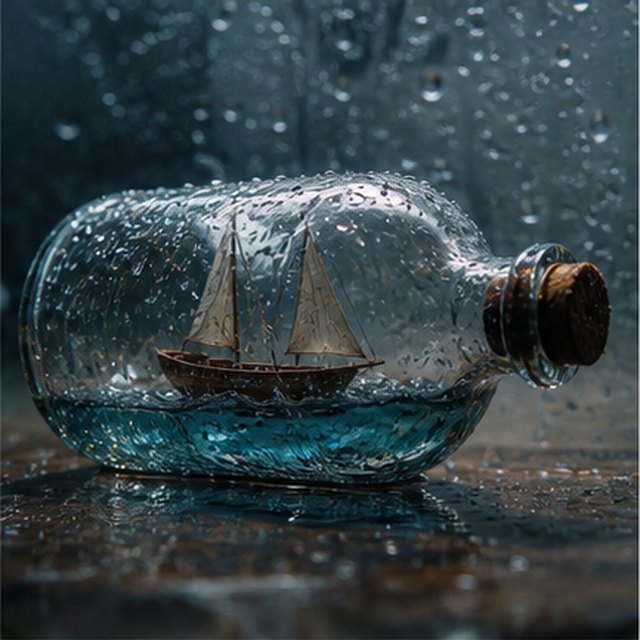
玻璃瓶裡的風暴
相容 4 個影片模型
微距電影鏡頭,一艘微型木帆船被困在布滿雨滴的玻璃瓶中。迷你海浪搖晃船身,閃電短暫照亮船帆;攝影機繞濕潤玻璃輕微環繞,淺景深、清晰水滴,配以壓低的雷聲與木船吱呀聲。
EcommerceAI 圖片
E-commerce campaign board
Qwen Image 3 · 16:9 · 2K
Build a clean e-commerce campaign board for a neutral running shoe: hero product image, two detail crops, three benefit labels, size guide panel and a clear “SHOP THE DROP” callout. White and graphite palette, consistent product geometry.
電影感AI 影片
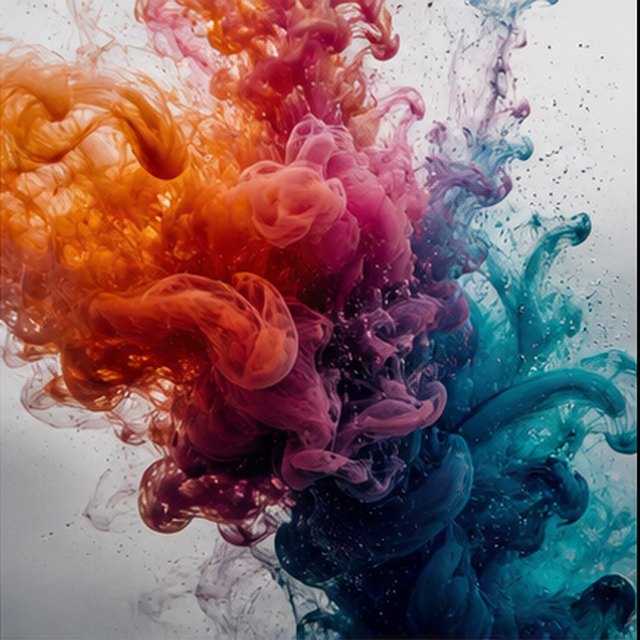
水中盛開的色彩
相容 4 個影片模型
橙色、洋紅、紫色與青色墨水在清澈水中以極慢速度綻放。固定乾淨的微距畫面,彩色雲團捲曲、碰撞並分解成細絲;明亮逆光、微觀細節、細膩液體運動,不出現容器。
Qwen Image 3 Lab
Prompts, visible results and failure notes
Each lab page states what was tested, what worked, what needs review and how the prompt can be improved. Unknown data stays unknown.
Qwen Image 3 Chinese Text Test
Qwen Image 3 can produce useful Chinese display text, but small copy still needs visual proofreading before publication.
Qwen Image 3 Typography Test
Short English and Chinese headlines are the safest typography use case; mixed-language and small text need stricter prompts and review.
Qwen Image 3 Product Photo Test
The model is useful for premium product concepts, especially when the brief defines material, lighting, contact shadow and camera angle.
Qwen Image 3 Infographic Test
Qwen Image 3 can draft strong infographic layouts, but facts and labels must be validated separately.
Qwen Image 3 Image Editing Test
Reference editing works best when the instruction separates the requested change from details that must remain unchanged.
Qwen Image 3 Standard vs Pro
This site currently exposes one verified Qwen Image 3 endpoint, so it does not publish a fabricated Standard-versus-Pro winner.
與您一起成長的計劃
Qwen Image 價格與點數方案
選擇建議的每月計劃進行定期創建,或選擇靈活的一次性積分包(無需續訂)。
每一代 Qwen Image 3 使用 5 個學分。月度計劃提供最低的每學分成本。
常見問題
您需要了解有關創建、每日簽到、推薦和使用積分的資訊。