 Generate
新しいMiniMax H3 は、ネイティブ ステレオ オーディオを備えたライブ · 2K ビデオです
Qwen Image 3 .0 ジェネレーター
いつもの言葉でイメージを説明し、形式を選ぶだけ。Qwen Image 3が仕上がりの整った画像を生成します。
独立したサードパーティ製品。 Alibaba または Qwen チームと提携または承認されていません。
画像生成器
サインインした世代はデフォルトで非公開になります
スイッチツール
Qwen Image 3
初心者の方程式: 主題 + 設定 + スタイル + 照明。最大 5,000 文字。
0/5000
何を書けばいいかわからないですか?例を試してみる
2.モデル
Compare image models3. 形状を選択する
Advanced settings
Prompt enhance (slower)
Outputs
生成するにはサインアップしてください
この世代では 5 クレジットを使用します
あなたの結果
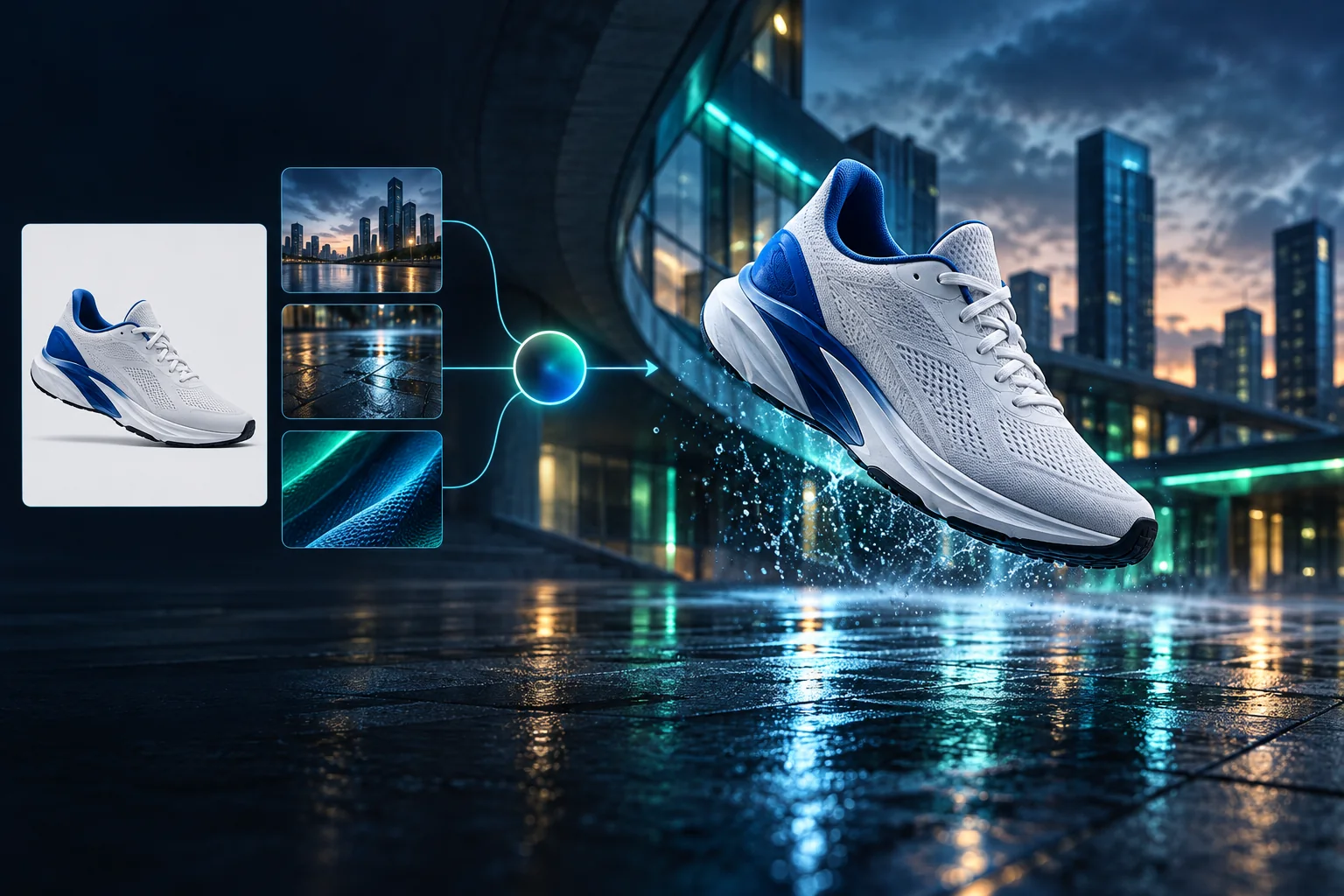
Product campaign transformation
Turn a clean sneaker reference into a finished blue-hour advertising scene.
サインインした世代はデフォルトで非公開になります
Generate images
Start from a prompt and a precise model.
Edit photos
Describe a change with visual references.
Product photos
Build clean product and campaign sets.
Remove background
Create a transparent PNG cutout.
Upscale
Increase detail and output dimensions.
Create designs
Add text, layers, templates, and exports.
Image models
A dedicated generator for every model
Open the model you searched for. Its page keeps that exact endpoint, capabilities, reference limit, and credit price.
Generate
 API preview
Qwen Image 2.1
Native transparent RGBA, generation, editing, and up to 10 documented references
Preview Qwen Image 2.1 Native transparent PNG Generate / Edit
 Generate / Edit
 Generate / Edit
 Generate / Edit
Image tools
Start with the result you need
Every tool opens its own upload, editor, batch, brand, template, or workflow interface. Advanced Studio remains available when you want to connect tasks.
Product


Enhance


Design


Workflow




Complete workflows
From source image to finished delivery

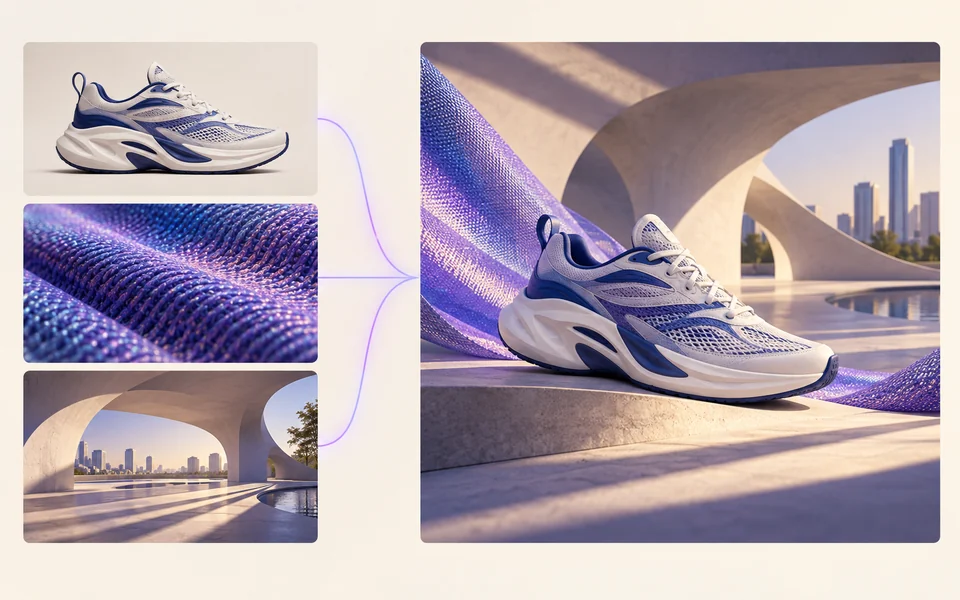
One product photo, a complete campaign set
Remove the background, add a believable shadow or scene, create an ad layout, then resize it for each channel.
Create product photosGenerate a poster, then edit its text separately
Create the visual direction first. Keep price, date, and headline as editable layers before exporting multiple sizes.
Make a posterTurn a sketch into editable vector artwork
Use a sketch as the structural reference, convert the chosen graphic into real paths, then recolor and export SVG.
Convert to SVG01 — 03
仕組み
3 つの簡単なステップでアイデアからイメージへ。
ステップ1
プロンプトを書いてください
主題、スタイル、色、雰囲気など、見たいものを説明します。
ステップ2
生成する
Qwen Image 3 は、説明を独自の高品質画像にレンダリングします。
ステップ3
ダウンロードして共有する
結果を即座に保存し、ソーシャル、広告、個人プロジェクトなど、どこでも使用できます。
クリエイティブなワークフロー
最初のプロンプトから使用できる画像まで
重要な選択肢のみが各ステップで説明されているため、初心者でも自信を持って第一世代を完了できます。
01
ガイド付きプロンプト
主題、設定、スタイル、照明から明確なプロンプトを作成するか、すぐに編集できるサンプルから始めます。
02
One focused Qwen Image 3 workflow
Generate with the verified Qwen Image 3 endpoint, then continue in the reference-image editor when you need revisions.
03
便利なアスペクト比
一般的な製品、ポスター、ソーシャル コンテンツのレイアウトには、正方形、横向き、または縦向きを選択します。
04
デフォルトでは非公開
サインインしたタスクはデフォルトでは非公開のままです。リーダーボードがプロンプト、画像、アカウントの詳細を公開することはありません。
05
透明性のあるクレジット
Qwen Image 3 uses 5 credits per output. Confirmed provider failures automatically restore the credits used by that task.
06
整理した結果
完成したイメージをプレビューしてダウンロードし、個人のワークスペースから作成履歴を管理します。
Image editing
Change the scene, keep the subject
Upload up to three references. Describe the exact edit, then name the product, text, crop and geometry that must remain unchanged.
Edit an imageReady-to-use creative inspiration
AI image and video prompt library
Explore 65 prompts adapted for the image and video models on this site. Filter by media and scene, copy a prompt, or continue with the model you choose.
ChineseAI Image
Chinese tea launch poster
Qwen Image 3 · 3:4 · 2K
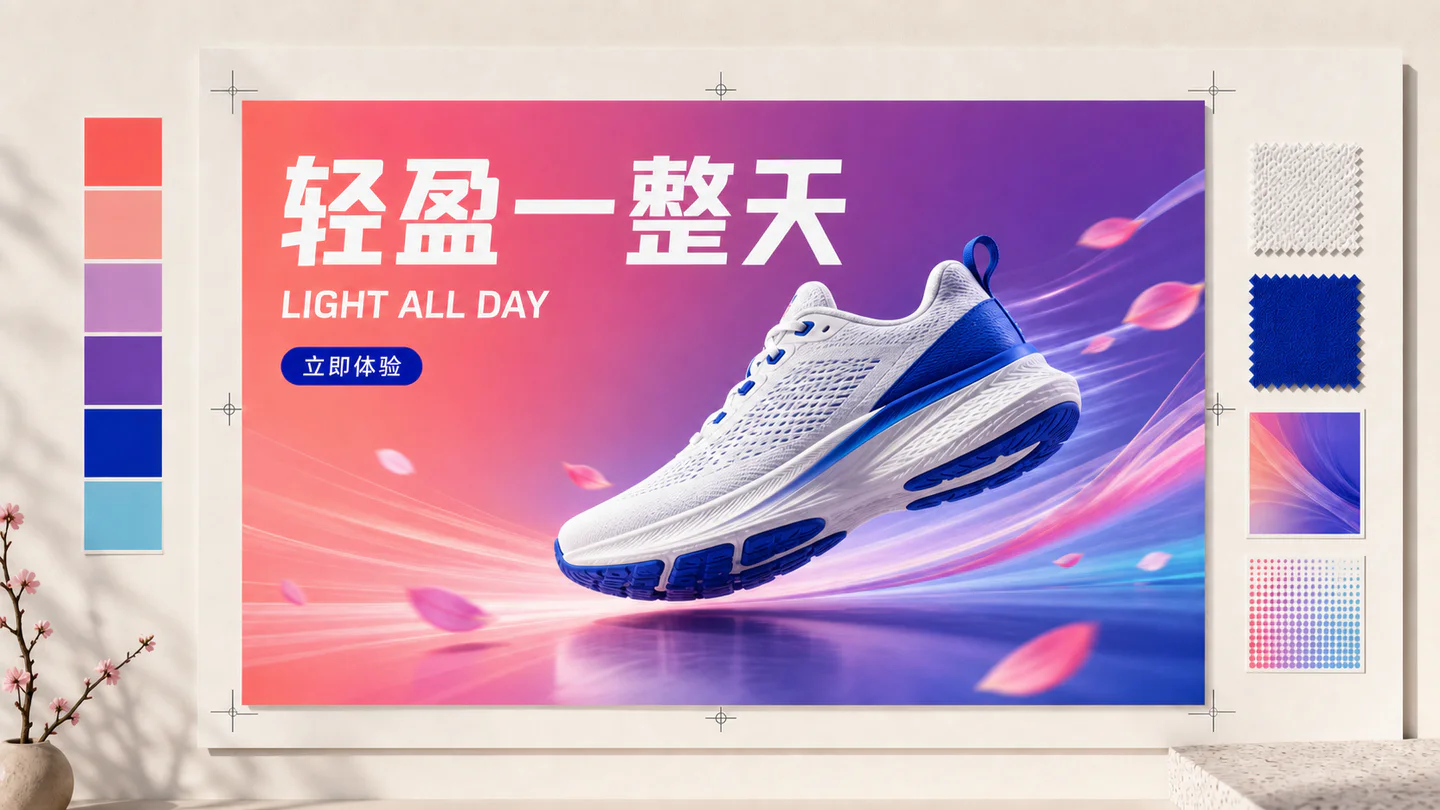
Design a vertical Chinese tea launch poster. Exact headline: “春山新茶”. Exact subheading: “明前龙井 · 清香回甘”. Pale rice-paper texture, one ceramic cup, restrained ink landscape, clear hierarchy, generous margins, no extra text.
自然AI Video
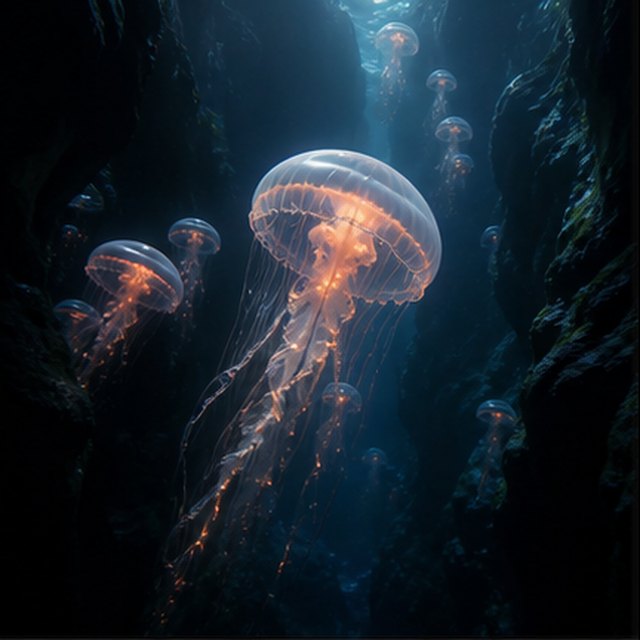
深海のクラゲ
Compatible with 4 video models
黒い水中の峡谷を漂う光るクラゲのそばで、遠くに小さなクラゲが上昇している。カメラはその半透明の傘の横をゆっくりと上昇し、微細な粒子が青い光の筋を通り抜け、触手が自然に脈打ち、深海の雰囲気は柔らかく広がったままである。
TypographyAI Image
Editorial typography poster
Qwen Image 3 · 3:4 · 2K
Create a modern editorial poster with the exact headline “FORM FOLLOWS FEELING” and small caption “Design study 03”. Swiss grid, black type on warm ivory, one cobalt geometric form, crisp kerning, no extra words.
シネマティックAI Video
塩の平原の上の赤い絹
Compatible with 4 video models
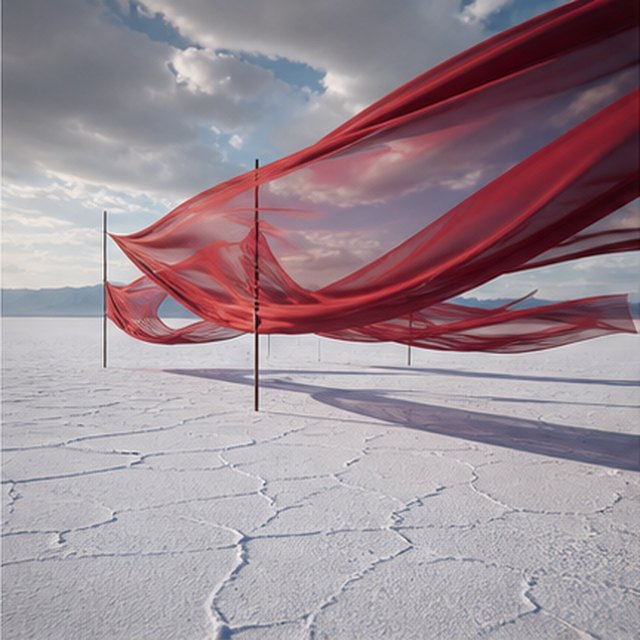
長い赤い絹のリボンが、動く嵐の雲の下、果てしない白い塩の平原の上で波打っている。風が各層に波を送るにつれて布に沿って横方向に追跡し、長い影がひび割れた地面の上を滑り、抑えられた音の風景には布、風、遠くの雷だけが響く。
商品AI Image
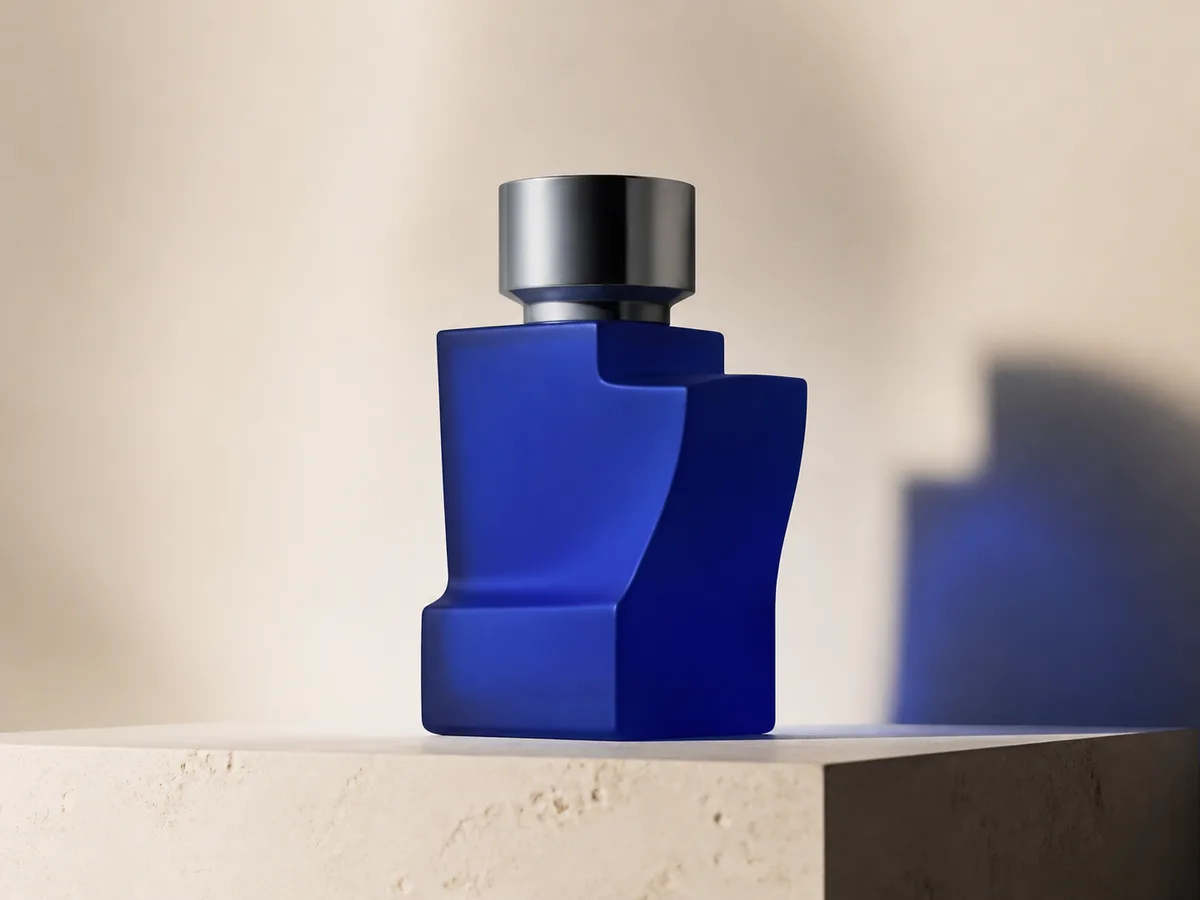
Cobalt perfume advertisement
Qwen Image 3 · 4:3 · 2K
Premium cobalt-blue perfume bottle on dark slate, precise glass reflections, narrow rim light, soft mist behind the bottle, luxury studio advertising, centered product, label readable, no extra objects.
ファンタジー&アニメーションAI Video
瓶の中の嵐
Compatible with 4 video models
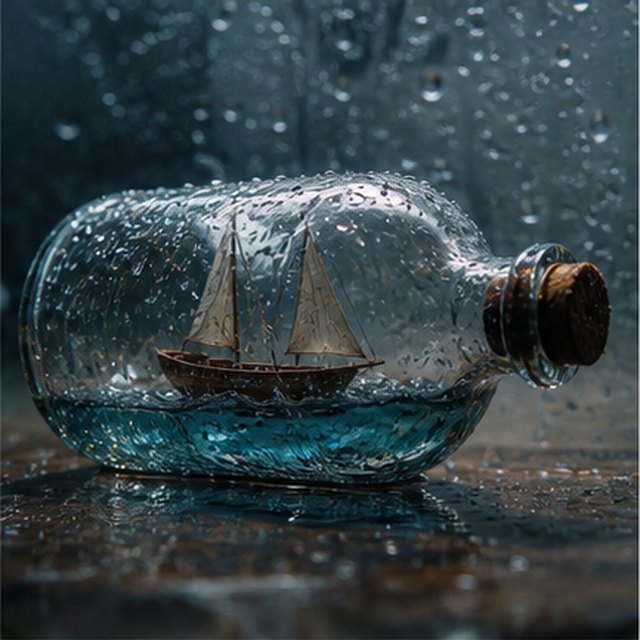
雨で覆われたガラスの瓶の中に閉じ込められた小さな木製の帆船をマクロ映画的な視点で見る。ミニチュアの海が船体を揺らし、稲妻が帆を一瞬照らす; 浅い被写界深度で濡れたガラスの周りを穏やかに回り、鮮明な水滴、こもった雷鳴、きしむ木材。
EcommerceAI Image
E-commerce campaign board
Qwen Image 3 · 16:9 · 2K
Build a clean e-commerce campaign board for a neutral running shoe: hero product image, two detail crops, three benefit labels, size guide panel and a clear “SHOP THE DROP” callout. White and graphite palette, consistent product geometry.
シネマティックAI Video
水の中で花開く色
Compatible with 4 video models
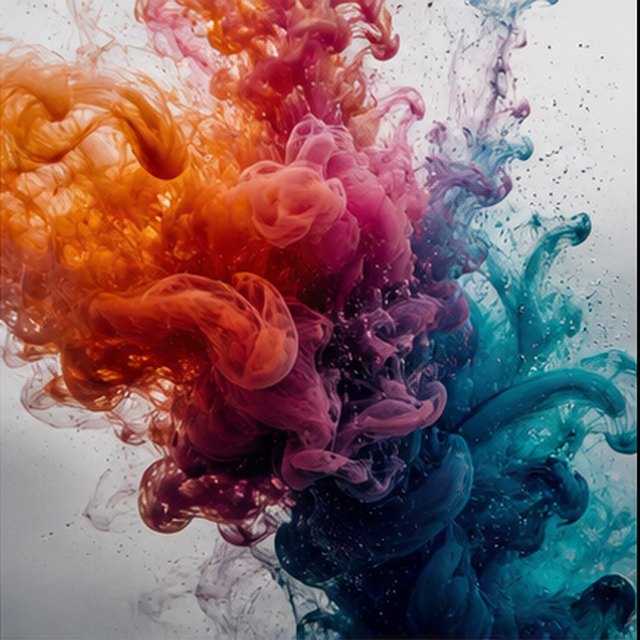
オレンジ、マゼンタ、バイオレット、シアンのインクが、極端なスローモーションで透明な水の中に広がる。巻き上がる雲が衝突し、折り重なり、繊細な繊維状に溶けていくのを、きれいなマクロフレームで捉える。明るい逆光、微細なディテール、微妙な液体の動き、そして容器は見えないようにする。
Qwen Image 3 Lab
Prompts, visible results and failure notes
Each lab page states what was tested, what worked, what needs review and how the prompt can be improved. Unknown data stays unknown.
Qwen Image 3 Chinese Text Test
Qwen Image 3 can produce useful Chinese display text, but small copy still needs visual proofreading before publication.
Qwen Image 3 Typography Test
Short English and Chinese headlines are the safest typography use case; mixed-language and small text need stricter prompts and review.
Qwen Image 3 Product Photo Test
The model is useful for premium product concepts, especially when the brief defines material, lighting, contact shadow and camera angle.
Qwen Image 3 Infographic Test
Qwen Image 3 can draft strong infographic layouts, but facts and labels must be validated separately.
Qwen Image 3 Image Editing Test
Reference editing works best when the instruction separates the requested change from details that must remain unchanged.
Qwen Image 3 Standard vs Pro
This site currently exposes one verified Qwen Image 3 endpoint, so it does not publish a fabricated Standard-versus-Pro winner.
あなたとともに成長するプラン
Qwen Imageの料金・クレジットプラン
定期的な作成には推奨される月額プラン、または更新のない柔軟な 1 回限りのクレジット パックを選択してください。
Qwen Image 3 の各世代は 5 クレジットを使用します。月額プランでは、クレジットあたりのコストが最も低くなります。
よくある質問
クレジットの作成、毎日のチェックイン、紹介、クレジットの使用について知っておくべきこと。