
人気
4~10クレジット画像•プロンプト → 画像
Qwen Image 3 ジェネレーター
自然言語プロンプトから詳細な画像を作成
- ガイド付きプロンプト
- One focused Qwen Image 3 workflow
- 便利なアスペクト比
重点を置いた Qwen Image 3 ワークフロー
空のプロンプトではなく、具体的な成果物から始めます。各ツールは、その仕事にとって重要なコントロールを公開し、生成前のコストを示し、人間によるレビューが依然として重要な部分を説明します。
自然言語プロンプトから詳細な画像を作成

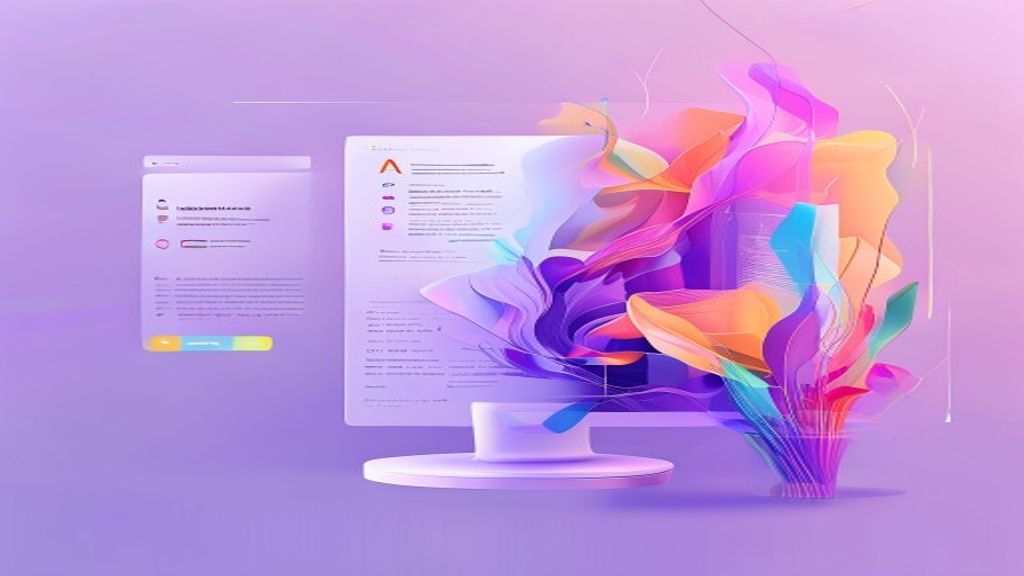
AI を使用して洗練されたポスターをデザインする

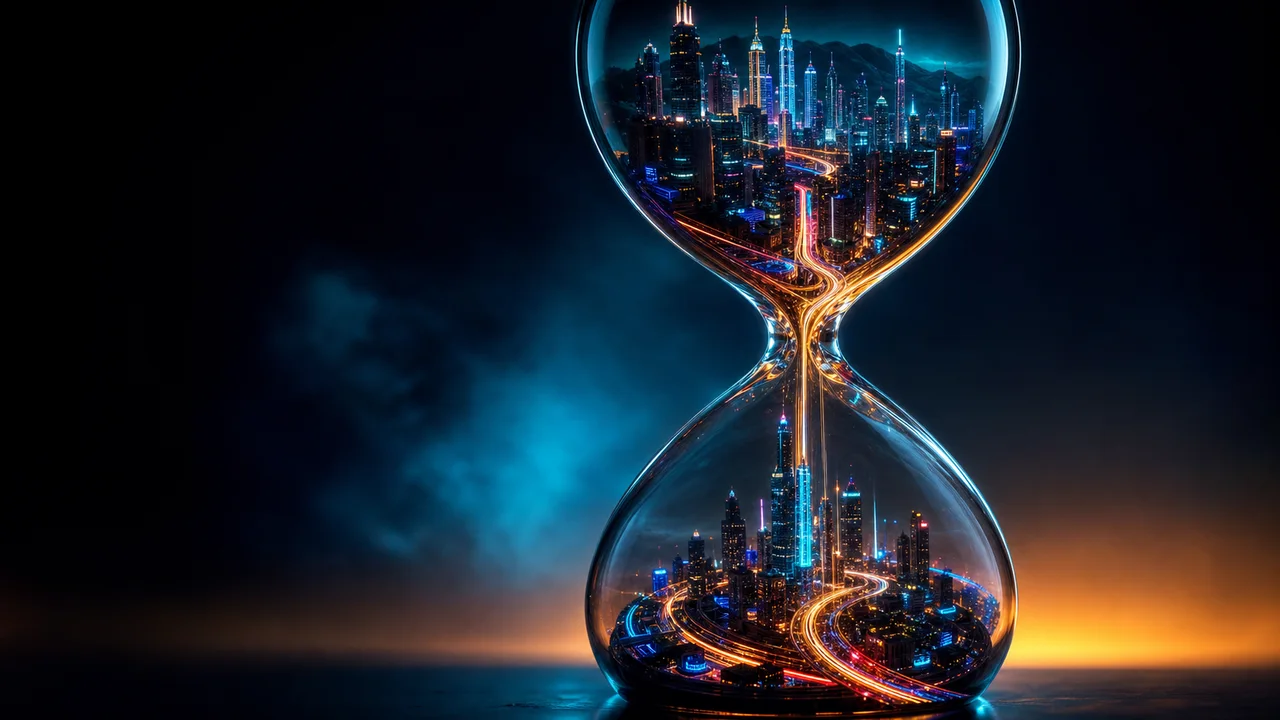
スタジオ対応の商品写真を作成する
 4クレジット
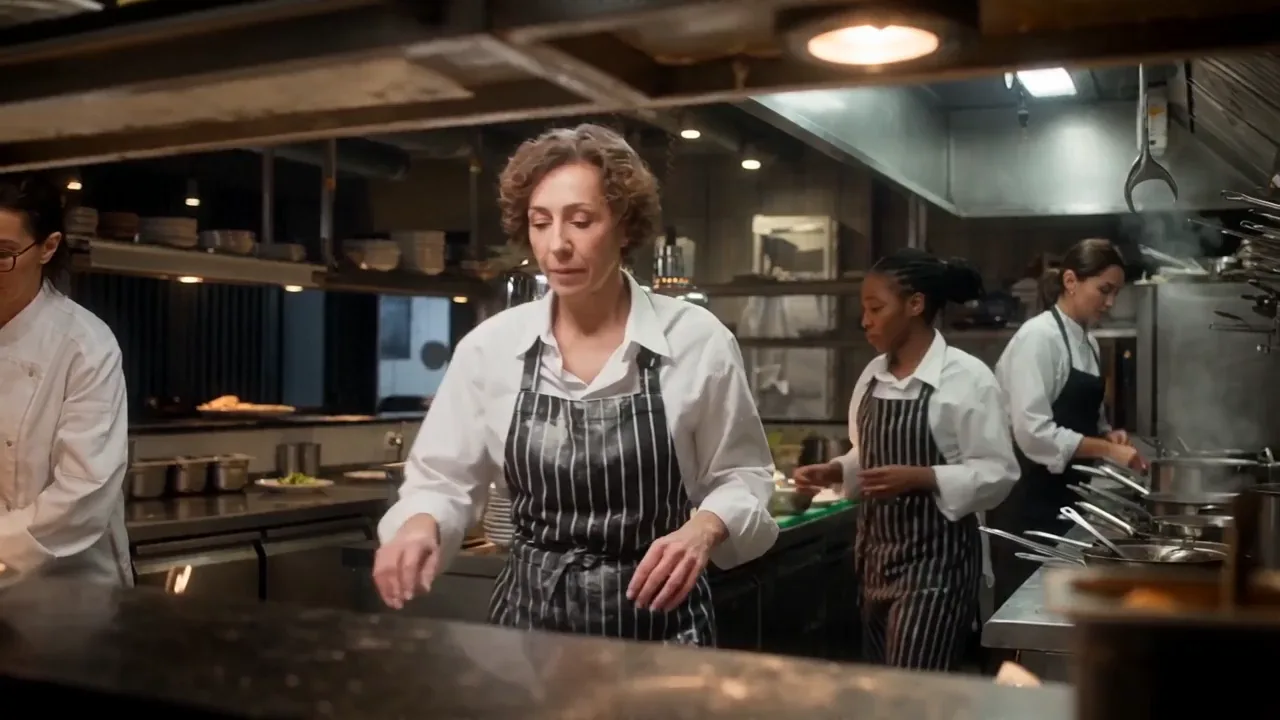
インパクトのある目立つサムネイルを作成する
プレビューを見て、検証済みのリリース更新をフォローしてください
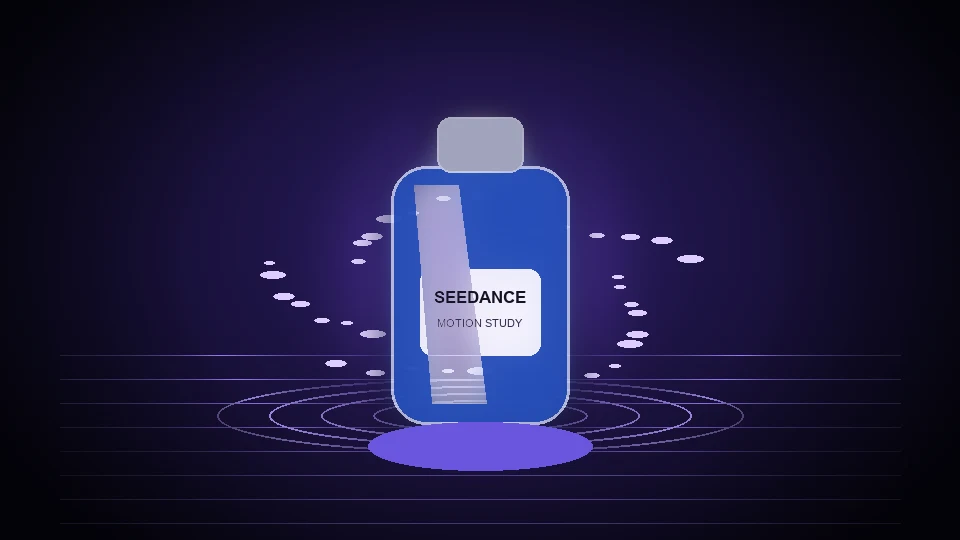
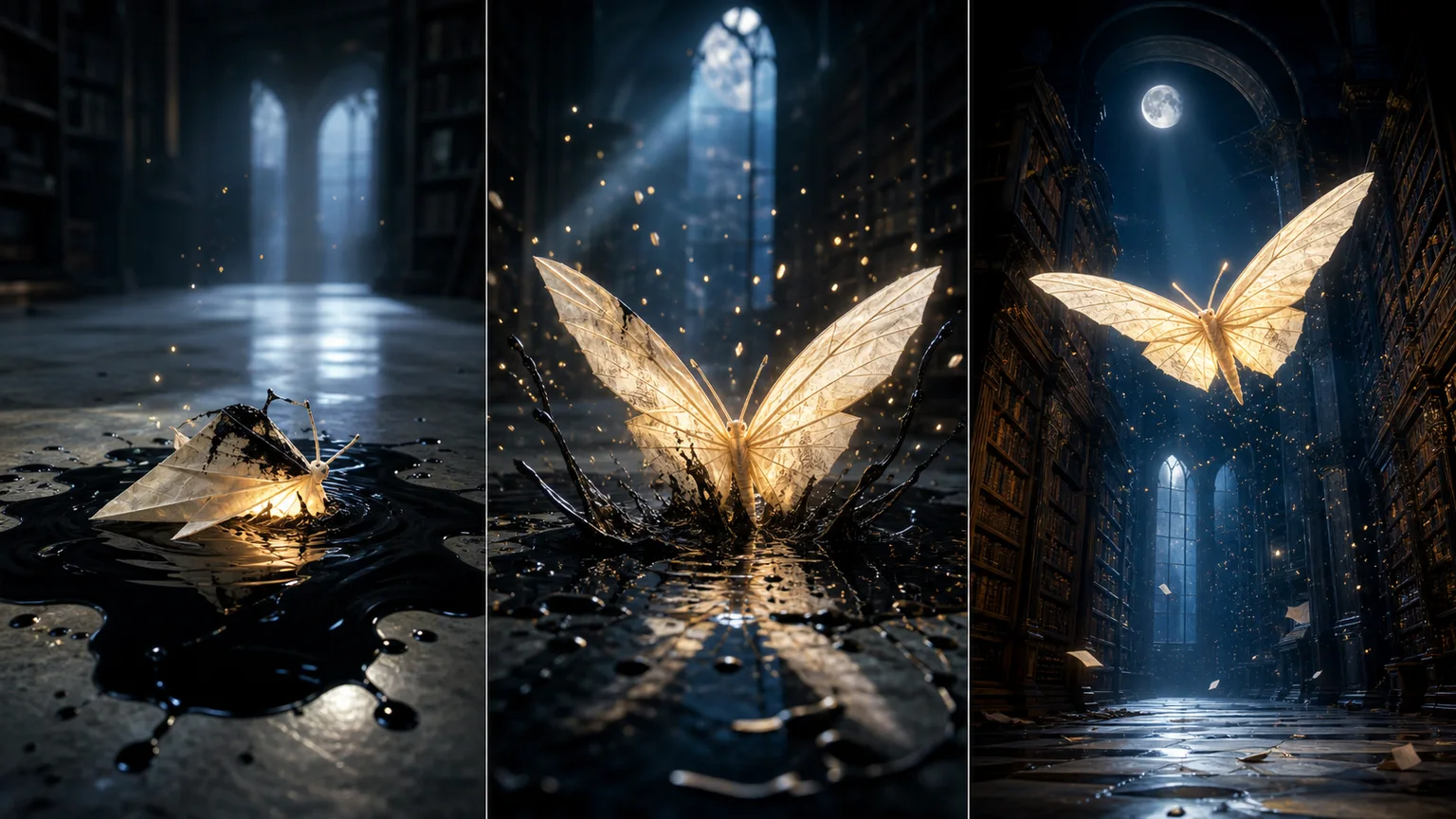
テキストと画像を表現力豊かなビデオに変換します
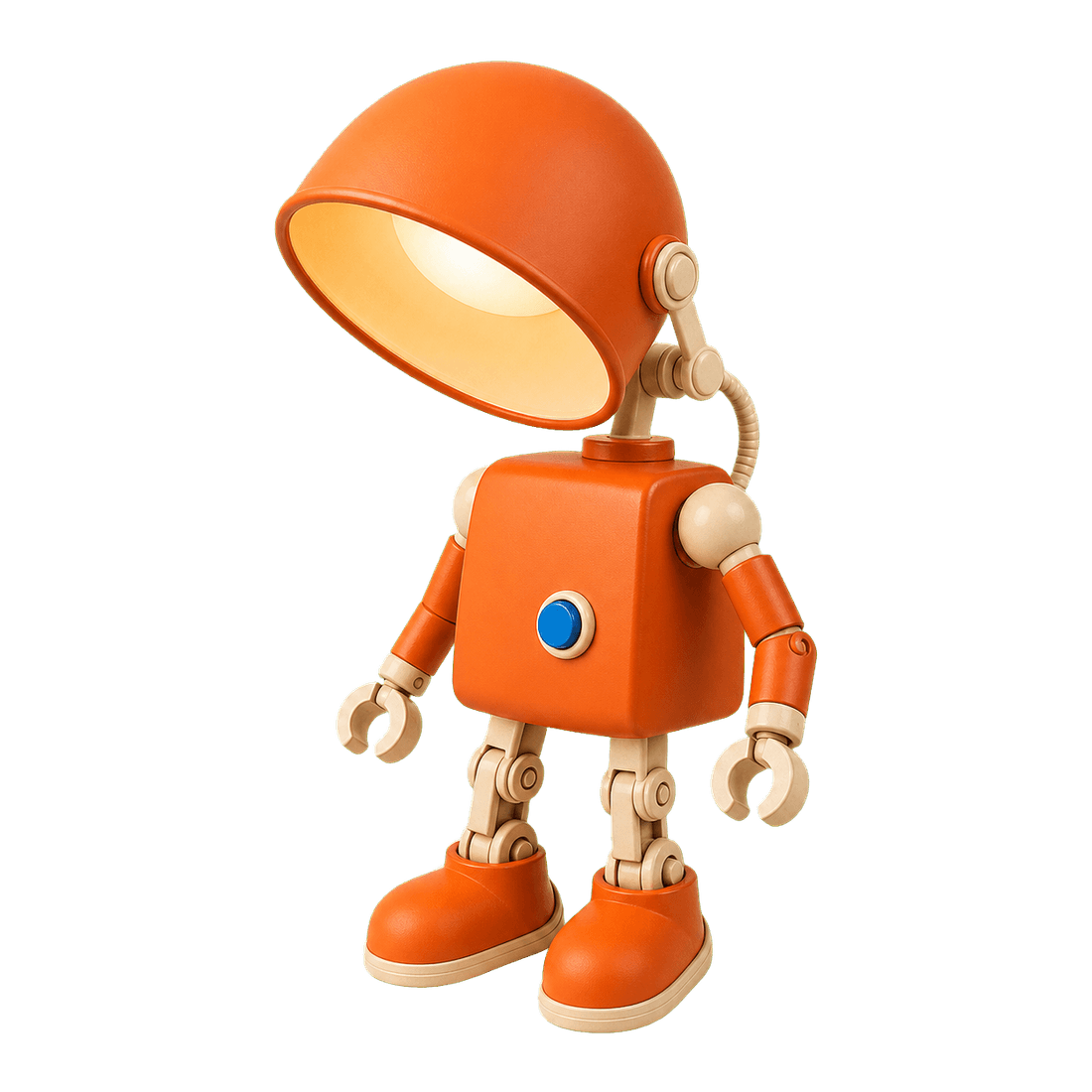
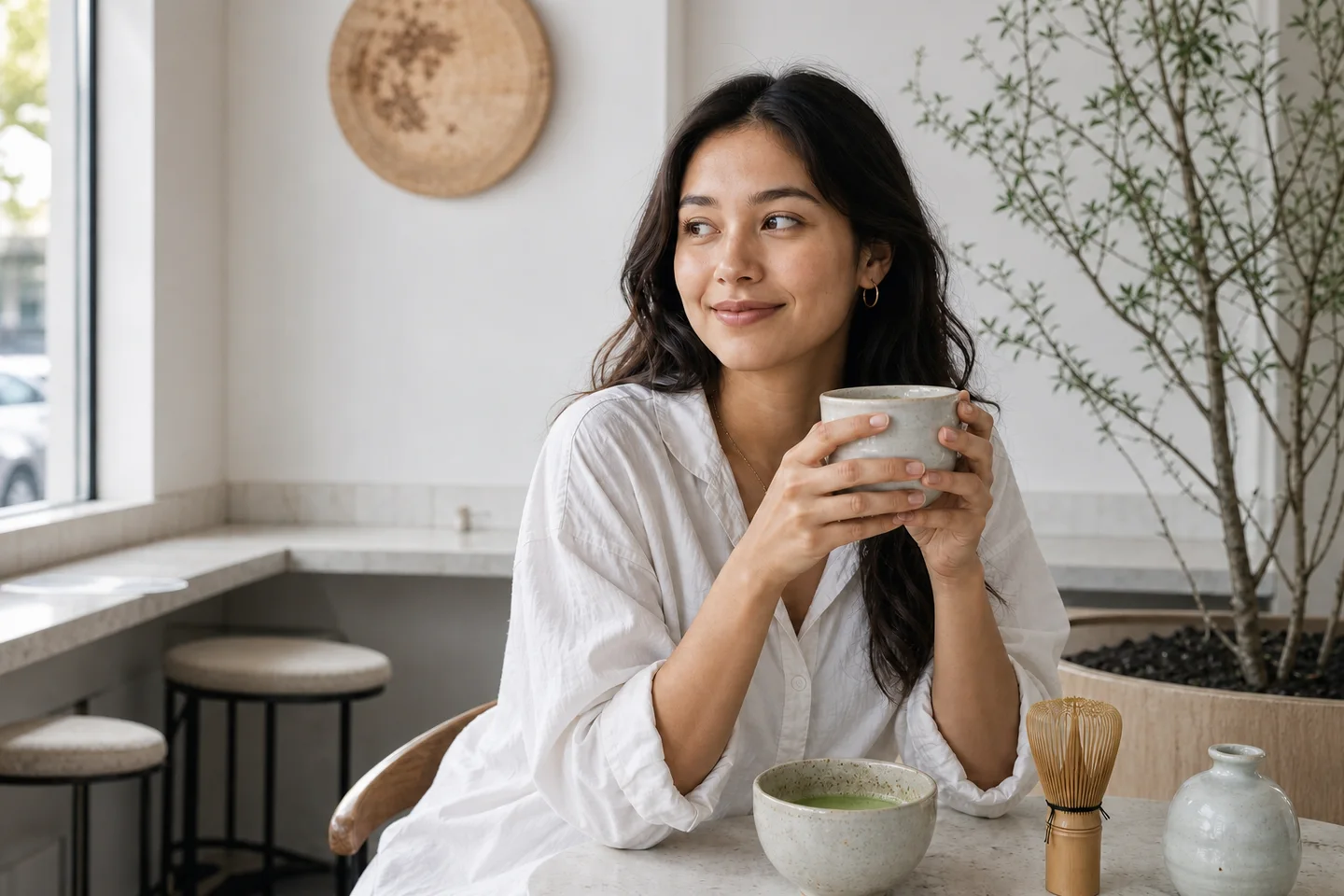
Restore natural colors from a green matcha cast

Choose an available model and turn a prompt into a new image.

Upload reference images, choose an editing model, and describe the change.

Remove a photo background and download a transparent PNG.

Apply a solid, gradient, uploaded, or generated scene behind a subject.
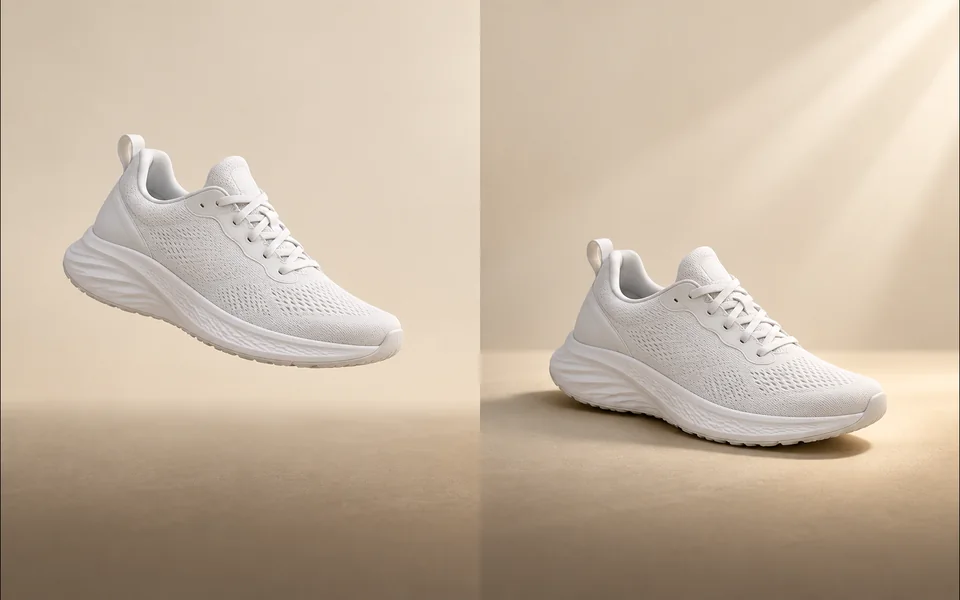
Create a product shadow with visible direction, blur, opacity, and offset controls.
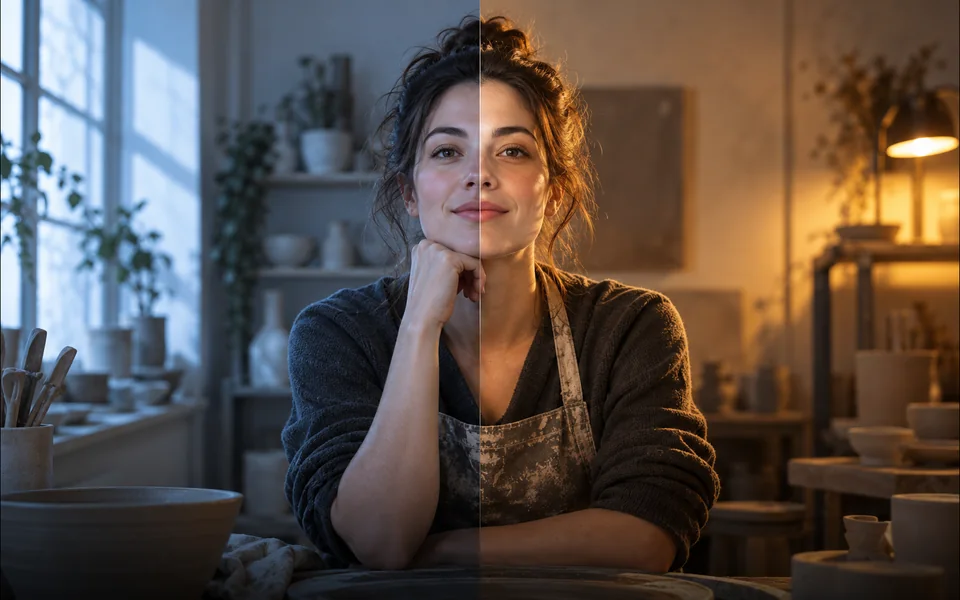
Relight a photo with a selected lighting setup and optional direction.

Mark an unwanted object and remove only the selected area.
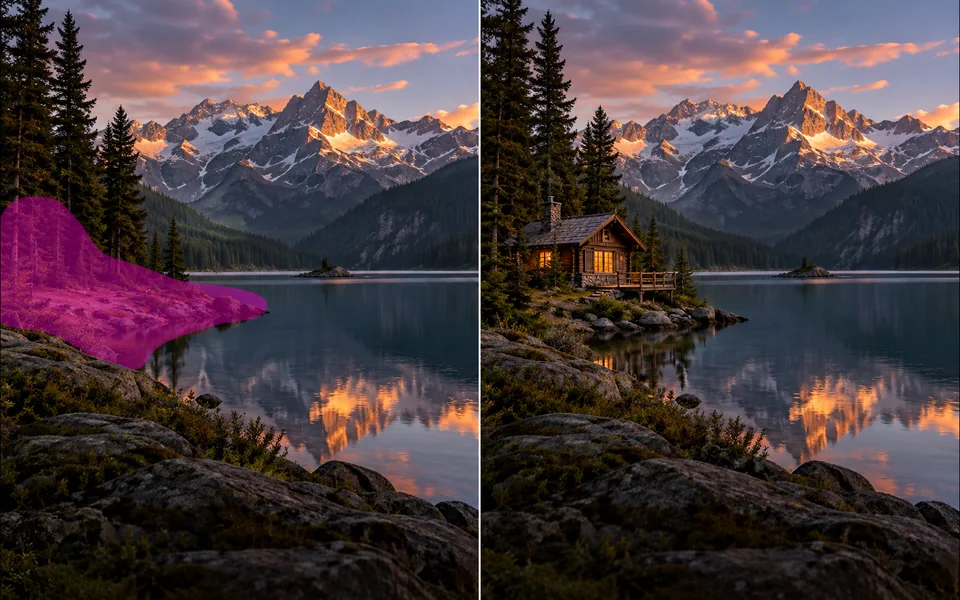
Paint a mask and replace the selected region from a local description.
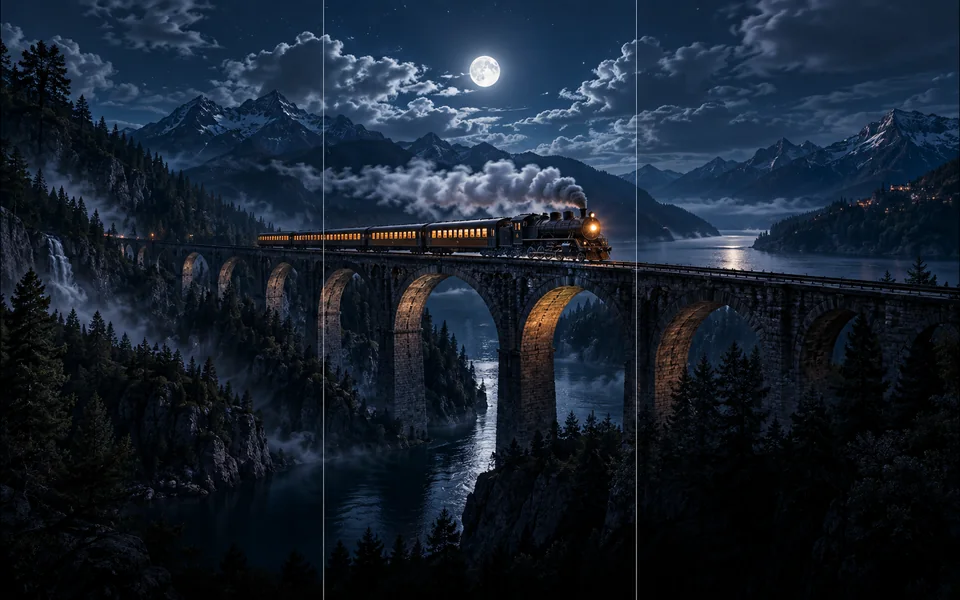
Choose new boundaries and extend an image without stretching the original.

Upscale an image at 2× or 4× and compare the output dimensions.
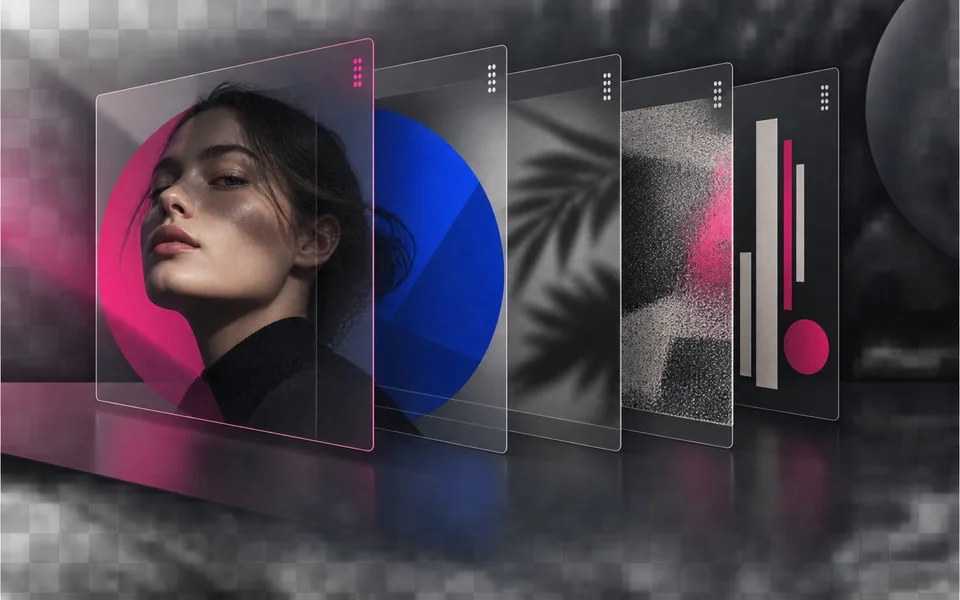
Arrange, hide, lock, reorder, and adjust the opacity of image layers.

Place editable text with independent size, color, alignment, and position.

Crop, rotate, resize, and export an image in one focused workspace.

Queue multiple images, follow item-level progress, and retry failed items only.
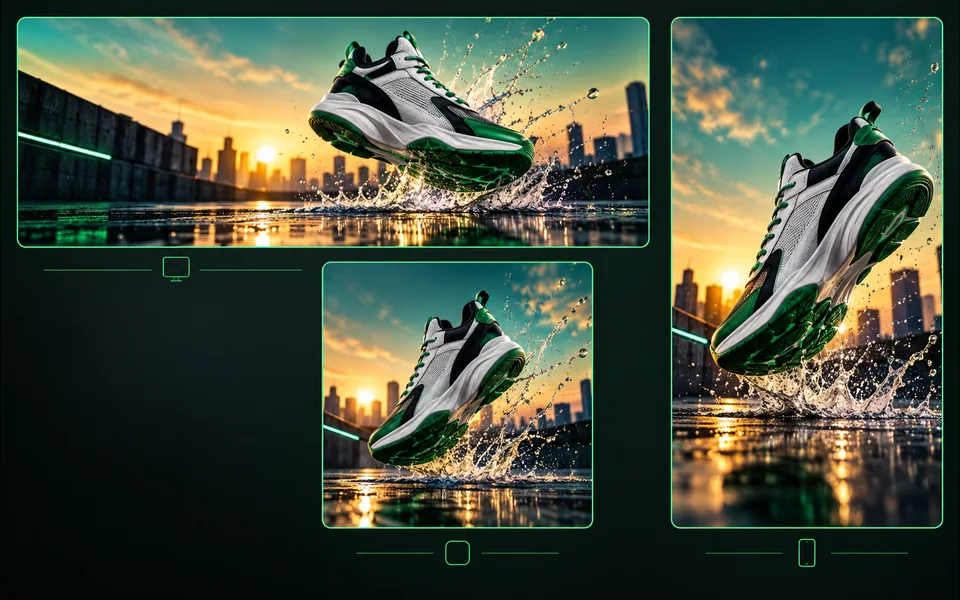
Export one design to platform sizes with contain, cover, or image extension.
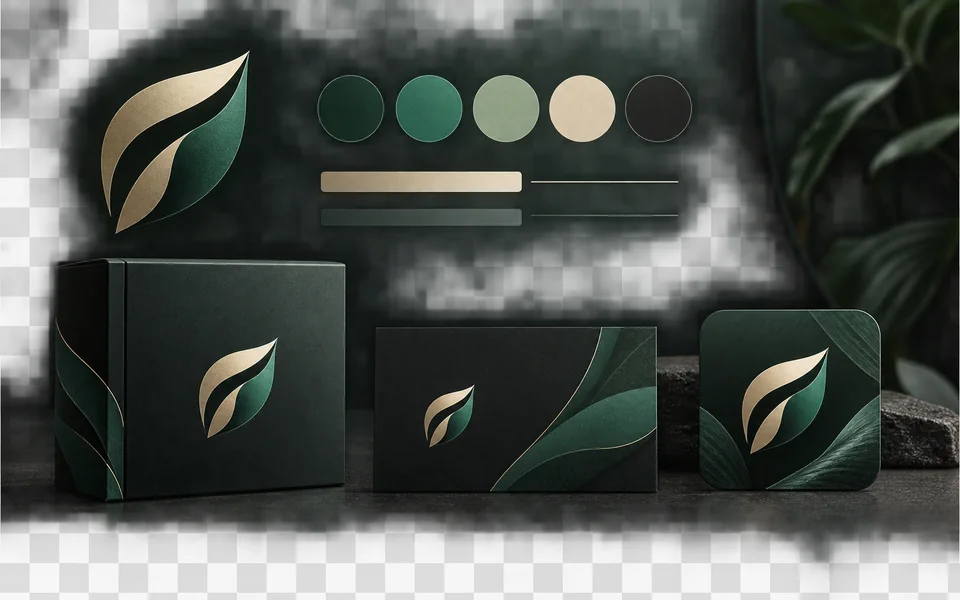
Set a brand name, logo, colors, and fonts for reusable designs.
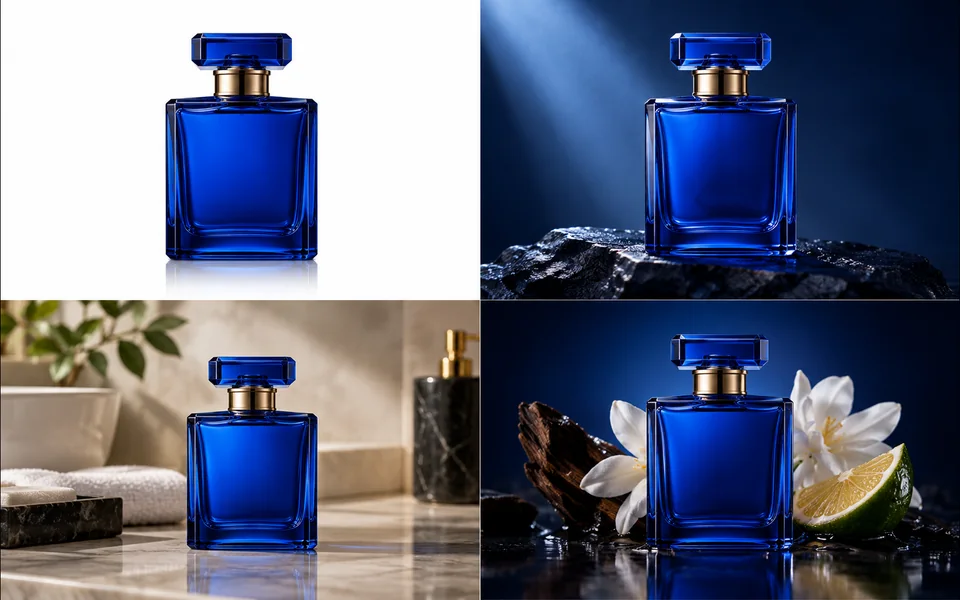
Create a selected set of white, studio, lifestyle, and ad-layout product images.
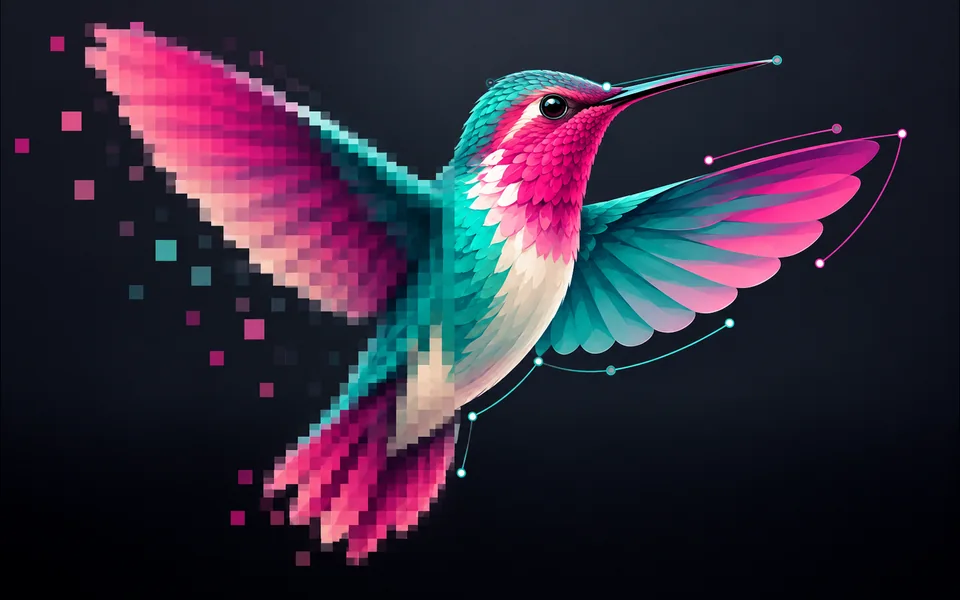
Convert PNG, JPG, or WebP artwork into editable SVG paths instead of wrapping a bitmap.
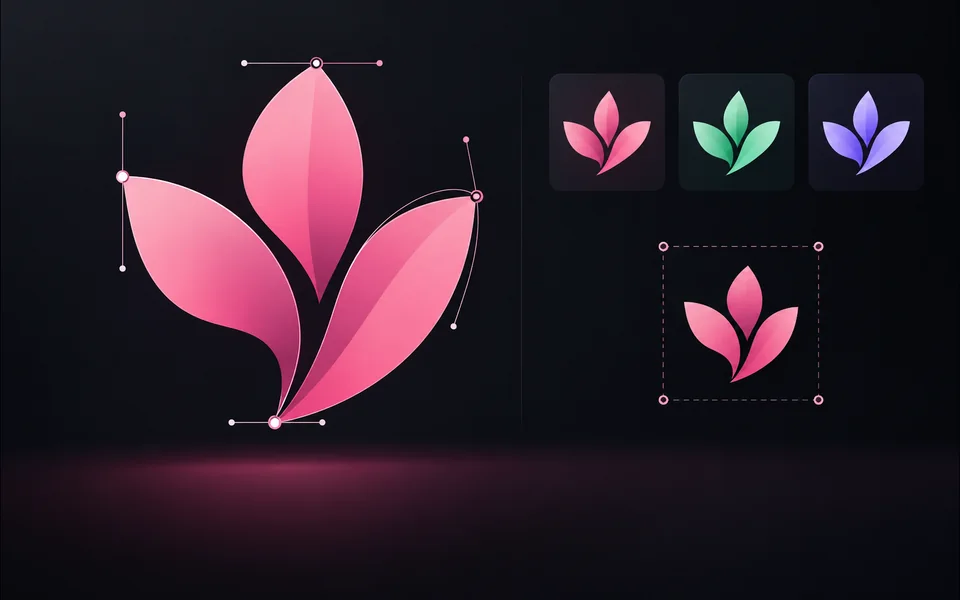
Paste or upload safe SVG markup, recolor it, resize it, and export SVG.
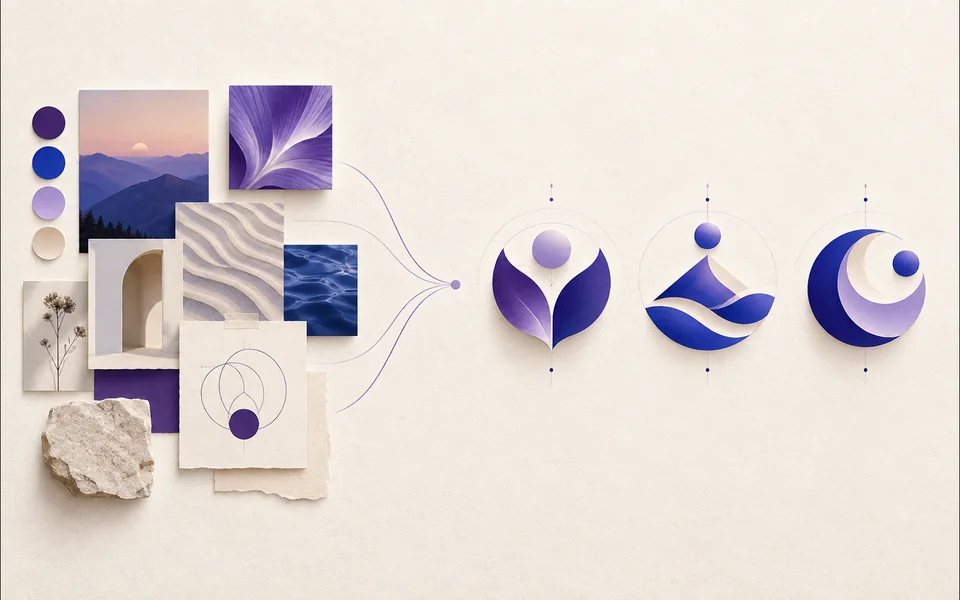
Create a logo brief from brand, industry, style, and graphic type.
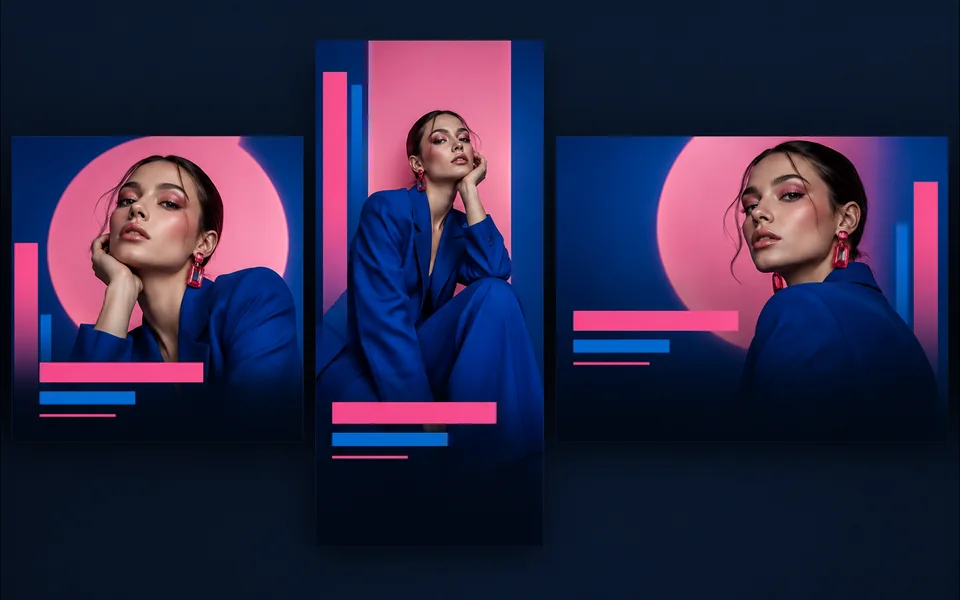
Choose a visual template, fill its fields, preview it, and continue editing.
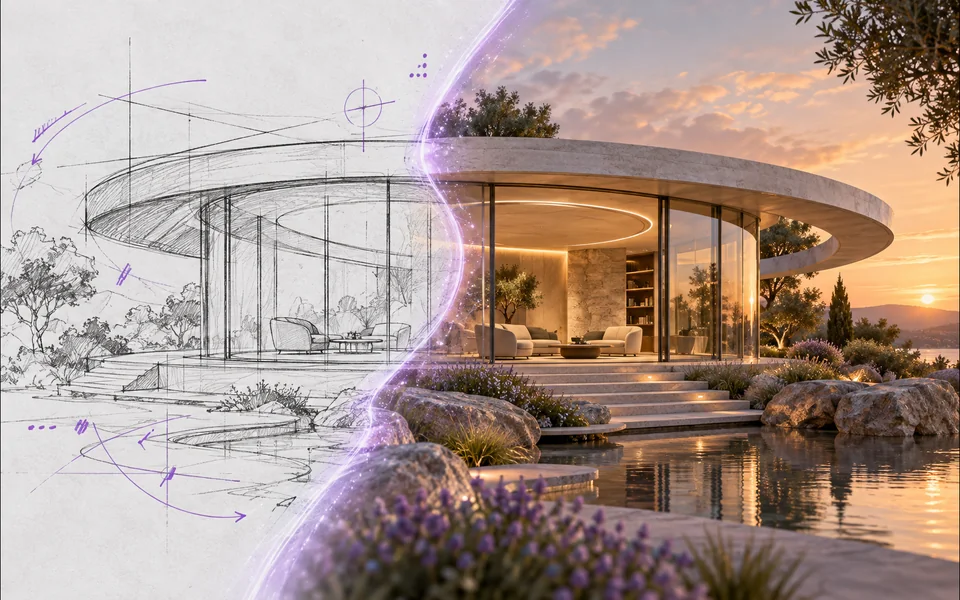
Draw or upload a sketch and pass it as the actual generation reference.
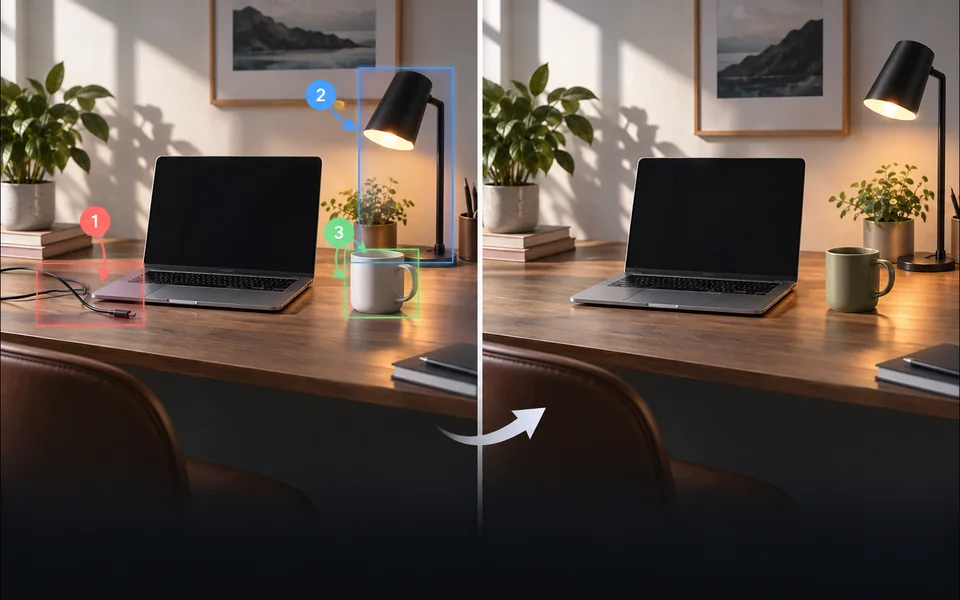
Place numbered notes, arrows, boxes, and brush marks before applying edits.

Build a reusable prompt recipe from variables and share a redacted copy.
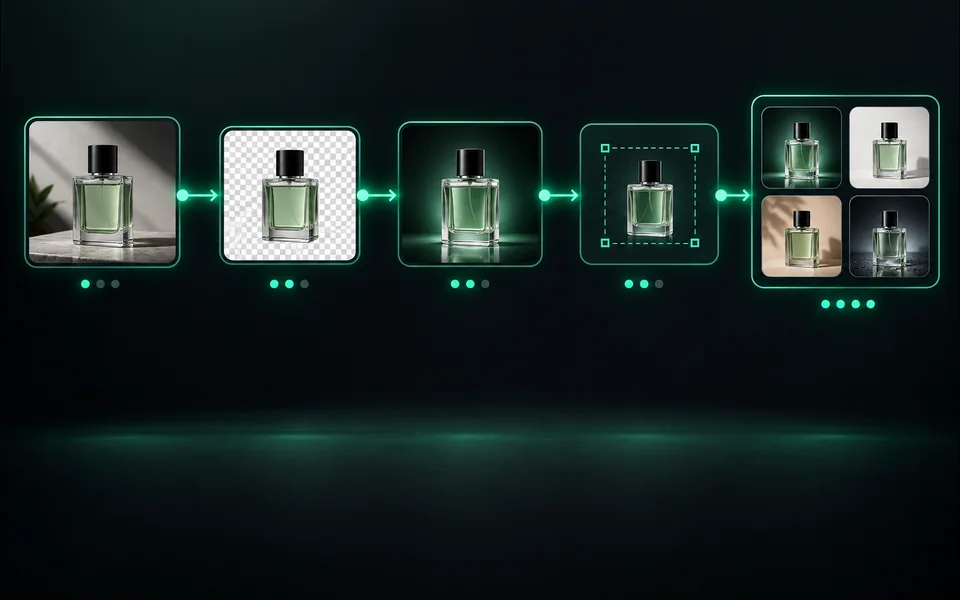
Build a visible sequence of image steps with per-step cost and results.
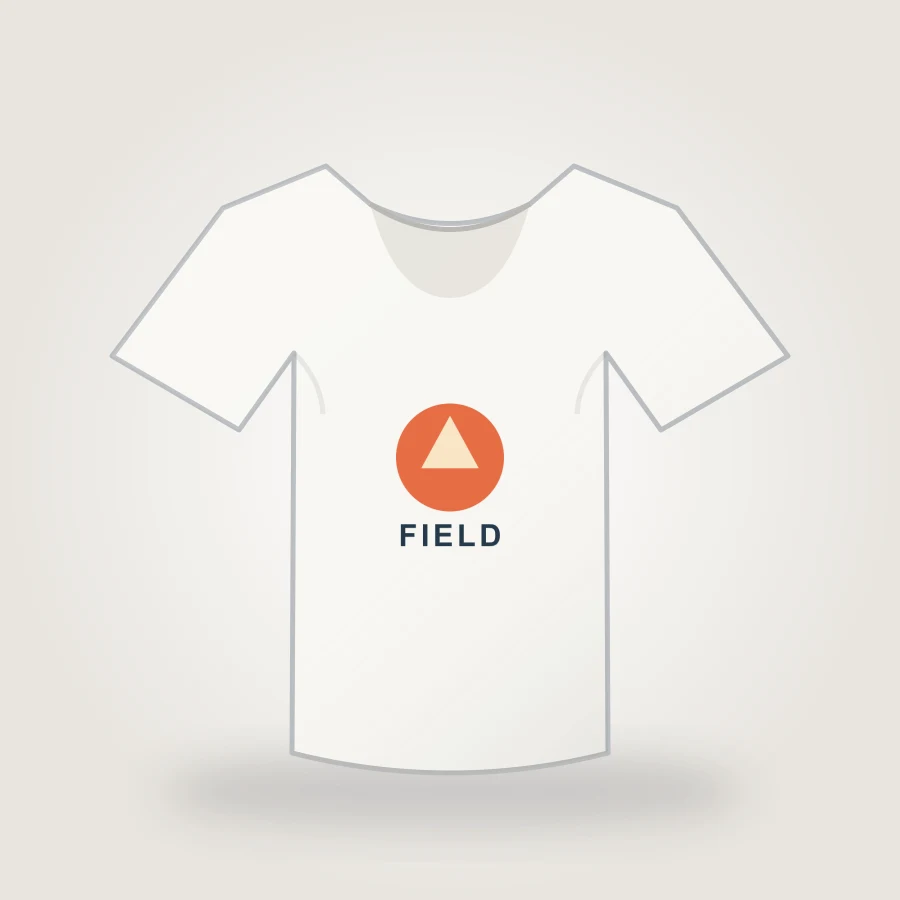
Upload your design, choose a shirt color, adjust print placement, and export an 1800px PNG mockup in your browser.
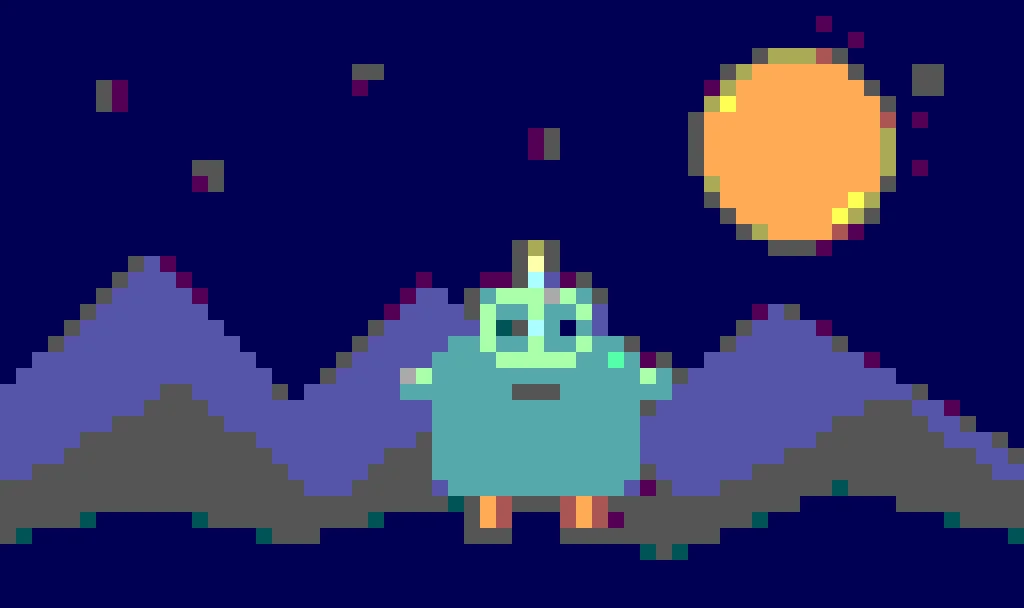
Create pixel art from an upload or text prompt, adjust grid and color levels, and export a crisp PNG.
これらのツールは、認証されたクレジット、タスクの回復、失敗したジョブの払い戻しを共有しますが、インターフェイス、モデルの選択、例、レビュー基準は意図的に異なります。新しいページは、別のユーザー タスクを解決した場合にのみその場所を獲得します。