
Популярные
4–10 кредитовИзображения•Промпт → Изображение
Генератор Qwen Image 3
Создавайте детальные изображения по текстовому запросу
- Направленное ускорение
- One focused Qwen Image 3 workflow
- Полезные соотношения сторон
Специализированные процессы Qwen Image 3
Начните с нужного результата, а не с пустого поля. Каждый инструмент показывает важные настройки и стоимость до запуска.
Создавайте детальные изображения по текстовому запросу

Создавайте профессиональные постеры с ИИ

Создавайте студийные фотографии товаров
 4 кредитов
Создавайте заметные превью с высокой конверсией
Официальный Preview API · All-in-One · до 30 секунд
Создавайте кинематографичное видео с точным движением
Превращайте текст и изображения в выразительное видео
Создавайте качественное AI-видео с синхронным звуком
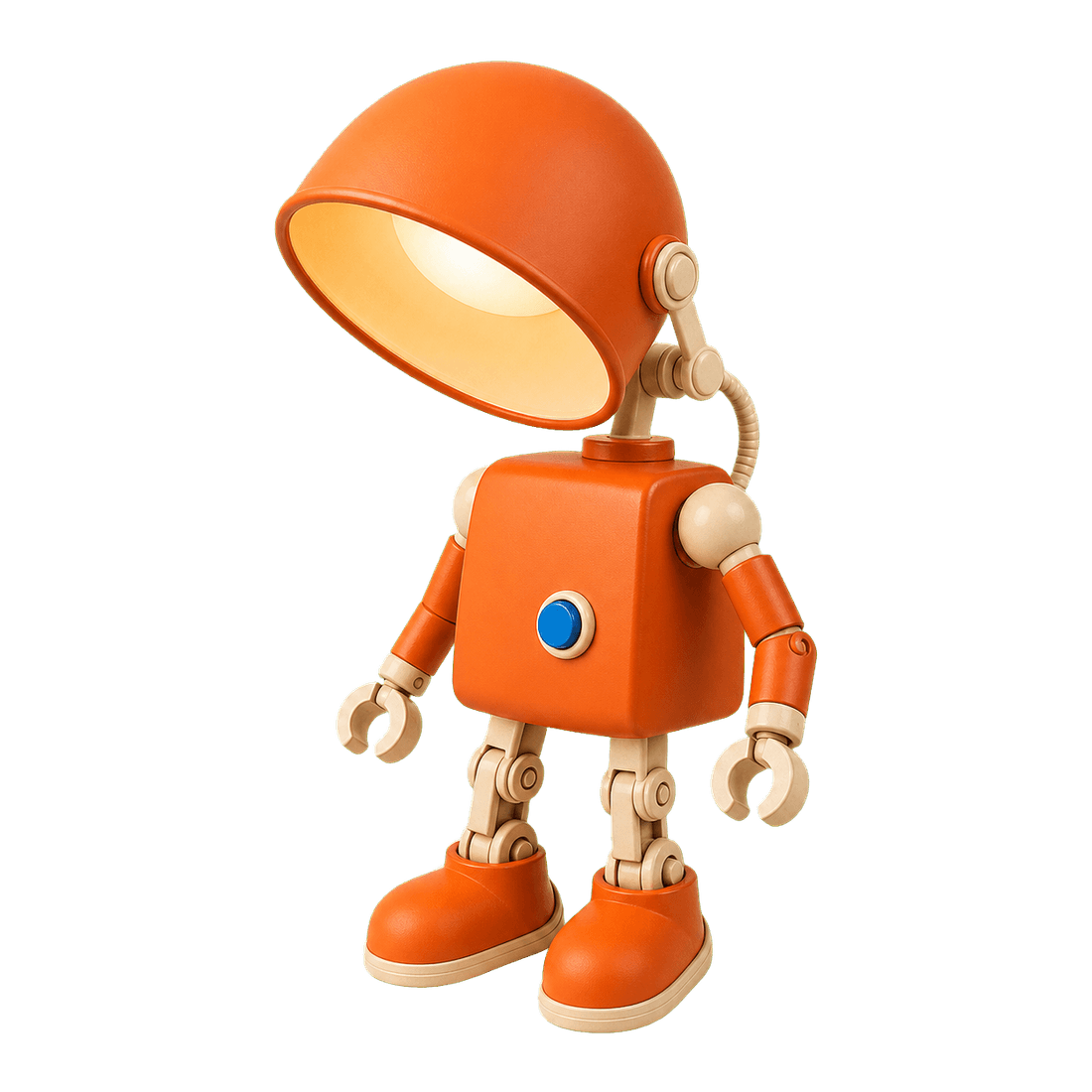
Аккуратно удаляйте фон изображения за секунды

Restore natural colors from a green matcha cast

Choose an available model and turn a prompt into a new image.

Upload reference images, choose an editing model, and describe the change.

Remove a photo background and download a transparent PNG.

Apply a solid, gradient, uploaded, or generated scene behind a subject.
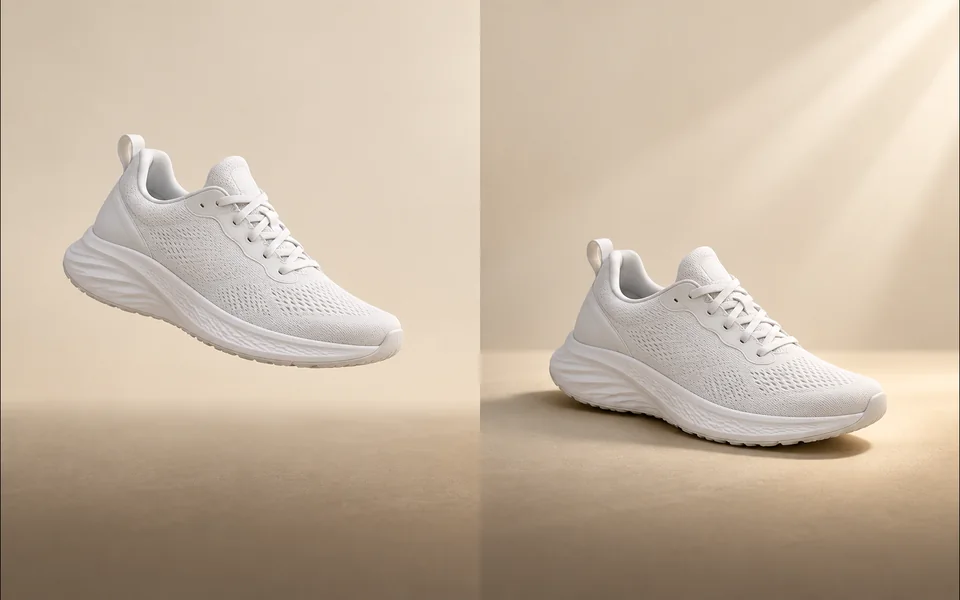
Create a product shadow with visible direction, blur, opacity, and offset controls.
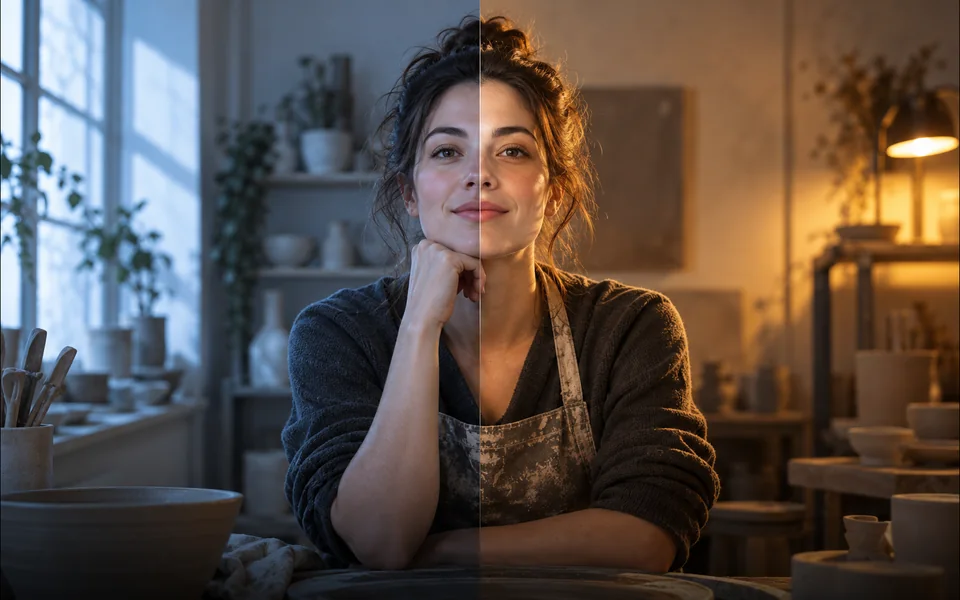
Relight a photo with a selected lighting setup and optional direction.

Mark an unwanted object and remove only the selected area.
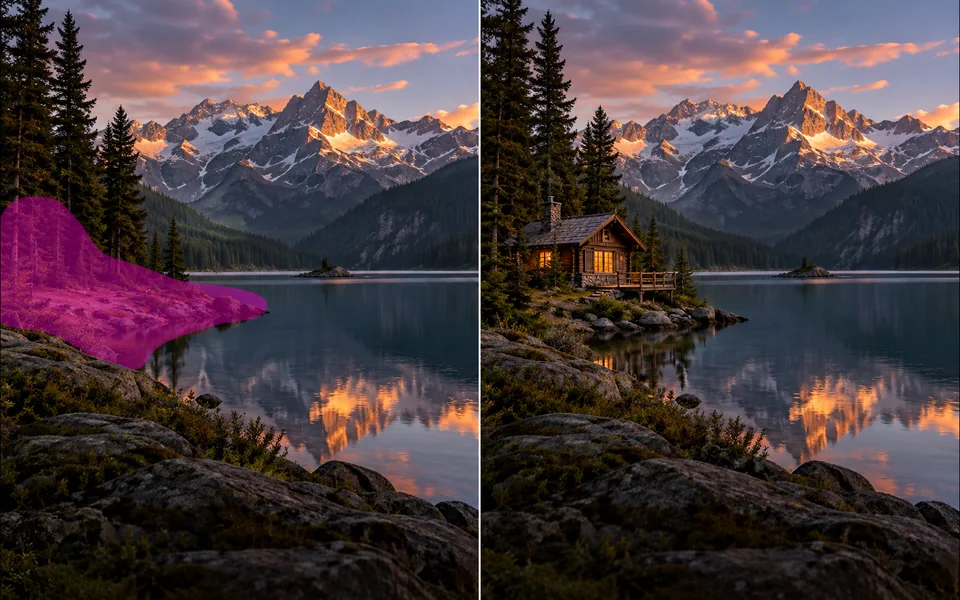
Paint a mask and replace the selected region from a local description.
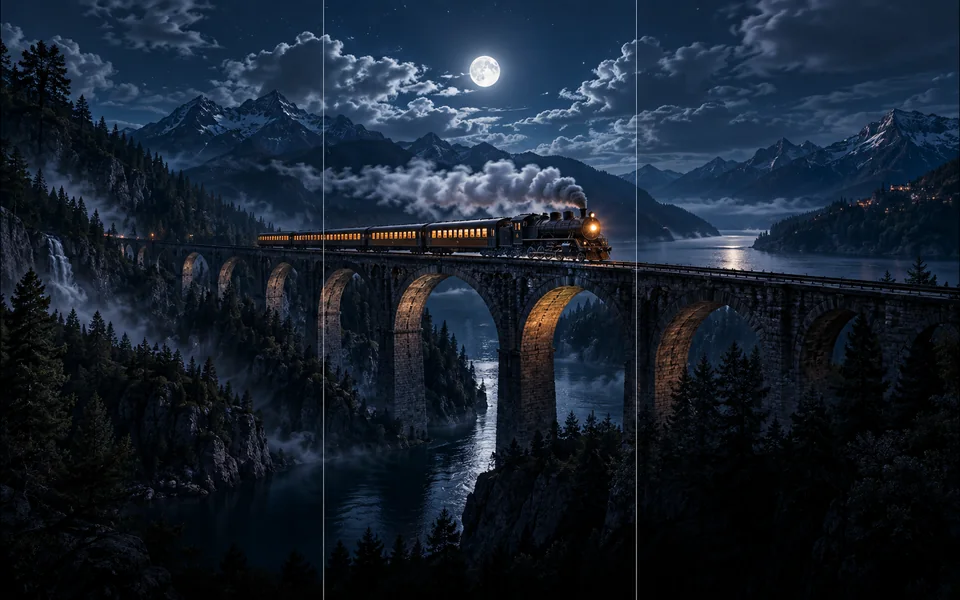
Choose new boundaries and extend an image without stretching the original.

Upscale an image at 2× or 4× and compare the output dimensions.
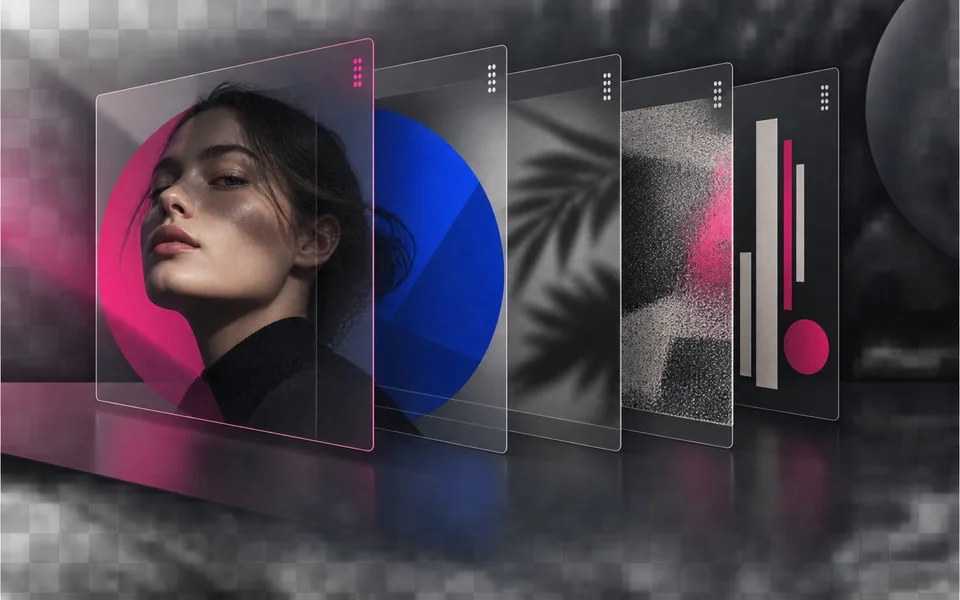
Arrange, hide, lock, reorder, and adjust the opacity of image layers.

Place editable text with independent size, color, alignment, and position.

Crop, rotate, resize, and export an image in one focused workspace.

Queue multiple images, follow item-level progress, and retry failed items only.
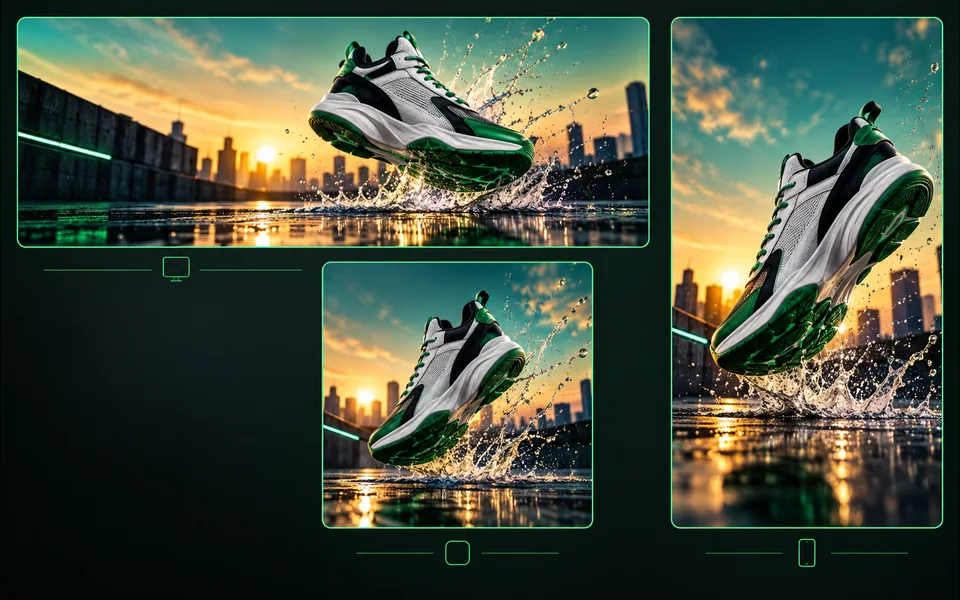
Export one design to platform sizes with contain, cover, or image extension.
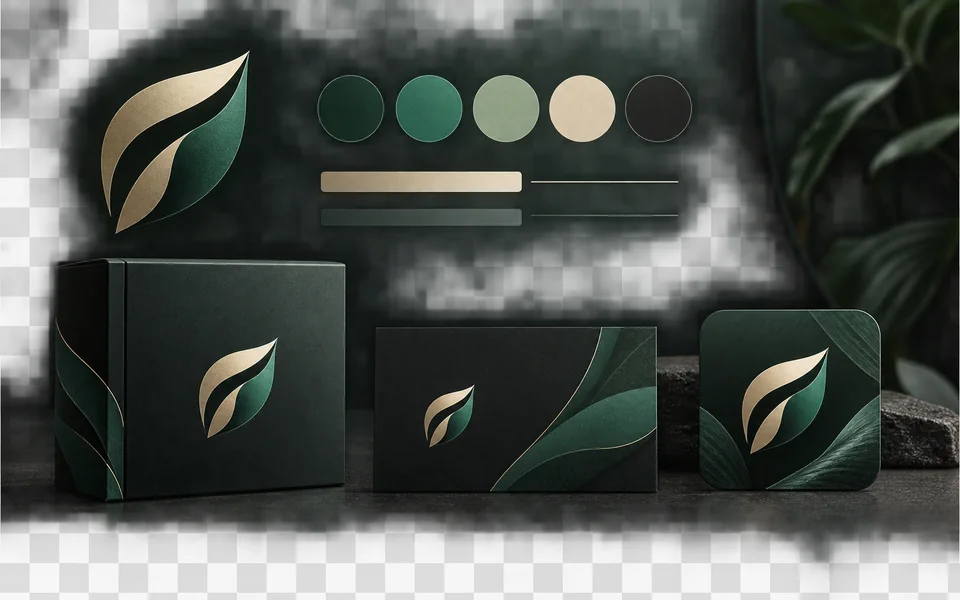
Set a brand name, logo, colors, and fonts for reusable designs.
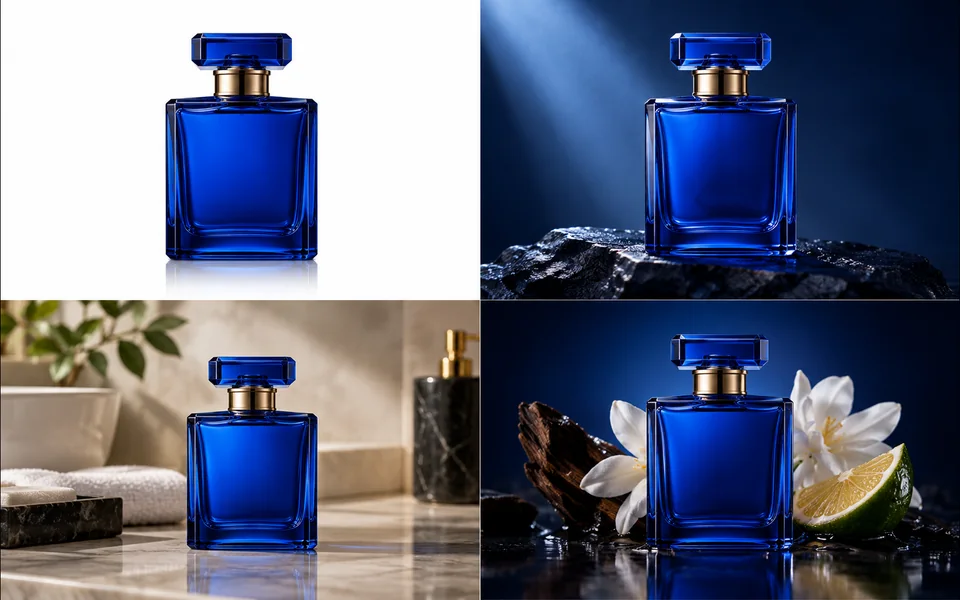
Create a selected set of white, studio, lifestyle, and ad-layout product images.
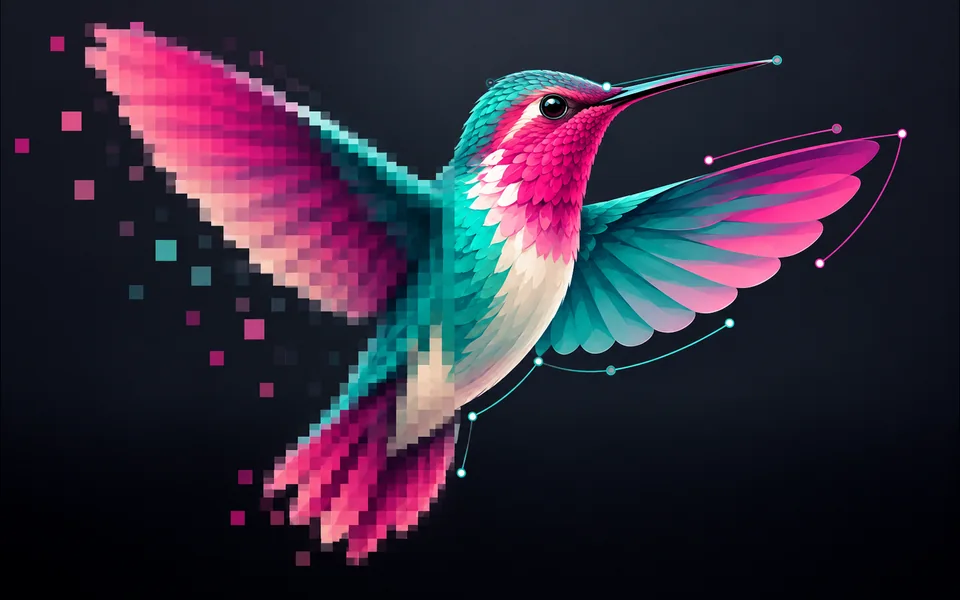
Convert PNG, JPG, or WebP artwork into editable vector paths.
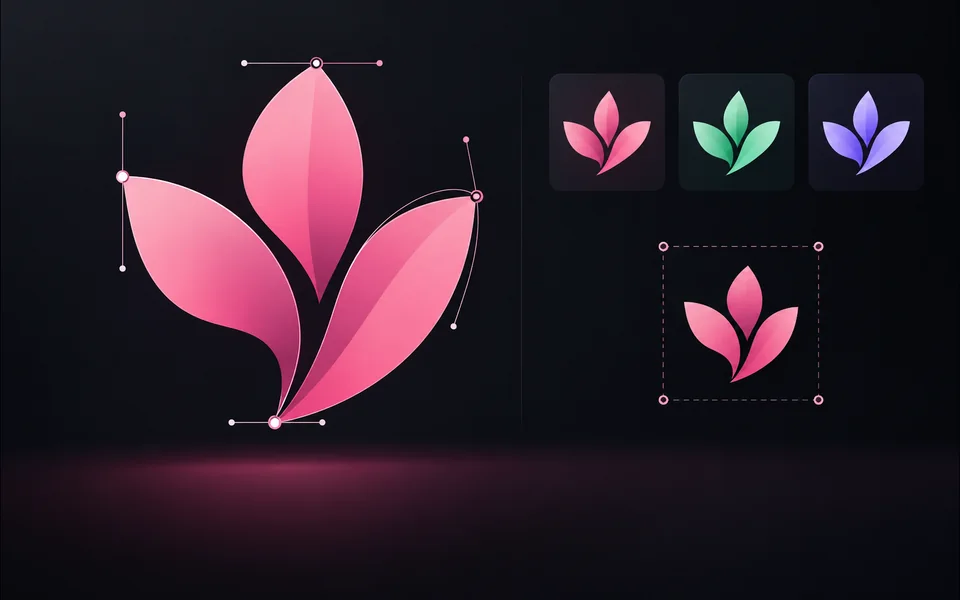
Paste or upload safe SVG markup, recolor it, resize it, and export SVG.
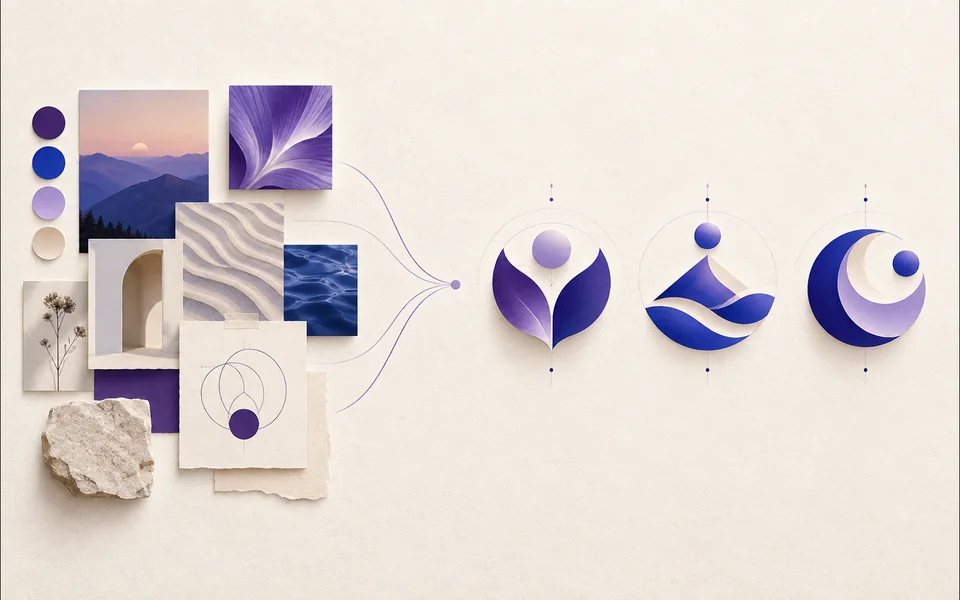
Create a logo brief from brand, industry, style, and graphic type.
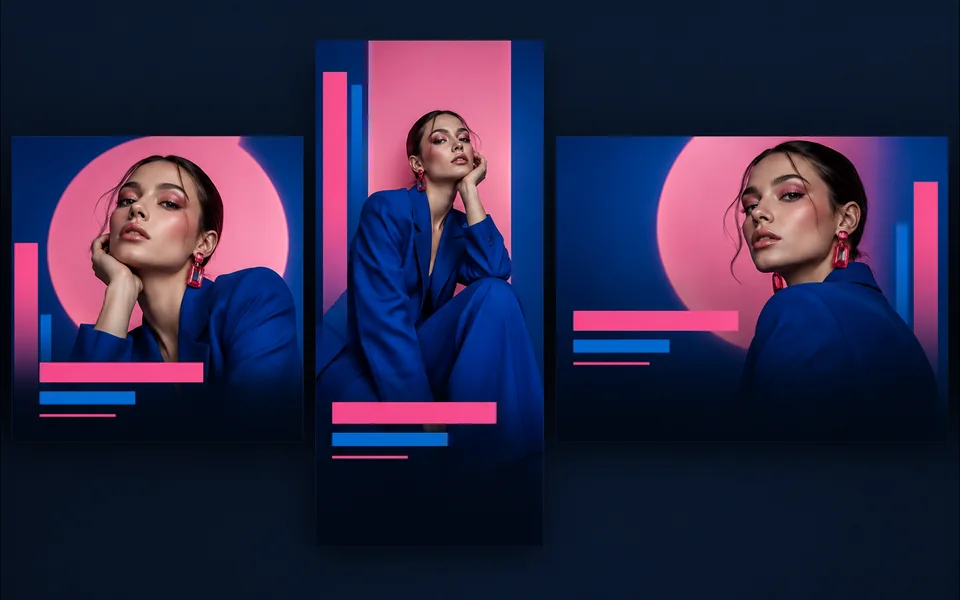
Choose a visual template, fill its fields, preview it, and continue editing.
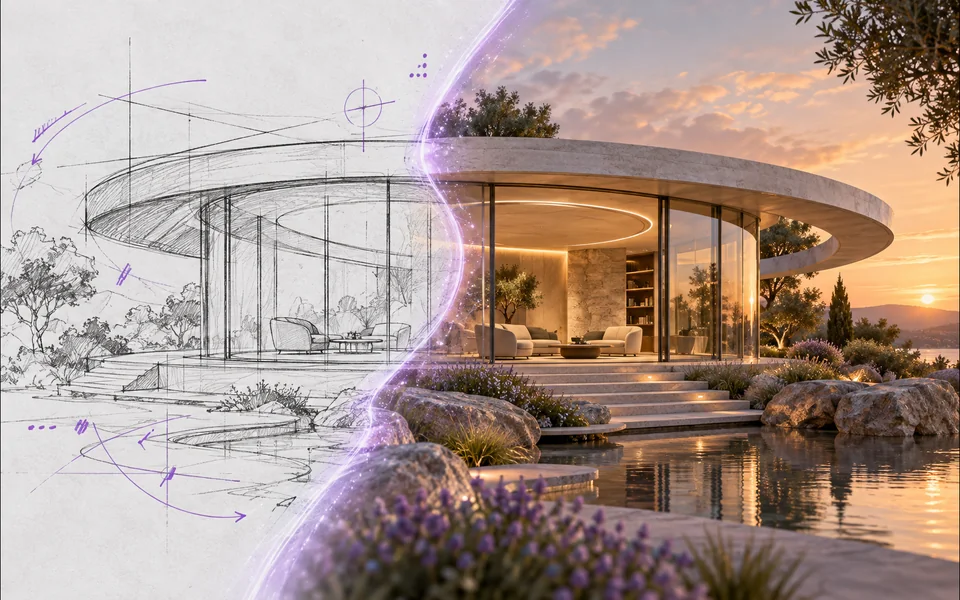
Draw or upload a sketch and pass it as the actual generation reference.
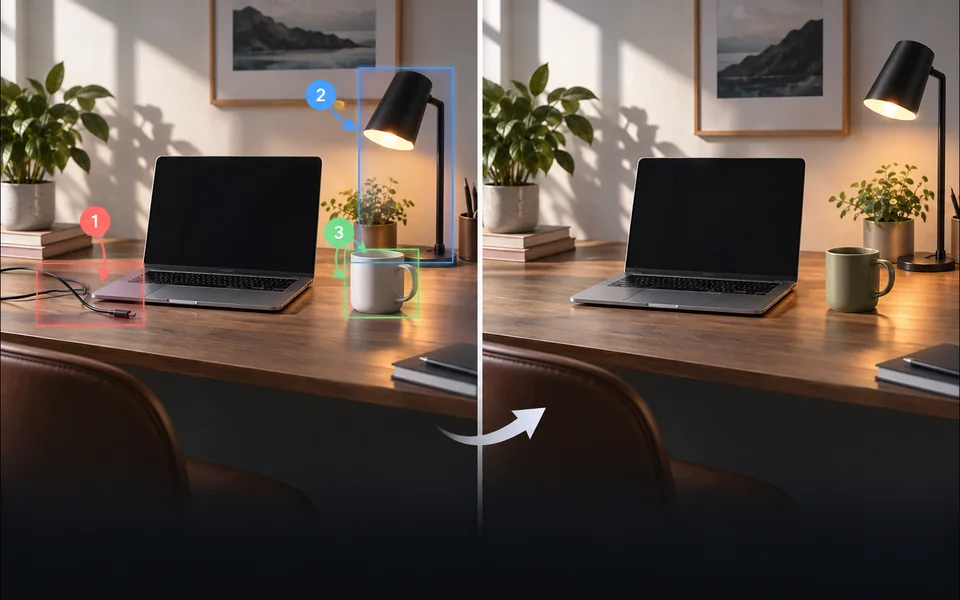
Place numbered notes, arrows, boxes, and brush marks before applying edits.

Build a reusable prompt recipe from variables and share a redacted copy.
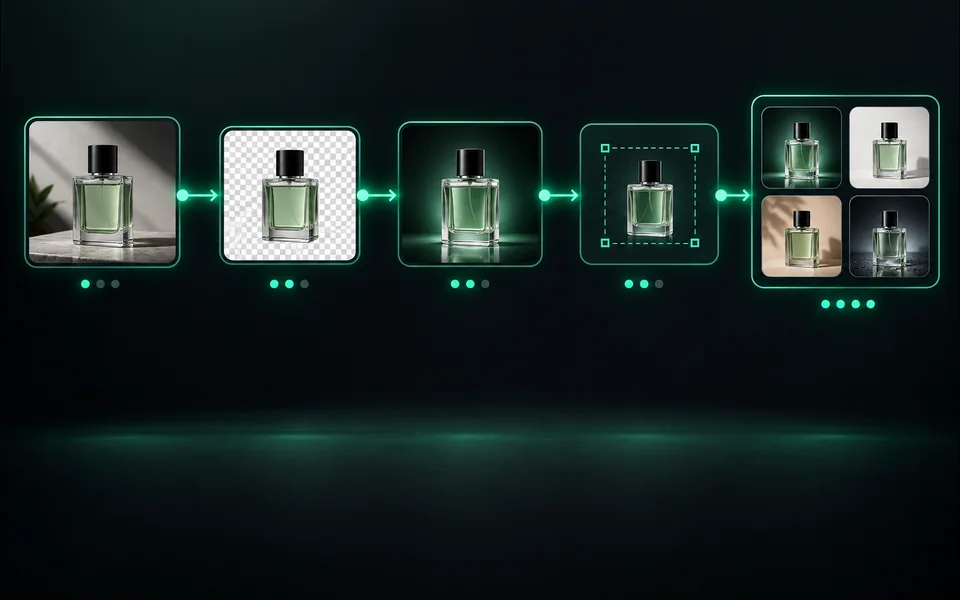
Build a visible sequence of image steps with per-step cost and results.
Эти инструменты обеспечивают совместное использование заверенных кредитов, возврата заданий и возврата неудавшегося рабочего места, однако их интерфейсы, выбор моделей, примеры и критерии проверки намеренно отличаются друг от друга. Новая страница получает свое место только тогда, когда она решает отдельную задачу пользователя.