
Text-to-video scene composer

Write Motion, Not Just an Image That Moves

Describe a scene as a sequence of visible events, then choose camera language, pacing, duration and delivery format. The generator submits a real Wan 2.7 video task and returns a playable result when the asynchronous render completes.

Compose a video
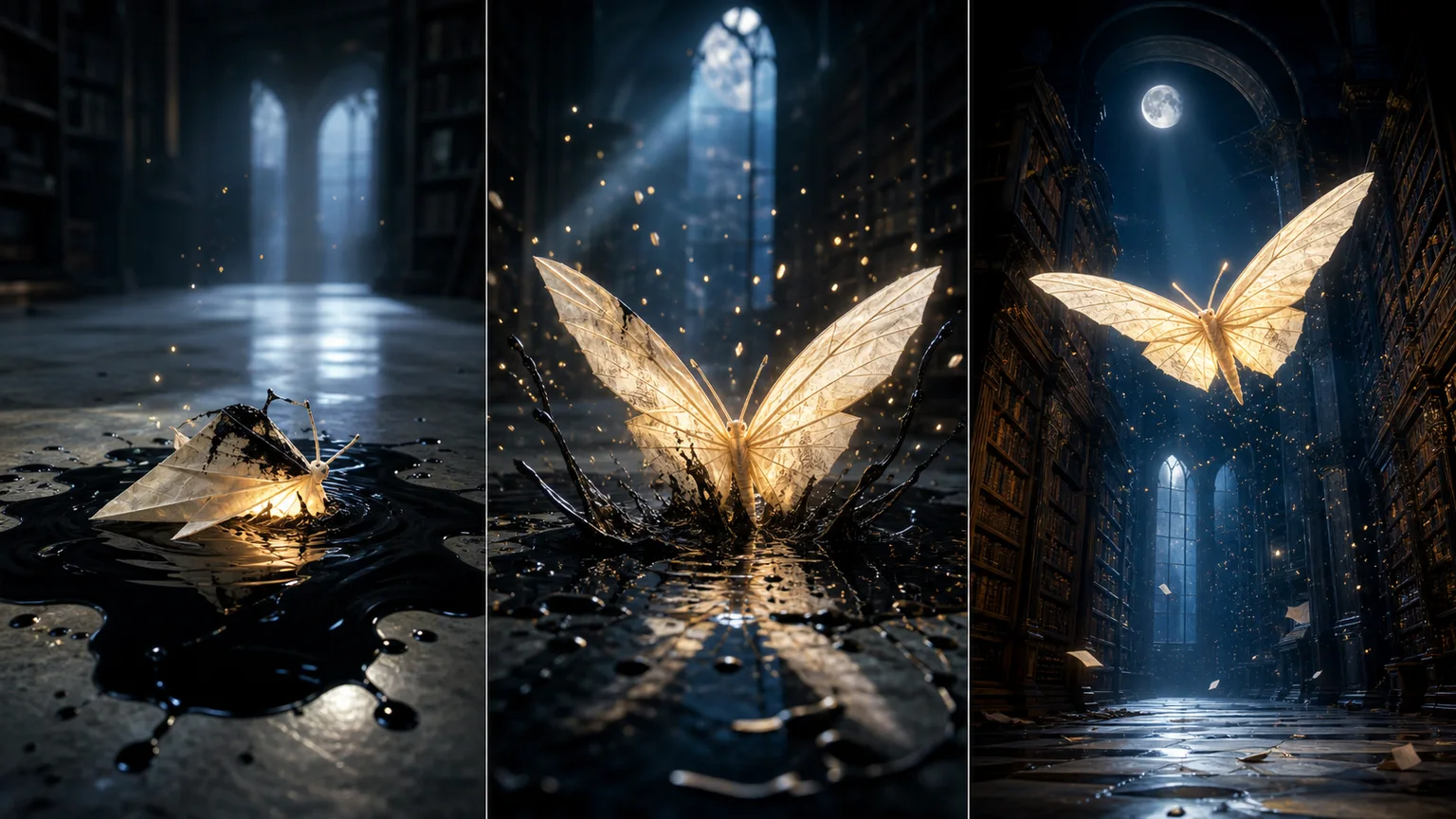
Storyboard study: ink, awakening, flight
Storyboard study: ink, awakening, flightThree beats · one subject · one visual arc

The luminous moth storyboard is an editorial concept image, not a frame extracted from a generated video. Actual results vary and should be reviewed for continuity, rights and safety before publishing.

Turn a scene into a timed motion brief

The workspace focuses on the variables that determine whether a short clip feels intentional: what changes, how the camera witnesses it, how quickly the action develops and where the final beat lands.

Scene composer

Delivery format
Duration

From 80 credits · 720p · the 8-second option costs 120 · failed provider tasks are refunded

Your scene is waiting for motion

Write what changes across time. The completed video will play here without sending you to a separate demo page.

01

Write the change across time

A video prompt needs verbs and sequence. State the opening condition, the physical change and the final state. Describing only a beautiful subject leaves the model to invent motion, which often produces drifting cameras, unstable geometry or an action that never resolves.

  • Use a beginning, development and final beat that can fit inside five or eight seconds.
  • Describe observable movement such as unfolding, turning, rising or crossing the frame.
02

Give the camera one clear job

Camera instructions should support the action instead of competing with it. A locked frame reveals transformation; a slow push increases attention; a lateral track follows travel. Stacking orbit, zoom, crane and handheld language in one short clip usually reduces continuity.

  • Choose one dominant move and a stable subject relationship.
  • Use a locked or gentle camera when subject accuracy matters more than spectacle.
03

Match duration to the idea

Five seconds suits one reveal, gesture or product moment. Eight seconds gives a two-stage transformation room to breathe. Longer is not automatically better: every additional beat increases cost and creates more opportunities for identity drift or unwanted objects.

  • Use five seconds for a single shot with one decisive action.
  • Use eight seconds only when the prompt contains a readable second beat.
04

Review continuity frame by frame

Watch once for the story, then scrub through the clip for shape changes, duplicate objects, flicker, unsafe details and abrupt camera jumps. Generated video is a production asset only after the subject, claims, likeness rights, audio and final destination have been checked.

  • Compare the first, middle and final frames for identity and geometry.
  • Keep the accepted prompt, format and duration beside the approved export.

Frequently asked questions

Is this a real AI video generator or a storyboard tool?

It is a real text-to-video workflow. The form submits an authenticated Wan 2.7 task through the server, polls the provider queue and displays the resulting video when complete.

Which formats and durations are available?

The page offers 16:9, 9:16 and 1:1 formats with controlled 5 or 8 second durations at 720p. These choices cover common landscape, vertical and square placements while keeping costs predictable.

Why does video generation take longer than image generation?

The model must create many temporally consistent frames rather than one image. Queue load and duration affect render time, so the task remains asynchronous and can take several minutes.

What happens if the provider task fails?

A failed task is marked as failed and its consumed credits are restored by the existing transactional task system. Temporary status errors remain retryable before the final timeout.

Can I generate videos with real people or copyrighted characters?

Only use people, characters, music and source material you have the right to use. Do not create deceptive impersonation, non-consensual intimate material or misleading evidence, and review provider and destination-platform policies.

Continue with a related workflow