
Popular
4–10 creditsImage•Prompt → Image
Qwen Image 3 Generator
Create detailed images from natural-language prompts
- Guided prompting
- One focused Qwen Image 3 workflow
- Useful aspect ratios
Focused Qwen Image 3 workflows
Start with a concrete deliverable instead of a blank prompt. Each tool exposes controls that matter to its job, shows the cost before generation and explains where human review still matters.
Create detailed images from natural-language prompts

Design polished posters with AI

Create studio-ready product photography
 4 credits
Make high-impact thumbnails that stand out
Official Preview API · All-in-One video · up to 30s
Generate cinematic video with precise motion
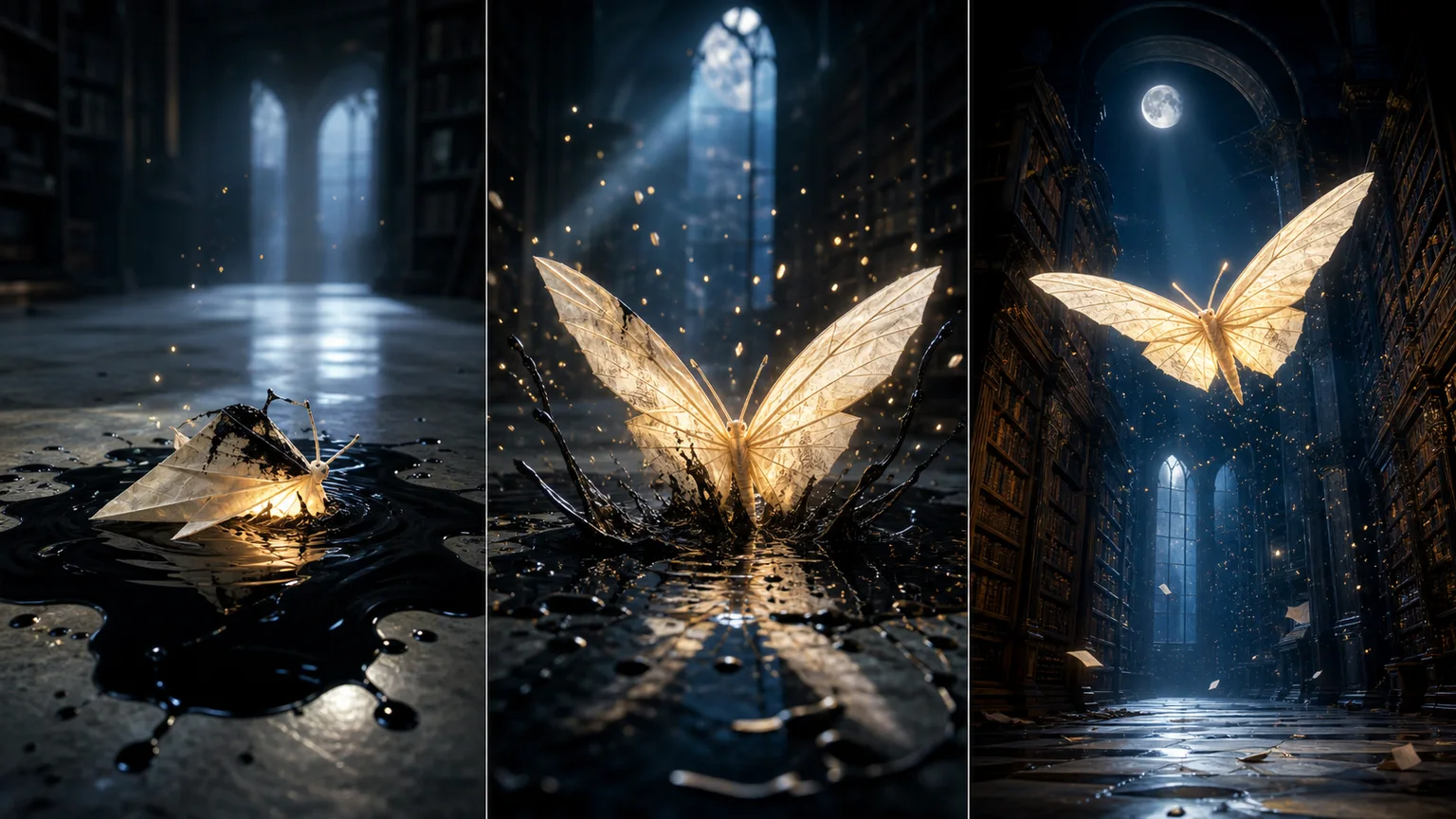
Turn text and images into expressive video
Create high-quality AI video with synced audio
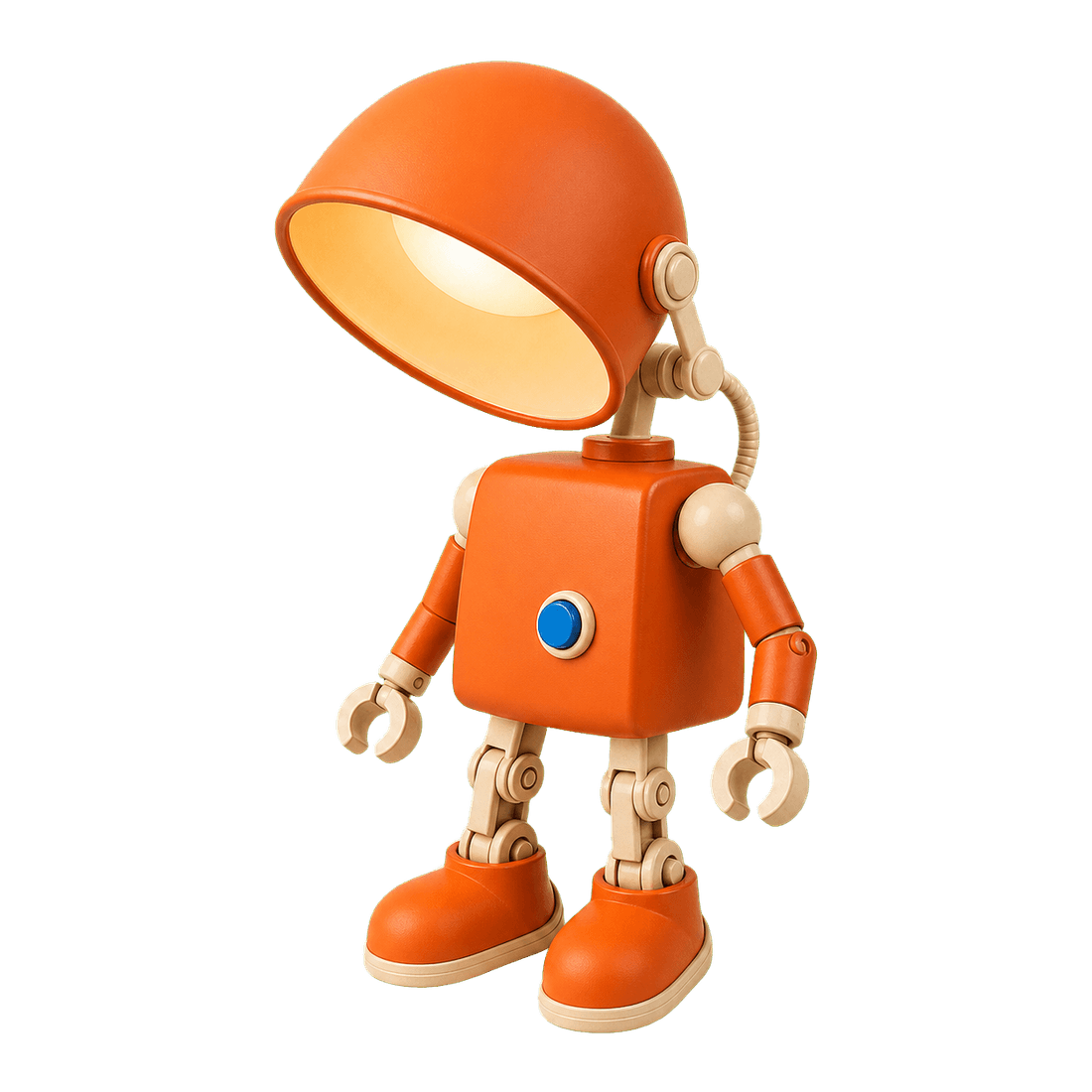
Remove image backgrounds cleanly in seconds

Restore natural colors from a green matcha cast

Choose an available model and turn a prompt into a new image.

Upload reference images, choose an editing model, and describe the change.

Remove a photo background and download a transparent PNG.

Apply a solid, gradient, uploaded, or generated scene behind a subject.
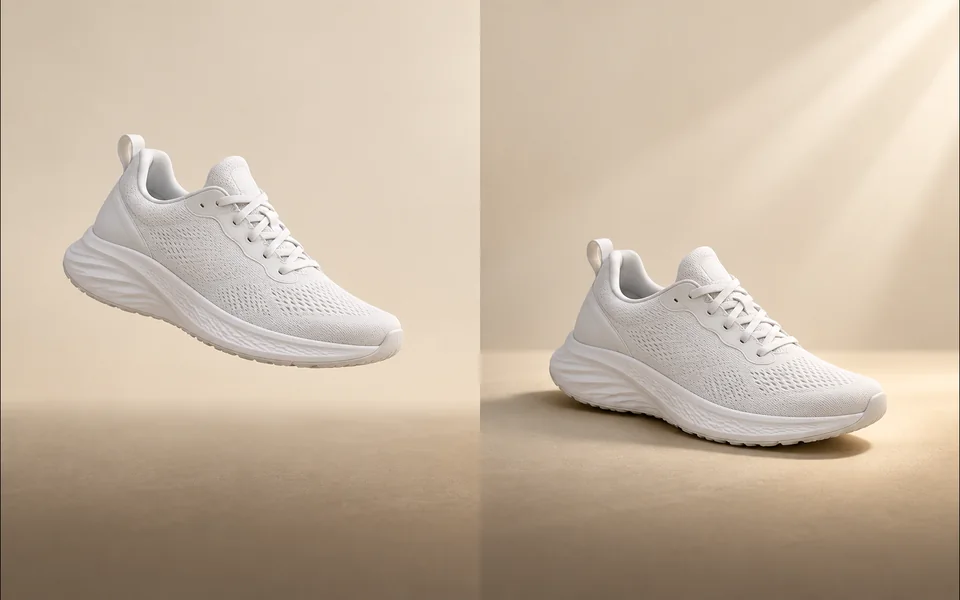
Create a product shadow with visible direction, blur, opacity, and offset controls.
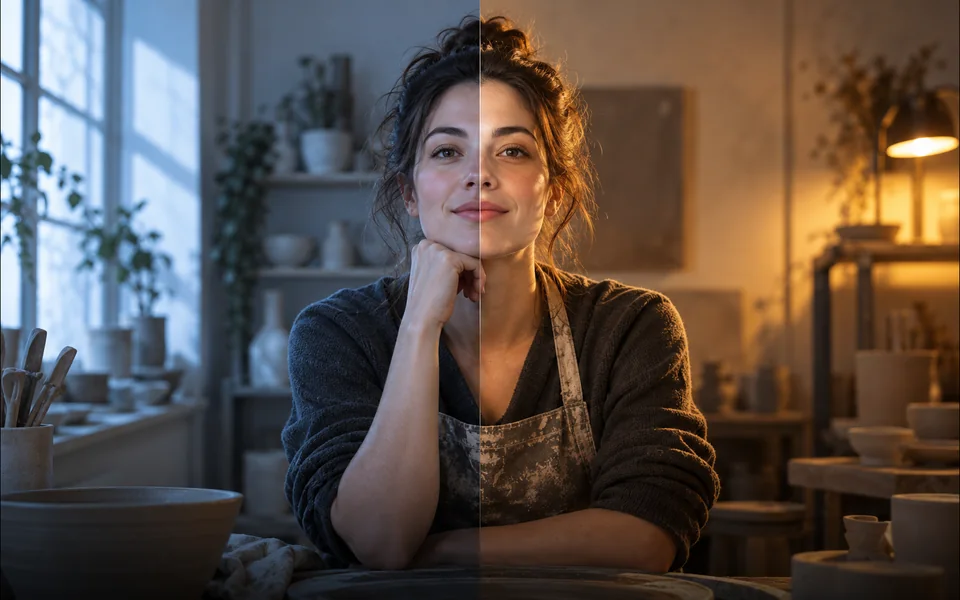
Relight a photo with a selected lighting setup and optional direction.

Mark an unwanted object and remove only the selected area.
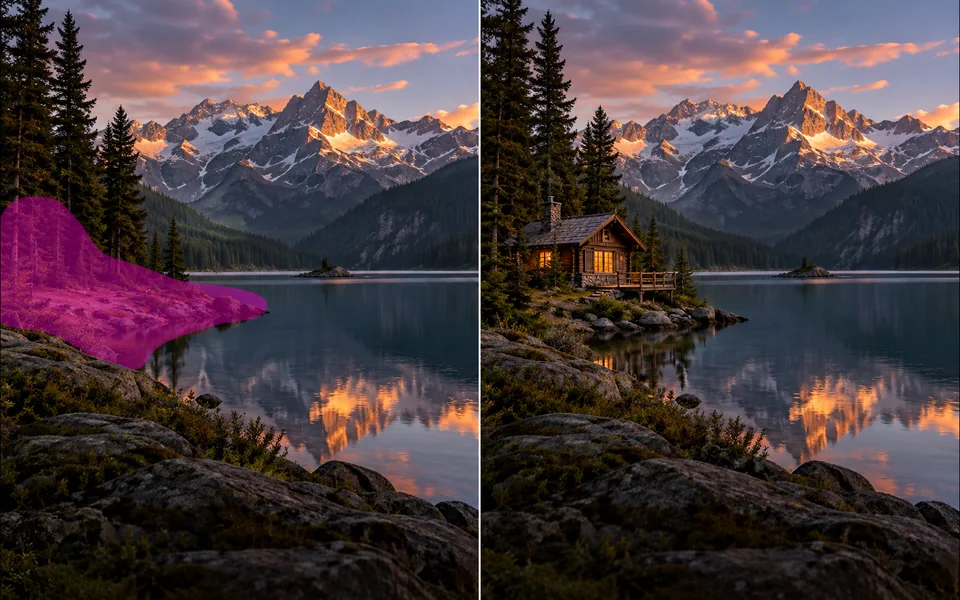
Paint a mask and replace the selected region from a local description.
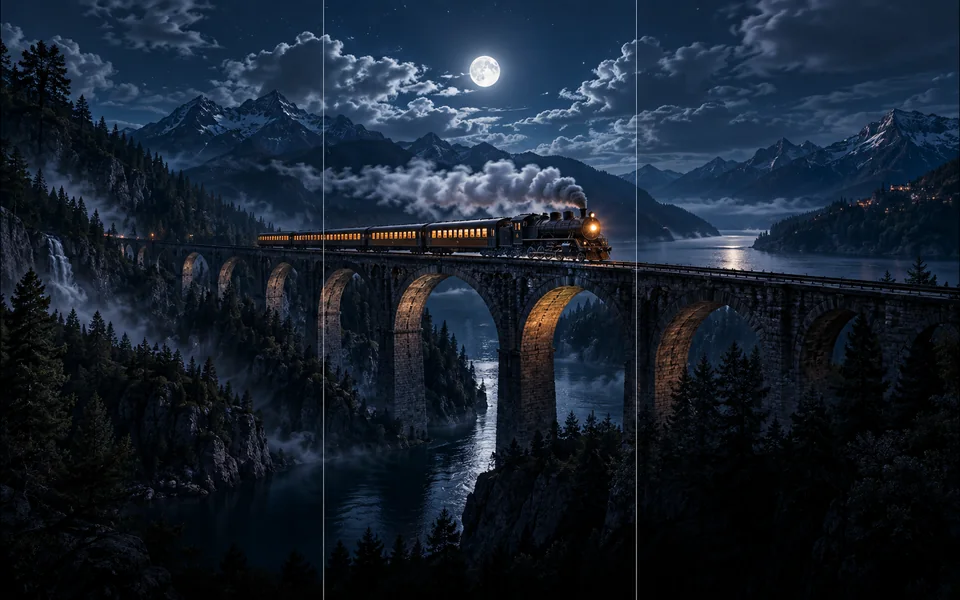
Choose new boundaries and extend an image without stretching the original.

Upscale an image at 2× or 4× and compare the output dimensions.
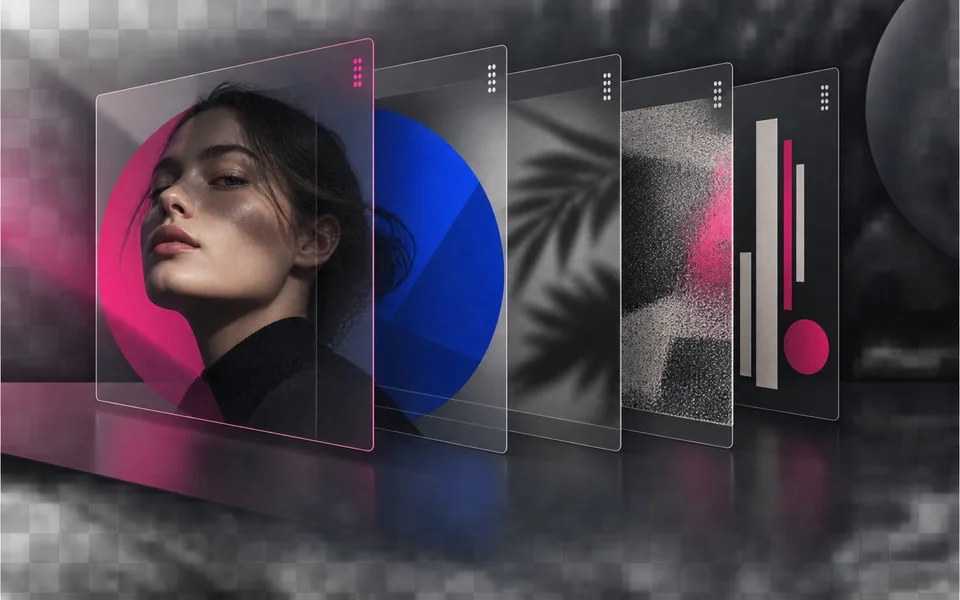
Arrange, hide, lock, reorder, and adjust the opacity of image layers.

Place editable text with independent size, color, alignment, and position.

Crop, rotate, resize, and export an image in one focused workspace.

Queue multiple images, follow item-level progress, and retry failed items only.
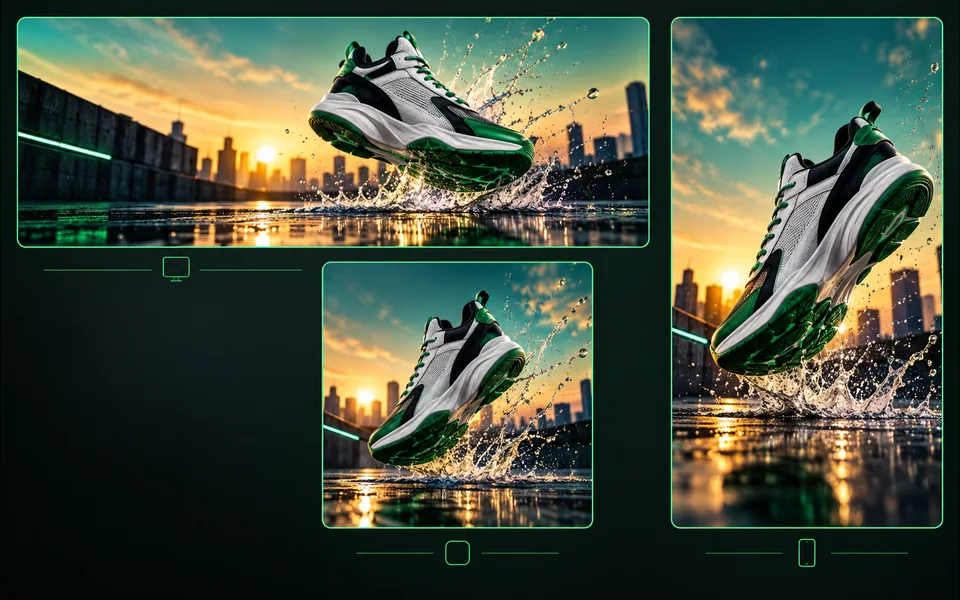
Export one design to platform sizes with contain, cover, or image extension.
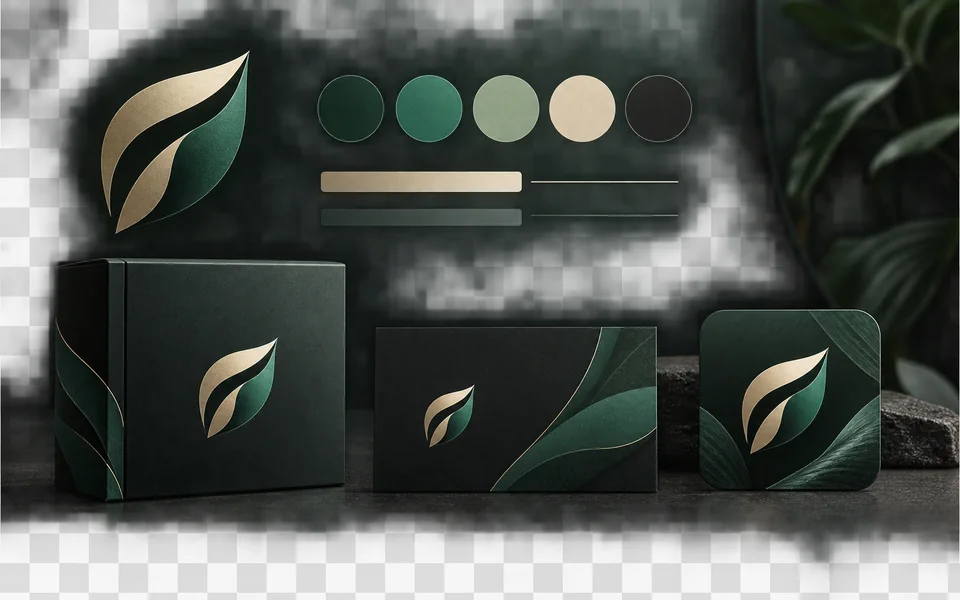
Set a brand name, logo, colors, and fonts for reusable designs.
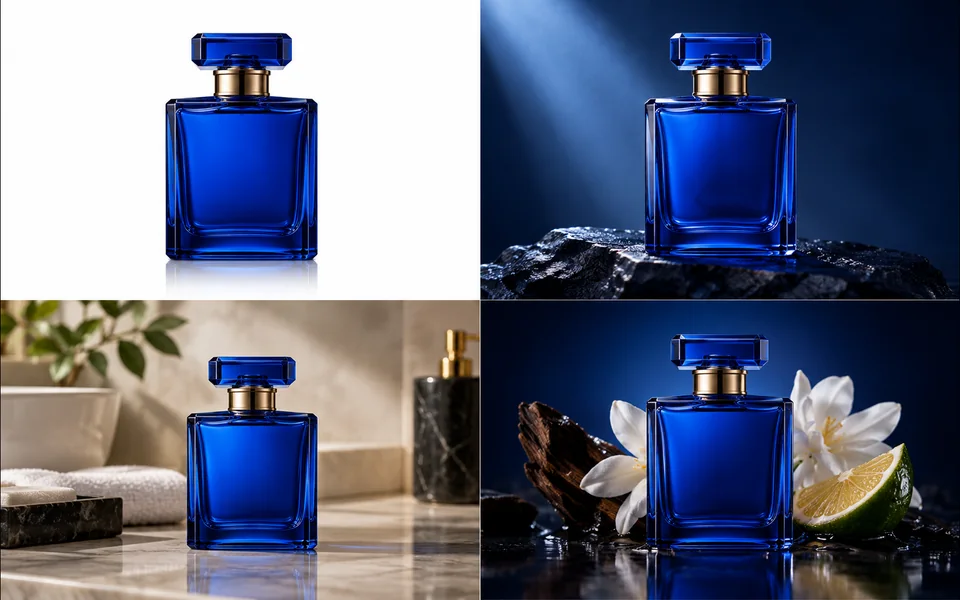
Create a selected set of white, studio, lifestyle, and ad-layout product images.
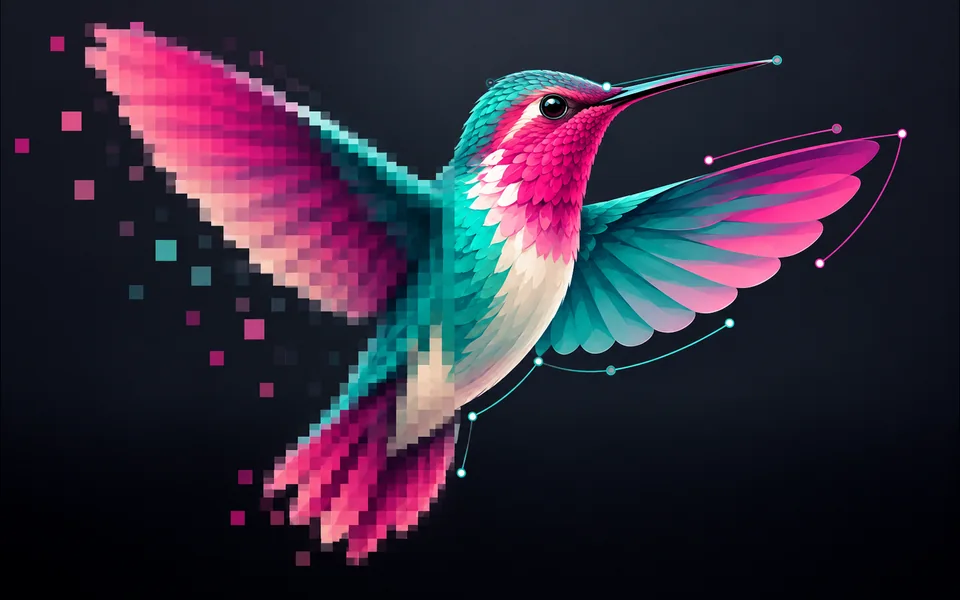
Convert PNG, JPG, or WebP artwork into editable SVG paths instead of wrapping a bitmap.
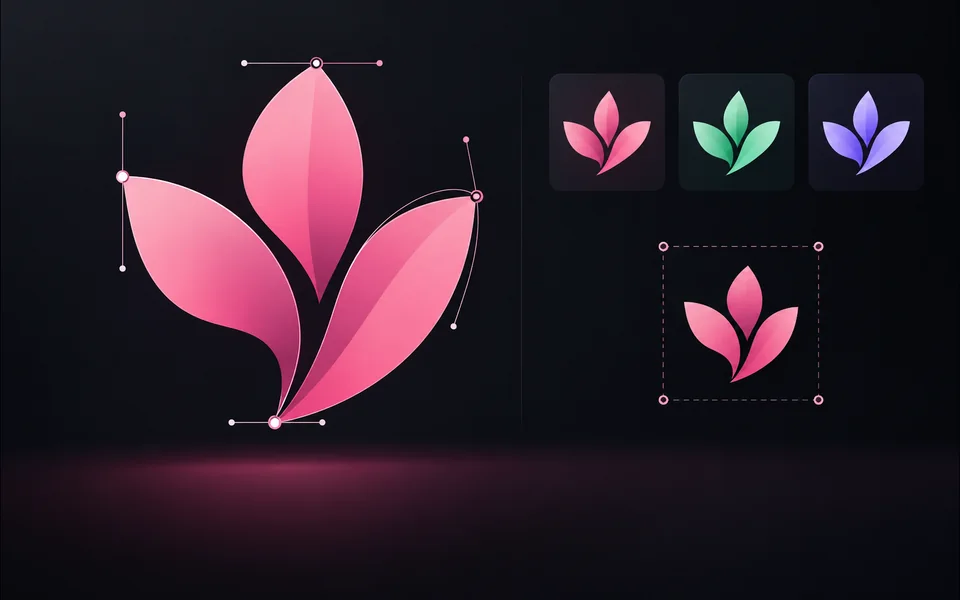
Paste or upload safe SVG markup, recolor it, resize it, and export SVG.
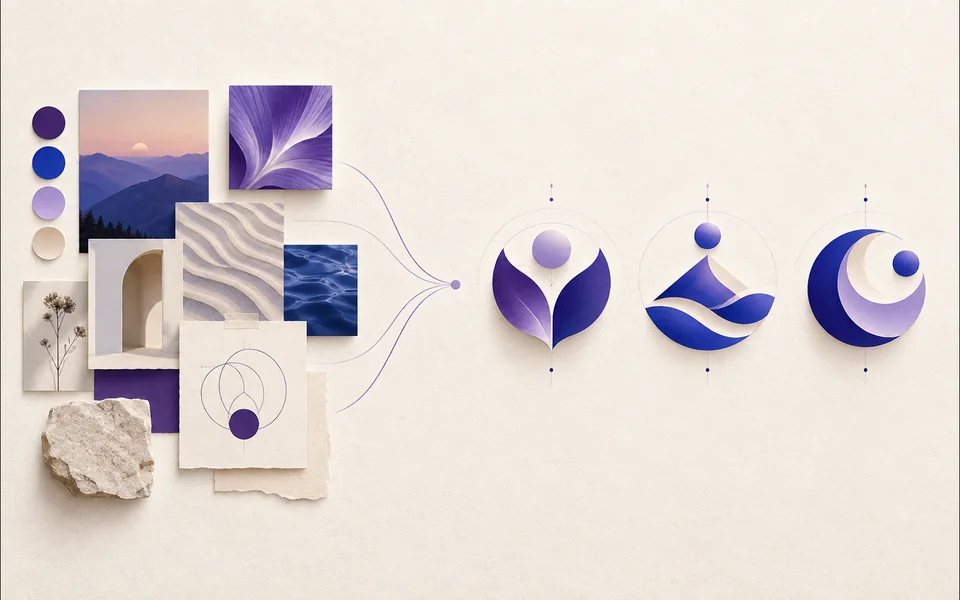
Create a logo brief from brand, industry, style, and graphic type.
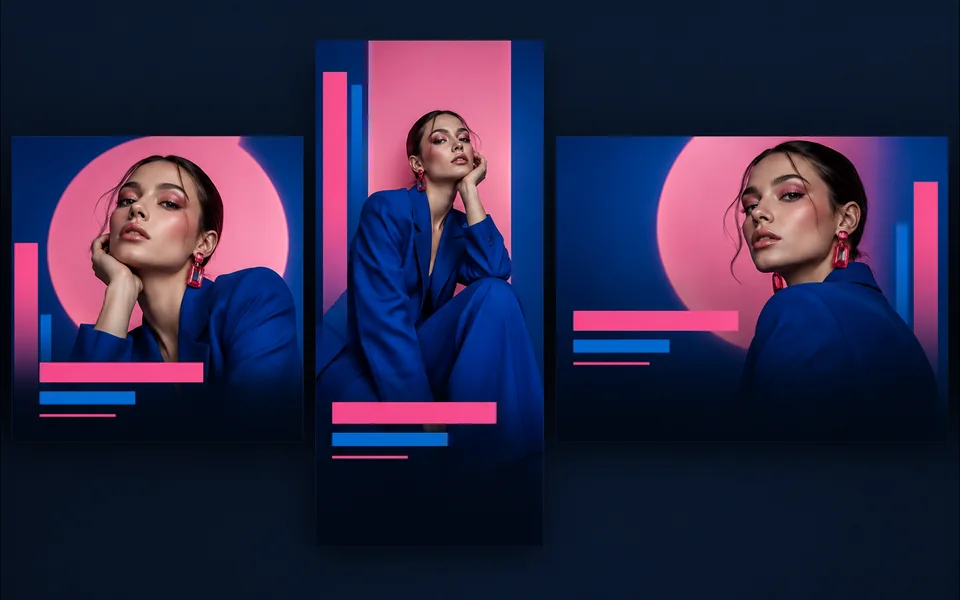
Choose a visual template, fill its fields, preview it, and continue editing.
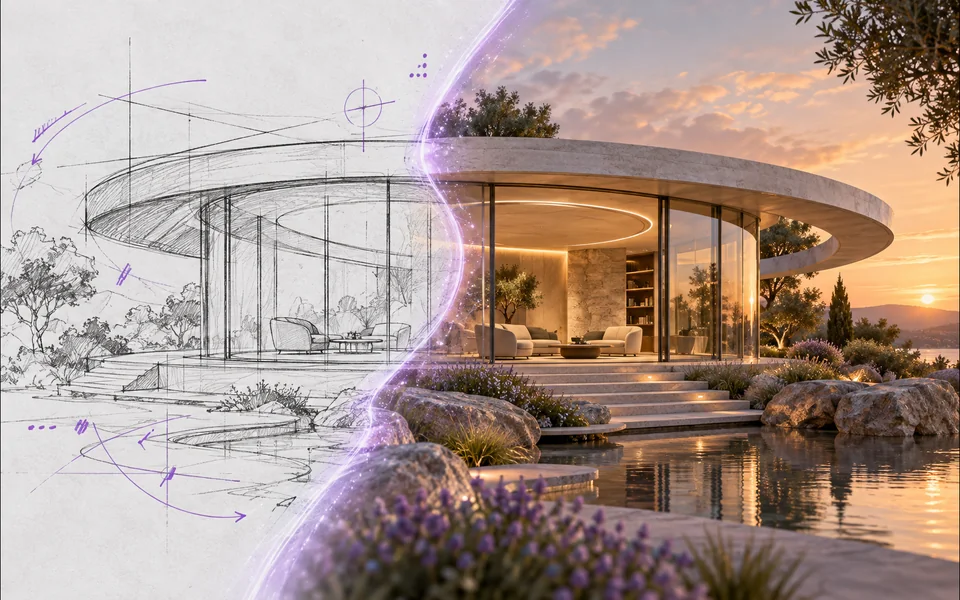
Draw or upload a sketch and pass it as the actual generation reference.
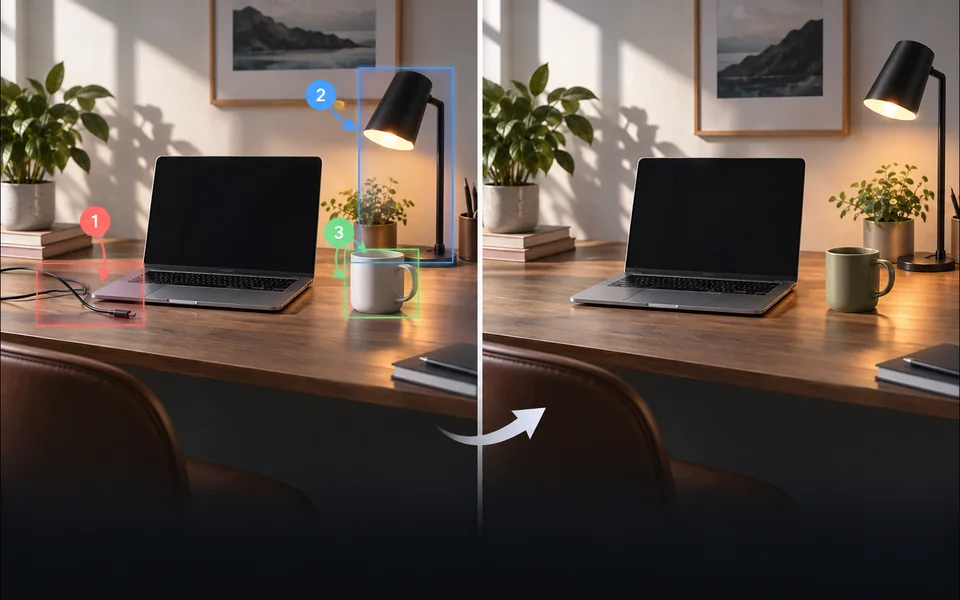
Place numbered notes, arrows, boxes, and brush marks before applying edits.

Build a reusable prompt recipe from variables and share a redacted copy.
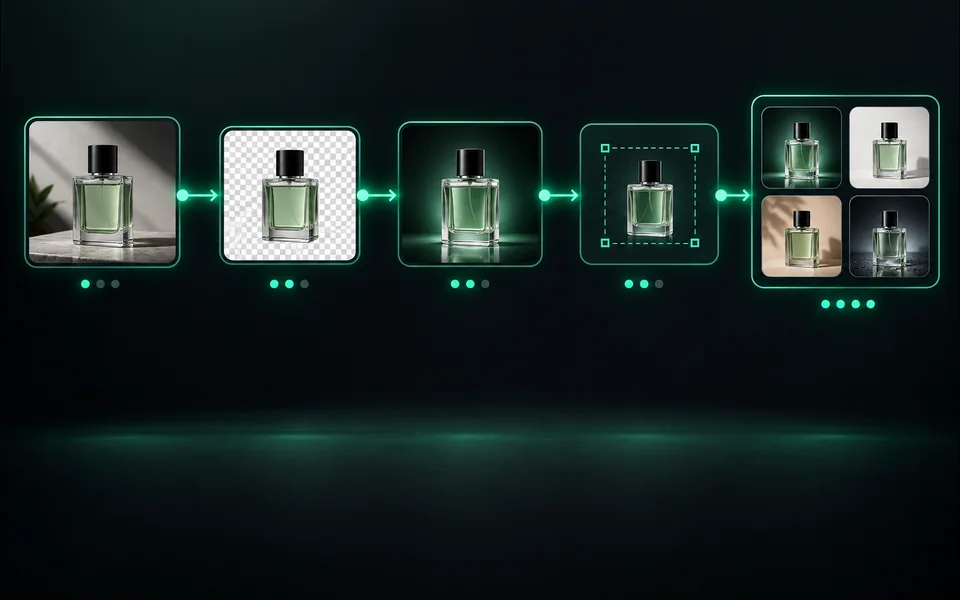
Build a visible sequence of image steps with per-step cost and results.
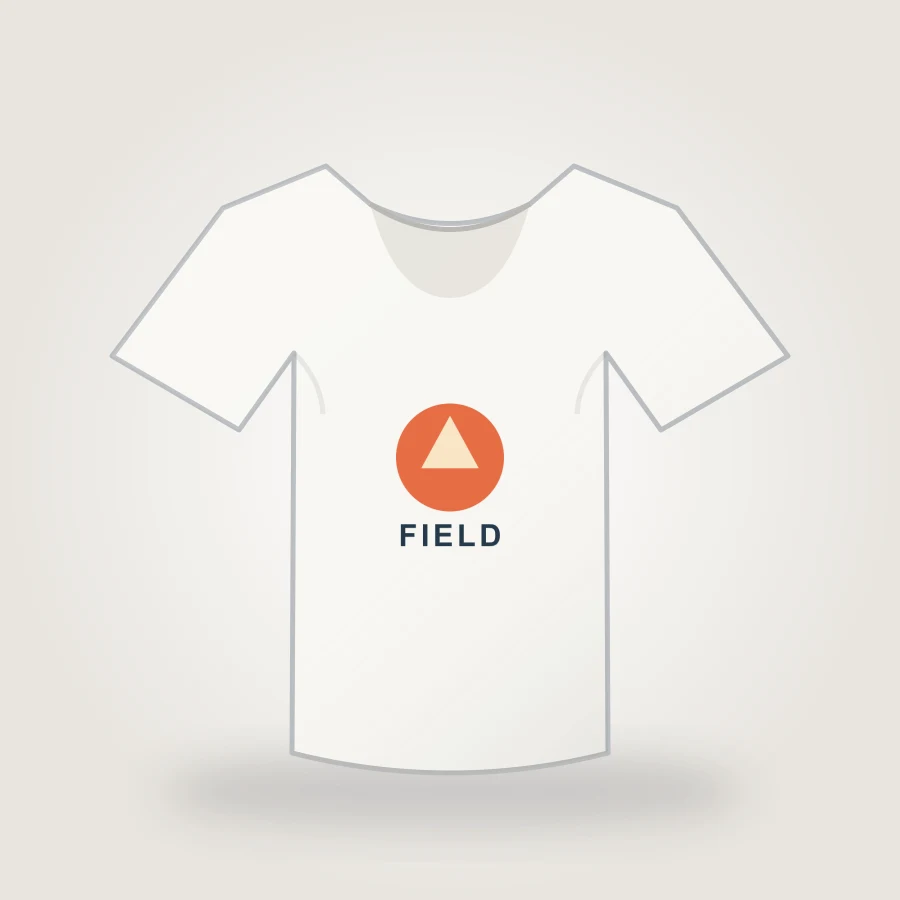
Upload your design, choose a shirt color, adjust print placement, and export an 1800px PNG mockup in your browser.
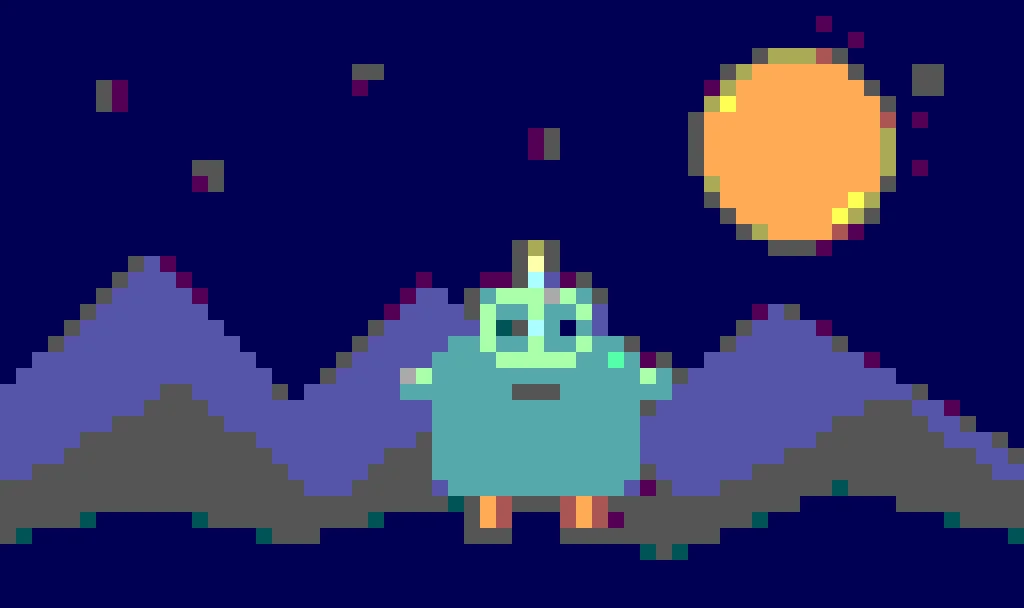
Create pixel art from an upload or text prompt, adjust grid and color levels, and export a crisp PNG.
The tools share authenticated credits, task recovery and failed-job refunds, but their interfaces, model choices, examples and review criteria are deliberately different. A new page earns its place only when it solves a separate user task.