How this pixel art generator works
An upload is sampled onto a small grid in your browser. Text mode first calls the site's existing image model, then applies the same grid conversion. The image is enlarged with nearest-neighbor rendering.
Image creation
Pixelate an uploaded image locally for free, or use site credits to generate an image from text first. Control the grid and colors before exporting PNG.
Generate pixel art with a controlled grid and palette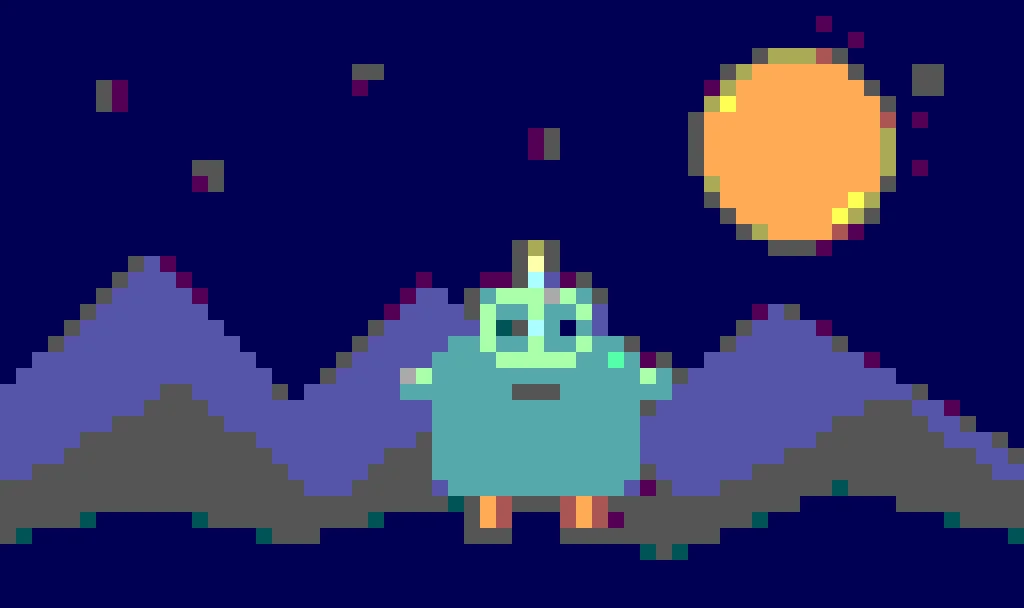
Image creation
Upload an image or describe a sprite to start.
An upload is sampled onto a small grid in your browser. Text mode first calls the site's existing image model, then applies the same grid conversion. The image is enlarged with nearest-neighbor rendering.
A smaller grid creates chunkier forms; a larger grid keeps detail. Lower color levels make flatter shapes. Both controls change the exported pixels, not just a preview filter.
The result is a PNG, not an animation or tile map. Source transparency is retained where possible. Complex photos may need manual cleanup. Text mode uses the displayed image-generation credits.
Yes. It runs in your browser without credits.
Yes. The AI image costs credits; pixel conversion adds no charge.
Yes. Export uses nearest-neighbor enlargement for square edges.