
How to create a shirt mockup
Upload a PNG, JPEG, or WebP design. Choose fabric color, then adjust print width and height in the live preview. Download a PNG when the placement looks right.
Product design
Place your artwork on an original illustrated shirt, adjust its size and position, and download a high-resolution mockup. Your logo is composited, not redrawn by AI.
Create a shirt mockup with your own design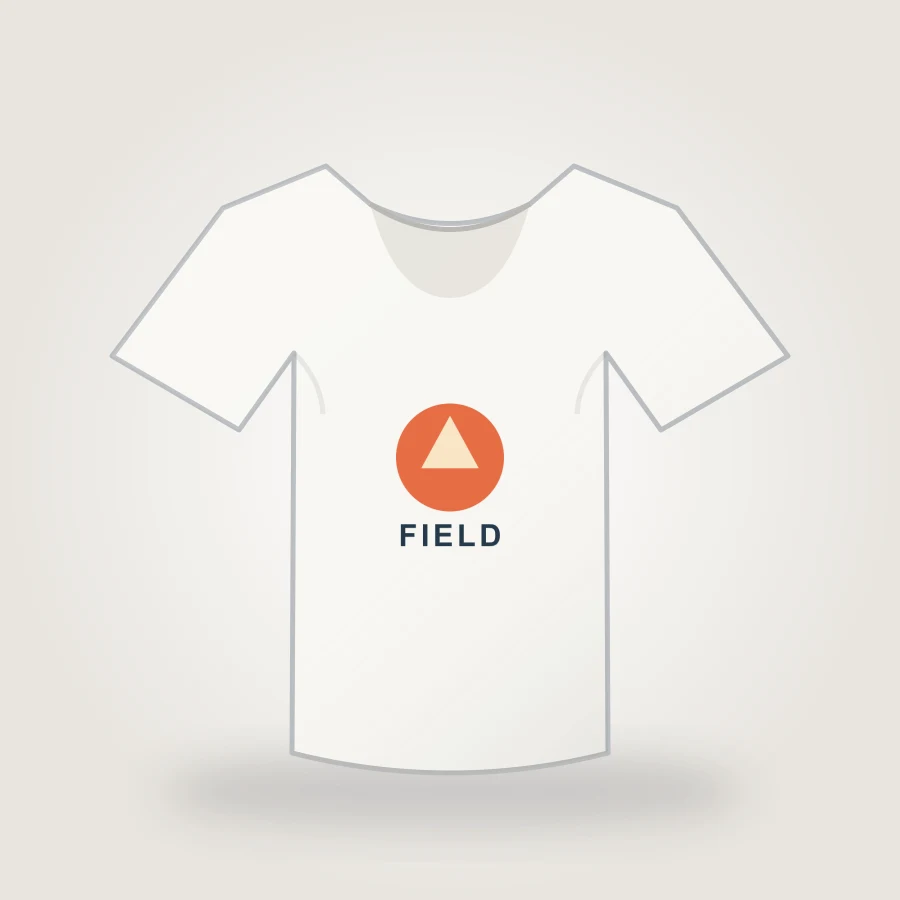
Product design
Your design stays in this browser. This illustrated garment is a visual mockup, not a production proof.
Upload a design to preview it on the shirt. No sign-in or credits needed.
Upload a PNG, JPEG, or WebP design. Choose fabric color, then adjust print width and height in the live preview. Download a PNG when the placement looks right.
The original raster artwork is layered onto the garment. This makes logo alignment and contrast easy to inspect without AI changing your text. The illustration does not simulate real fabric folds or a specific manufacturer.
Use a supplier's measurements and color profile for final printing. For lifestyle photography or extra product angles, continue in the product photo generator.
Yes. PNG, JPEG, and WebP work; transparent PNG usually has the cleanest edge.
No. This page directly composites your uploaded pixels.
An 1800 × 1800 PNG mockup. Keep the original artwork for printing.

