

Practical guide
Qwen Image 3.0 Prompts: A Beginner-Friendly Guide
Use a repeatable prompt structure for portraits, products, posters, illustrations, and architecture without learning technical jargon first.
Read the guideQwen Image 3.0 learning center
Choose a focused workflow instead of reading disconnected updates. Each guide separates confirmed information from practical advice and leads to the next useful step.
Start here when your goal is a stronger prompt, more reliable text, or production-ready ecommerce graphics.
Practical guide
Use a repeatable prompt structure for portraits, products, posters, illustrations, and architecture without learning technical jargon first.
Read the guide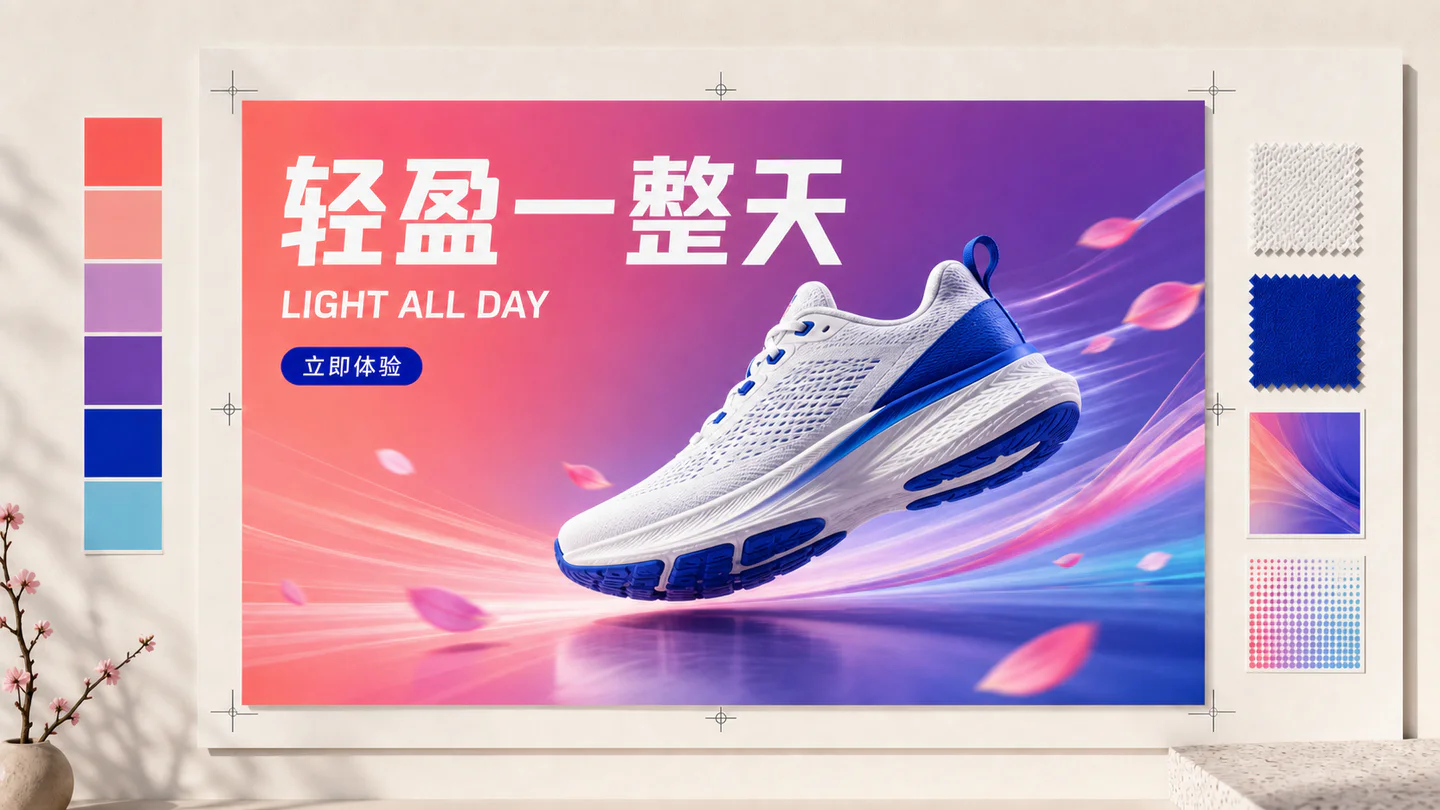
Practical guide
A practical method for prompting, testing and reviewing Chinese, English and multilingual text in posters, interfaces, infographics and product graphics.
Read the guide
Practical guide
A commercial workflow for product scenes, marketplace graphics, benefit posters and localized ads that protects product accuracy and reduces paid retries.
Read the guideUse these guides for server-side API integration, local workflow planning and source-checked model availability.

Practical guide
A practical guide to live Qwen Image 3 model access, server-side authentication, task polling, durable storage, safety and production pricing.
Read the guide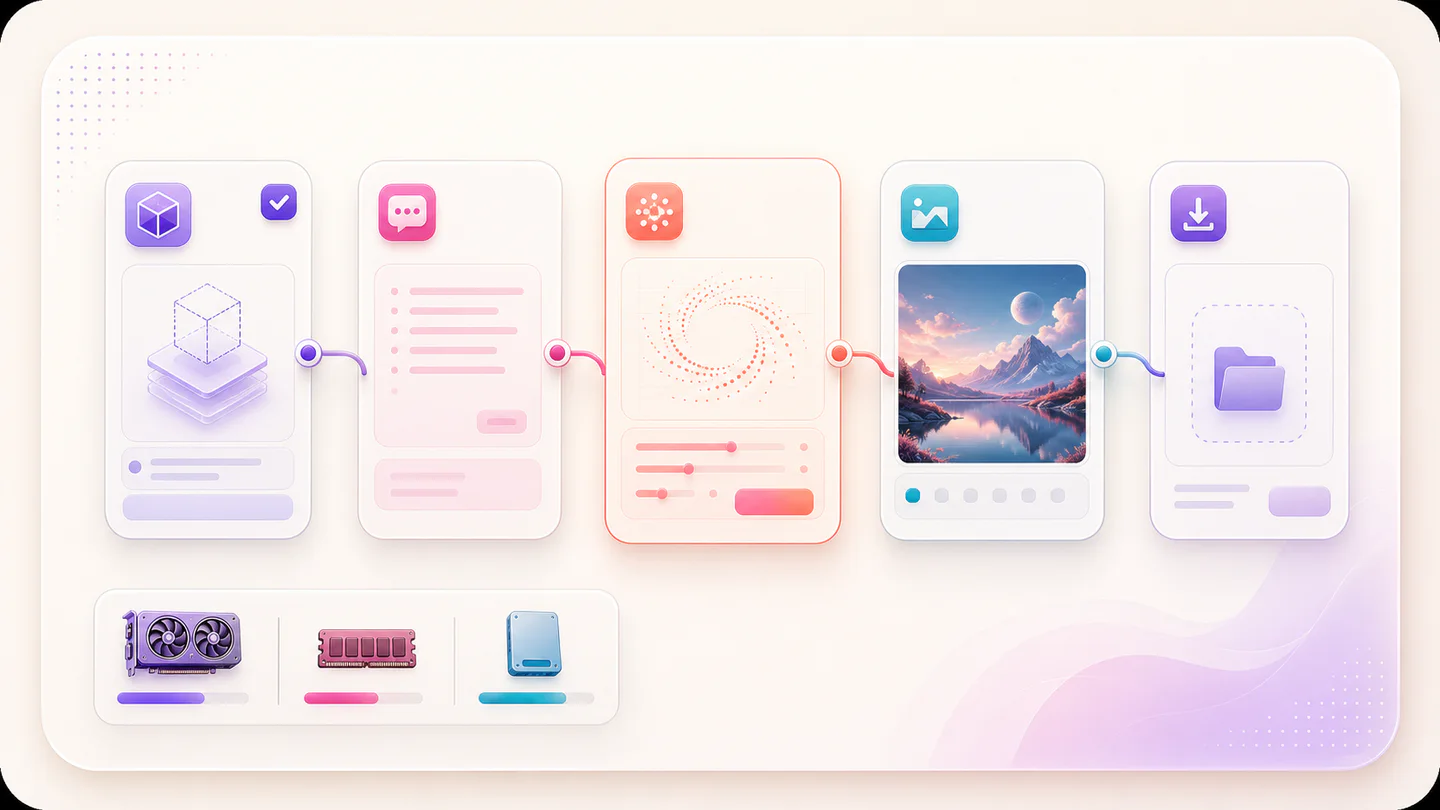
Practical guide
What beginners can prepare after the official model announcement, what still requires verified weights and documentation, and what a tested workflow must include.
Read the guide
Practical guide
A source-checked status guide for Qwen Image 3.0 weights, Hugging Face model cards, GitHub releases, licenses, local downloads and API access.
Read the guideEvaluate versions with controlled inputs and useful criteria instead of comparing unrelated showcase images.

Practical guide
A release-aware comparison between Qwen Image 2.0 and the officially announced Qwen Image 3.0, separating launch claims from repeatable hands-on results.
Read the guideFocused workflows
Choose the workflow that matches the result you need. Each page focuses on one task, one search intent, and one practical route into the generator.
Use the verified Qwen Image 3 endpoint for detailed images, multilingual text and structured layouts, with transparent settings and credits.
Open workflowTransform a reference image with clear natural-language instructions while naming the product, text and composition that must remain unchanged.
Open workflowDraft clear process diagrams, educational graphics and information layouts with short labels, numbered structure and explicit visual hierarchy.
Open workflowCreate poster headlines, packaging concepts and multilingual display typography with exact quoted text and deliberate layout instructions.
Open workflowCreate studio packshots and advertising concepts with explicit material, light, camera and contact-shadow direction.
Open workflowGenerate poster concepts with exact headlines, controlled grids, deliberate hierarchy and image-first compositions.
Open workflowChoose your path
Begin with the prompt guide, then use the text-rendering or ecommerce workflow for your specific deliverable.
Read the API guide first. Check open-source and ComfyUI status separately before planning local deployment.
Use the comparison guide and keep prompts, seeds, dimensions and review criteria consistent across versions.
Open the generator with a clear use case, test one controlled change at a time, and keep the successful result in your private studio.