

A strong source frame
Solve composition and reject errors before any enlargement.
High-resolution workflow
Build a high-resolution GPT Image 2.5 workflow: generate the composition, inspect details, then upscale and verify a true 4K export.
Sign in is required before generation. The selected model and credit cost stay visible.

Workflow example
A close detail inspection used before preparing a high-resolution export
Controls that match the task
Only the inputs that affect this workflow are shown.
Clear before you run
Model, availability, limits, and paid cost stay visible.
A usable result
Preview the output, then download or continue editing.
Verified workflow
The workspace submits to the named GPT Image 2.5 endpoint. It does not silently replace your selection with another model.
Solve the image first.
Reject source errors.
Reach and verify 4K pixels.
Step 01
GPT Image 2.5 Sunburst
Official provider identity
186/32,000
This page always submits to GPT Image 2.5 Sunburst. It never substitutes another model. Availability and billing are verified by the server before a task starts.
Step 02
Example · site-owned workflow illustration
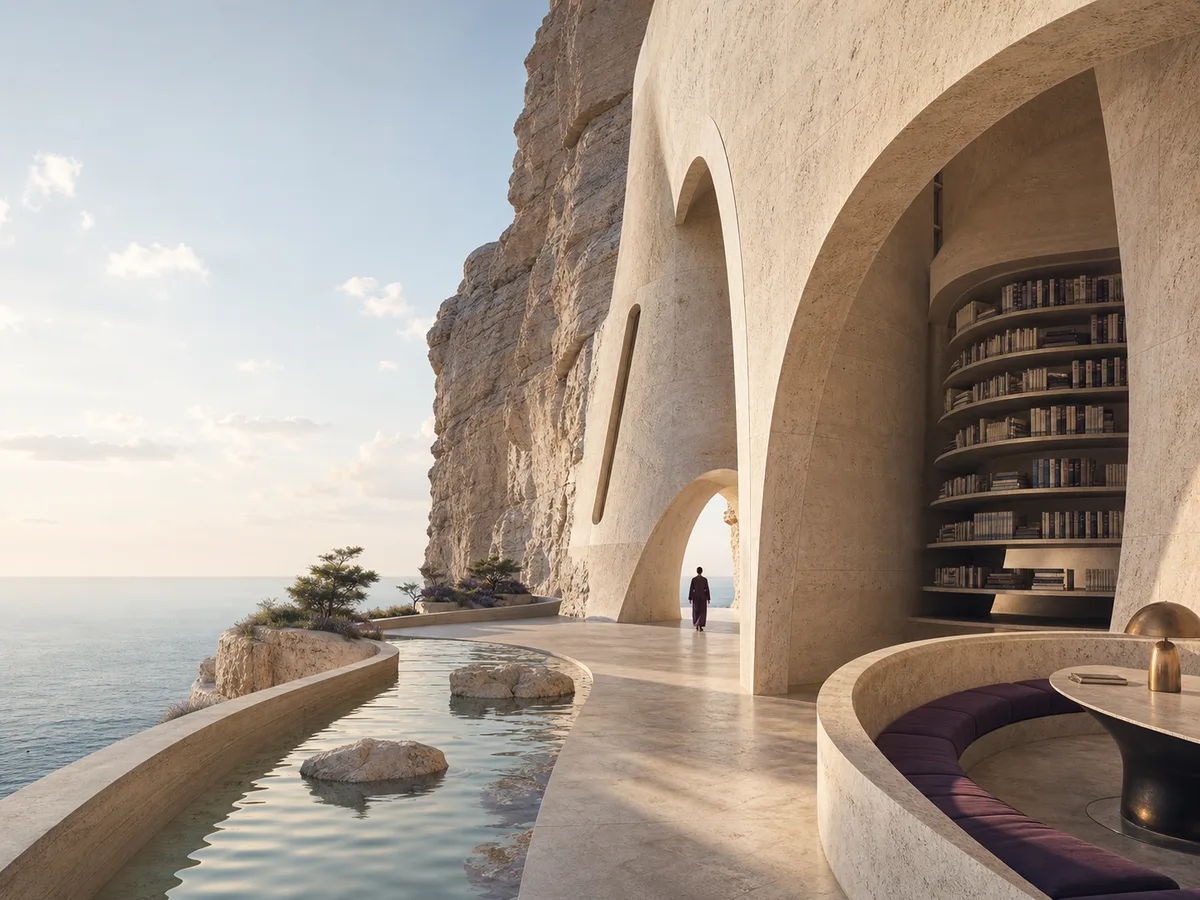
Fast visual exploration and edits. This illustration is not presented as a live output from this model.
Recipe: A serene cliffside library at golden hour with cinematic depth and quiet detail.
mode: generate · ratio: 16:9 · quality: medium
Positioning, inputs, quality tiers, endpoints, and prices were checked against the official model pages.
Designed around the result
“4K” describes pixel dimensions, not a style. Create the right image, then upscale it to the required canvas and inspect the export at 100%.
Solve composition and reject errors before any enlargement.
Upscale to the target size and verify downloaded pixel dimensions.
Inspect faces, text, repeated structures, edges, and texture after enlargement.
A predictable workflow
Each stage answers a practical question before the next action is available, so you can spot a wrong input before spending time or credits.
Choose the final aspect ratio and solve subject, camera, light, and space.
Reject visual errors before spending time on enlargement.
Use the image upscaler to reach the required 4K canvas.
Confirm pixel dimensions, crop, sharpness, and compression.
Practical answers
Do not assume that from a model name or quality label. Verify actual output dimensions; this workflow separates generation from upscaling.
It is a pixel-dimension target, commonly around 3840 pixels on the long horizontal edge for UHD.
Sunburst is selected for a detail-focused source image. Final size is verified after download.
Use the site’s AI Image Upscaler, then inspect the exported dimensions and detail.
Keep creating
Ready when you are

