

Fast concept loops
Use Flare when you need several directions, compositions, or campaign sketches quickly.
Model decision guide
Compare GPT Image 2.5 Flare and Sunburst by speed, editing precision, quality controls, and workflow. Then test either model in the same generator.
Sign in is required before generation. The selected model and credit cost stay visible.
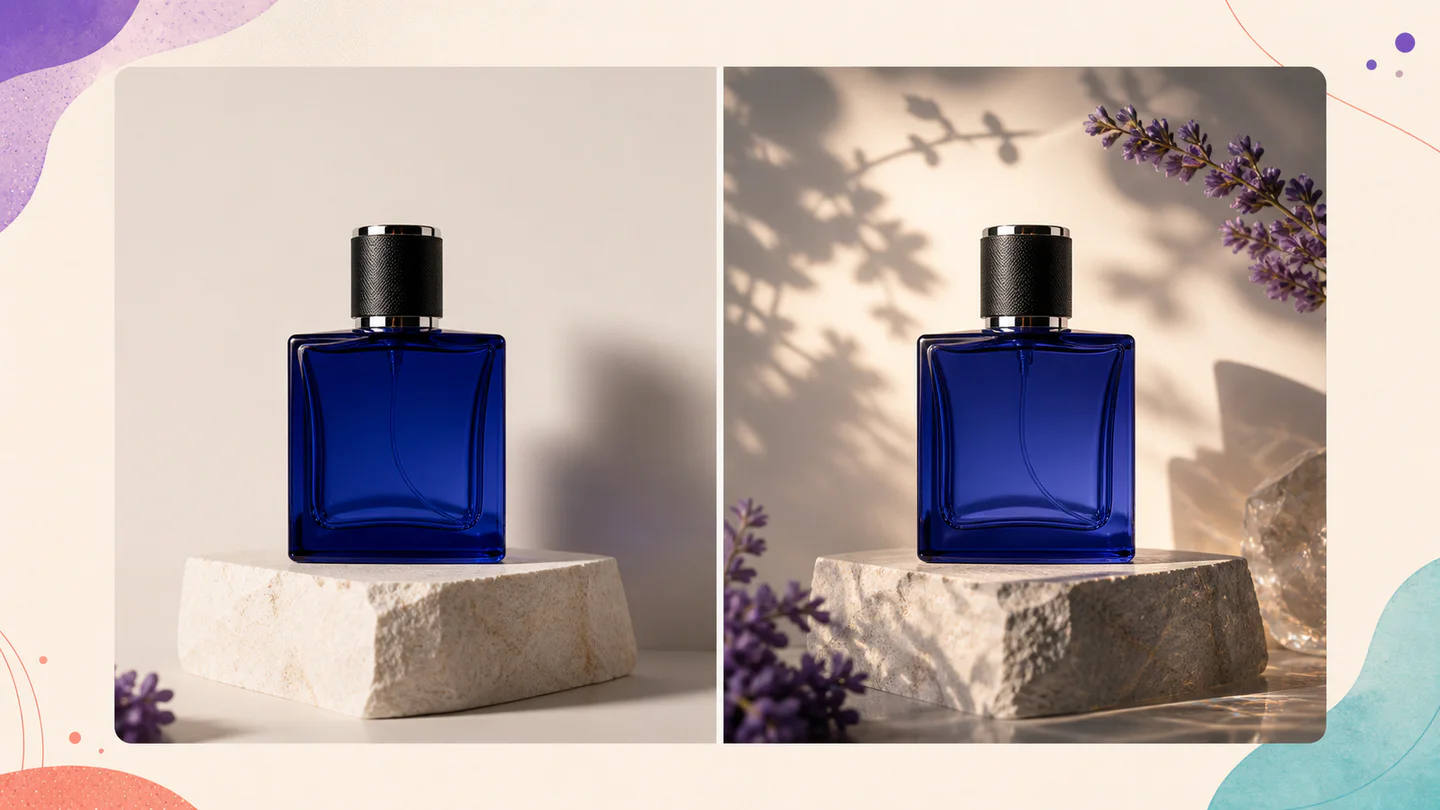
Workflow example
A controlled side-by-side image workflow for comparing Flare and Sunburst
Controls that match the task
Only the inputs that affect this workflow are shown.
Clear before you run
Model, availability, limits, and paid cost stay visible.
A usable result
Preview the output, then download or continue editing.
Verified workflow
The workspace submits to the named GPT Image 2.5 endpoint. It does not silently replace your selection with another model.
Step 01
GPT Image 2.5 Flare
Official provider identity
142/32,000
This page always submits to GPT Image 2.5 Flare. It never substitutes another model. Availability and billing are verified by the server before a task starts.
Step 02
Example · site-owned workflow illustration

High-detail campaign concepts. This illustration is not presented as a live output from this model.
Recipe: A refined launch campaign key visual with controlled typography-safe negative space.
mode: generate · ratio: 16:9 · quality: high
Positioning, inputs, quality tiers, endpoints, and prices were checked against the official model pages.
Designed around the result
Flare is the faster everyday option. Sunburst is the more capable option when editing precision matters most. Use the same brief and references when comparing them.
Use Flare when you need several directions, compositions, or campaign sketches quickly.
Use Sunburst when a reference image, product detail, or localized edit must survive the change.
Lock the prompt, references, shape, and quality tier before judging output differences.
A predictable workflow
Each stage answers a practical question before the next action is available, so you can spot a wrong input before spending time or credits.
Describe the subject, composition, text, and details that must remain unchanged.
Use the faster model to establish a viable direction and expose weaknesses in the brief.
Keep the input stable and compare adherence, small details, and edit precision.
Prefer speed for exploration and precision when another revision would cost more than the slower run.
Practical answers
OpenAI describes Flare as its fastest model for high-quality everyday image generation and Sunburst as its most capable model, especially where editing precision matters.
The current official model pages list the same per-token rates for both. Real task cost still depends on token use and selected quality.
Yes. Both accept text and image inputs and support image generation and image editing endpoints.
Start with Sunburst when preservation and editing precision are the priority. Flare is useful for faster visual exploration.
Keep creating
Ready when you are
